
How has Apple improved the iPad Pro series?
I have never been one to like white bezels, but I know there are those of us that do. Why did Apple take away that option? The true tone on the 2nd and third-generation iPad Pros is easier on the eyes.
I have never been one to like white bezels, but I know there are those of us that do. Why did Apple take away that option? The true tone on the 2nd and third-generation iPad Pros is easier on the eyes.
Apple is cunning; some could argue it’s just good business. Most of us (die-hard

It is not worth upgrading from any iPad Pro if you’re going to use it for note-taking, document creation, and entertainment.

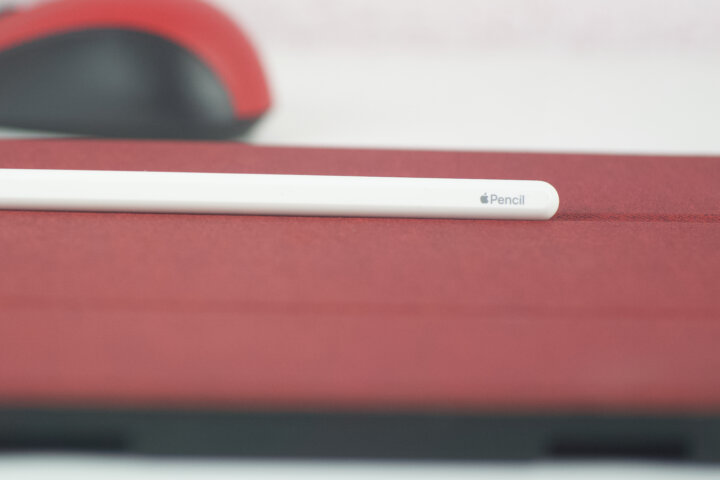
The build A lot of thought went into making this stylus, which was built
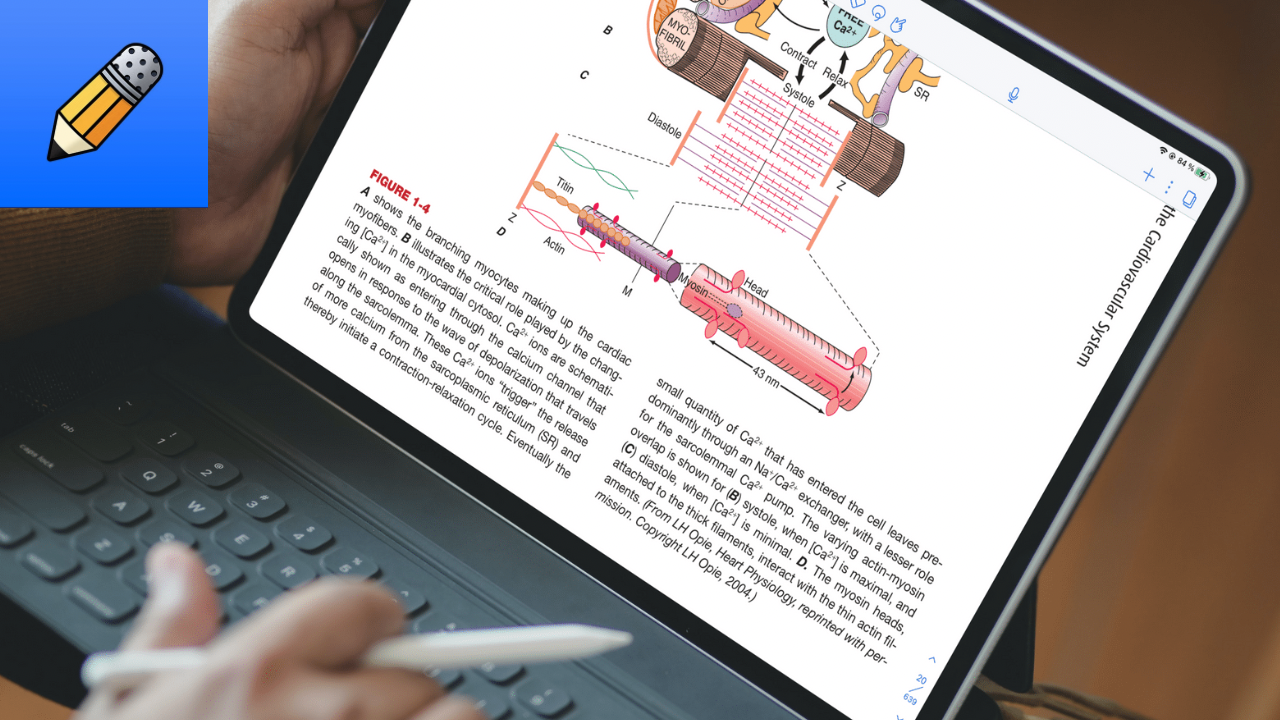
Notability doesn’t help you identify hyperlinks in your PDFs. You have to know where they are to get the most out of your PDFs in the app.
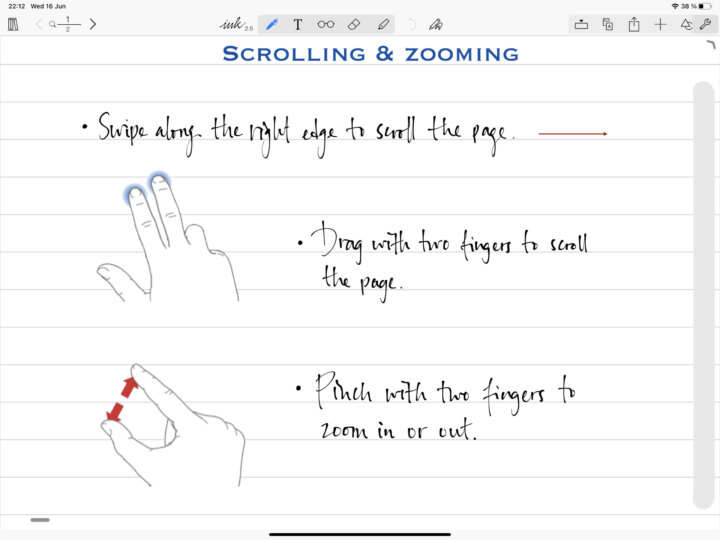

I use different study methods depending on the subject I am studying during my
Documents by Readdle is definitely the best file–managing app for your iOS device.

Apple broke me heart on the 14th of September when they didn’t announce anything
I don’t follow a concrete organisational protocol. I just have principles that help me