
WWDC26: Siri AI, child accounts, and the beta blues
WWDC26 wasn’t at all that exciting. The only moment that truly caught my attention was right at the end, when Tim Cook gave his farewell.
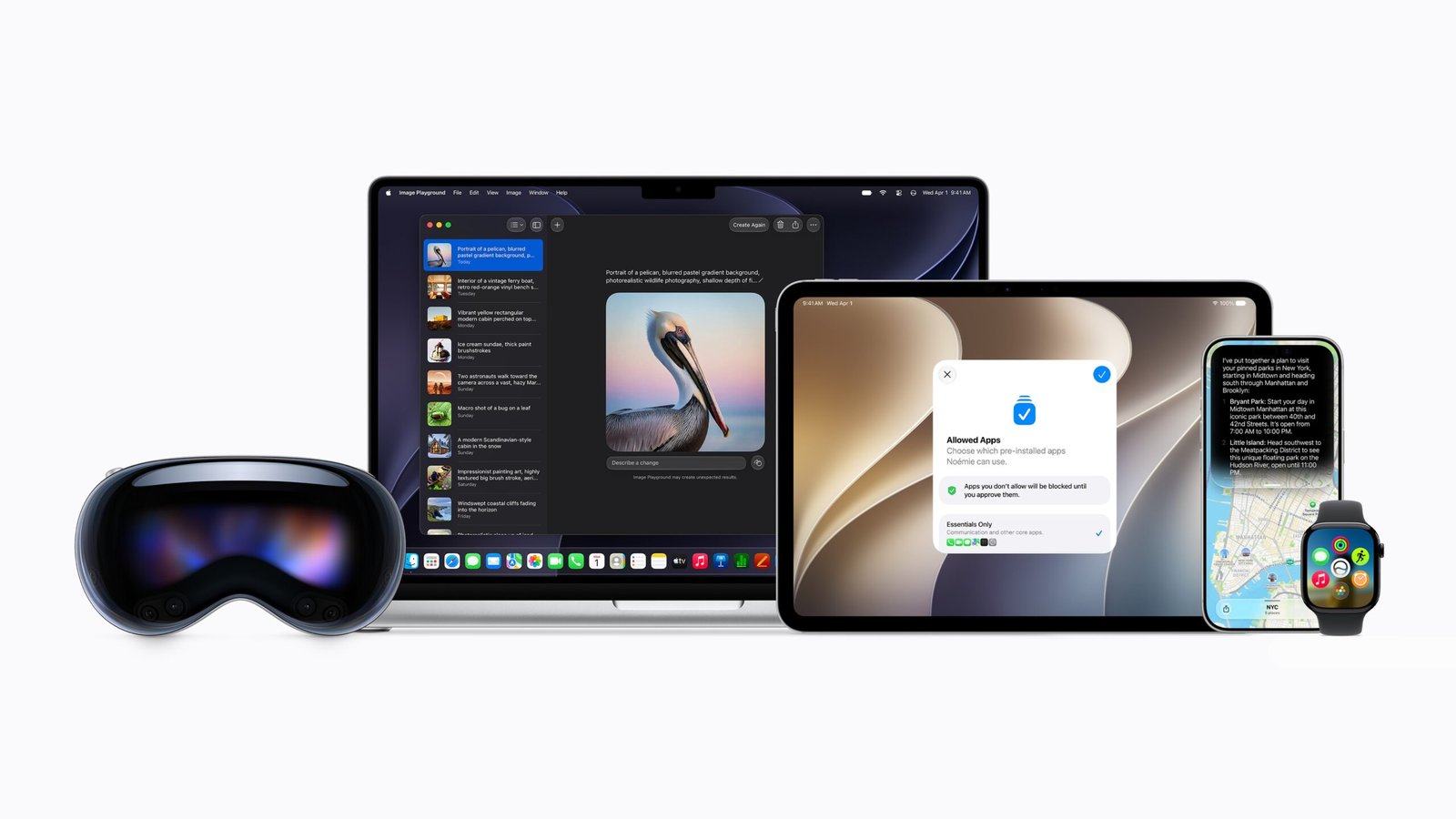
WWDC26 wasn’t at all that exciting. The only moment that truly caught my attention was right at the end, when Tim Cook gave his farewell.
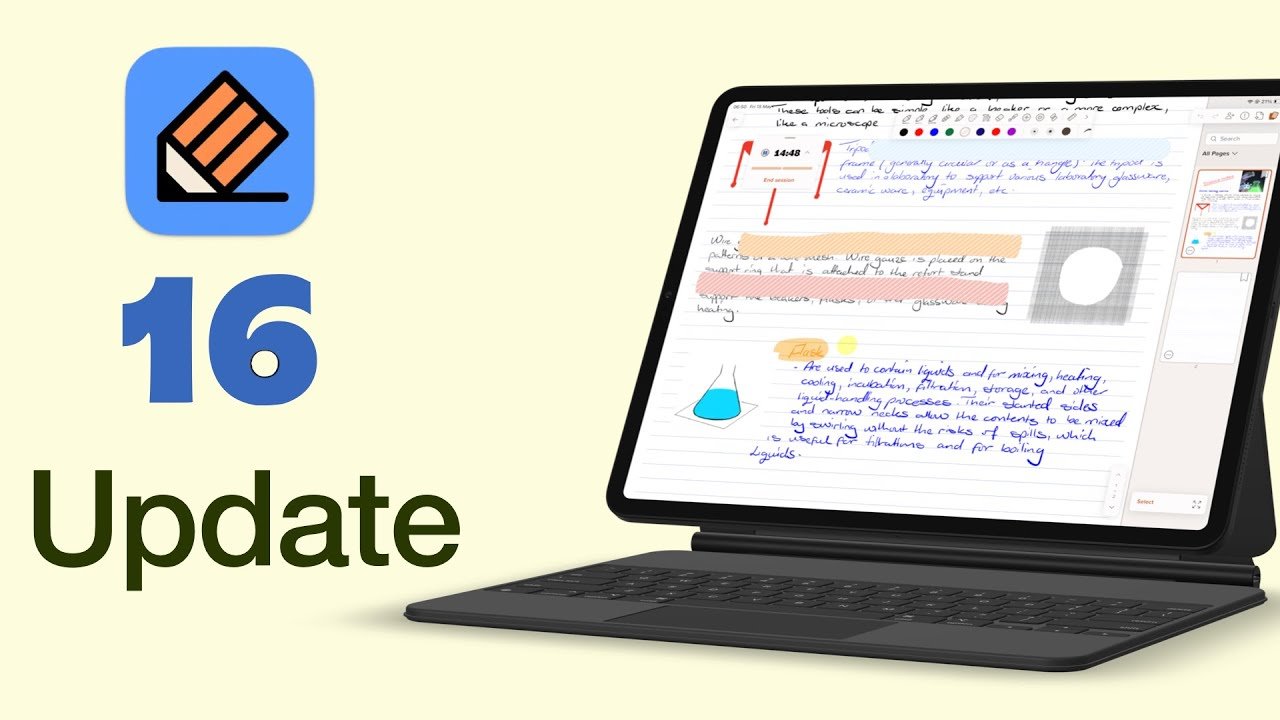
Notability 16 arrived a while back, and it brings some of the most meaningful updates we’ve seen in years. From proper collaboration tools to new productivity features.
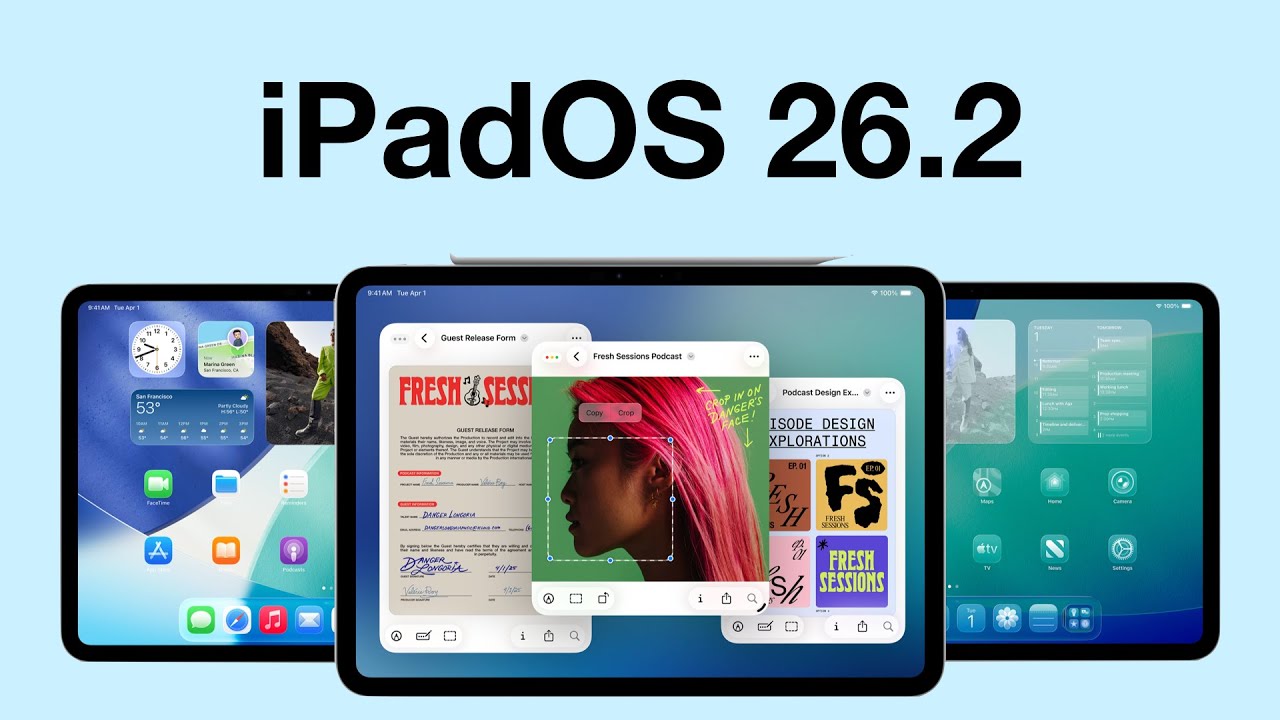
iPadOS 26.2 is one of those updates that manages to annoy and impress me in the same breath.
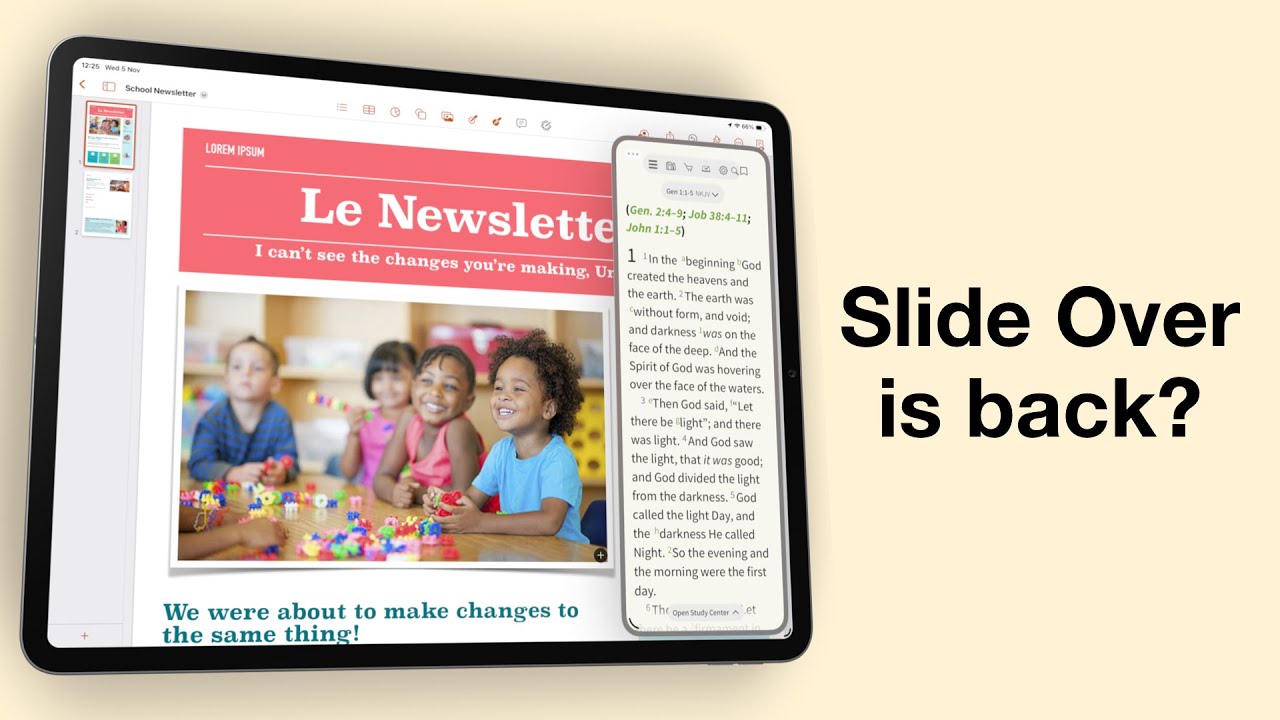
Do you remember when multitasking on the iPad actually felt powerful? When Slide Over and Split View made it feel like a serious productivity machine?
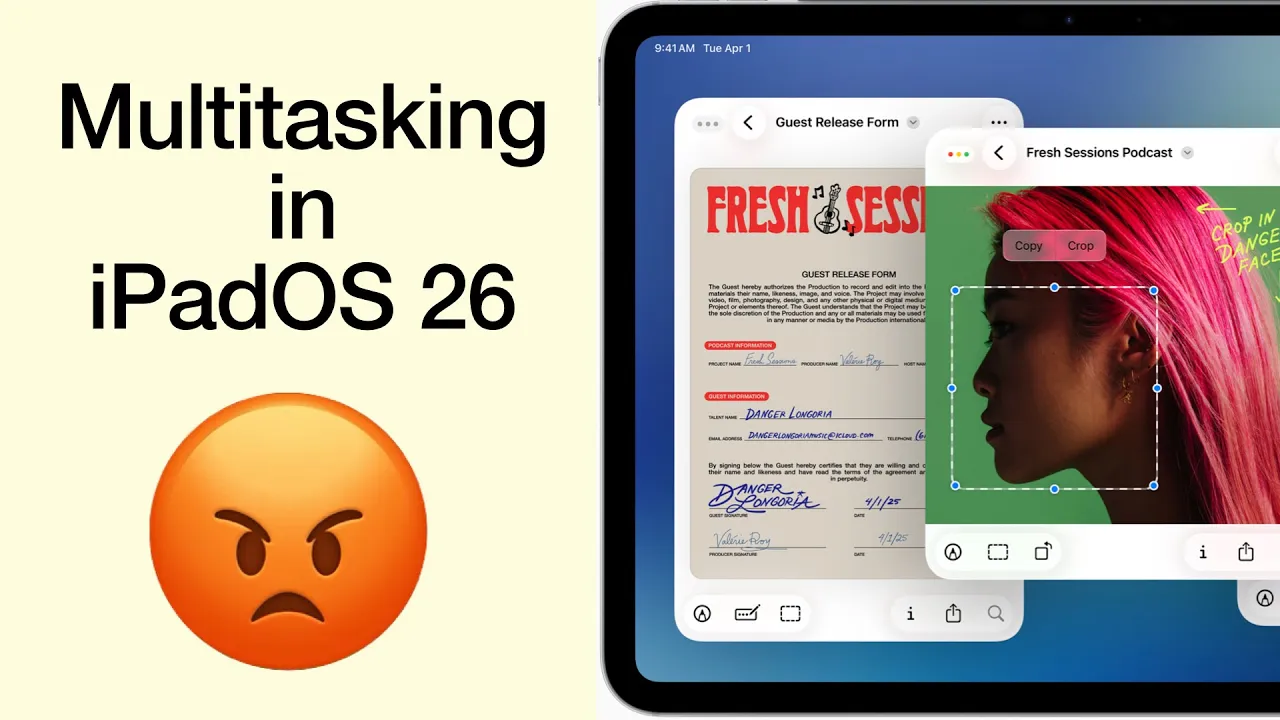
I was genuinely excited, practically buzzing, to get my hands on the new iPadOS 26. Apple promised us Mac-level multitasking, a dream for anyone who truly wants to push the iPad beyond content consumption.
Fantastic human, hello. First it was Notability 15, and now Goodnotes 7 has arrived — the second version update for digital note-taking in 2025. On paper, this looks very exciting, so let’s dig into what’s new.
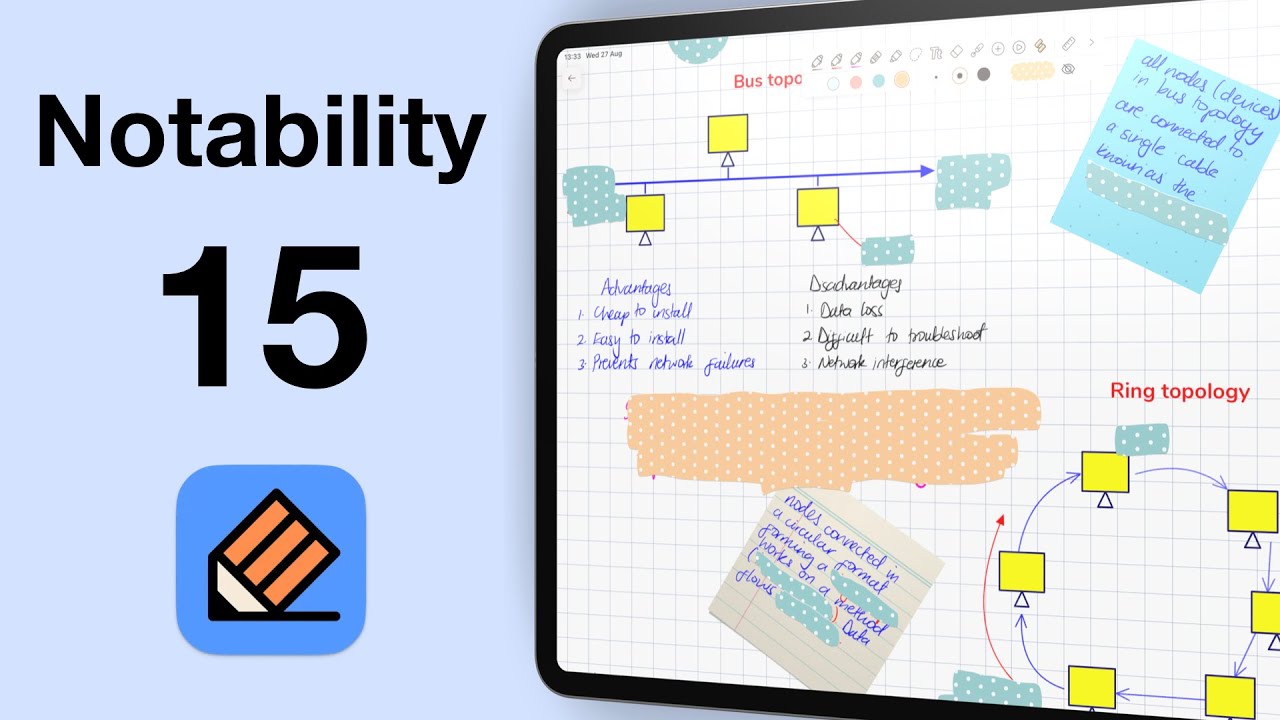
Fantastic human, hello! Today we’re looking at Notability 15 in iPadOS 26. This is now the 15th version of the app, and once again, the developers have tweaked the logo.
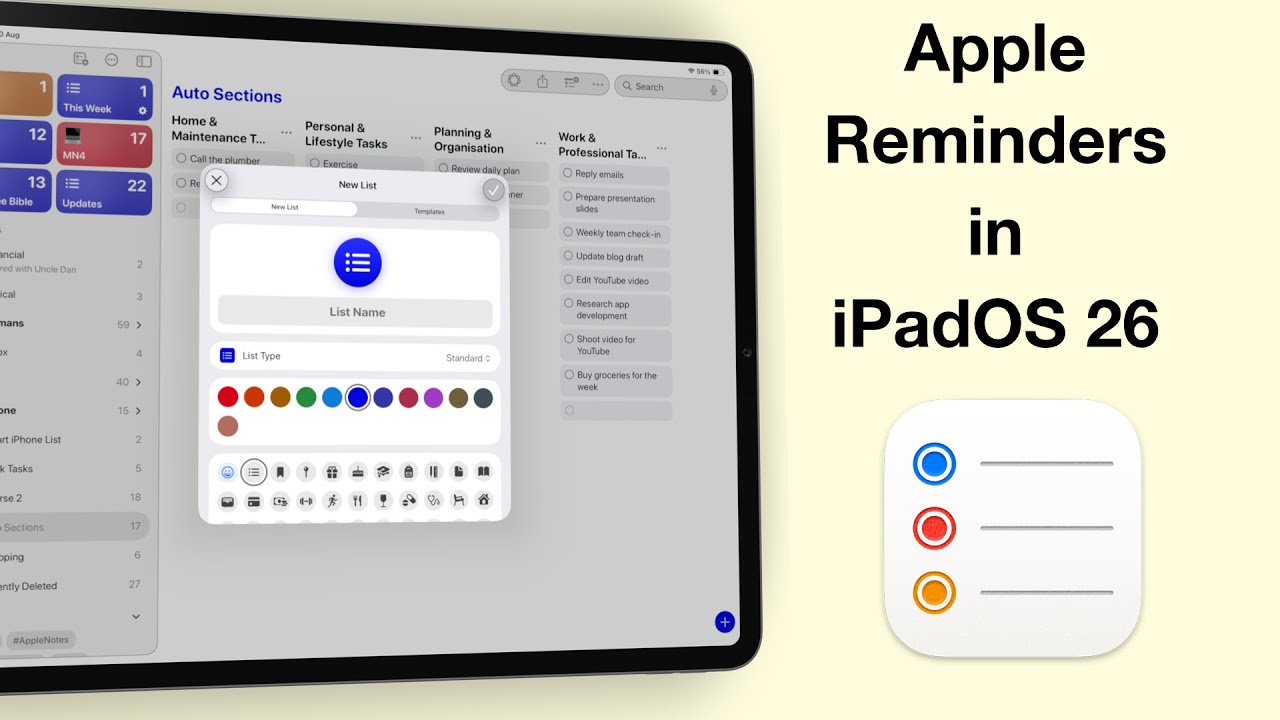
Fantastic human, hello! Today, we’re diving into one of the most exciting updates in iPadOS 26 — Apple Reminders.
If you’ve updated to the developer beta for iPadOS 26, you’re probably excited about Liquid Glass—but like me, you’ve also experienced some very annoying bugs.
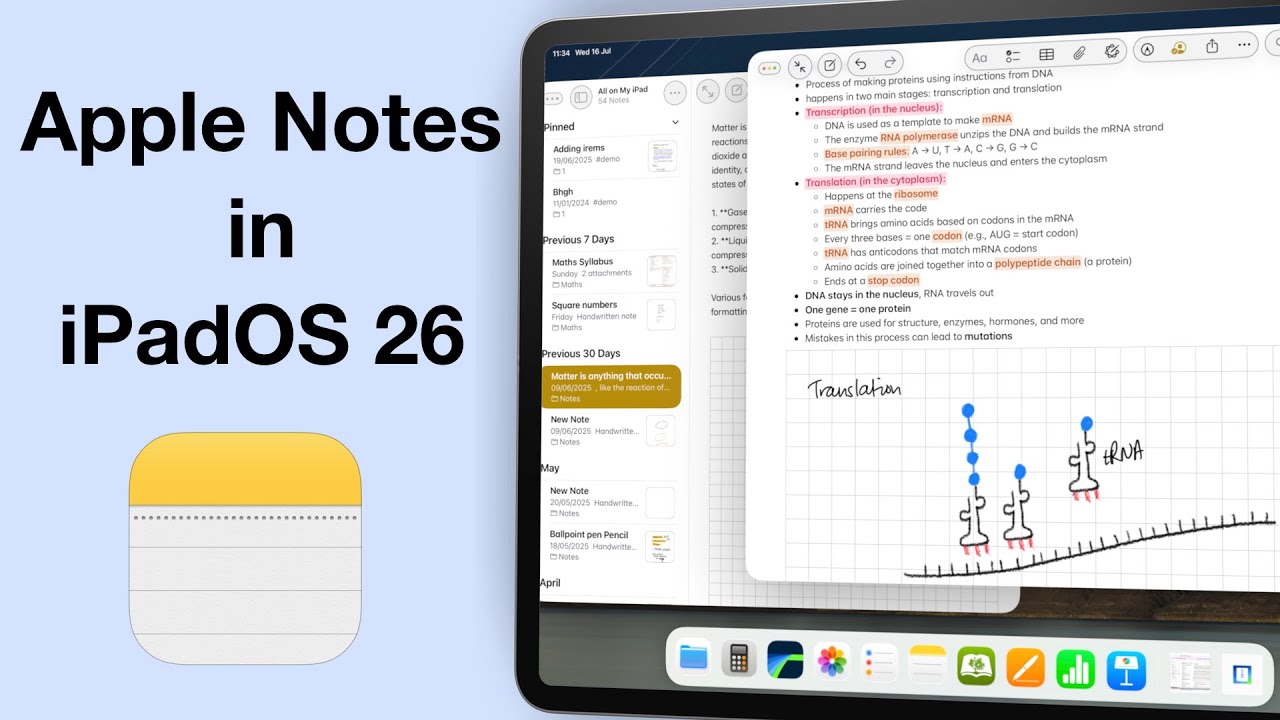
It’s been three years since we made our Apple Notes wish list for the iPad… and honestly, maybe it’s time we let it go.