
About PDFgear (PDF editor): can it replace your paid app?
I stumbled across PDFgear, a free PDF editor, and thought: “Okay, let’s see if this thing can actually replace the paid giants.”
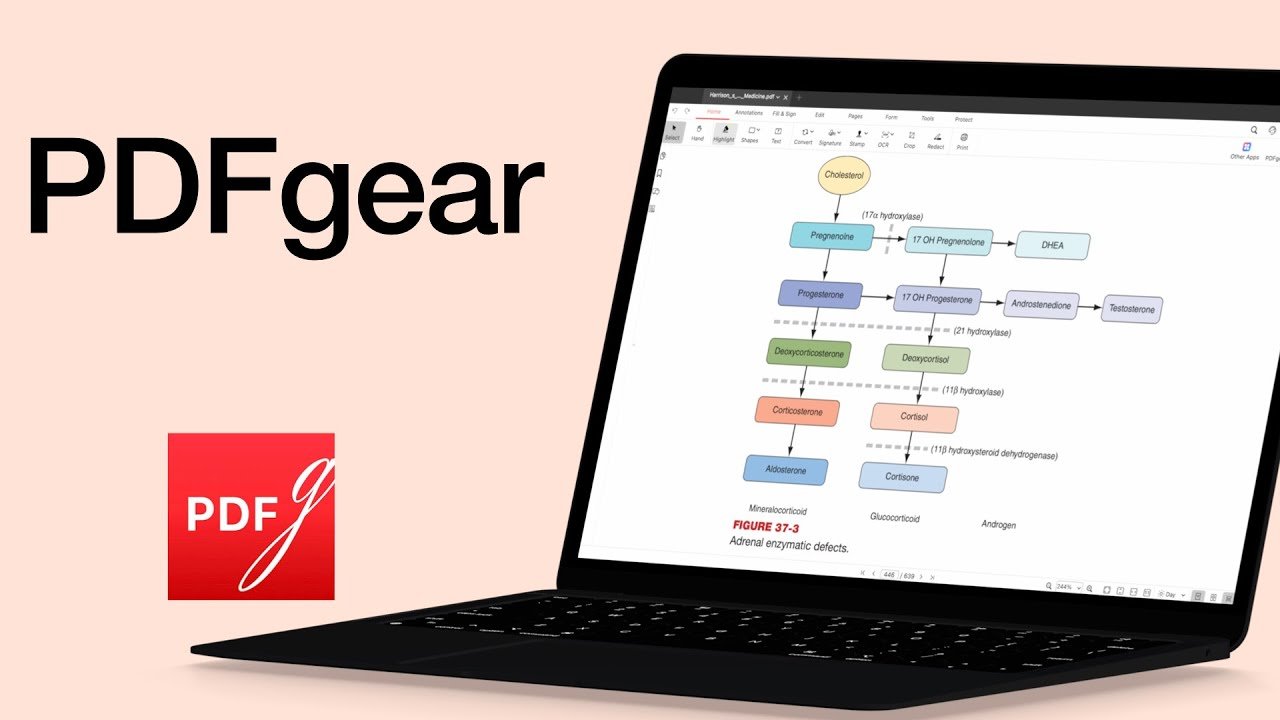
I stumbled across PDFgear, a free PDF editor, and thought: “Okay, let’s see if this thing can actually replace the paid giants.”
Today we’re looking at PDNob, a PDF editor from Tenorshare. If you only highlight a few lines and send the file back, you can survive with a basic reader.
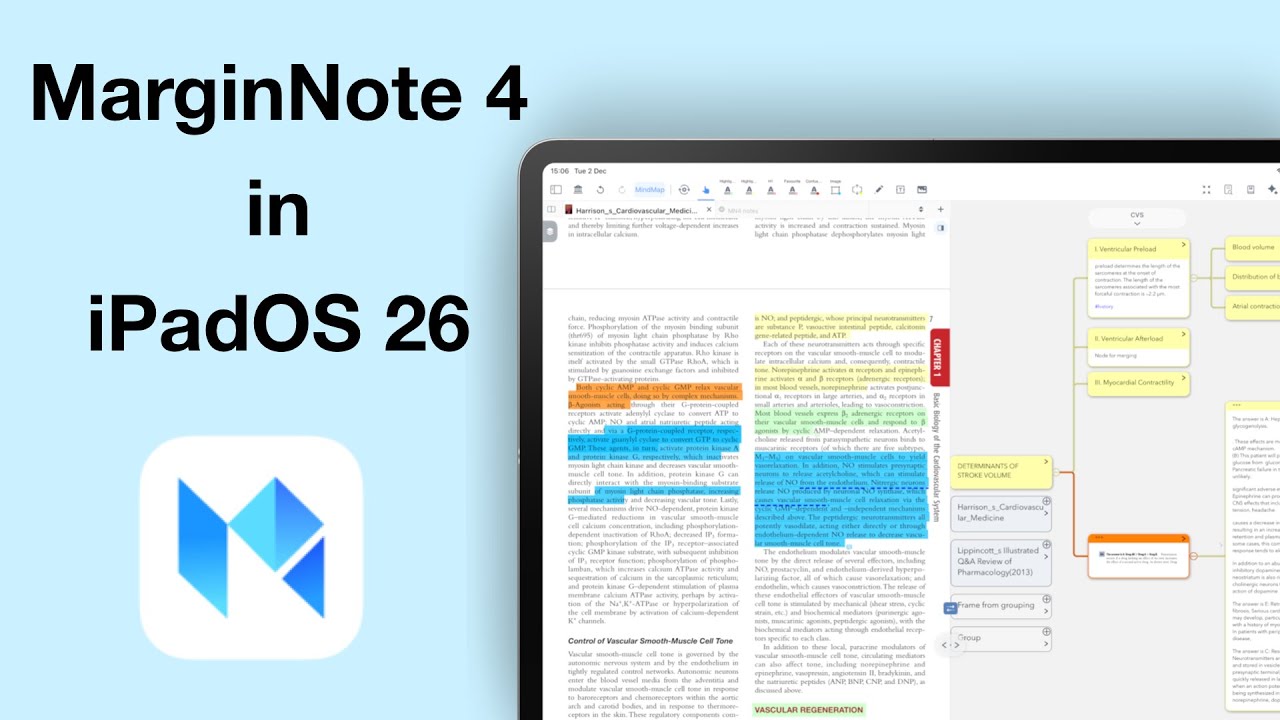
Today, we’re diving into an app that truly sits in its own category when it comes to deep research and long-form studying.
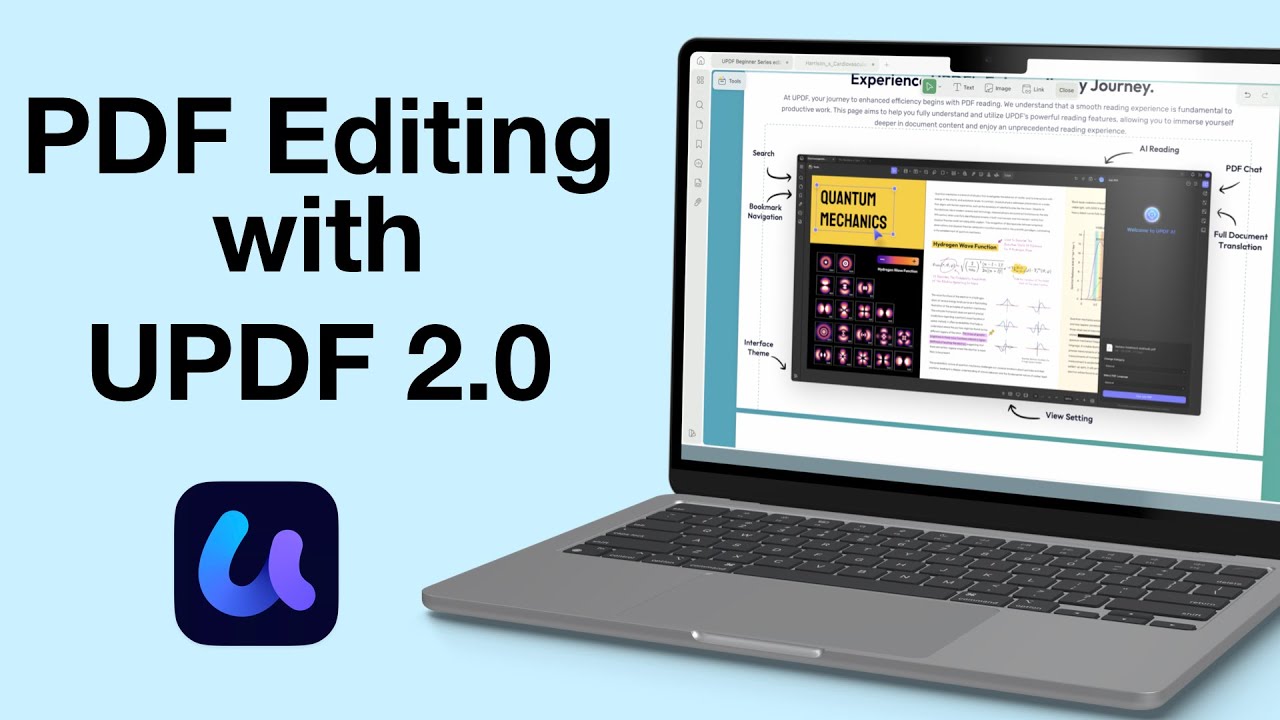
Sometimes, annotating a PDF just doesn’t cut it—you need to actually change the content itself. That’s where a proper PDF editor like UPDF steps in.
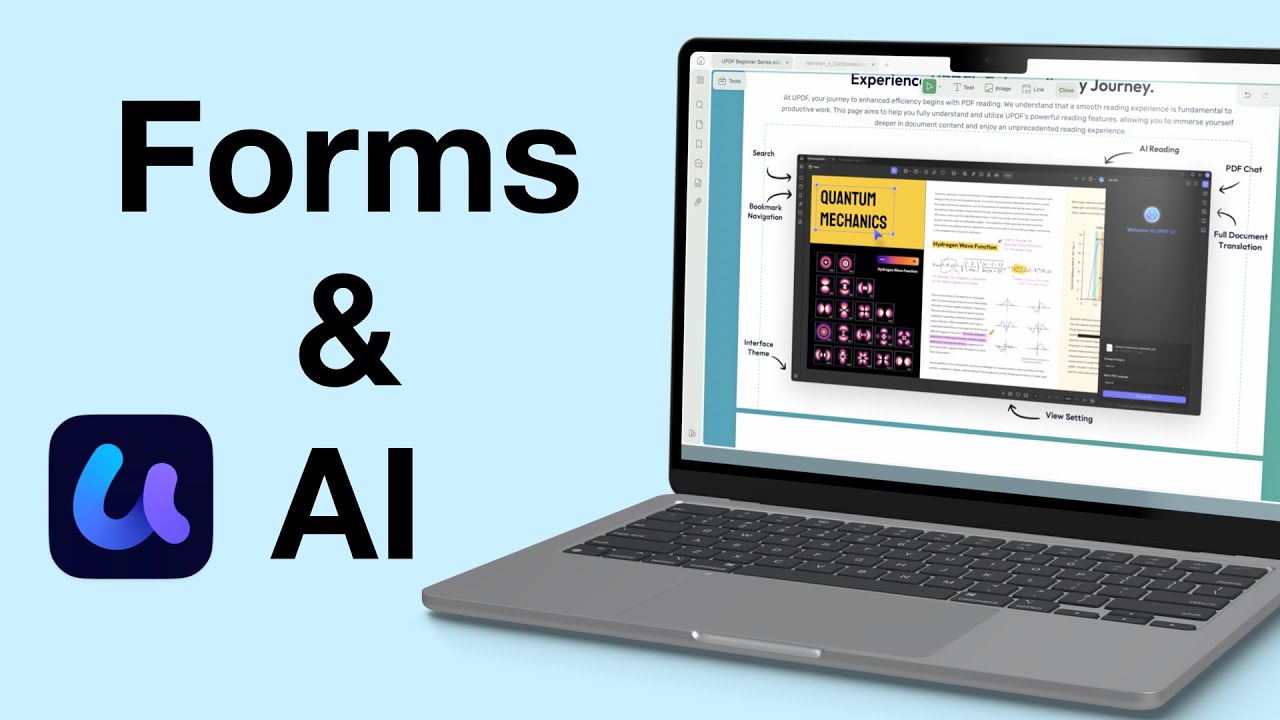
Today, we’re diving into UPDF’s form tools and AI features. If you work with a lot of PDFs (or if you’re creating forms for interviews, applications, or surveys), UPDF might just be the most efficient tool out there.
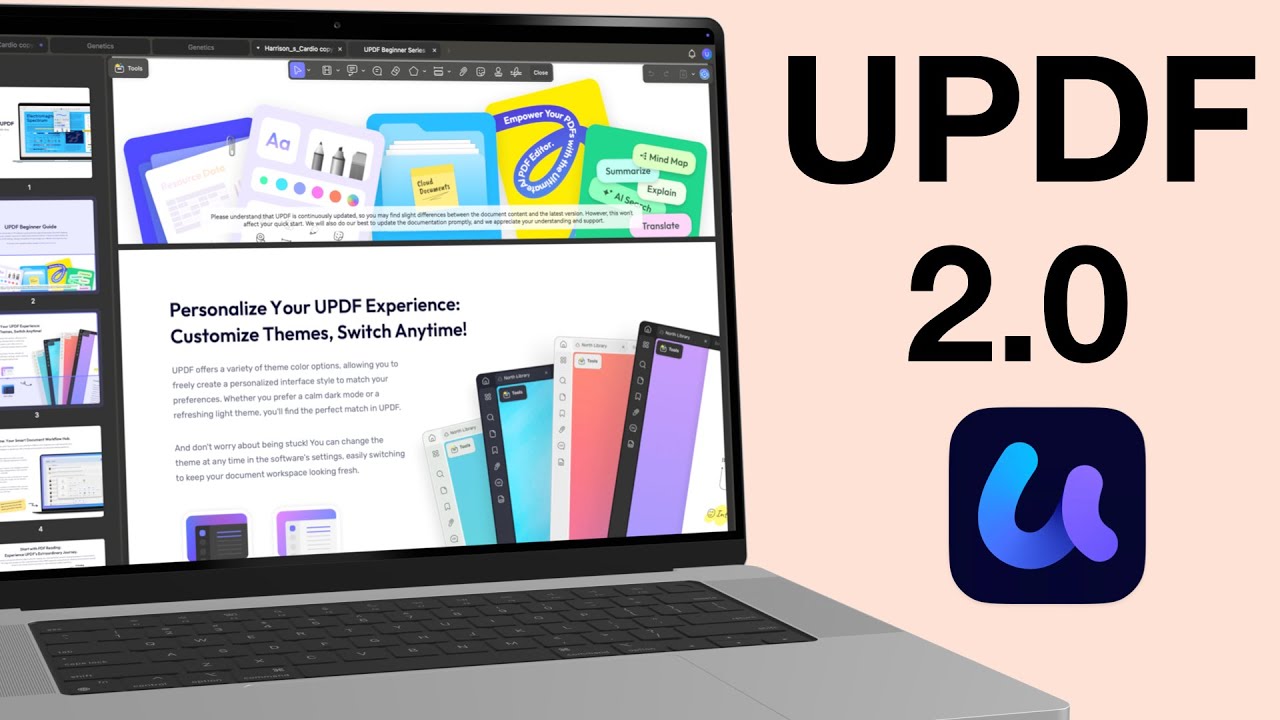
Before it’s an editor, every PDF editor is first a reader. So, how does UPDF 2.0 handle reading and annotating your PDFs in 2025? Let’s find out!

Foxit PDF Reader is one of the oldest PDF reading apps on the market, which has been around almost as long as Adobe Acrobat.
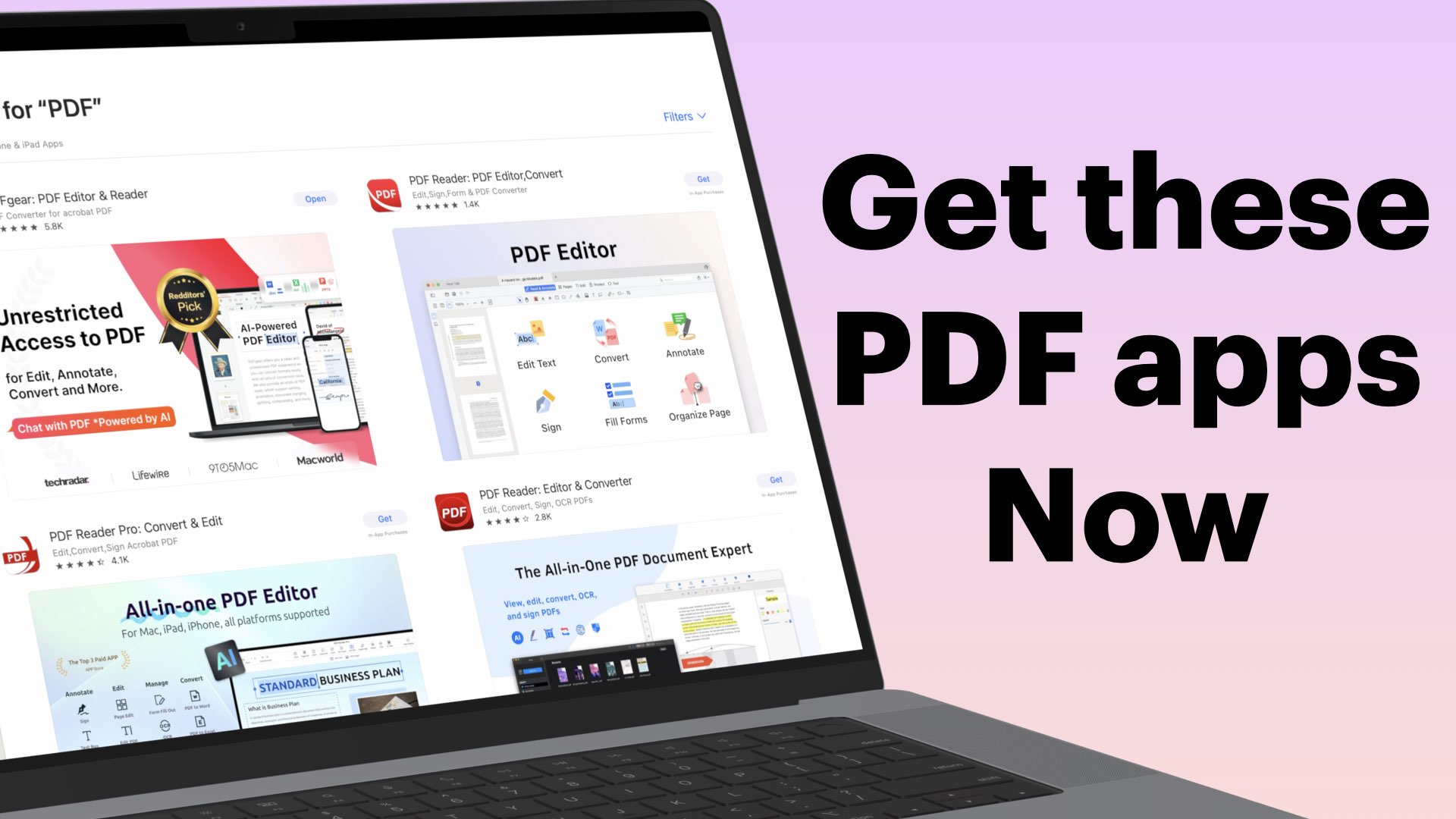
When we started working on the PDF-app database, and I got the shock of my life. We are studying a total of 21 PDF apps ranging from simple PDF readers to complex editors.
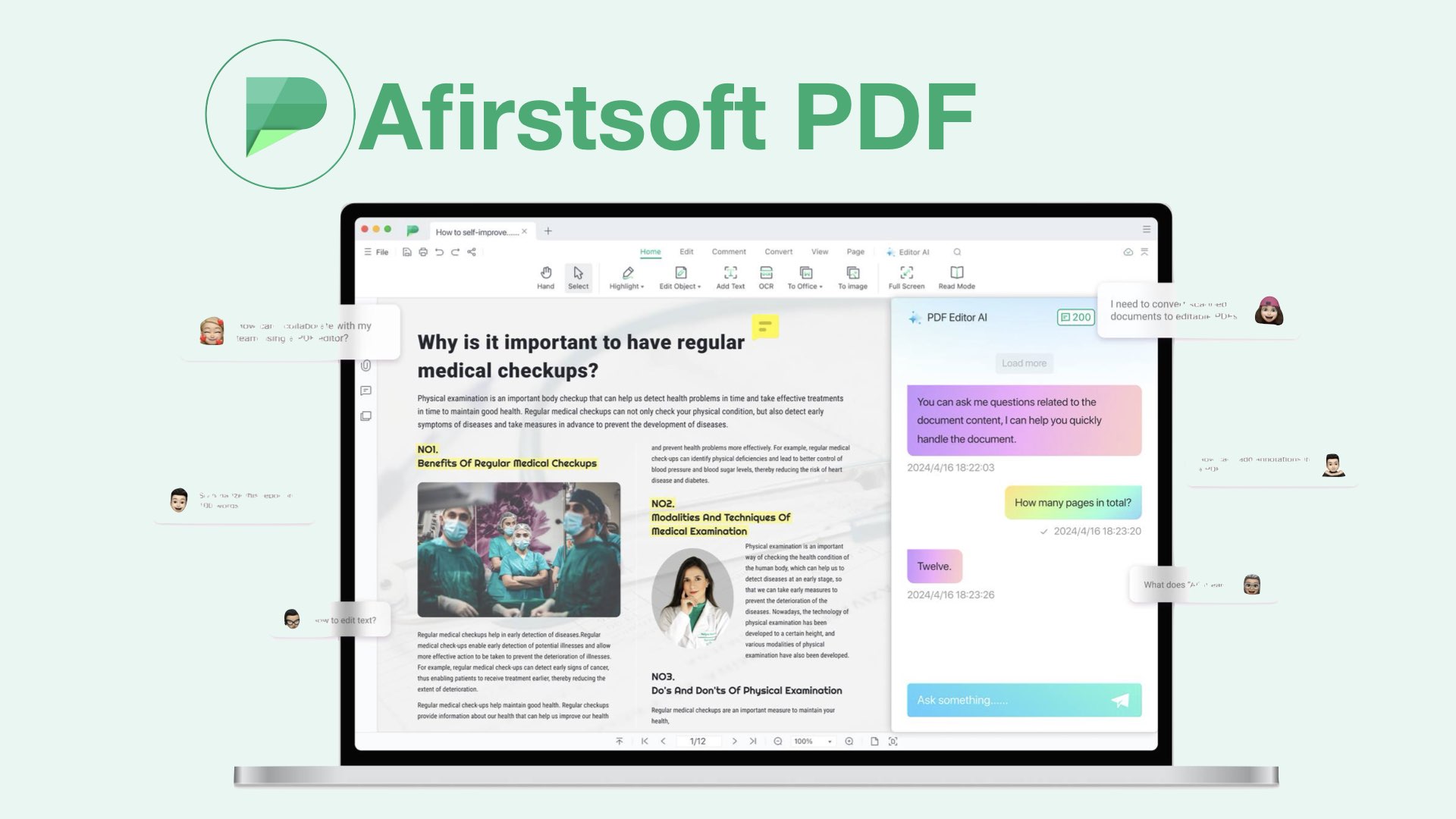
Given how much work the developers have put into the user interface of the app, I hope that they’ll be adding more features soon. They really did put a lot of effort into the aesthetics of the app, which makes it a future-proof design.

Adobe Acrobat Reader is not optimised for running on any device; it has terrible RAM management, which makes the app a pain to use.