
PDF Reading & Annotation in UPDF 2.0 (2025 Edition)
Before it’s an editor, every PDF editor is first a reader. So, how does UPDF 2.0 handle reading and annotating your PDFs in 2025? Let’s find out!
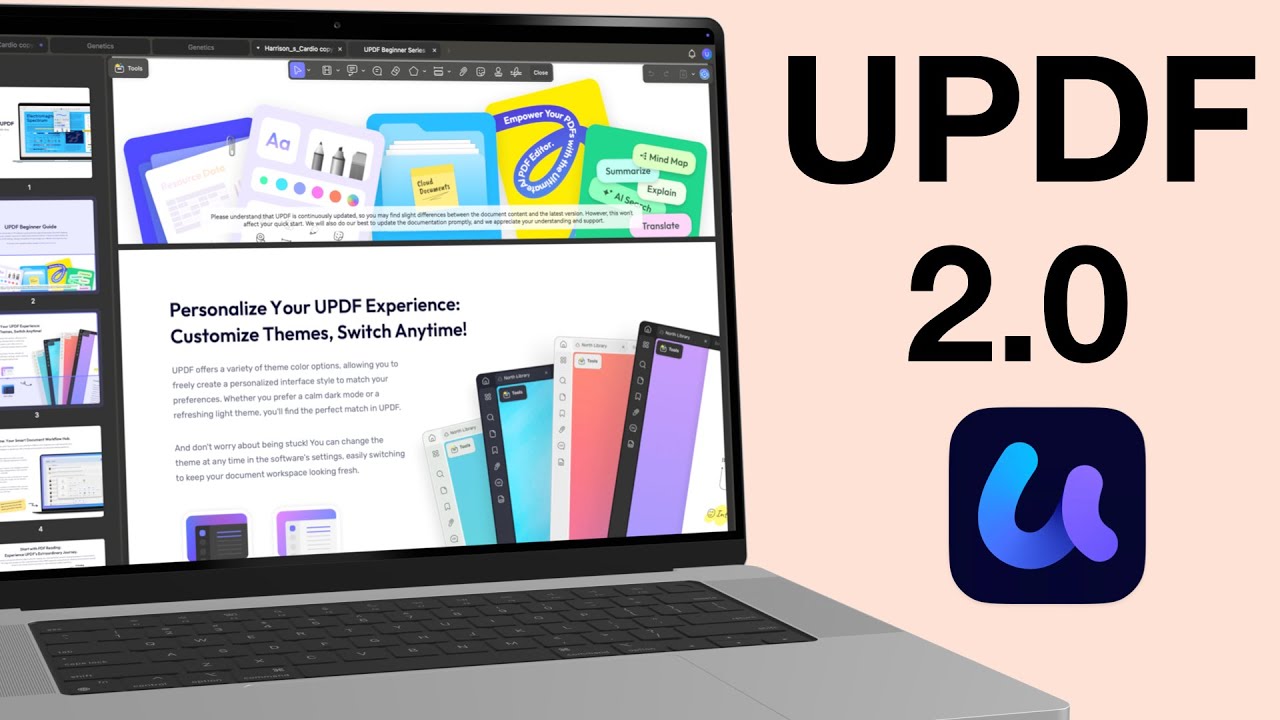
Before it’s an editor, every PDF editor is first a reader. So, how does UPDF 2.0 handle reading and annotating your PDFs in 2025? Let’s find out!

Foxit PDF Reader is one of the oldest PDF reading apps on the market, which has been around almost as long as Adobe Acrobat.

Adobe Acrobat Reader is not optimised for running on any device; it has terrible RAM management, which makes the app a pain to use.
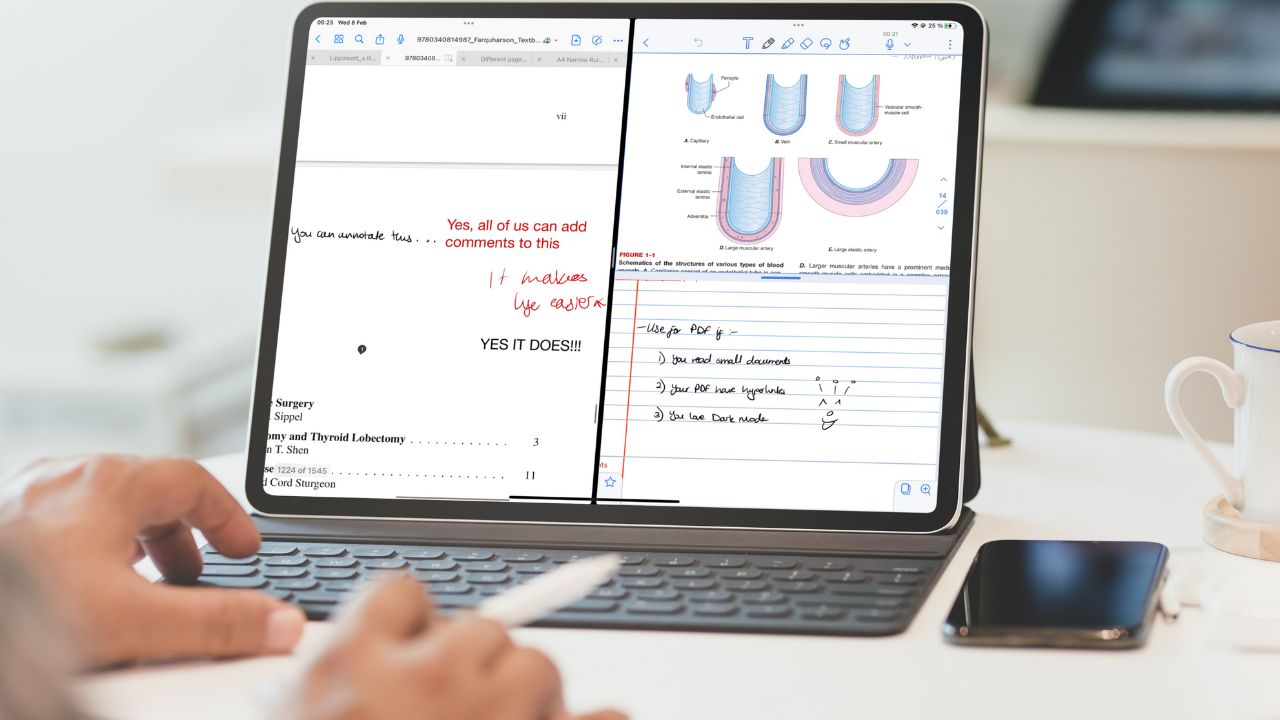
Before we get started, Notability has updated its app to add a pencil tool. I love pencil tools.

On the iPad, you can work on your PDFs in either a note-taking app, PDF reader or PDF Editor. Each app category has unique capabilities that set it apart from the others.
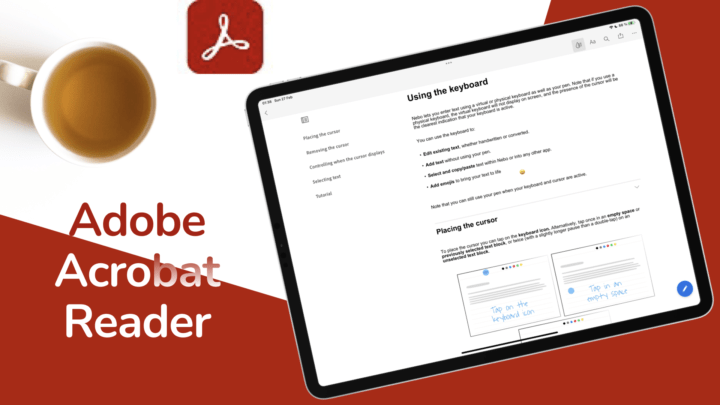
Adobe Acrobat Reader is a PDF-reader by Adobe Inc. On the iPad, it is available to download for free but has in-app purchases for pro features.

Like everything else with ZoomNotes, its PDF reading experience is the best you’ll get

GoodNotes is an awesome note-taking app with decent PDF reading capabilities. Flexcil, on the
Flexcil 2 sells on App Store as a note-taking app and PDF reader. For

The line separating PDF readers and handwriting note-taking apps is becoming blurry every day. In GoodNotes, multiple instances can open a PDF and notebook at the same time.