study app

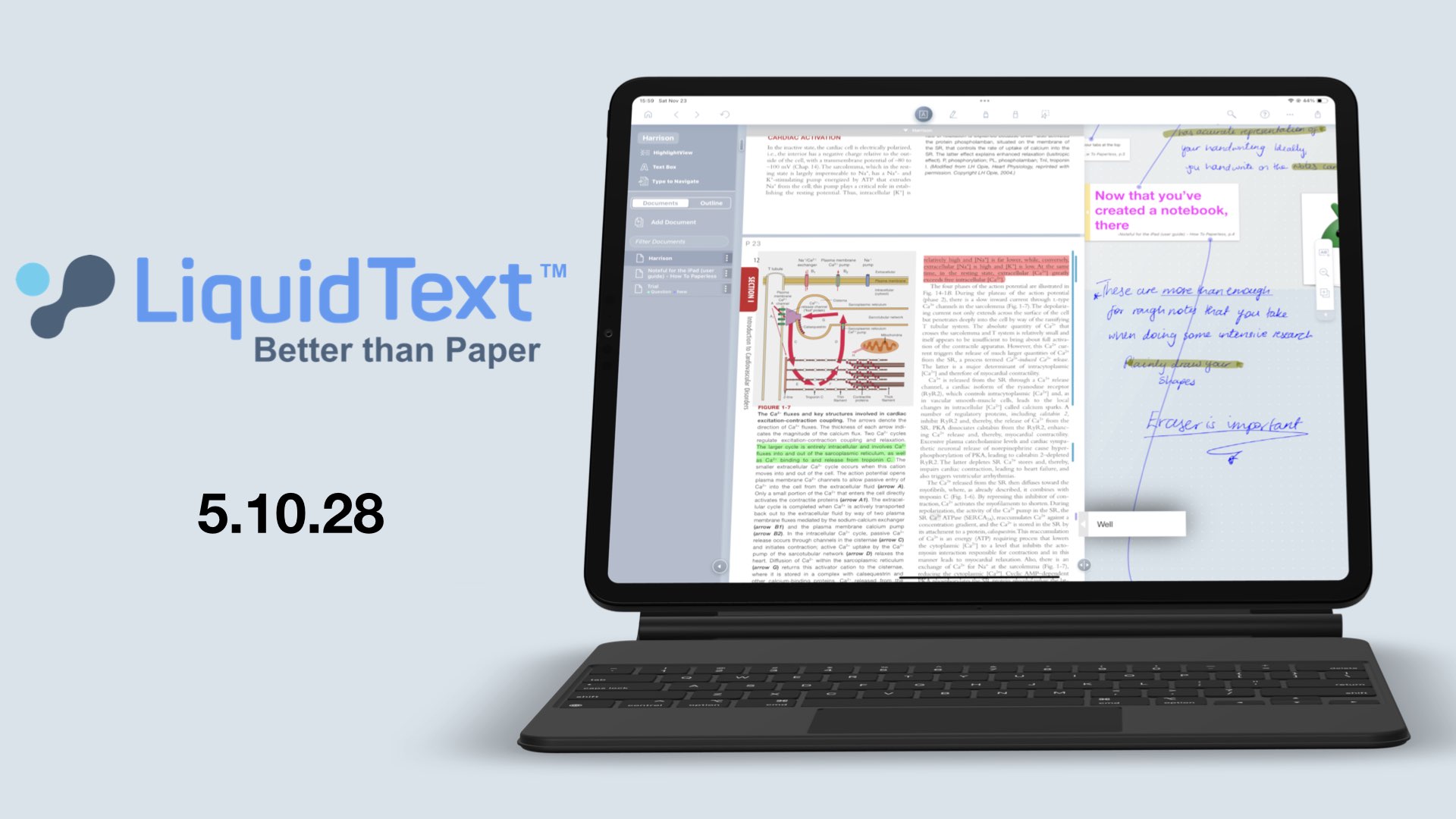
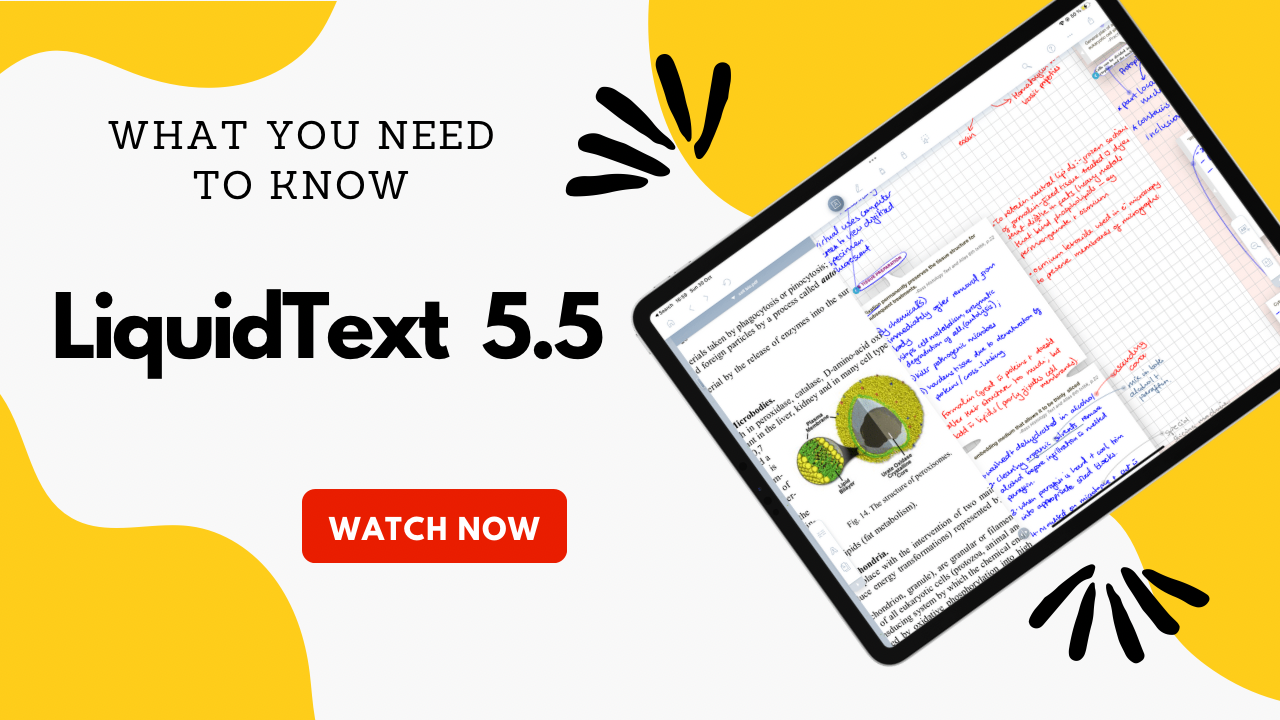
Image showing an iPad with LiquidText 5.5

LiquidText 5.5.0

These updates open new possibilities that we are excited about, and we’ll be putting LiquidText to the test. Is it more stable now?

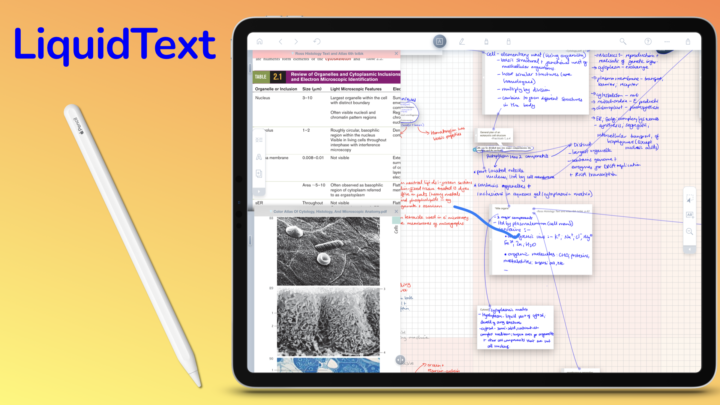
iPad showing study notes in LiquidText, with an Apple Pencil on the left

LiquidText latest updates

Those are the latest updates from LiquidText. They are all very exciting, and they make the app an even more powerful research tool. We look forward to seeing more updates! LiquidText has improved dramatically since it went subscription, which is good to see.

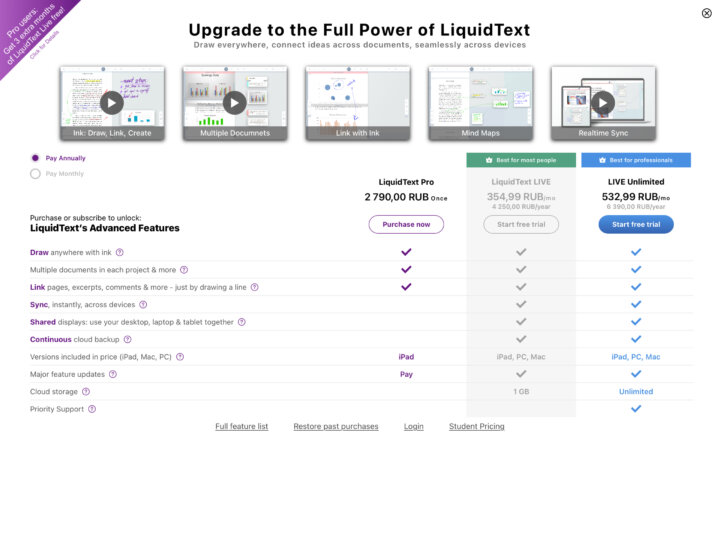
Screenshot of the price options in LiquidText for the syncing feature

LiquidText 5.0: syncing & backup

LiquidText Pro remains a one-time purchase for your iPad, at $29.99. However, if you want to sync across all your devices, you must commit to a monthly subscription.

An open workspace in LiquidText on the iPad Pro

LiquidText version 4 updates

We love the fact that the app doesn’t lag or crash anymore. We pray this is actually a permanent bug fix. This would mean the app is usable and we can request more features from our developers.

Screenshot of the updates in LiquidText 4.0.6

LiquidText 4.0.6

Seconds into trying out the new faster navigation from LiquidText, we got stuck on

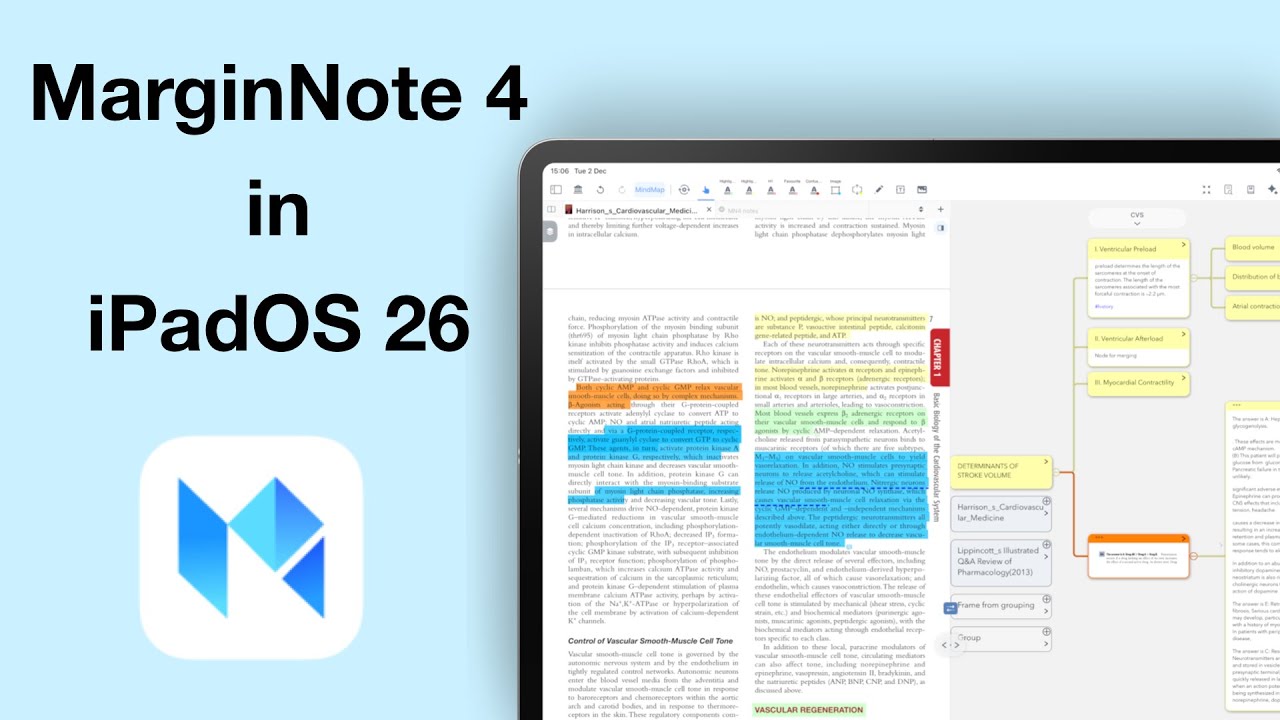
Screenshot of the iPad in split view showing LiquidText on the left side and MarginNote 3 on the right side of the screen

Should you leave MarginNote for LiquidText in 2023?

Though we’ve seen a lot of improvements in LiquidText, they haven’t been cheap. We also still hear a lot of crashing reports and failed syncing, which makes it very difficult for us to justify subscribing to the app if you’re an individual.

Scroll to Top