
Flexcil 2 updates
Version 1.0.16: 23 Nov 2020 Version 1.1.0: 29 Nov 2020 Lasso Tool Flexcil 2
Flexcil has a new version, they are calling it Flexcil 2. The logo has


2020 Version 1.14.0: 22 Aug 2020 Kyoku Flashcards is the first flashcard app to
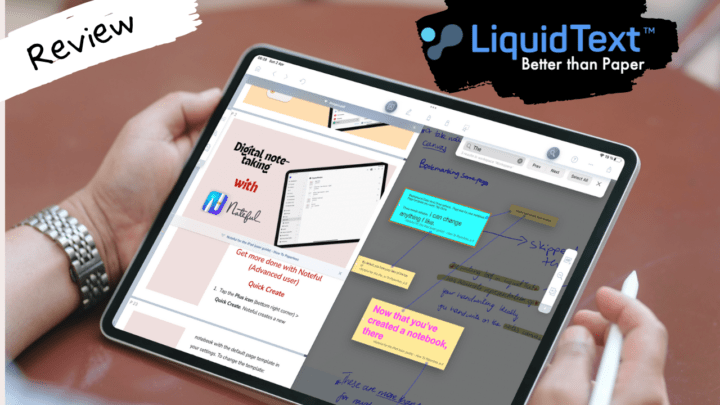
LiquidText is a formidable research tool for the iPad that keeps improving every year. The syncing issues we had before seem to have been finally resolved, and we’re happy to see that.

MarginNote 3 released their iPadOS support update 2 weeks ago. It was too buggy

MarginNote 3 just rolled out some interesting updates four days ago. I will also

Though we’ve seen a lot of improvements in LiquidText, they haven’t been cheap. We also still hear a lot of crashing reports and failed syncing, which makes it very difficult for us to justify subscribing to the app if you’re an individual.

During a typical study session, I have Safari opened on the left quarter of my iPad screen and LiquidText on the right. I like studying with Safari open to check spellings and definitions, look up images, etc.