
About Noteful: The handwriting app you should try
If you’ve ever felt frustrated with handwriting apps that are doing too much while ignoring or worsening your handwriting experience, stick around. Today we’re diving into Noteful
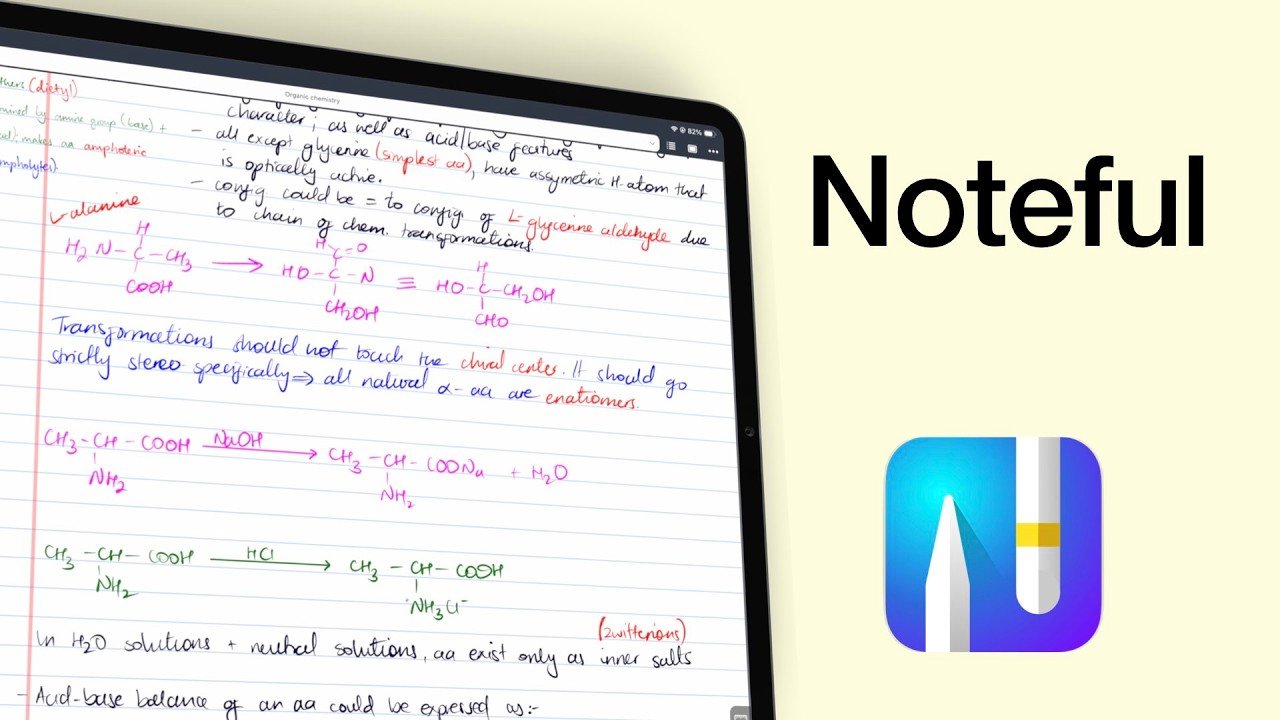
If you’ve ever felt frustrated with handwriting apps that are doing too much while ignoring or worsening your handwriting experience, stick around. Today we’re diving into Noteful
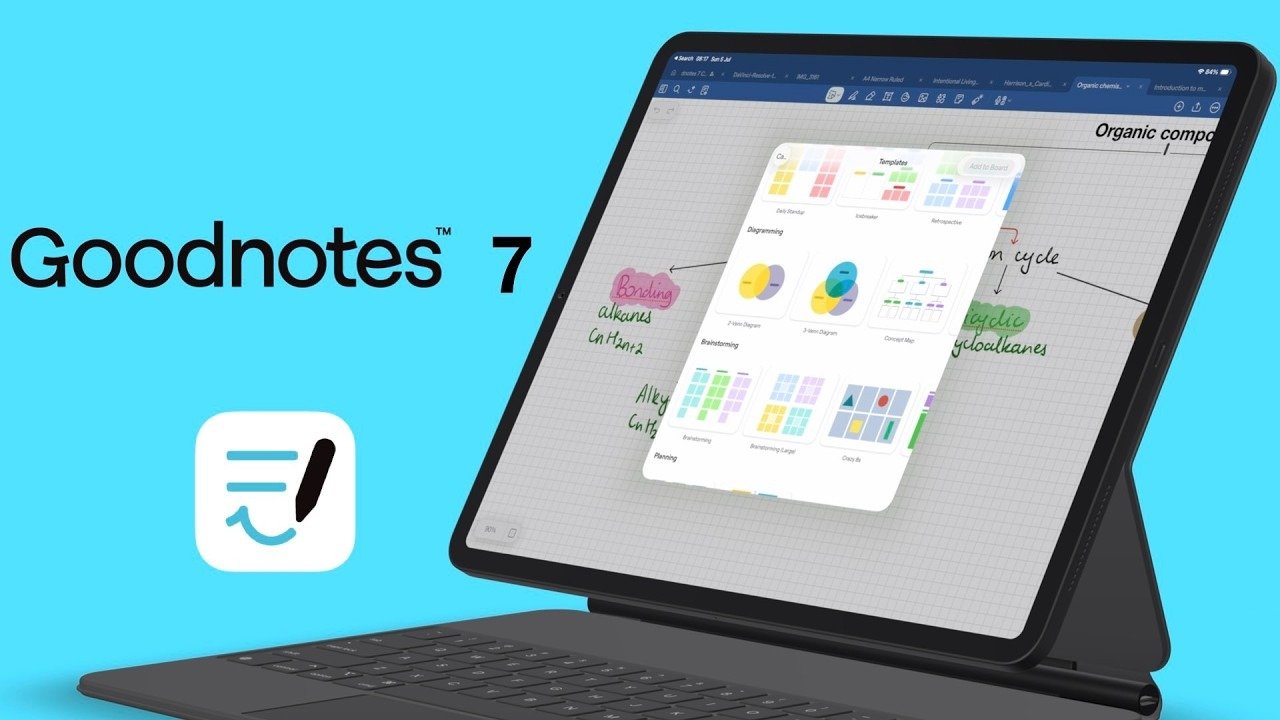
Today I want to take you on a deep dive into Goodnotes 7, an app that has long been associated with handwriting note‑taking but is now trying to reinvent itself as something much bigger.
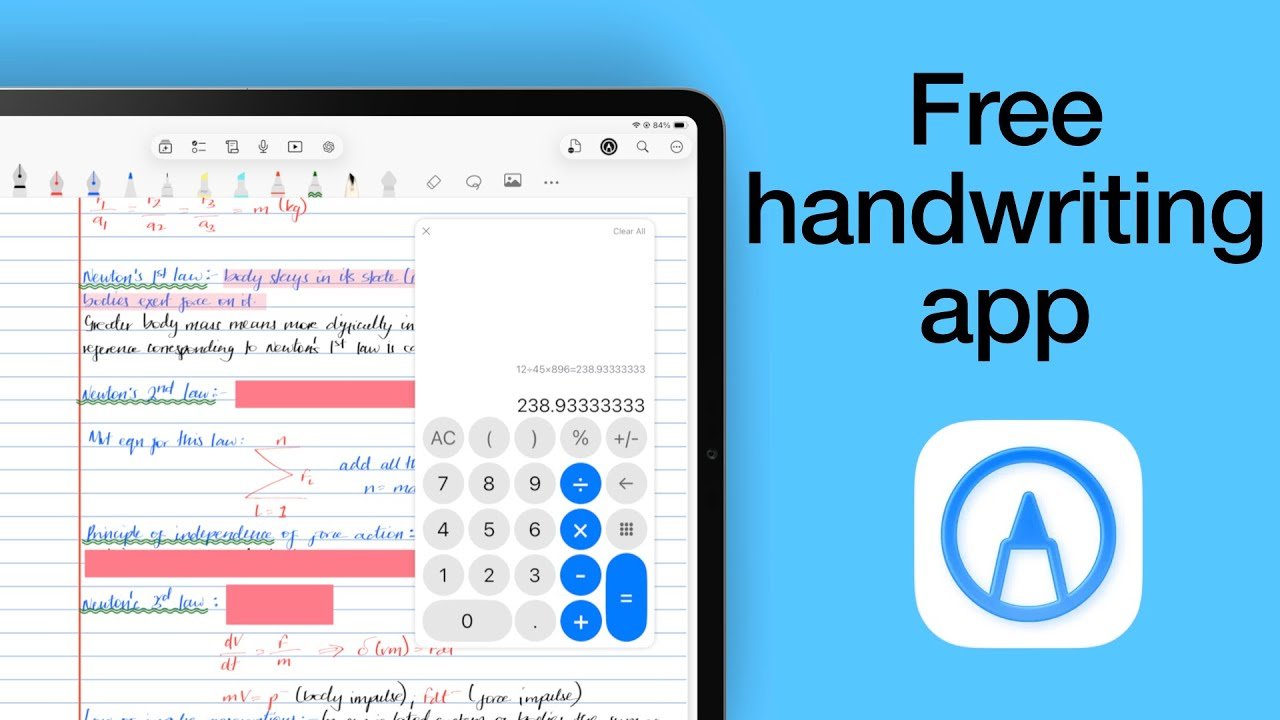
Notes+ greets you with simplicity. No accounts to set up, no sign‑in screens, no hoops to jump through. Just download, open, and start writing.
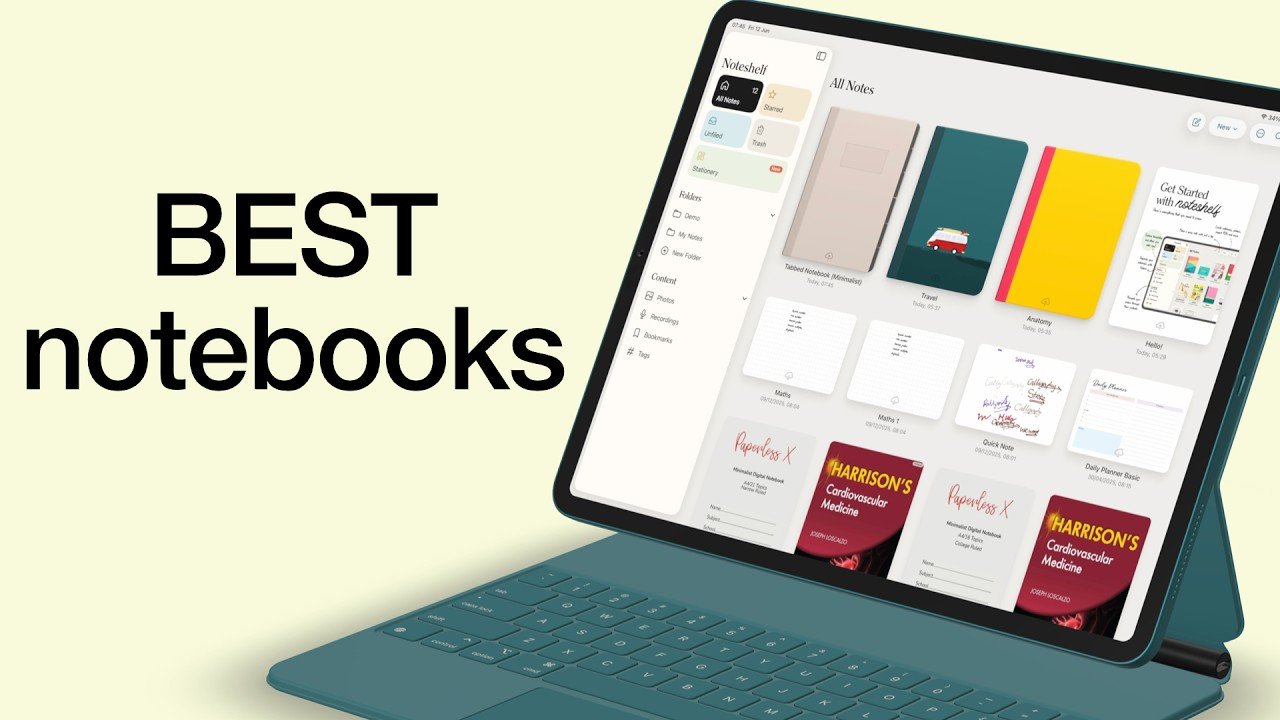
We’ve tested 21 handwriting apps on the iPad, across 26 different features — from user interface quirks to exporting and sharing your notes. But today, we’re stripping things back to the basics: creating new notebooks.
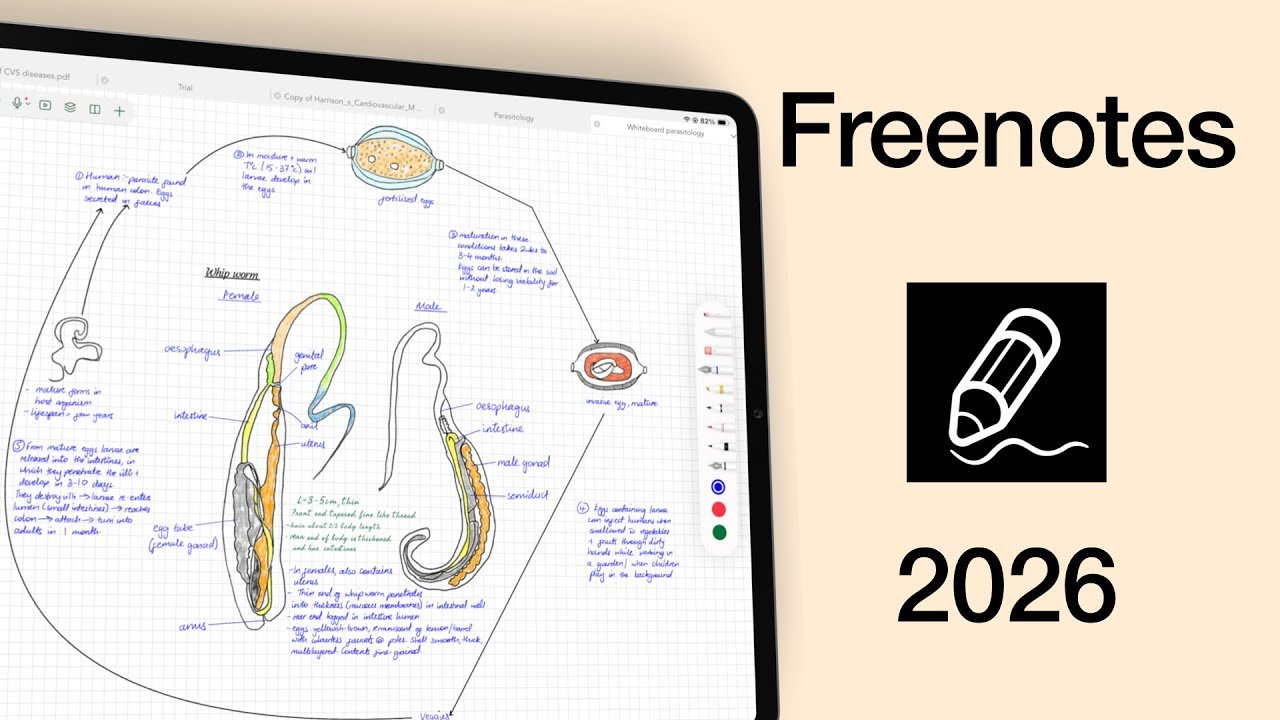
Freenotes used to be a free handwriting app everyone loved — but now it’s one of the most expensive. So the real question is: are its cute features enough to justify the price?
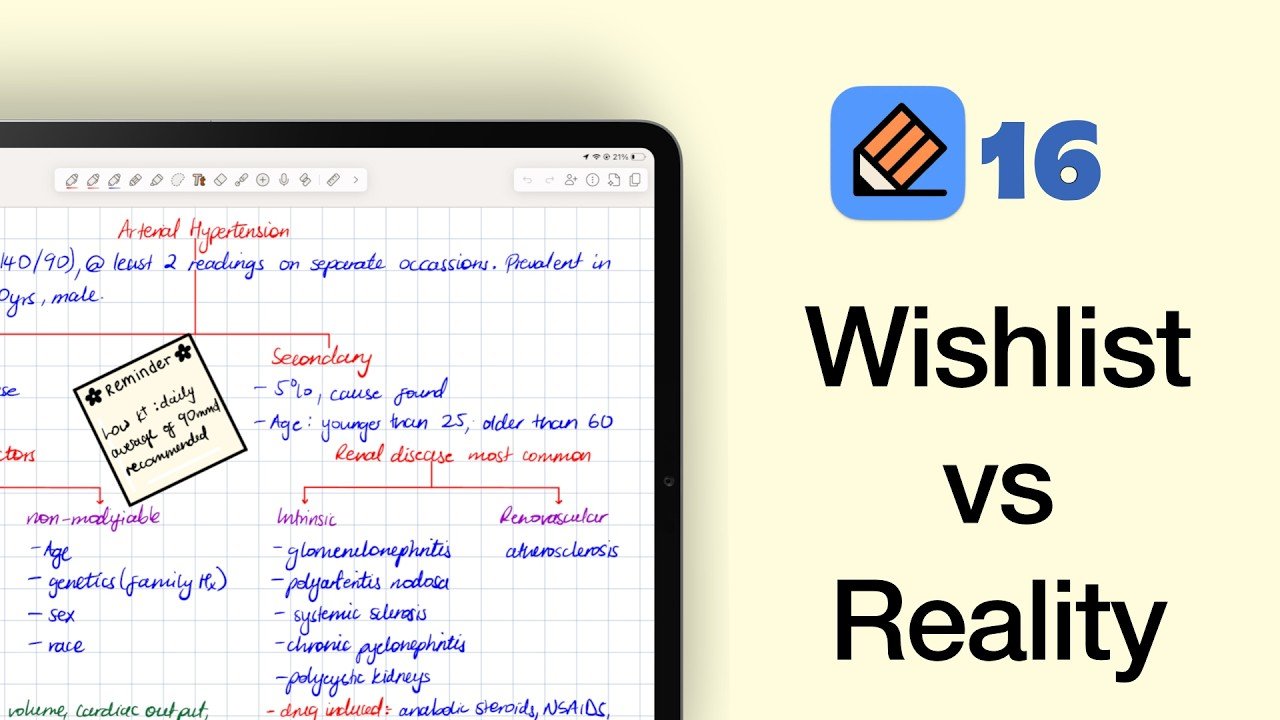
I found myself drifting back to Notability as my main app (here’s why I left in the first place), almost like returning to an old friend you haven’t seen in years.
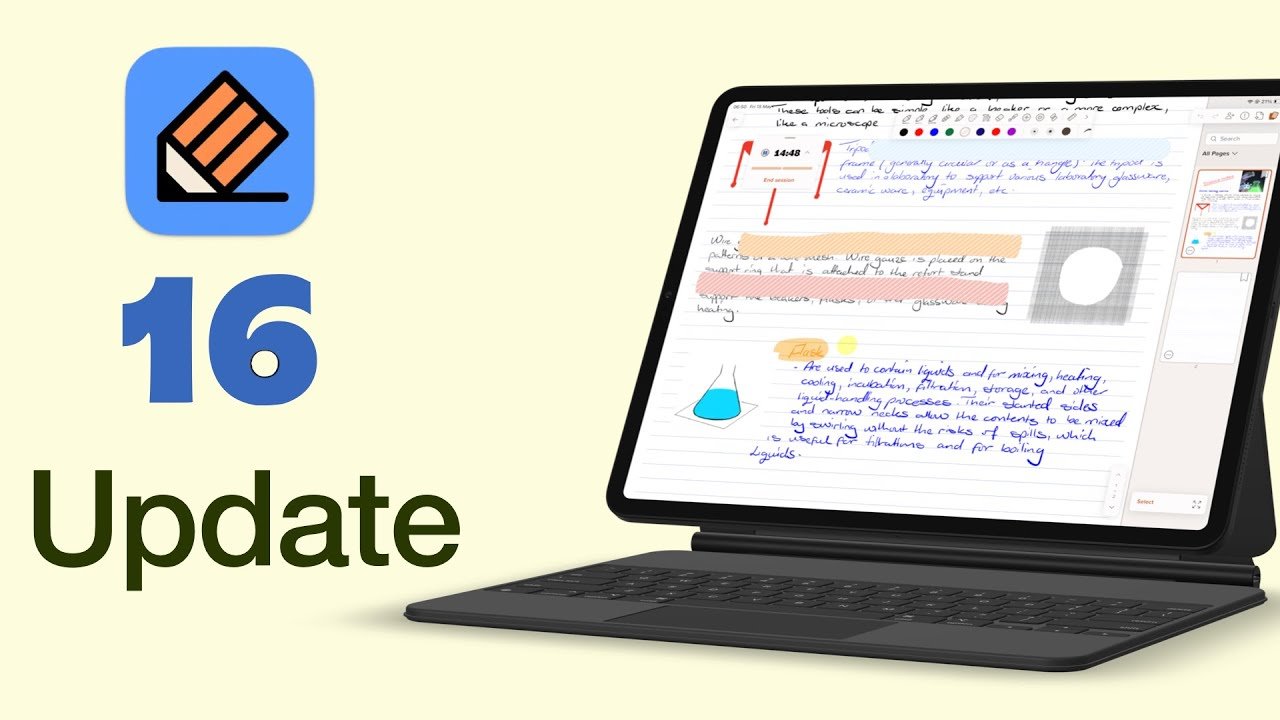
Notability 16 arrived a while back, and it brings some of the most meaningful updates we’ve seen in years. From proper collaboration tools to new productivity features.
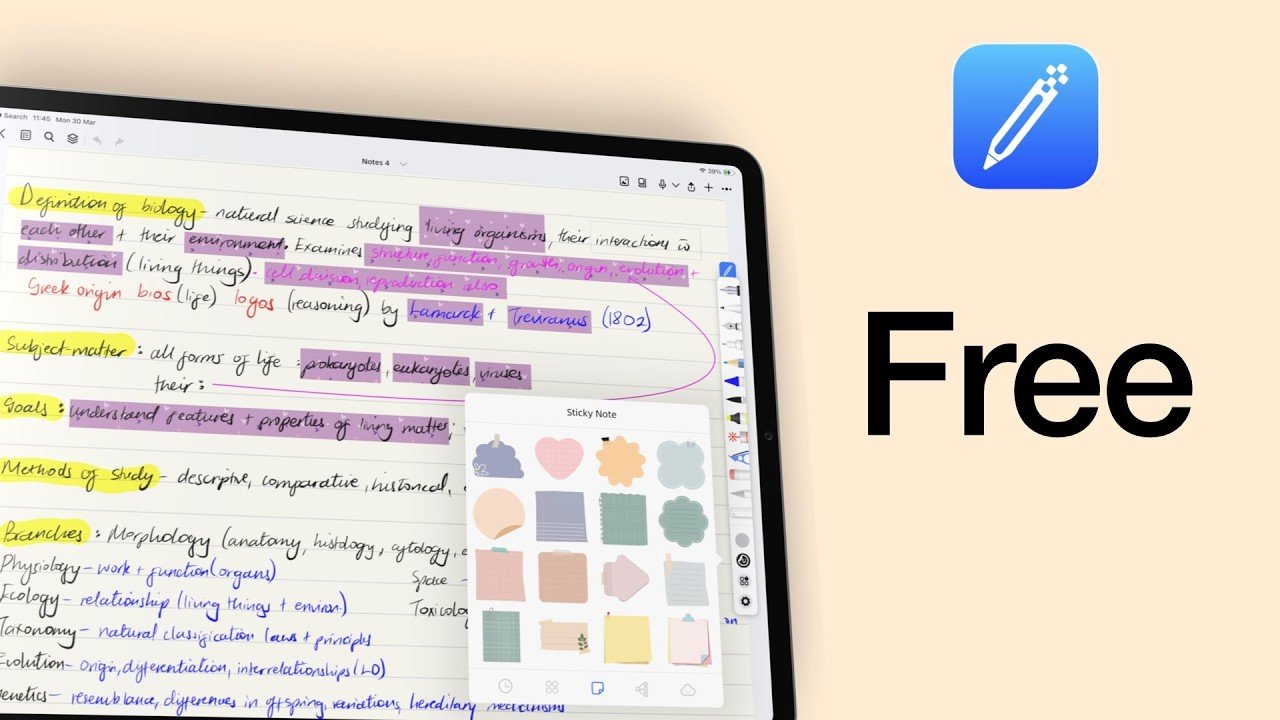
Wellnote is a relatively new free handwriting app that’s got a lot of attention on App Store. But the real question is whether it deserves that attention or if we’re all just noticing it because it’s free.
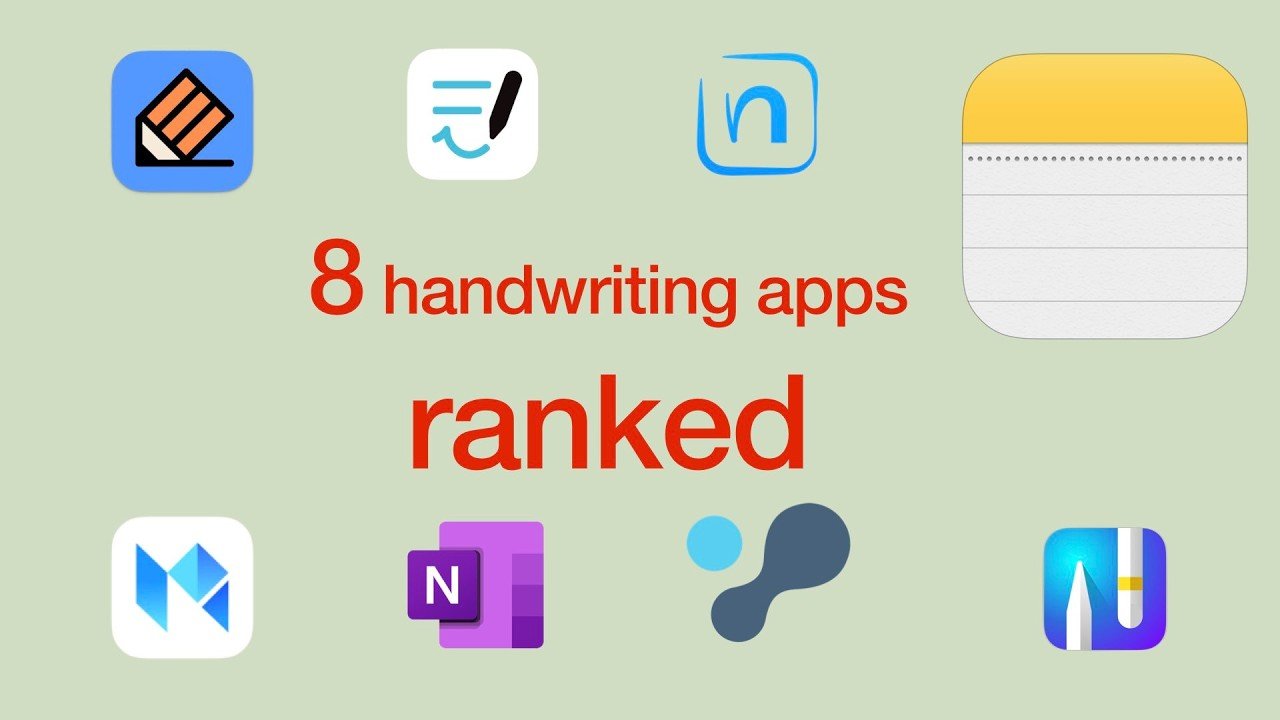
If you’ve ever searched for the best handwriting app for iPad, you already know the problem: every app looks amazing on a feature list, and then two weeks later you’re still app-hopping, your notes sit in five different places, and you don’t trust any of them enough to commit.
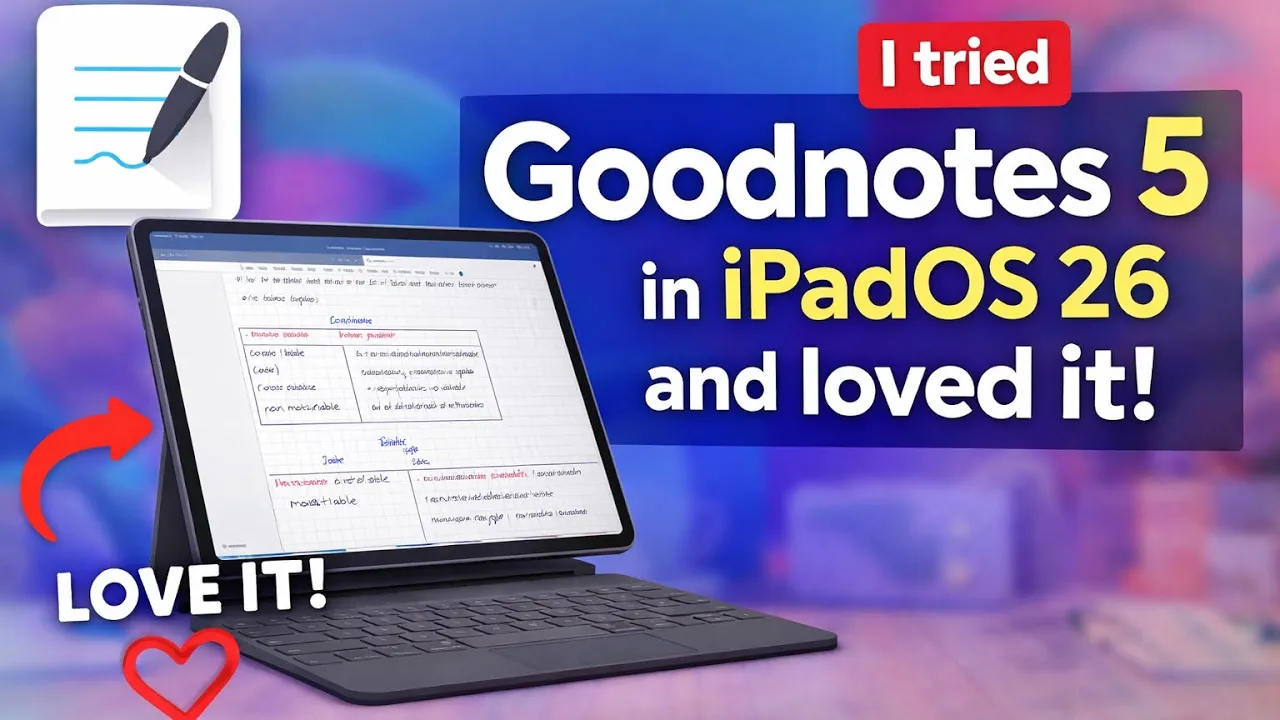
A while back, and I’d genuinely forgotten about this, Goodnotes prompted me to go back to Goodnotes 5 from Goodnotes 7.