WWDC26: Siri AI, child accounts, and the beta blues
WWDC26 wasn’t at all that exciting. The only moment that truly caught my attention was right at the end, when Tim Cook gave his farewell.
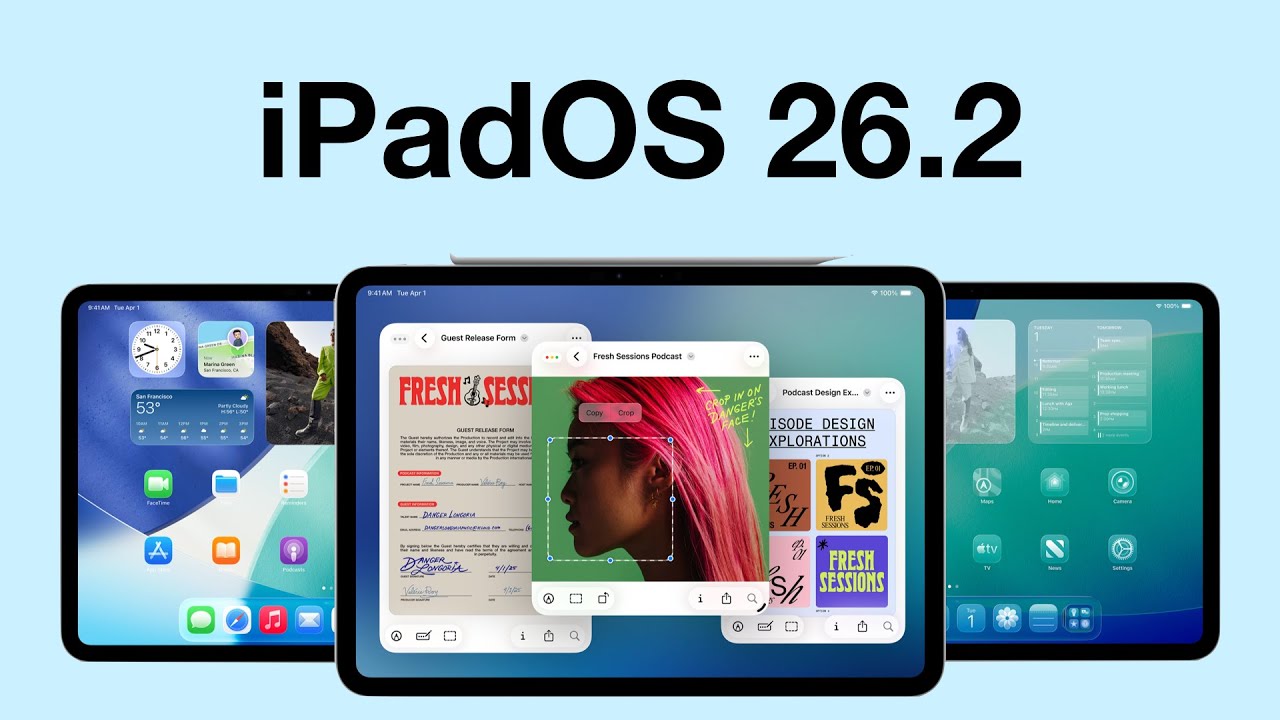
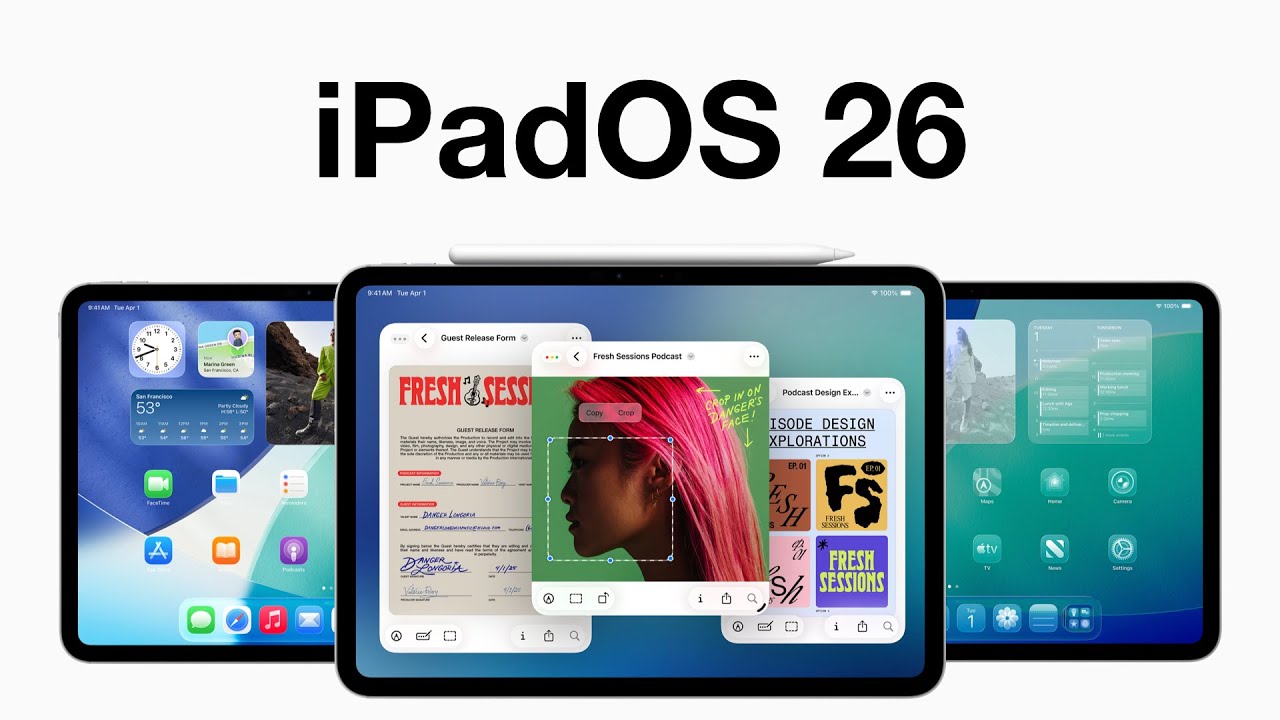
 iPadOS 26.2 is one of those updates that manages to annoy and impress me in the same breath.
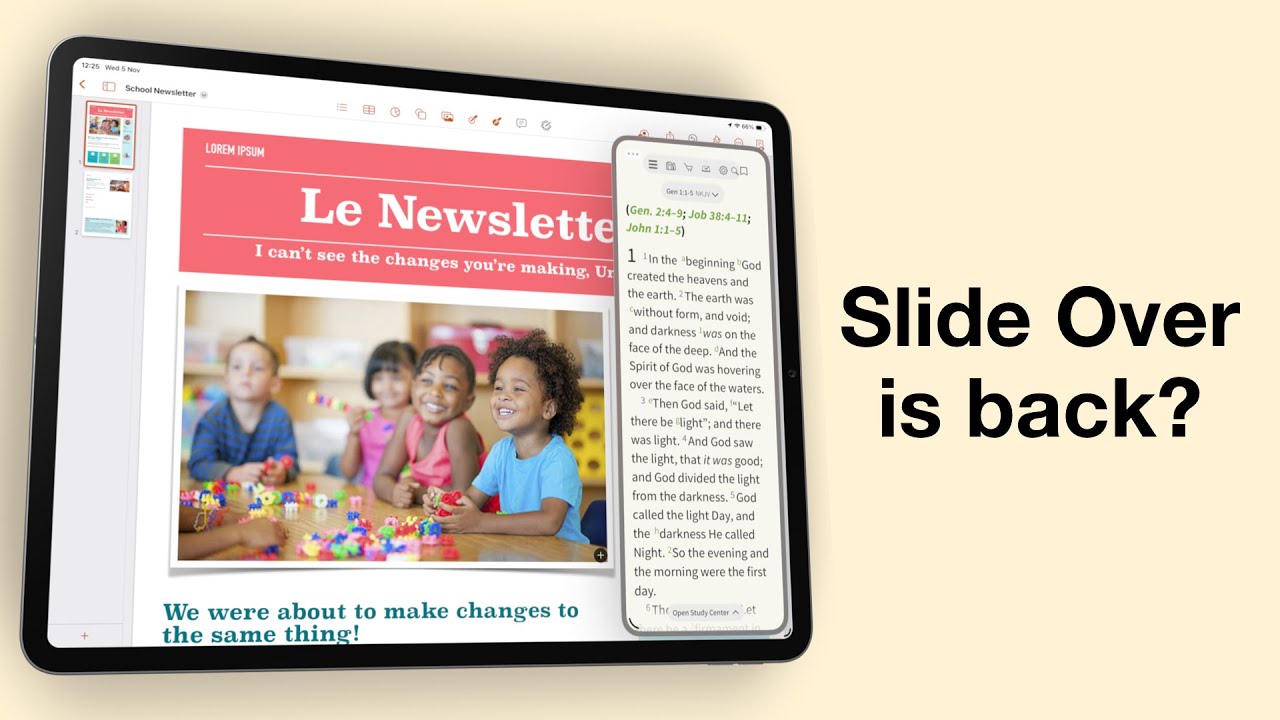
Do you remember when multitasking on the iPad actually felt powerful? When Slide Over and Split View made it feel like a serious productivity machine?
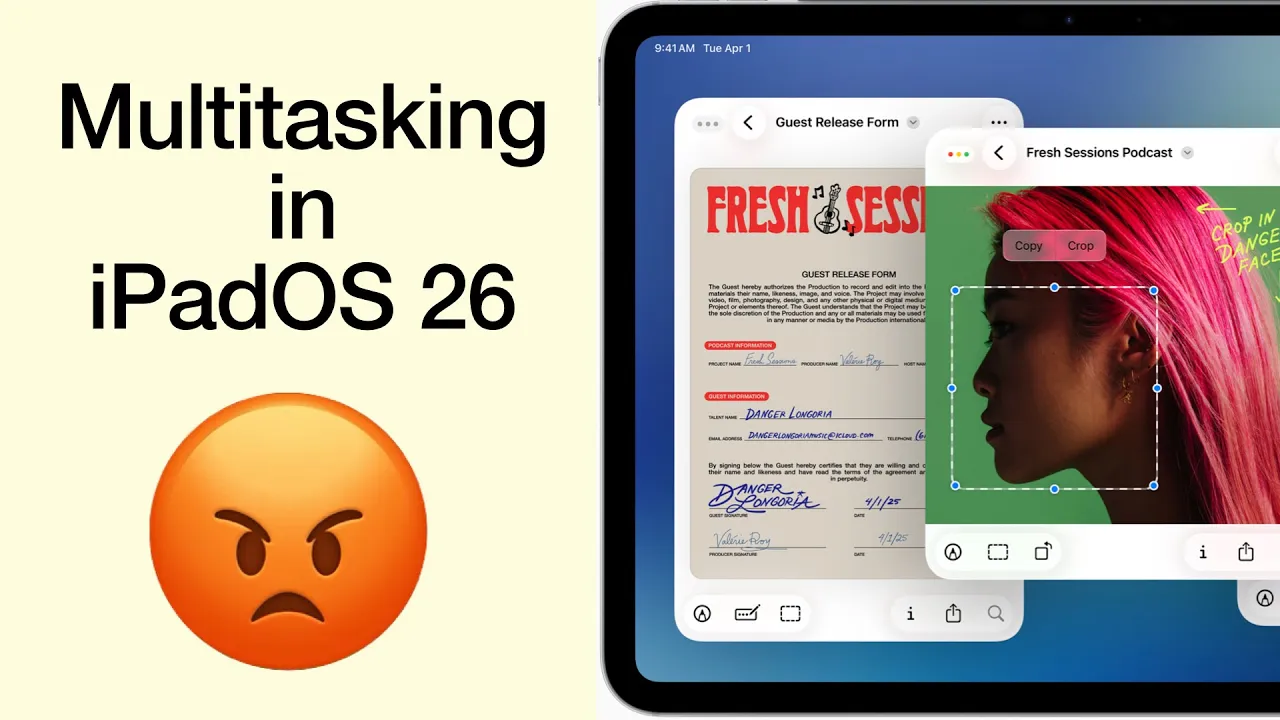
I was genuinely excited, practically buzzing, to get my hands on the new iPadOS 26. Apple promised us Mac-level multitasking, a dream for anyone who truly wants to push the iPad beyond content consumption.
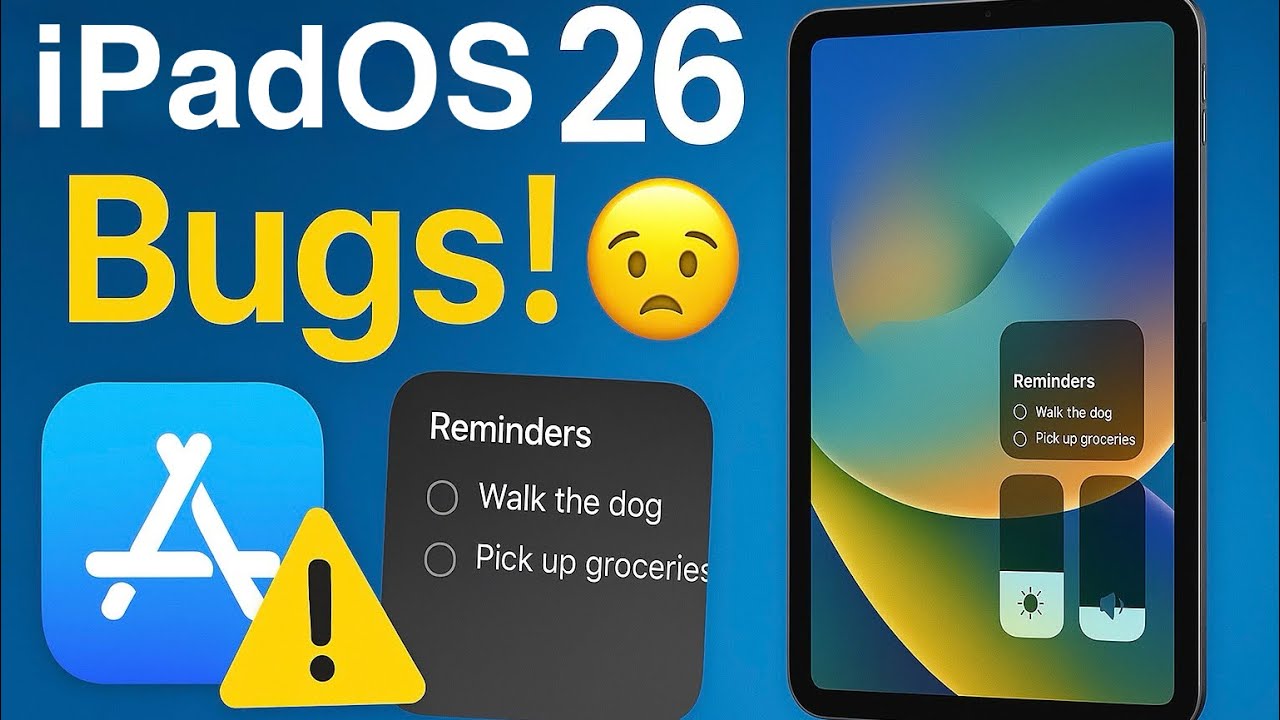
If you’ve updated to the developer beta for iPadOS 26, you’re probably excited about Liquid Glass—but like me, you’ve also experienced some very annoying bugs.
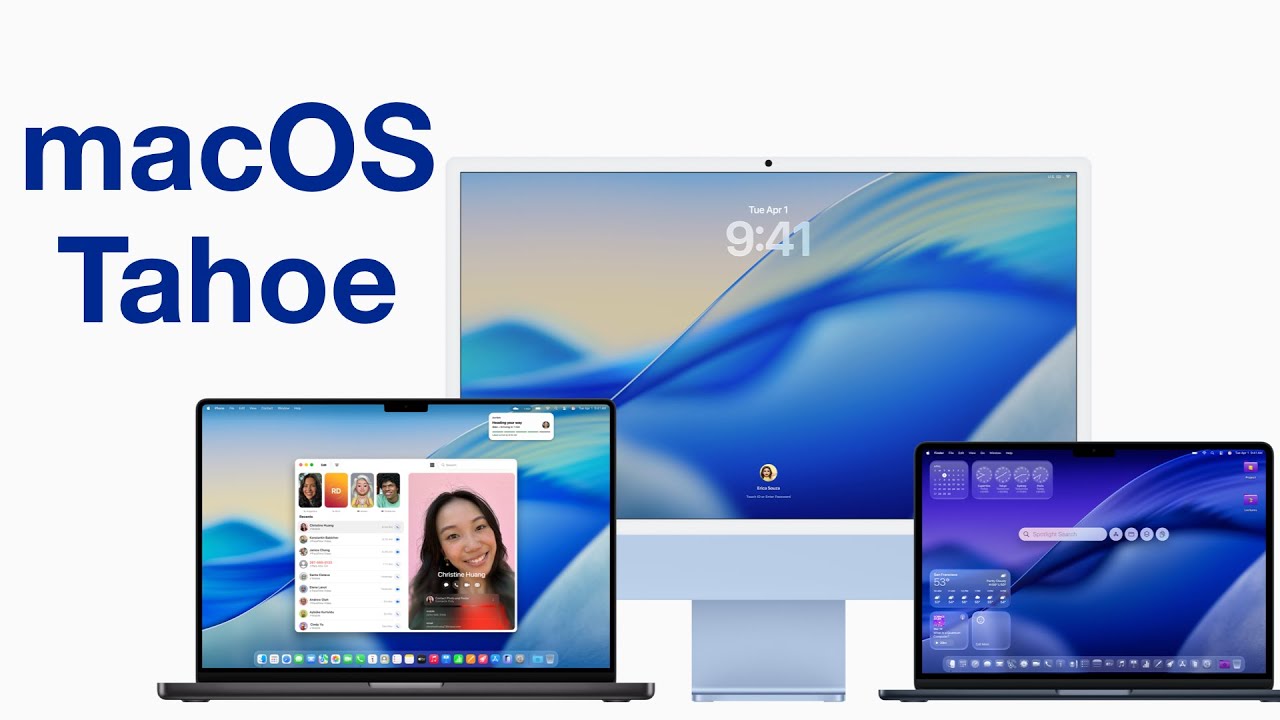
Unlike macOS Tahoe, iPadOS 26 still feels a bit buggy—especially the search bar, which just refuses to behave. I’ll probably regret installing this beta because I don’t have a backup.
WWDC25 introduced us to this year’s round of OS updates—their biggest change being how everything looks. As soon as I could, I signed up my Mac, iPhone, and iPad (in that order) for the developer betas. That’s how we’re going to cover them—starting with macOS Tahoe in this video.
When Apple said Genmoji would come by the end of the year, they weren’t kidding. But it’s here now. We might as well embrace it.
I updated to iPadOS 18.1 for the Developer Beta. The Public Beta of iPadOS 18 is also available now; not sure how long it’s been around. Are any of you guys trying it out?
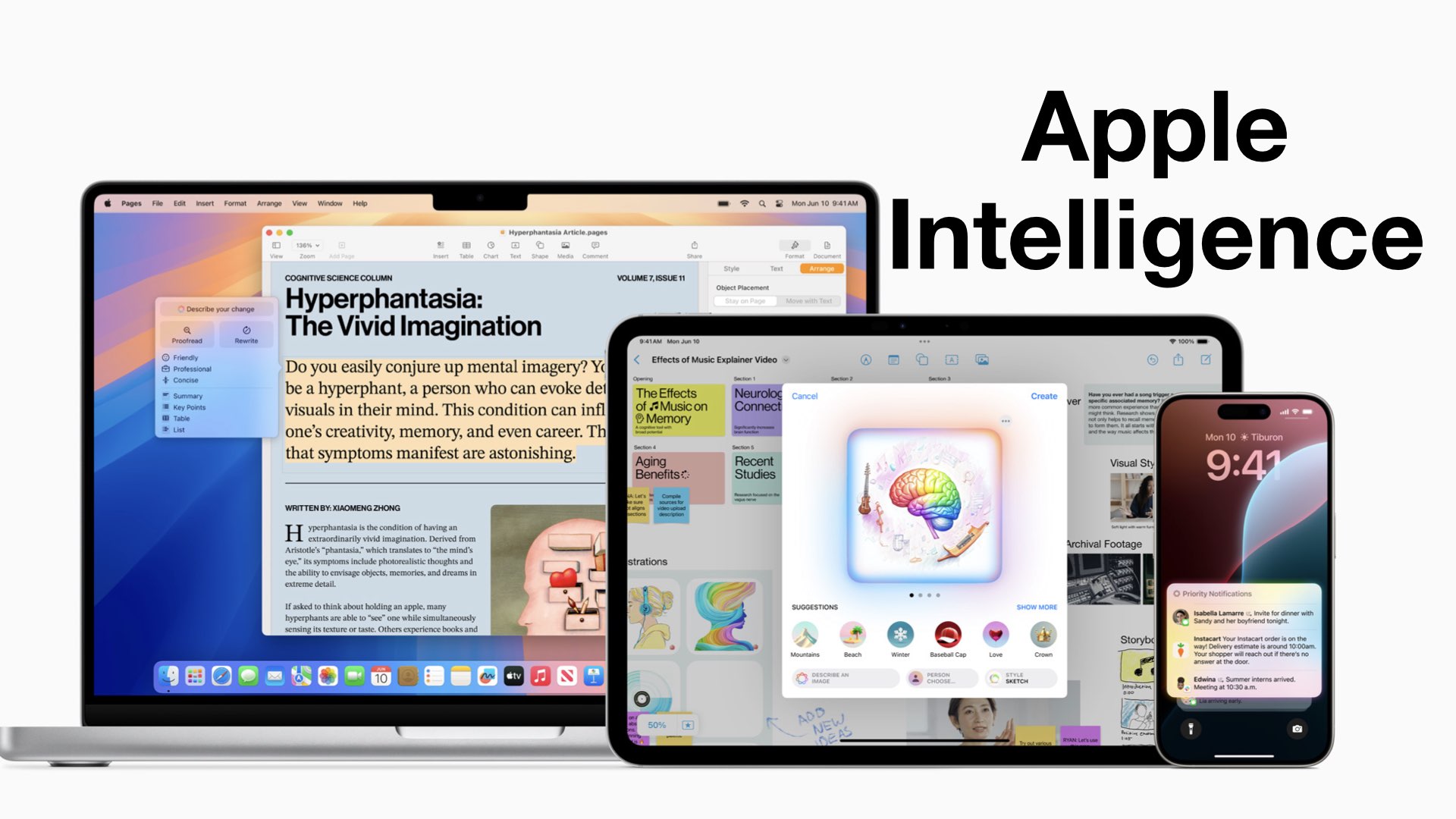
Apple Intelligence was the biggest announcement, which felt mostly like repetition with few additions to what Apple had already presented.