
Marginnote 4: what is exciting?
A few features are missing in MarginNote 4, which we had in MarginNote 3. We could collaborate before, but now we can’t.
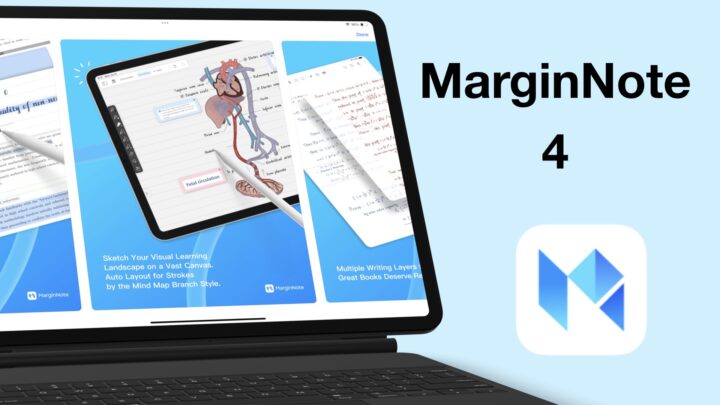
A few features are missing in MarginNote 4, which we had in MarginNote 3. We could collaborate before, but now we can’t.
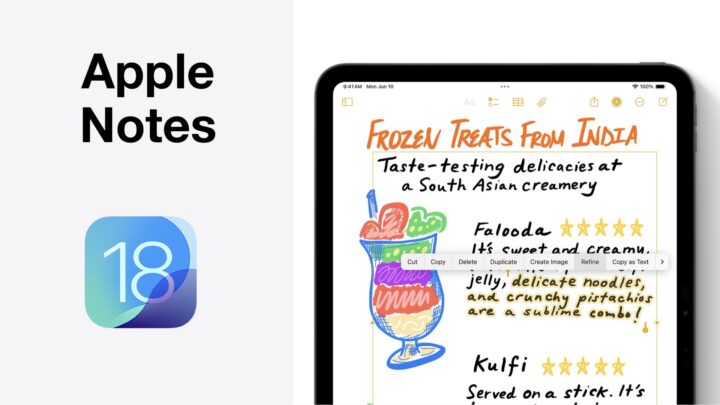
These updates are the most interesting we have received for Apple Notes in what feels like years now.
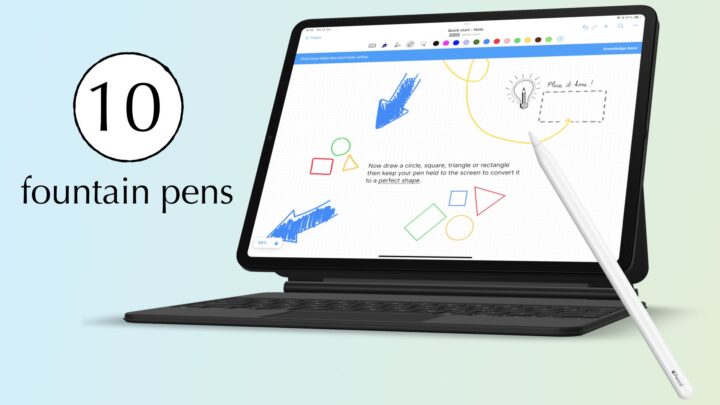
We’ve reviewed many handwriting note-taking apps but still get many questions about individual features.

Apple Intelligence was the biggest announcement, which felt mostly like repetition with few additions to what Apple had already presented.

Every product Apple creates is always the something-est device they have ever made.

We love and hate QuillBot. We love how the web app is almost perfect and works so seamlessly.
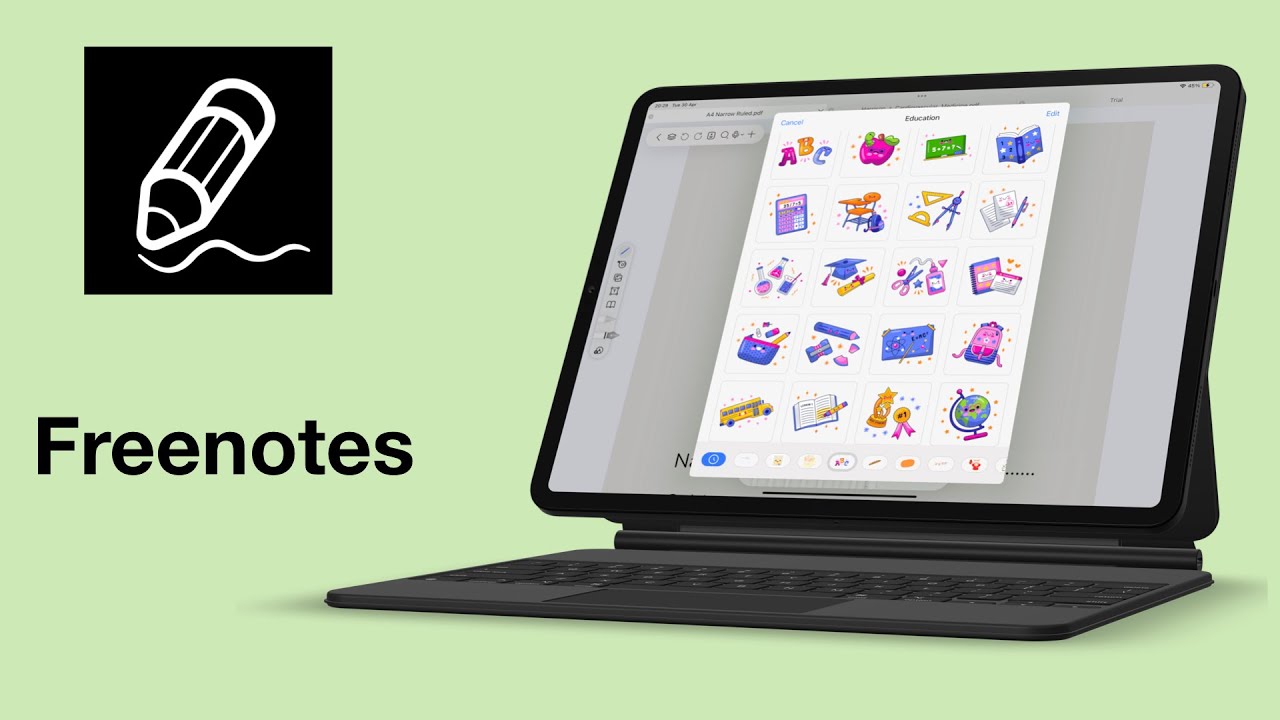
Freenotes is pieced together from different note-taking apps, and it’s very easy to see. You can see Noteful, Notability, Goodnotes, and Apple Notes.

The goal is keep trying and to improve yourself to become unfazed by all kinds of distractions.
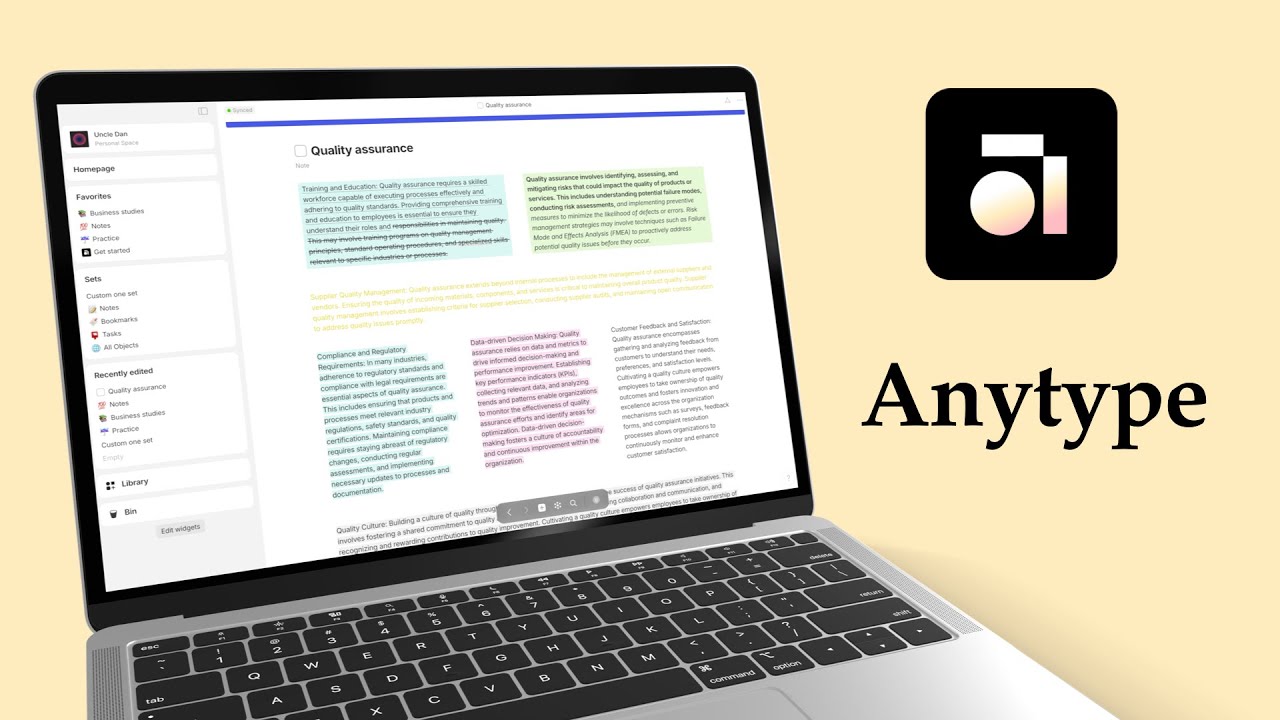
So, when they say offline first, they really just mean you can access your Anytype notes offline. That’s to be expected, no?
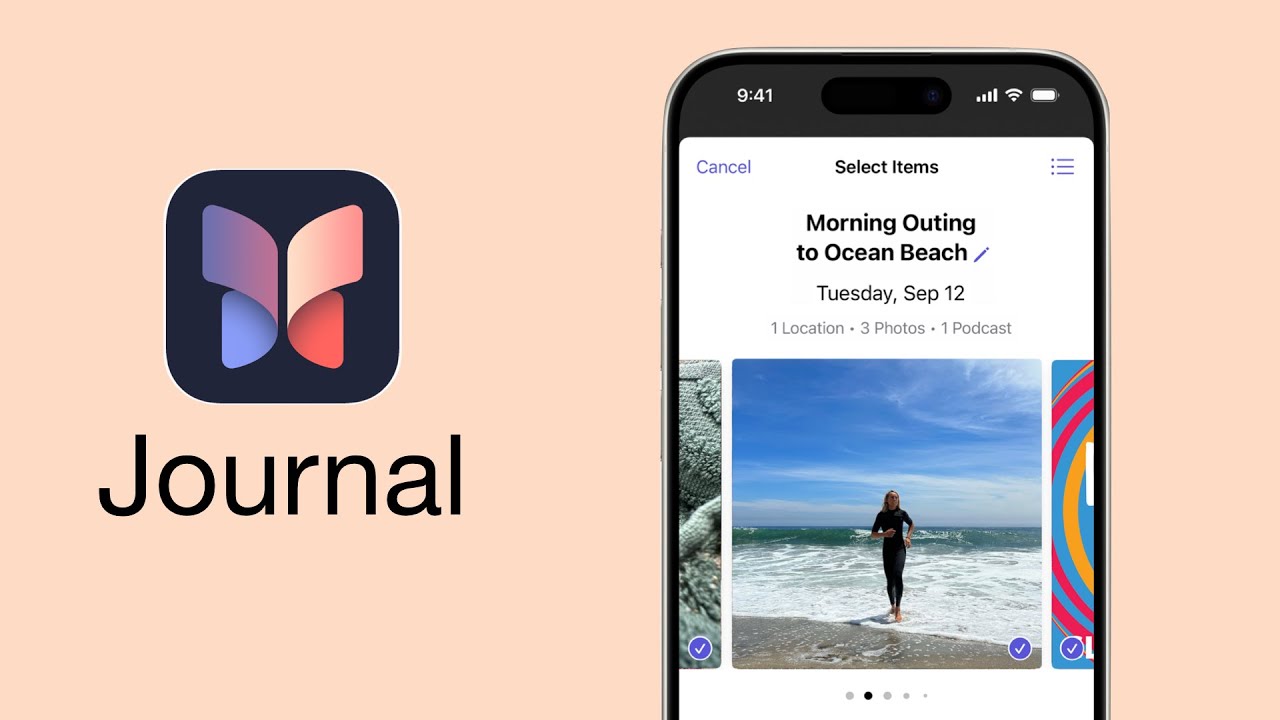
Apple Journal is simple, but it still needs a bit of work as its missing some essentials to make the app more functional.