
Avoid these handwriting apps on the iPad (2025)
The App Store doesn’t always do a great job of pointing us to the right apps. There are apps that are still ranking high that are simply traps on your digital transformation journey.
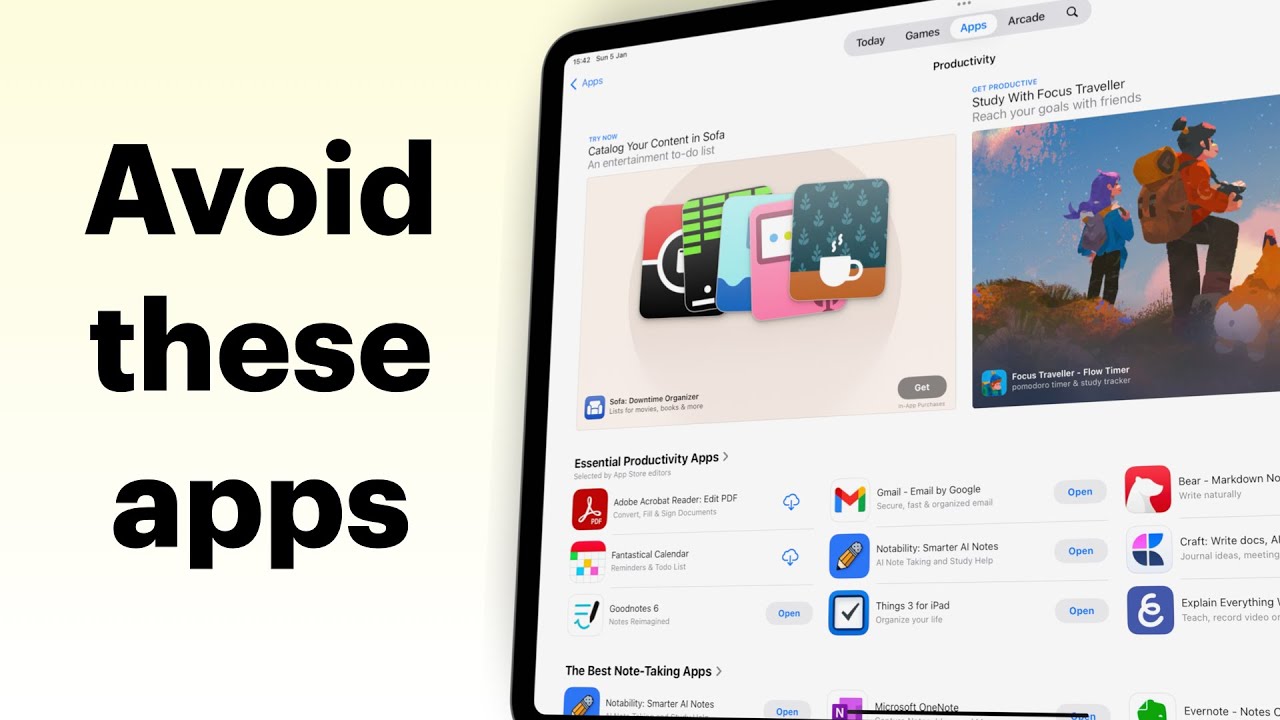
The App Store doesn’t always do a great job of pointing us to the right apps. There are apps that are still ranking high that are simply traps on your digital transformation journey.
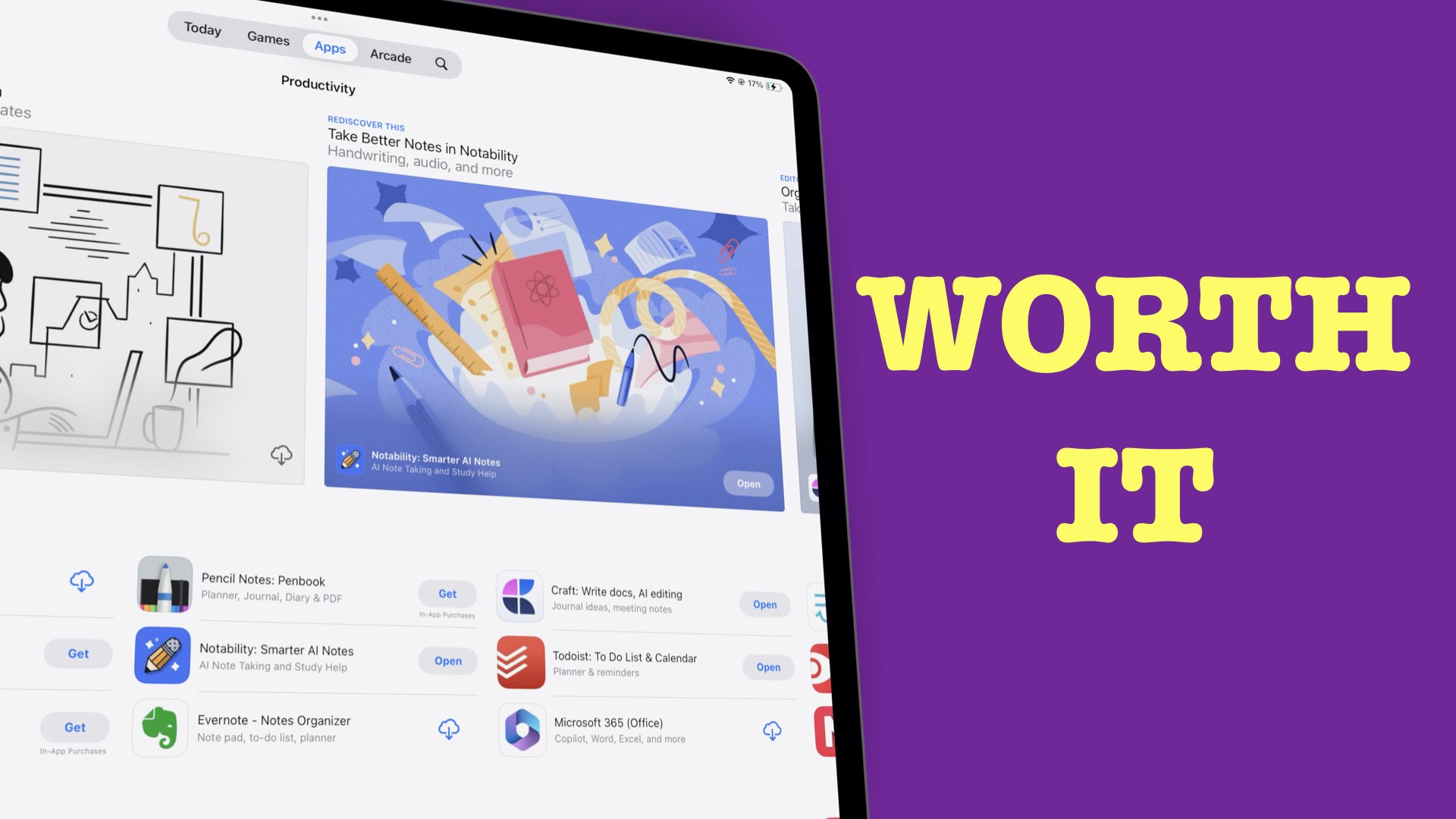
The best deal for our digital note-taking community is probably a one-time purchase setup. No matter how we feel about pricing, market forces then have the final say on how much a new product costs.
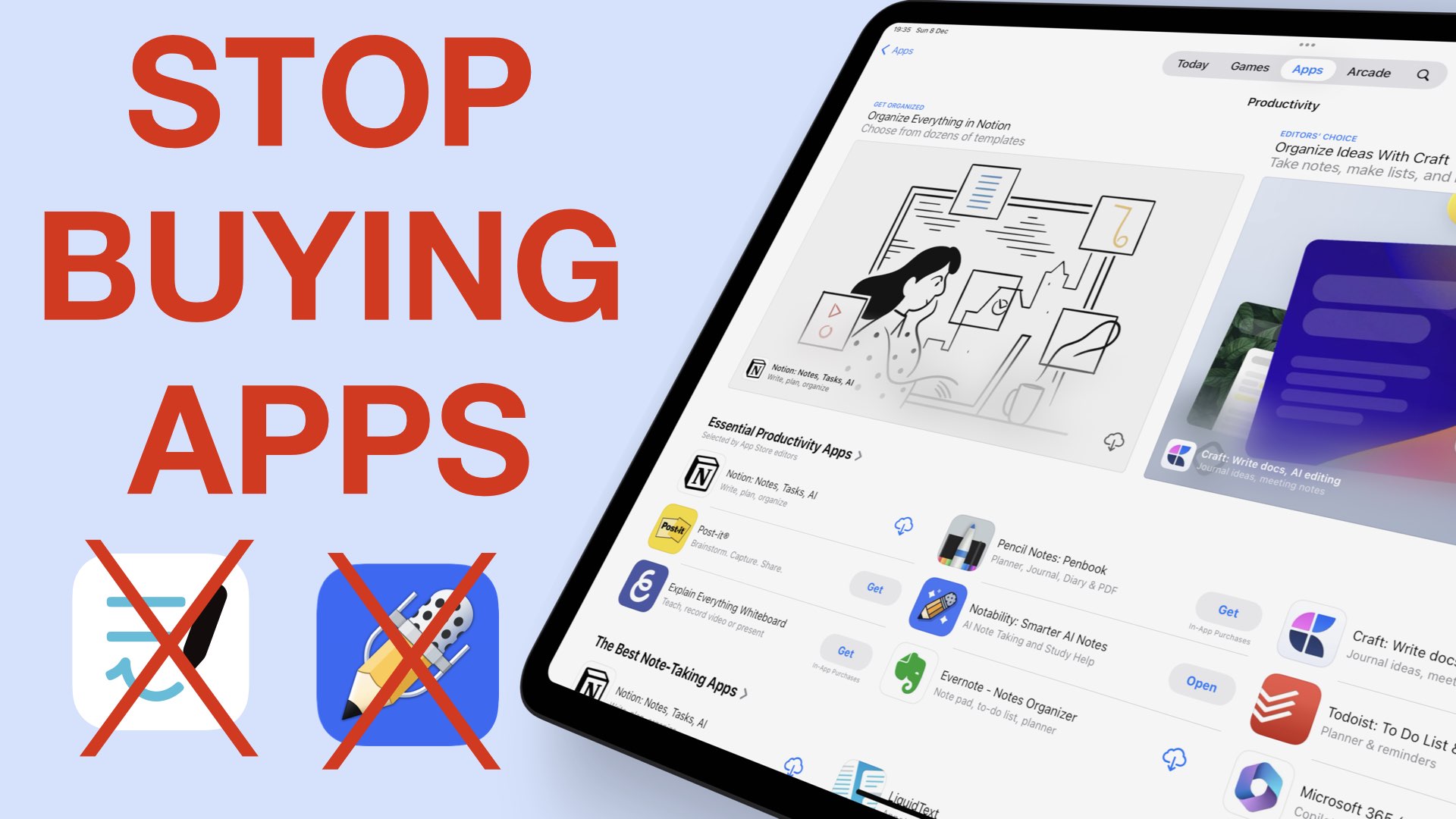
Gone are the days when price meant quality for the iPad notes. It could be a combination of a lot of things, but our money is on prices and bugs.
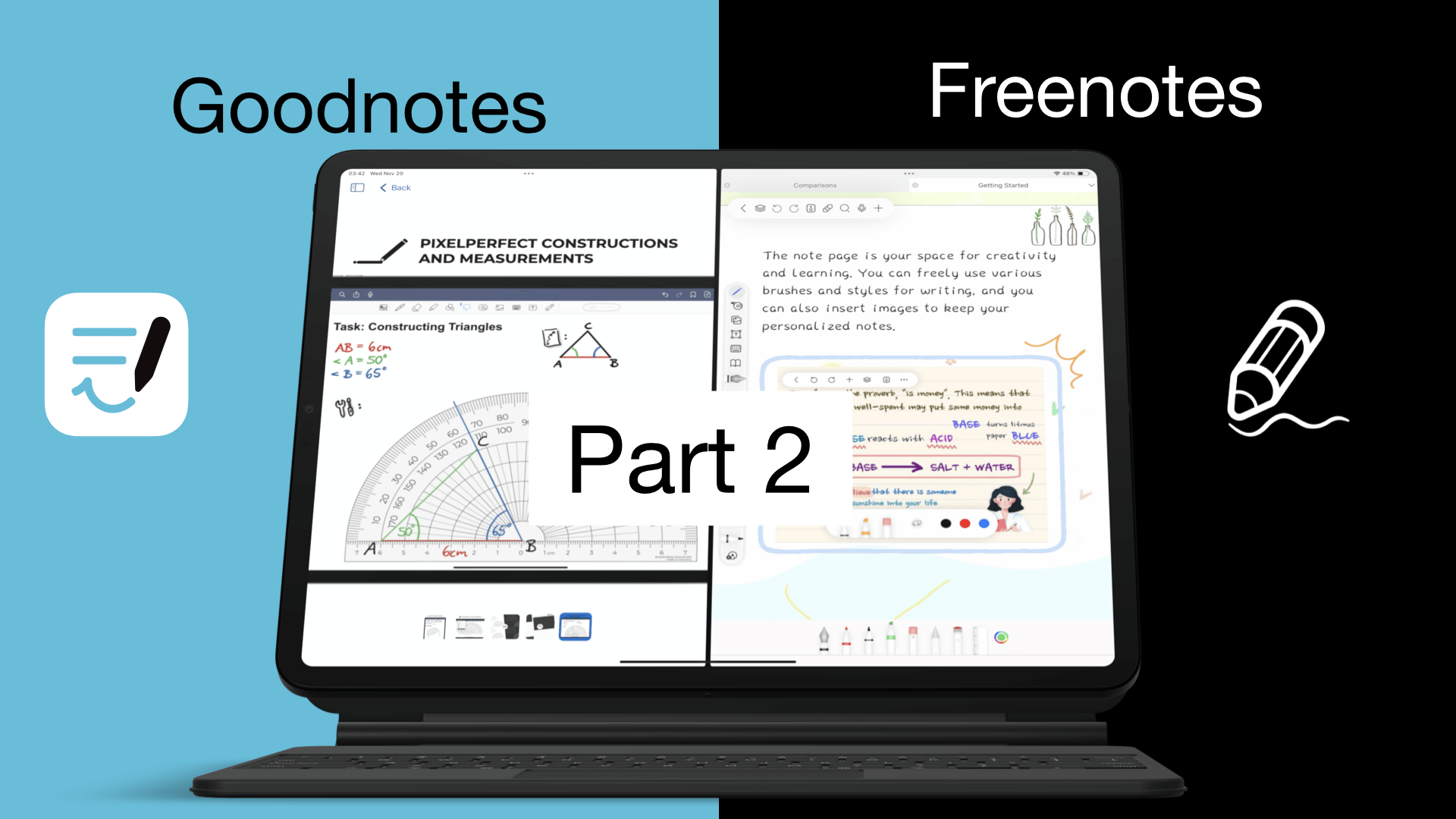
So, we’ve covered the basics of Goodnotes and Freenotes. Now we want to see all the different items you can add to your notes in the two apps, and just how easy or difficult it is to do that.
This is the fourth and final part of our Craft review. We covered the basics in the first part of this review, items we can add in the second one, and the third helped us get organised in the app.
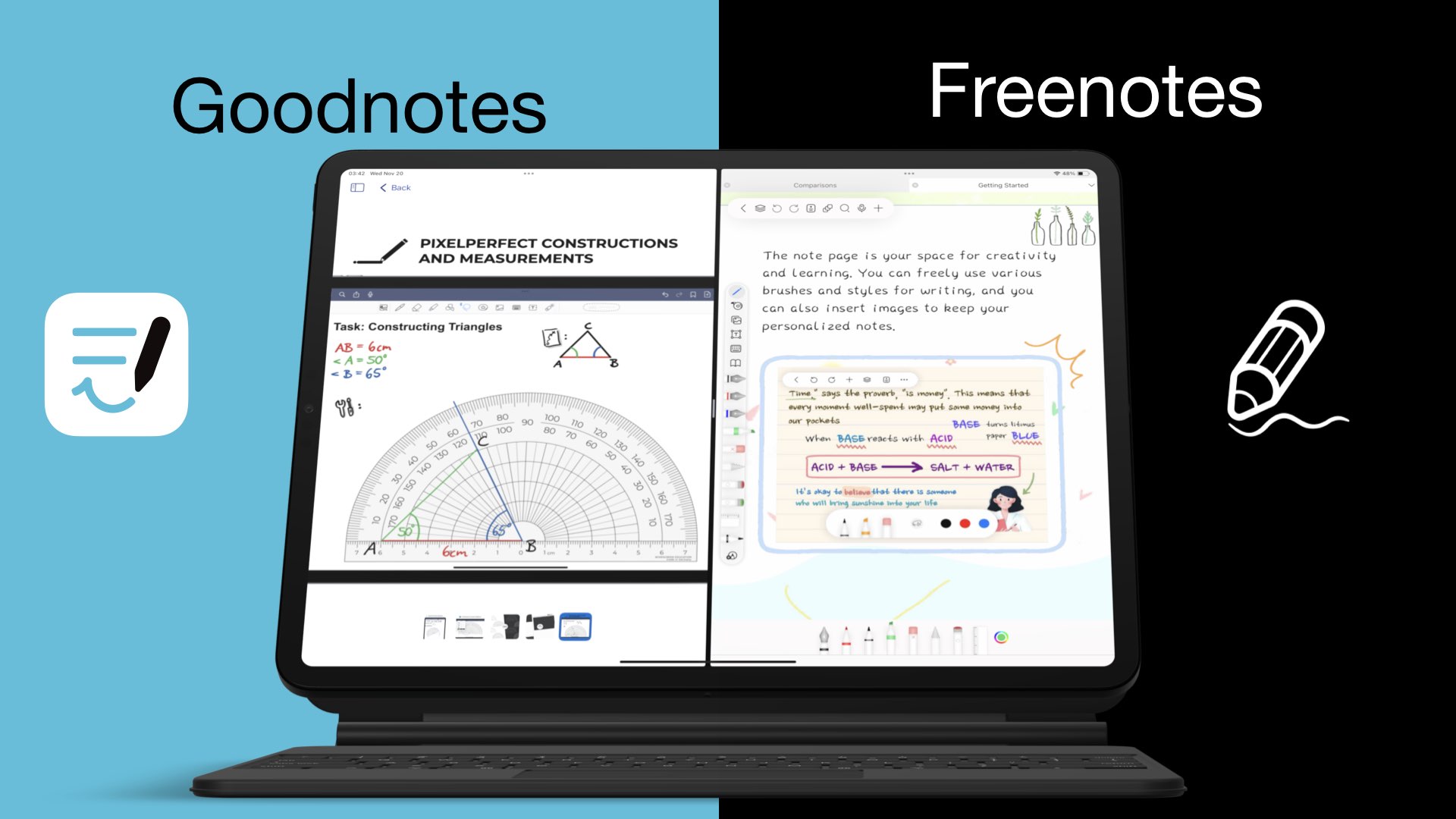
Freenotes is a great app, so naturally, we must compare it to Goodnotes – the most popular and the second most expensive handwriting note-taking app for the iPad.
The best part of using Craft, or similar apps, is how they organise your notes, bringing all your thoughts and ideas together. You get more out of your notes when you take advantage of all the organisational tools you have in the app.
The first part of our review ended on a low note, but we are hoping to get our smiles back as we go through all the different items you can add to your notes to make them more fun in Craft.
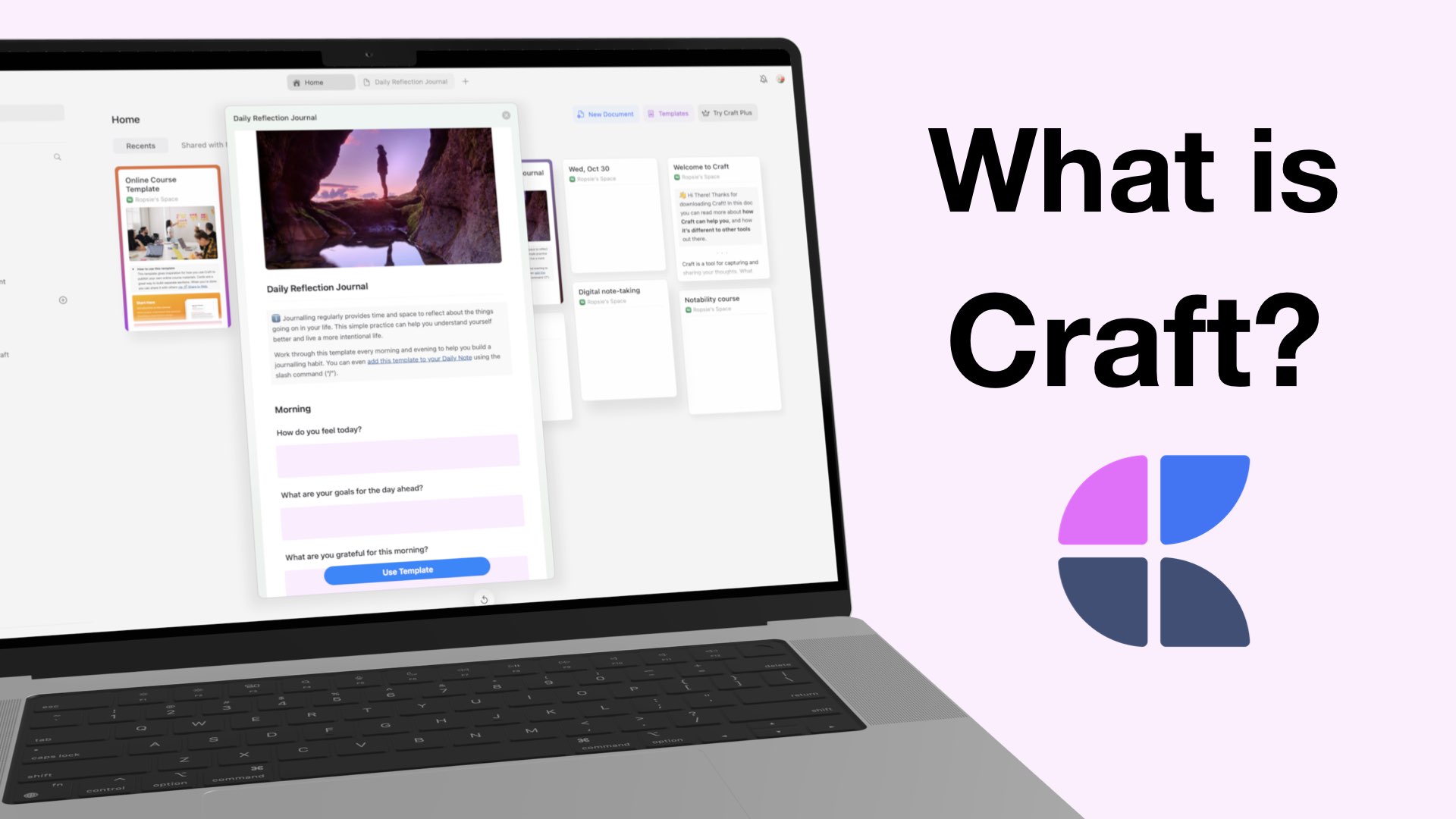
Craft is a text-based note-taking app that lets you create, style, organise, and share your notes with others.

Part two of this review was a little disappointing. Adding and interacting with items in Notes Plus X wasn’t as fun as just taking notes in the app. This