
Should you use Goodnotes in iPadOS 26?
We’ve talked about the basics of Goodnotes 6… the AI features, and even items you can add to your handwritten notes. But here’s the big question: is it right for you?

We’ve talked about the basics of Goodnotes 6… the AI features, and even items you can add to your handwritten notes. But here’s the big question: is it right for you?

We all know Goodnotes 6 is brilliant for handwriting—that’s probably why most of us downloaded it in the first place. But there’s so much more packed into the app.
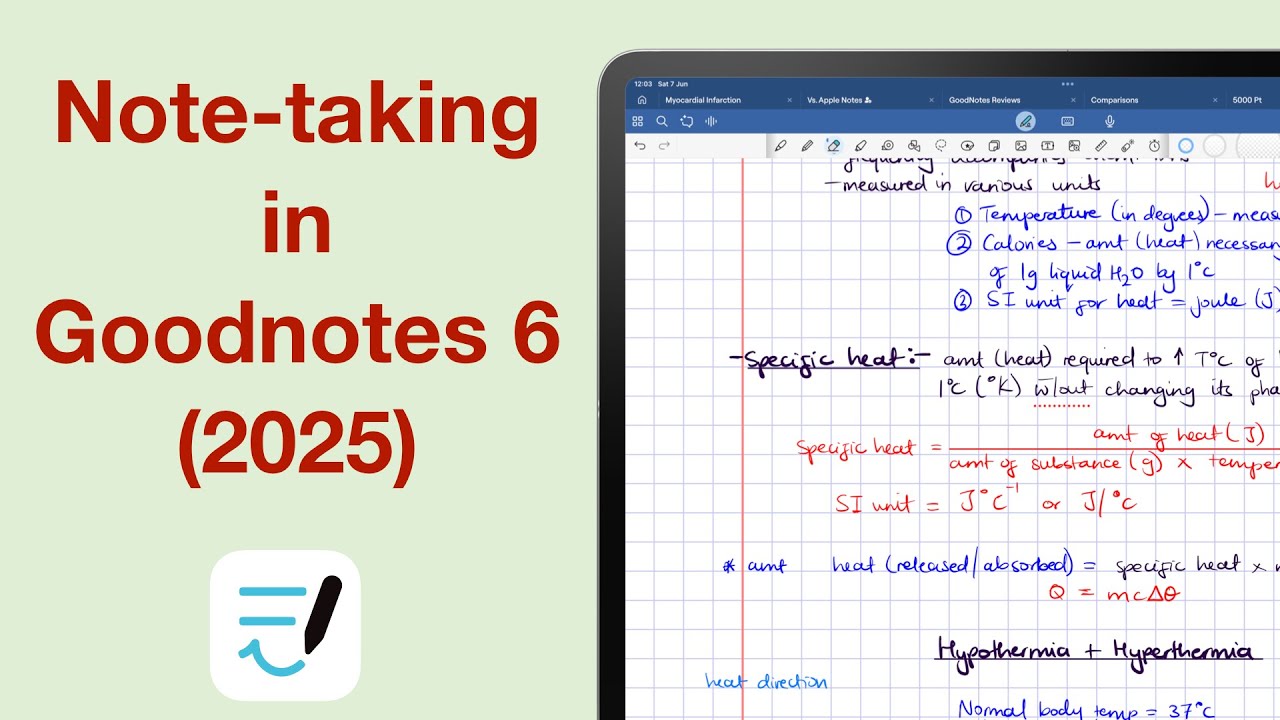
In 2025, there are more handwriting note-taking apps than ever—but Goodnotes still gets most of the attention. Our database is still a work in progress, but from the apps we’ve fully analysed so far, Goodnotes stands out as one of the most complete.
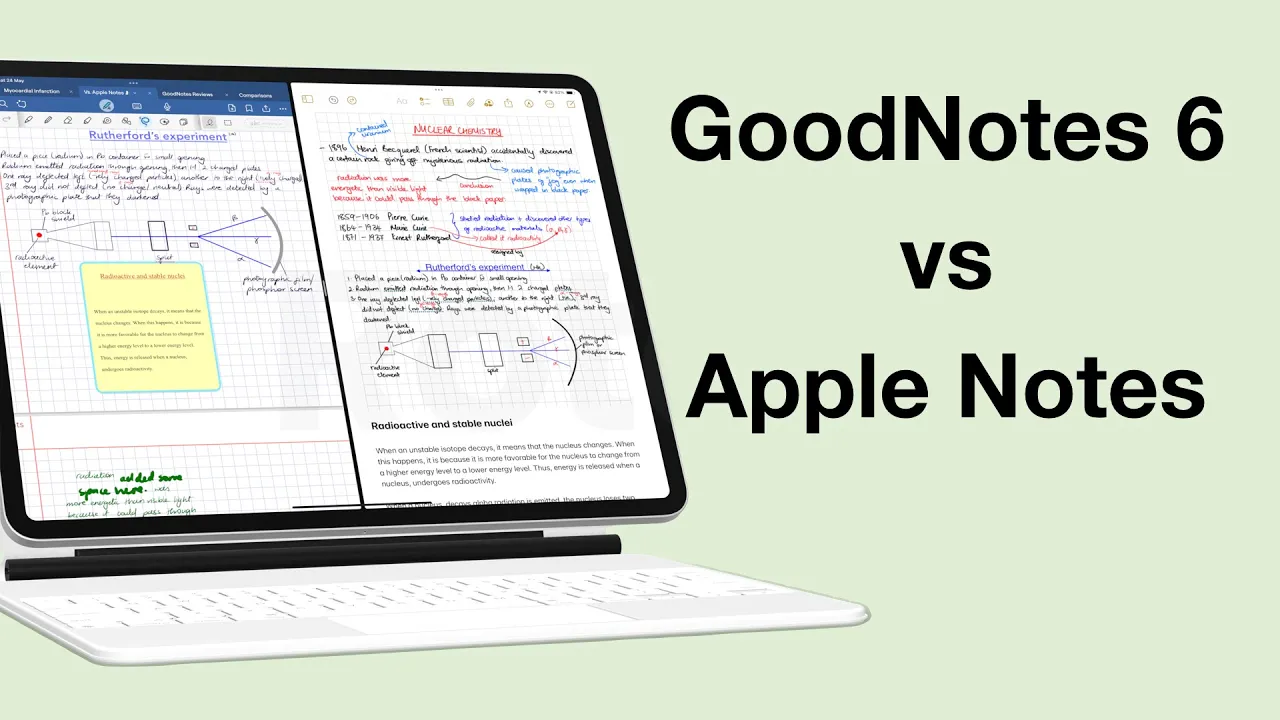
On paper, Goodnotes obviously has more features. But does that actually make it a better app than Apple Notes in 2025? Have all the updates to Apple Notes culminated into something worth leaving paid apps for?
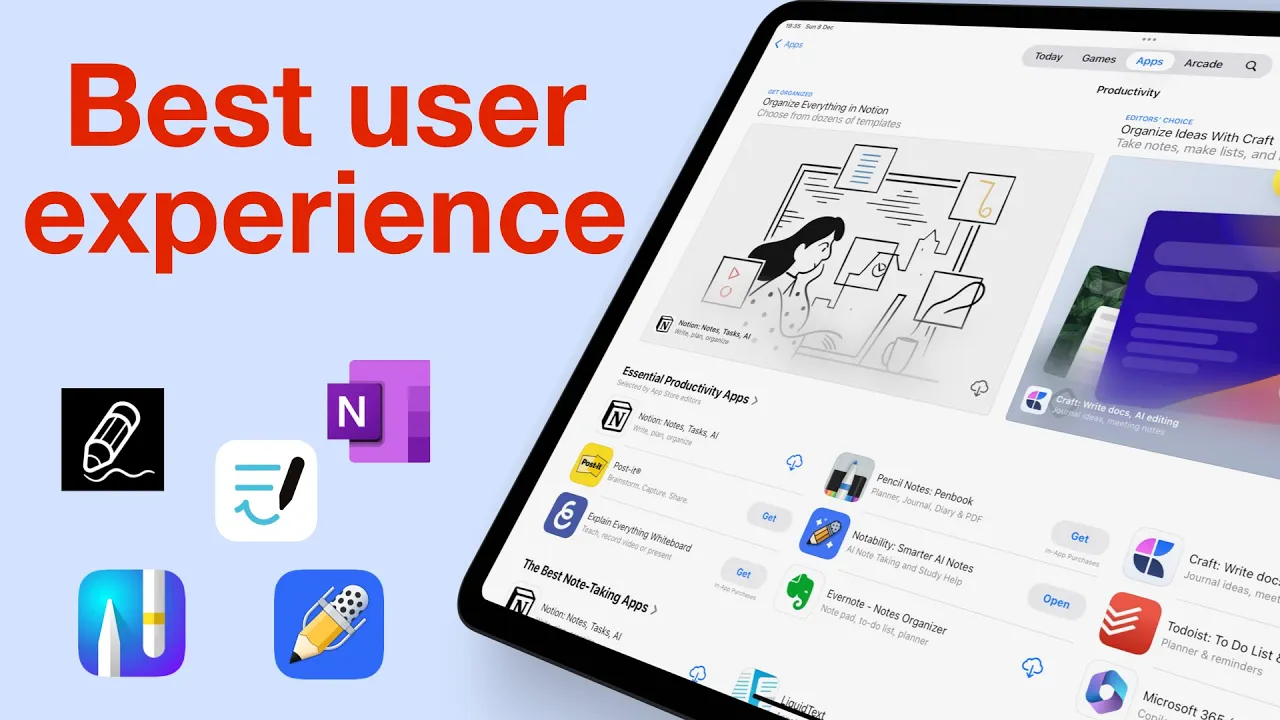
For a good user experience, you need more than just how an app looks. Sure a modern-looking app is great, but more important than that is how intuitive it is.

Prodrafts or Apple Notes? It really comes down to what matters to you most. Even though Prodrafts might be the better app with more features, it doesn’t necessarily mean it’s the right app for you.
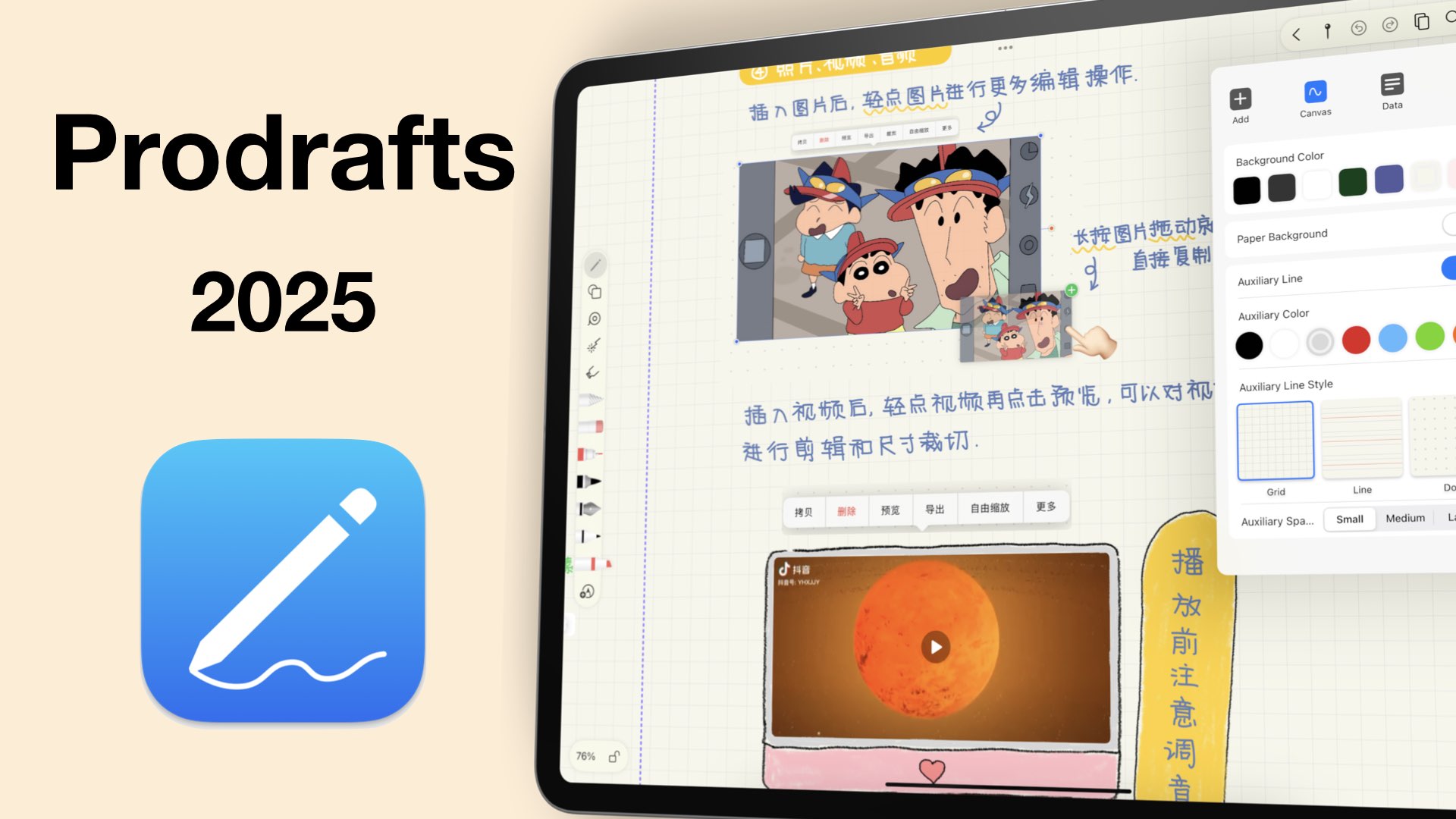
Prodrafts has a lot of unique features that make it perfect for advanced note-taking. With great shapes, support for GIFs, and a good tape feature, should you be using be using Prodrafts in 2025?
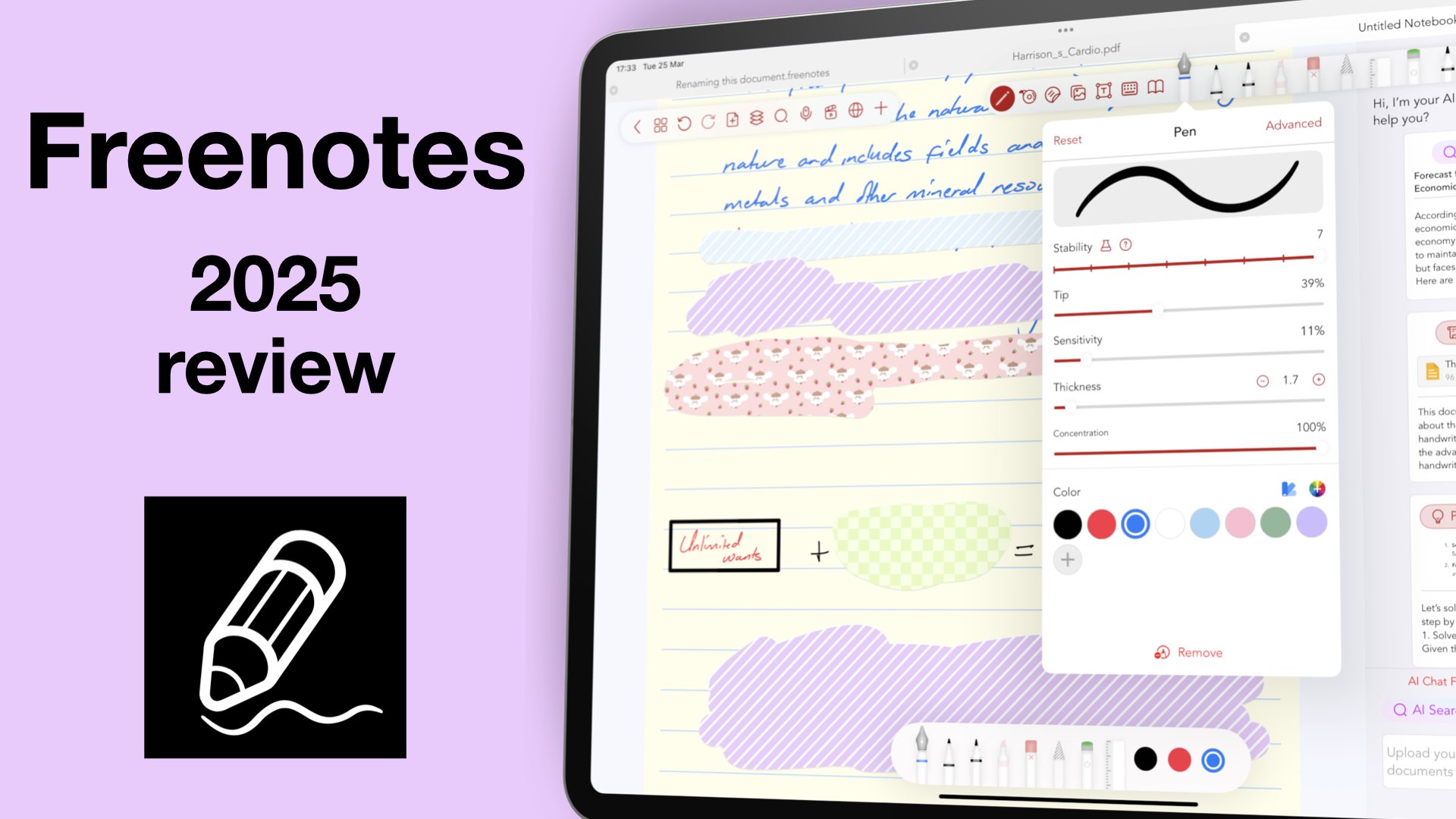
Freenotes, initially came as a free app and grabbed a sizeable chunk of the market.
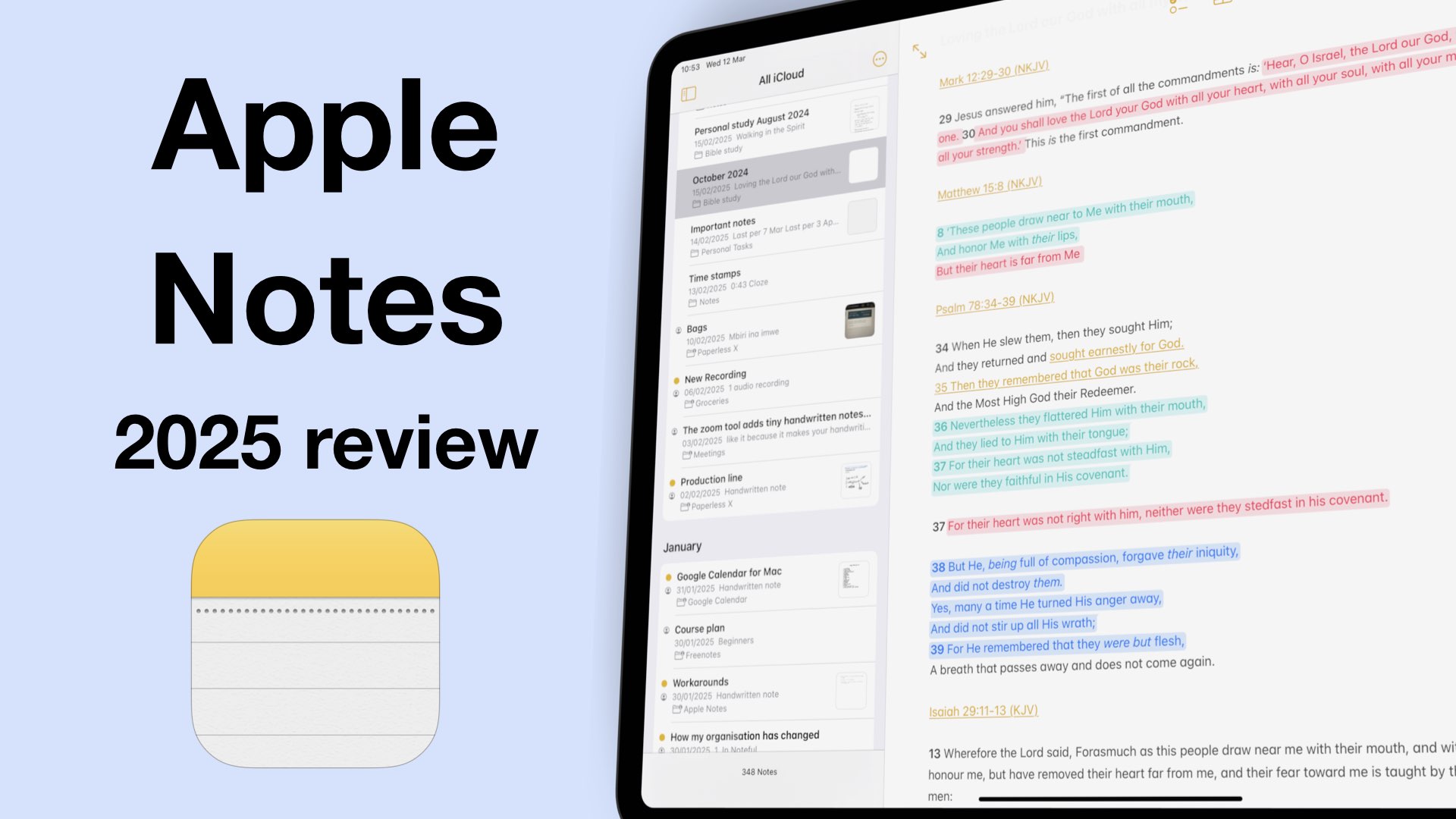
iPadOS 18 was a great update for Apple Notes because we got a lot of useful features for digital note-taking. So, what does that mean for note takers in 2025?

More and more handwriting apps are starting to expand beyond the Apple ecosystem in search of new markets. That is good news for those of us who have always wanted cross-platform support because we use several operating systems.