
Is Notes Plus X Worth It (2024)? Review Pt. 3
Part two of this review was a little disappointing. Adding and interacting with items in Notes Plus X wasn’t as fun as just taking notes in the app. This

Part two of this review was a little disappointing. Adding and interacting with items in Notes Plus X wasn’t as fun as just taking notes in the app. This

The first part of this series reunited us with a long-lost gem for the digital note-taking community. In this second part, we’ll explore all the items you can add in Notes Plus X.

Notes Plus is as old as Notability, and several years ago it had a lot of amazing features that made Notability and Goodnotes look like jokes.

This has to be the deciding video, right? I mean, if the third and final part doesn’t do it… I don’t know what will. From part two, some of you have already decided which app you would go for, and that’s great.
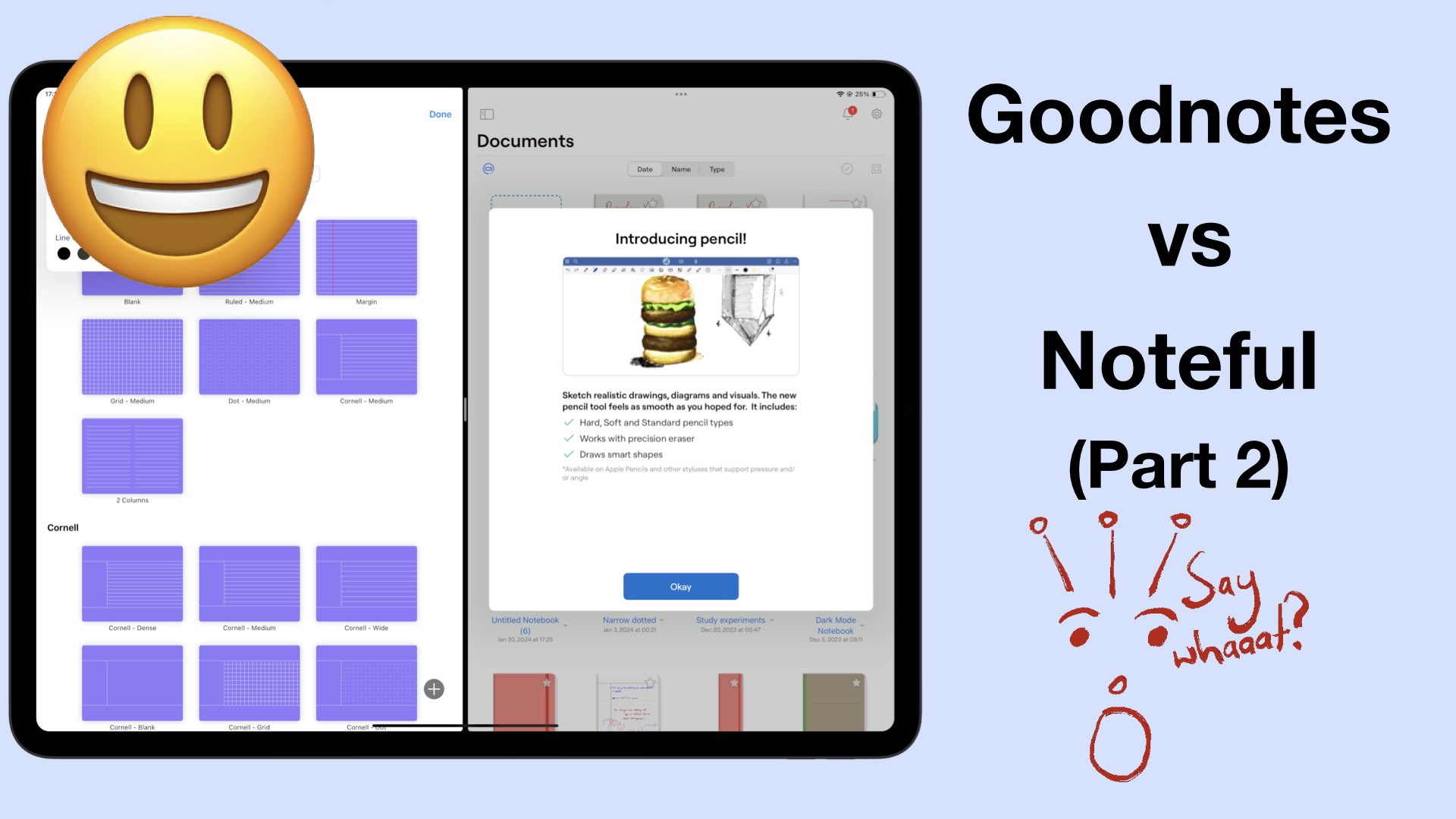
The first part of this comparison covered the basics of Goodnotes and Noteful. In this part two, we’re going to look at all the items you can add in both apps to see which app gives you the most options.
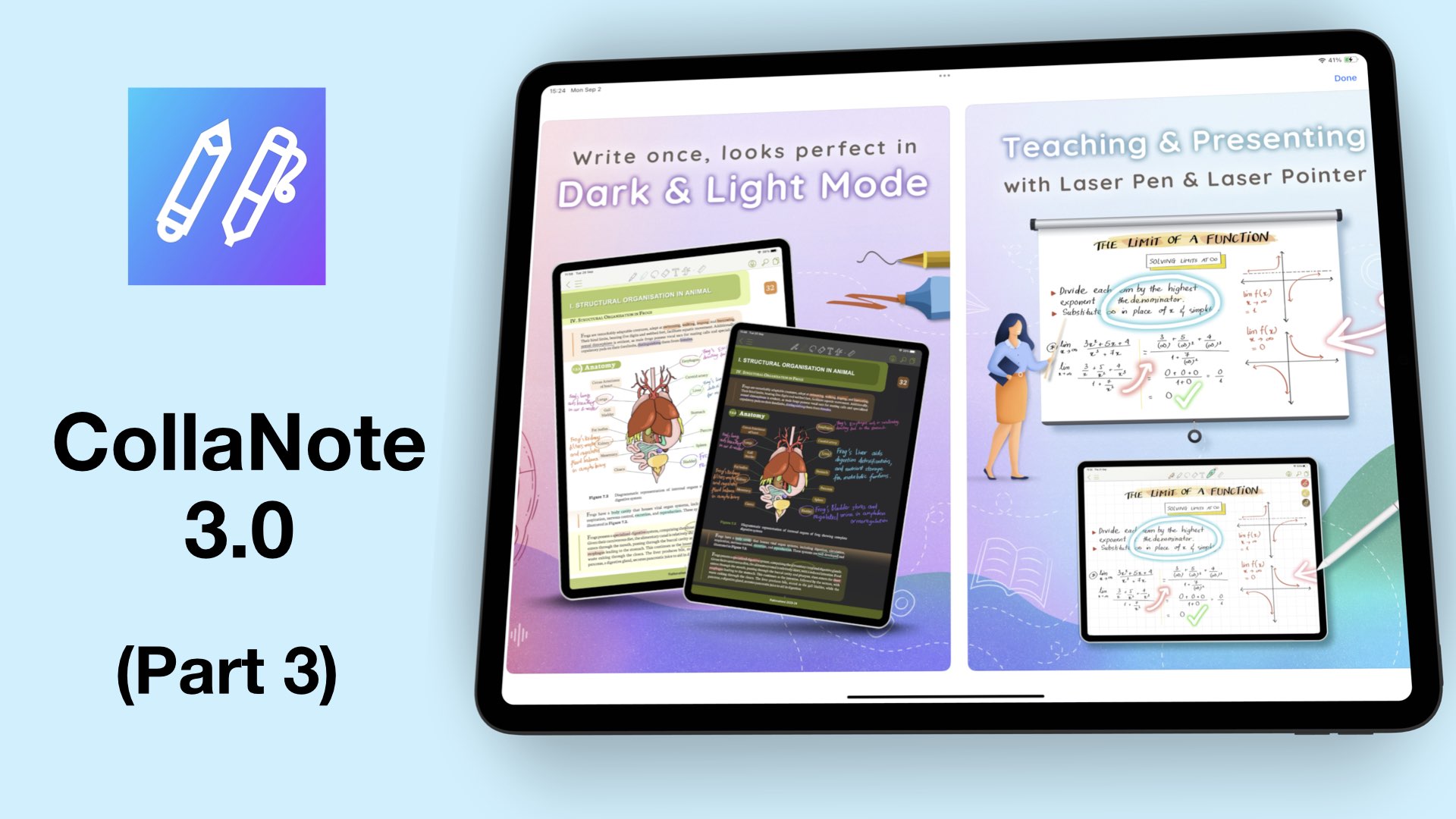
Welcome to the third and final part of this CollaNote review for 2024: should you use this app? Or should you not?
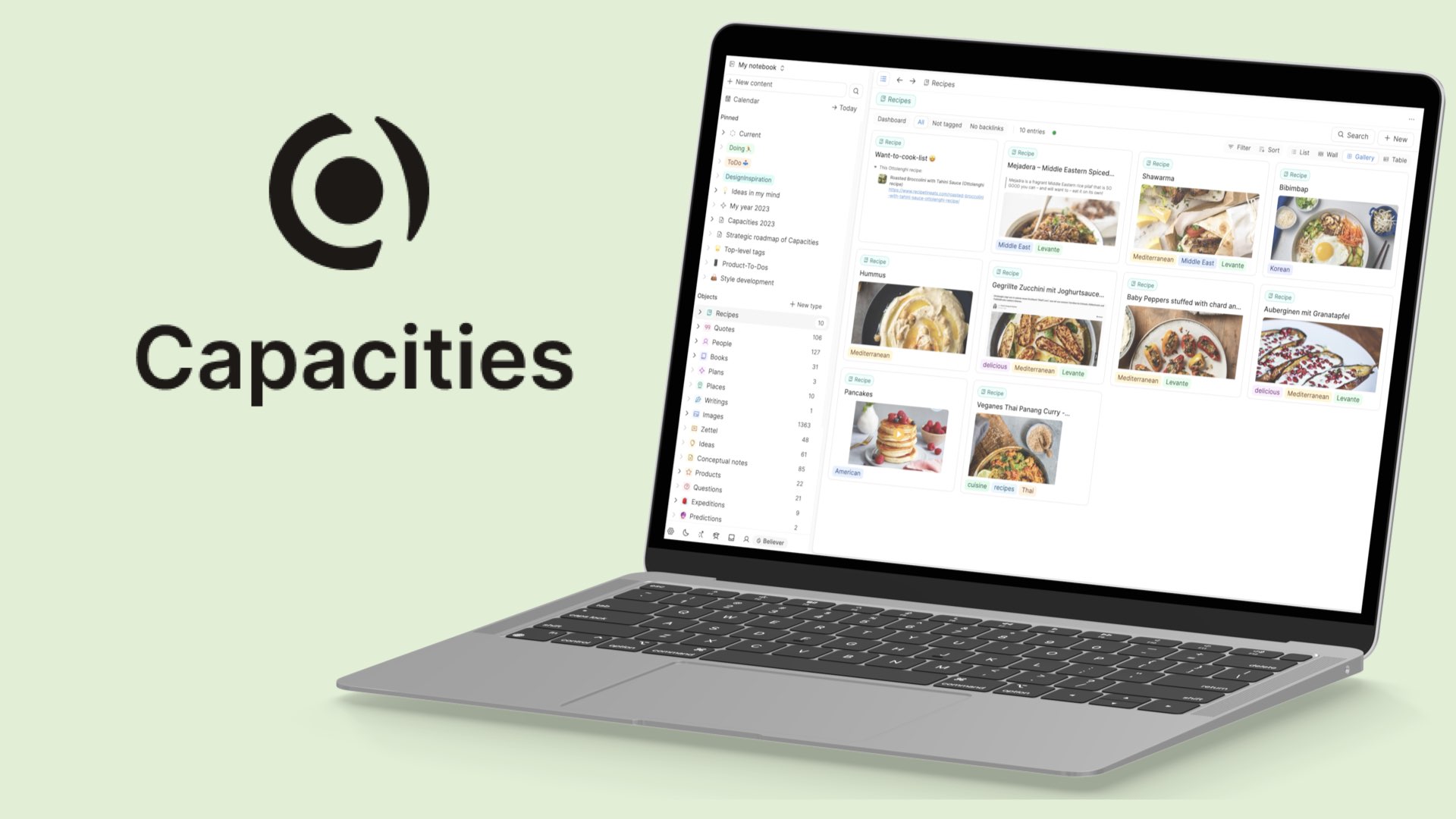
I’m always on the lookout for a new note-taking app, and recently Capacities caught my attention. It looks like Anytype and Notion.
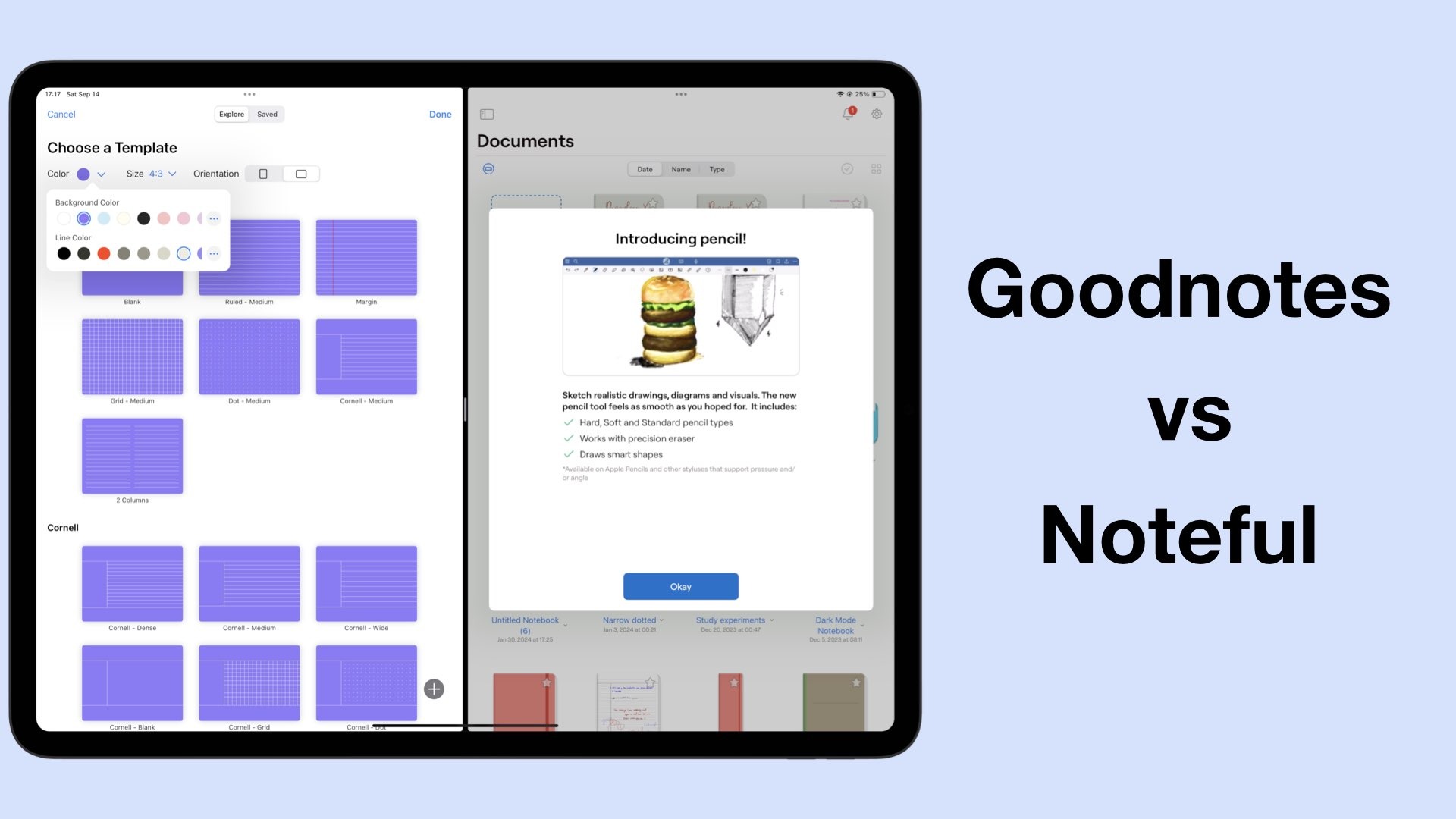
A lot of you guys have been wondering if I still recommend Noteful as a Goodnotes replacement. I can’t answer that question unless we look at the apps side-by-side.
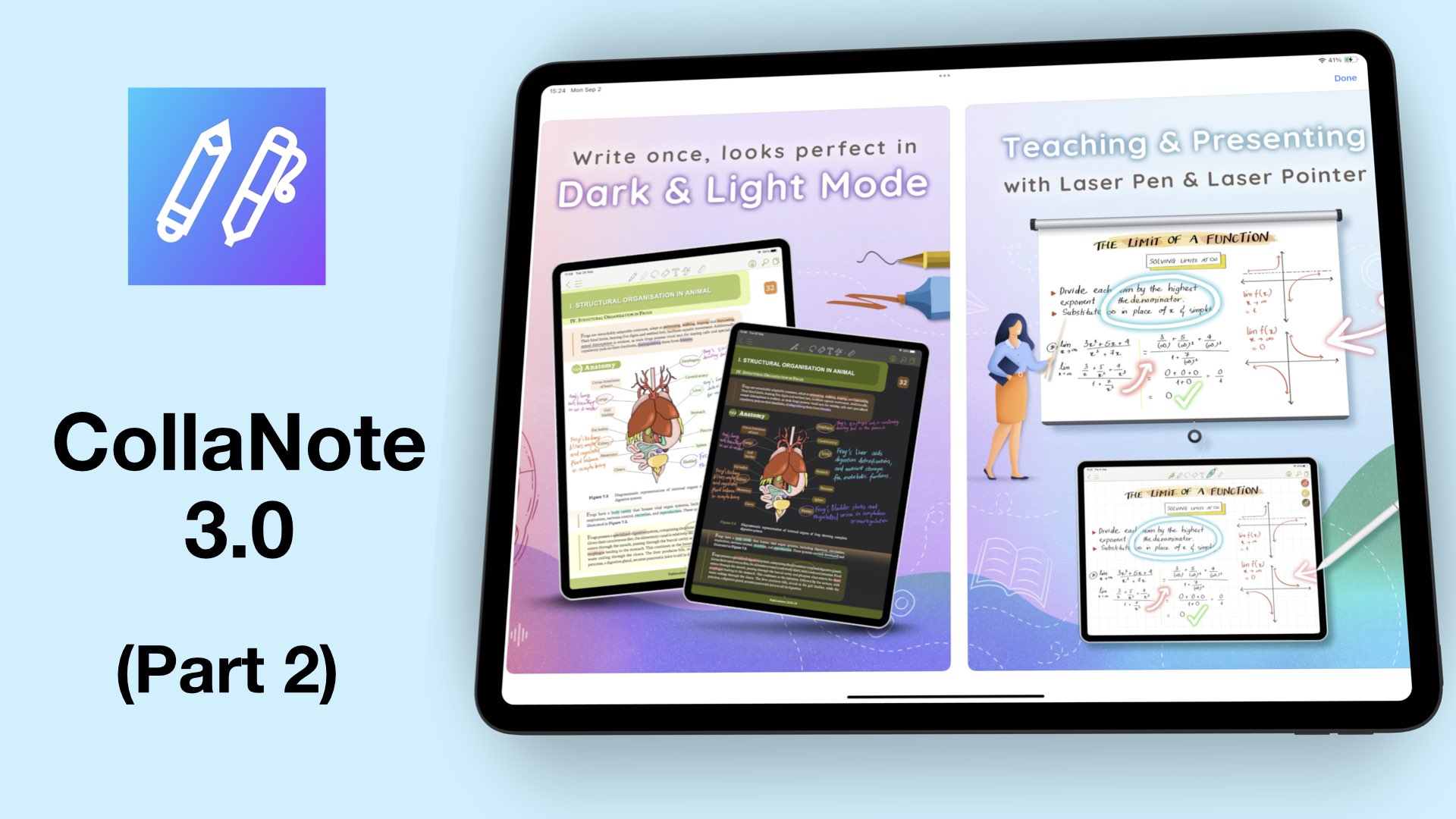
CollaNote has come a long way since its launch. I am happy to see that the app is more stable, and the developers have really worked hard to polish it.
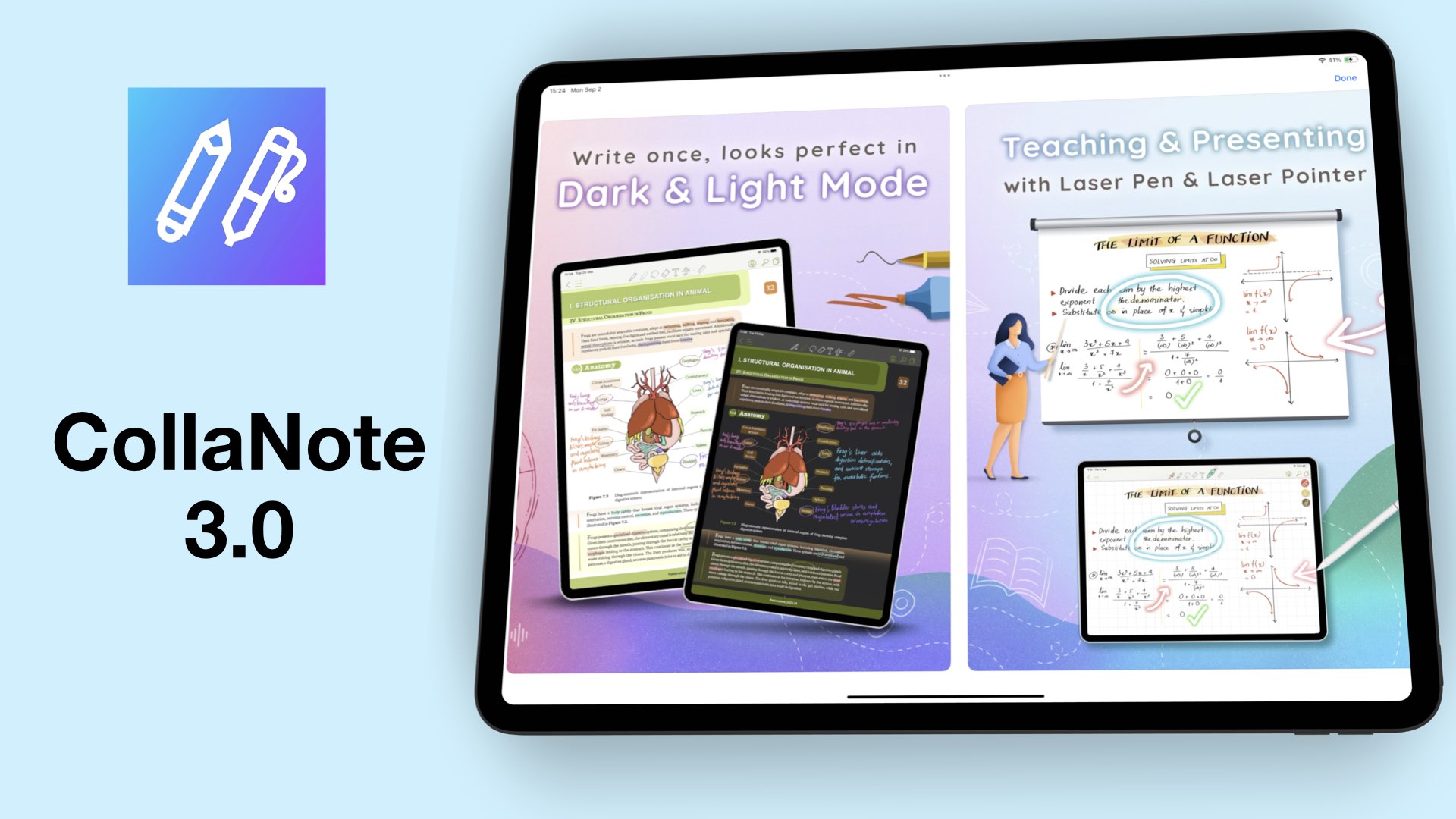
CollaNote just recently had a big update. We now have the third version of the app, CollaNote 3.0. In this video, we’re going to look at the new UI, what it’s like now to create new notebooks, as well as the writing tools in CollaNote 3.0.