
7 productivity hacks for paperless students
As a paperless student, you’re on your screen for a long time. I suggest syncing your phone and tablet screen time.

As a paperless student, you’re on your screen for a long time. I suggest syncing your phone and tablet screen time.

One specific app, one task Avoid multitasking in your apps. I use Notability Noteful


Though we’ve seen a lot of improvements in LiquidText, they haven’t been cheap. We also still hear a lot of crashing reports and failed syncing, which makes it very difficult for us to justify subscribing to the app if you’re an individual.
I use different study methods depending on the subject I am studying during my
Apple broke me heart on the 14th of September when they didn’t announce anything
I don’t follow a concrete organisational protocol. I just have principles that help me
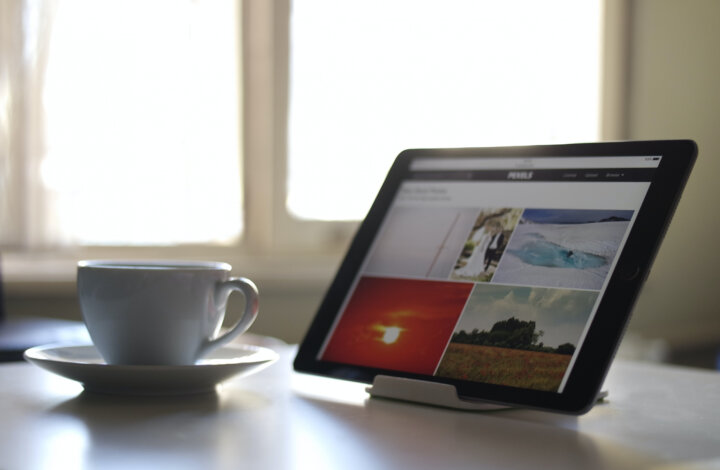
The iPad 2018 has poorer screen quality. It makes a noticeable noise when writing on it, which I found distracting at first.

During a typical study session, I have Safari opened on the left quarter of my iPad screen and LiquidText on the right. I like studying with Safari open to check spellings and definitions, look up images, etc.