
Apple Notes in iPadOS 16: what’s new?
In January 2022 (early this year), we made a wish list for Apple Notes

In January 2022 (early this year), we made a wish list for Apple Notes
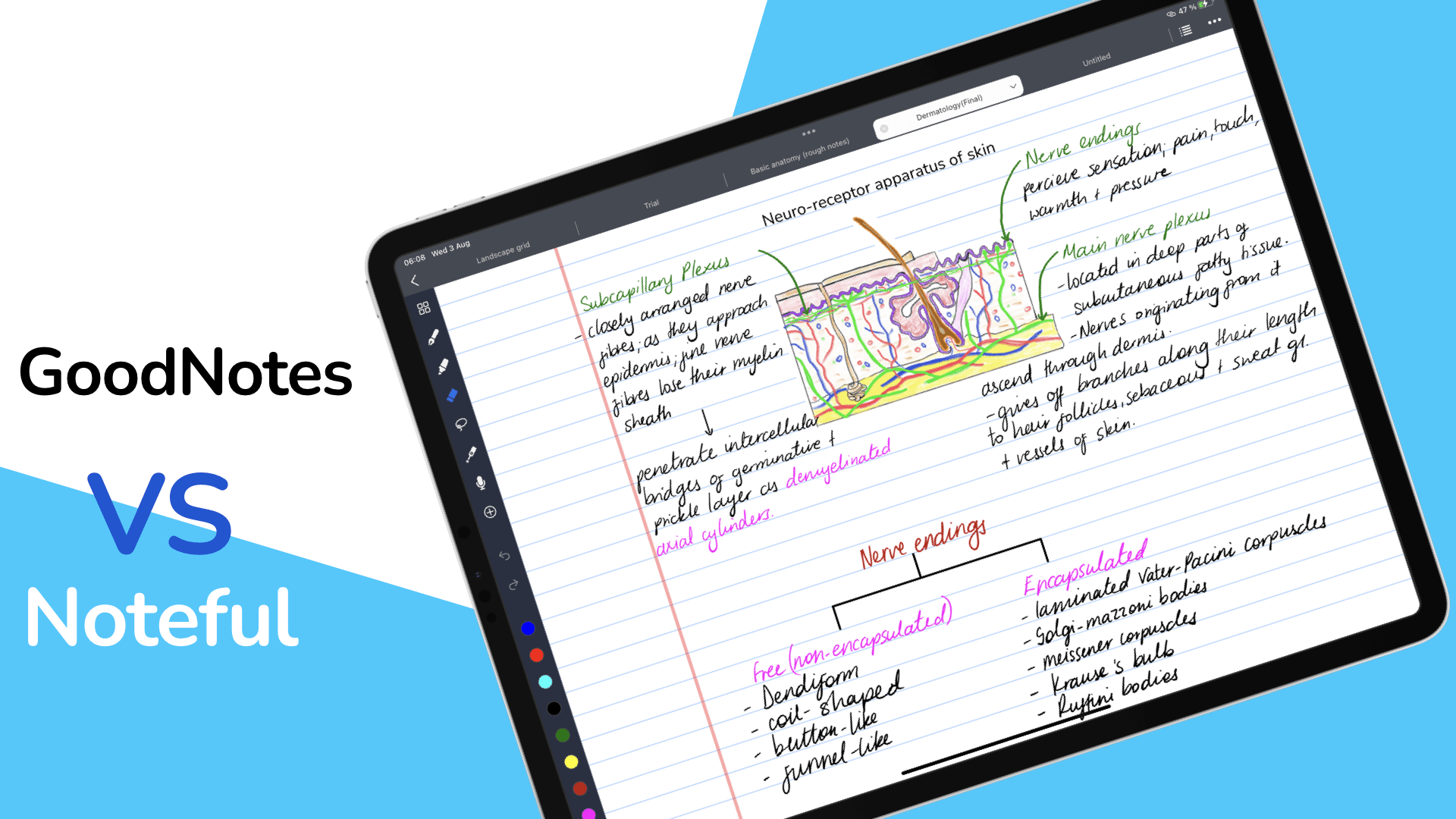
The main reason to consider Noteful over GoodNotes is the audio recording feature. You can record audio while handwriting your notes to sync the two.

We were impressed by the Max Lumi 2 and Note Air 2 from Onyx
Nebo New pens The most exciting update we have on this list is from

A few months ago, we unboxed the Galaxy Tab S8 Ultra, the first Android

On the iPad, you can work on your PDFs in either a note-taking app, PDF reader or PDF Editor. Each app category has unique capabilities that set it apart from the others.
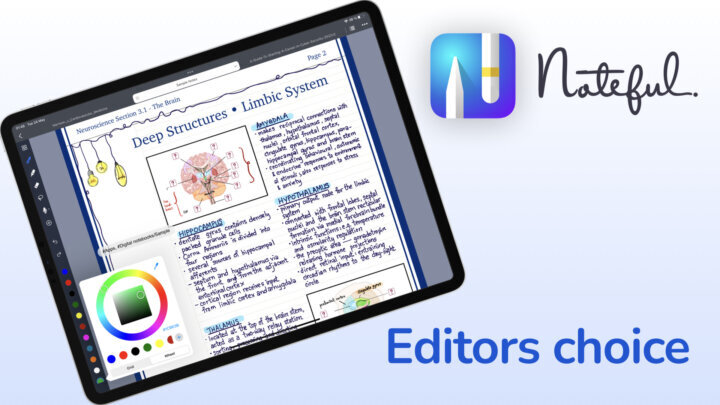
If handwriting is the main determining feature when deciding on a handwriting note-taking app, look no further. Thanks to its many setting options for the pen tool, Noteful had the best handwriting experience on the iPad in 2024.

When we designed an iPad-Windows workflow for Bicycleman’s PDF reading, most of you suggested
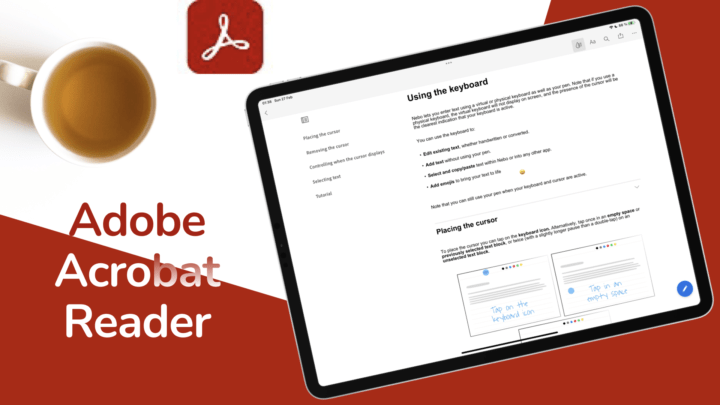
Adobe Acrobat Reader is a PDF-reader by Adobe Inc. On the iPad, it is available to download for free but has in-app purchases for pro features.
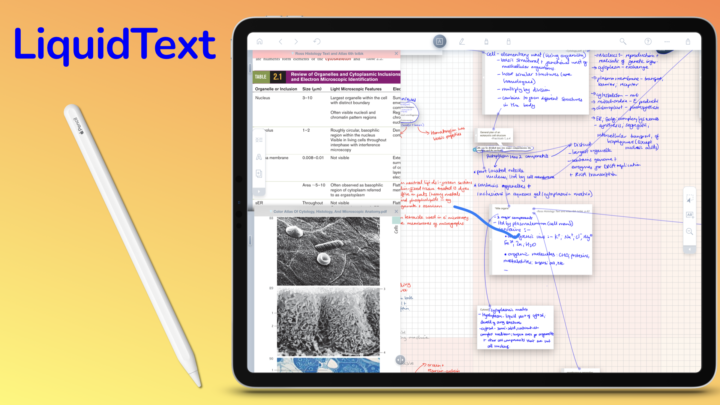
Those are the latest updates from LiquidText. They are all very exciting, and they make the app an even more powerful research tool. We look forward to seeing more updates! LiquidText has improved dramatically since it went subscription, which is good to see.