
Notability 14.10 and Freenotes 2.7 Updates: What’s New?
Notability and Freenotes are the latest handwriting apps to join the AI frenzy with Notability 14.10 and Freenotes 2.7.
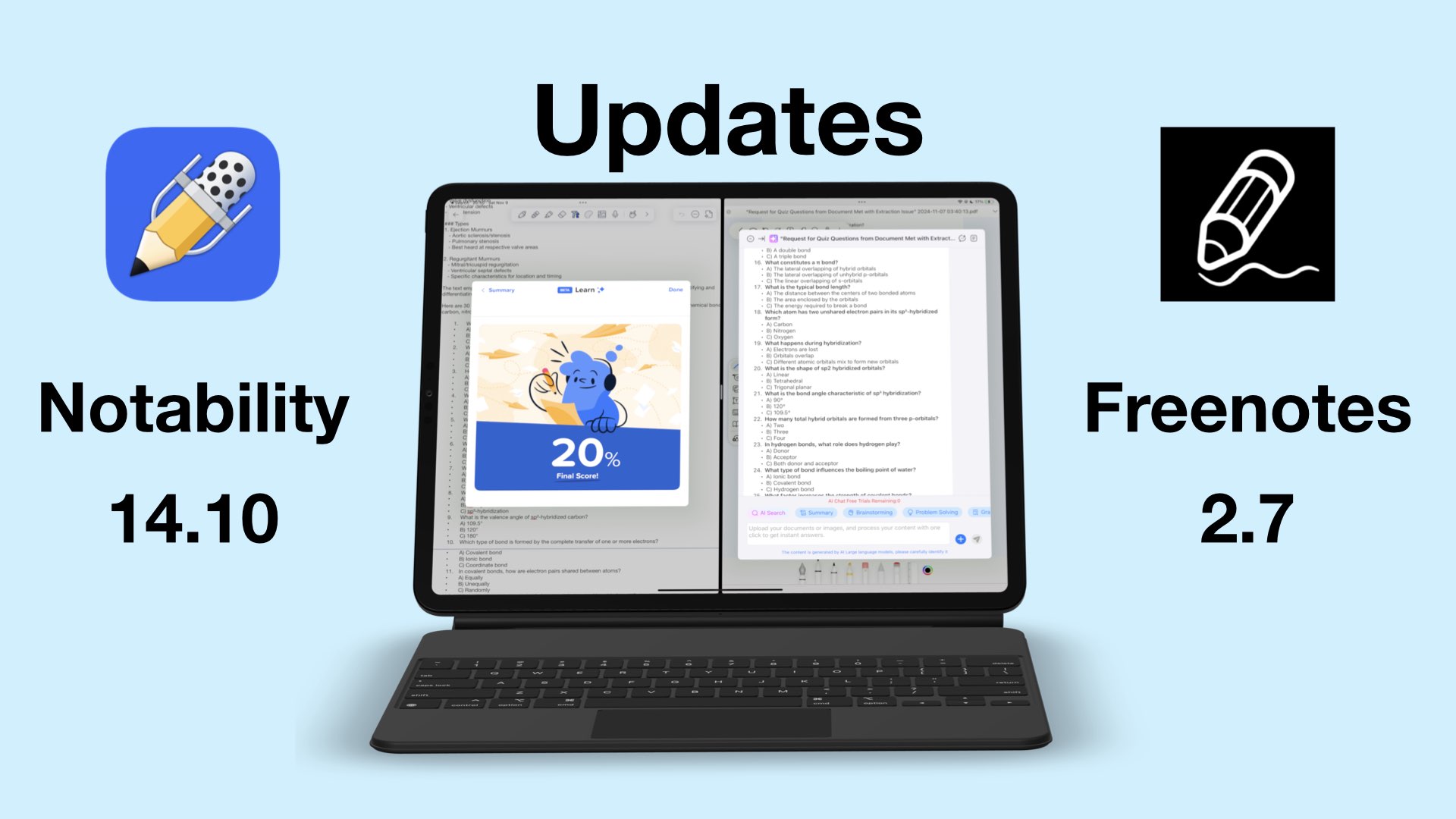
Notability and Freenotes are the latest handwriting apps to join the AI frenzy with Notability 14.10 and Freenotes 2.7.
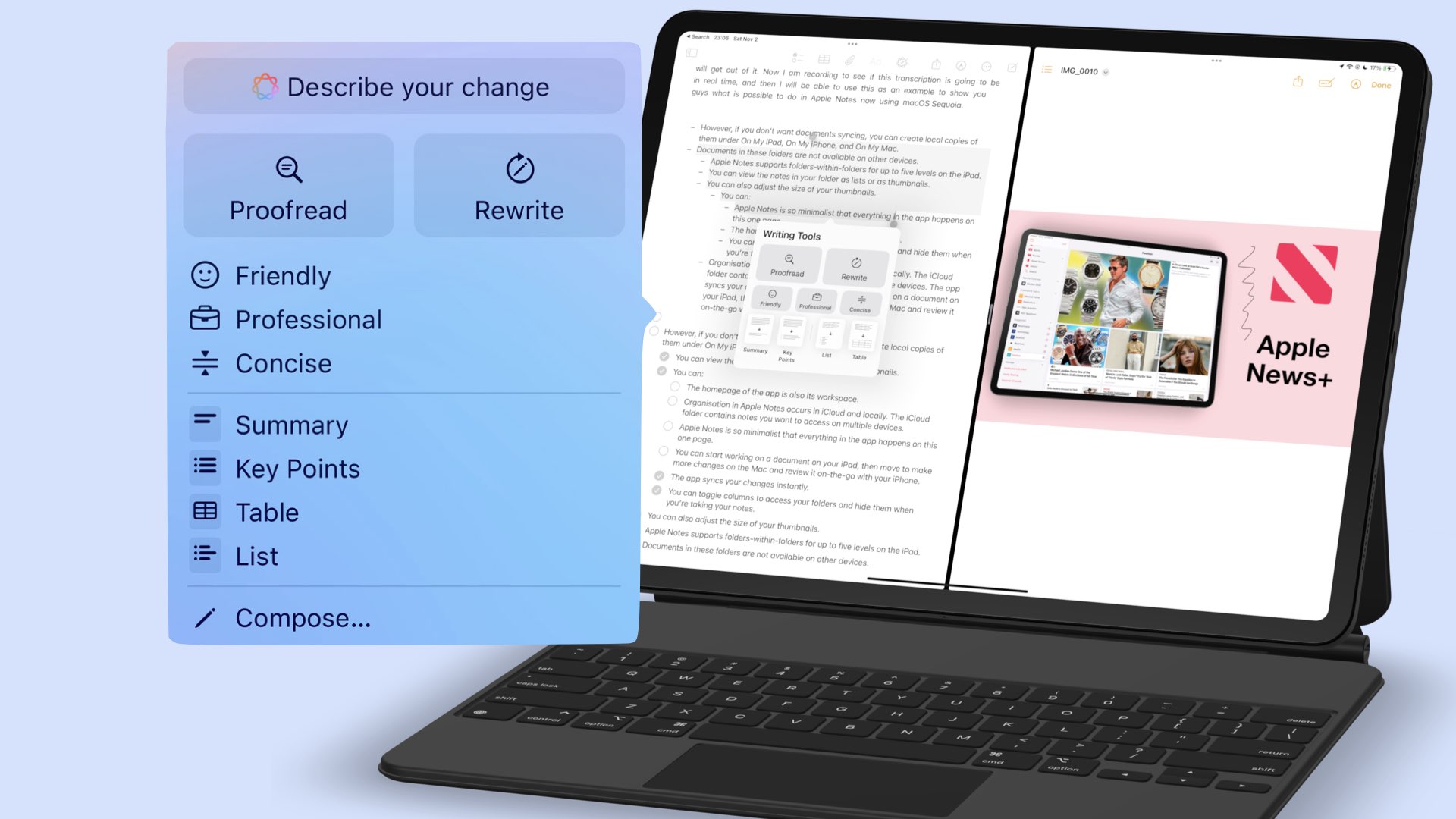
I have used Grammarly for more than five years, mostly because it was the best proofreading tool with all the features I needed.
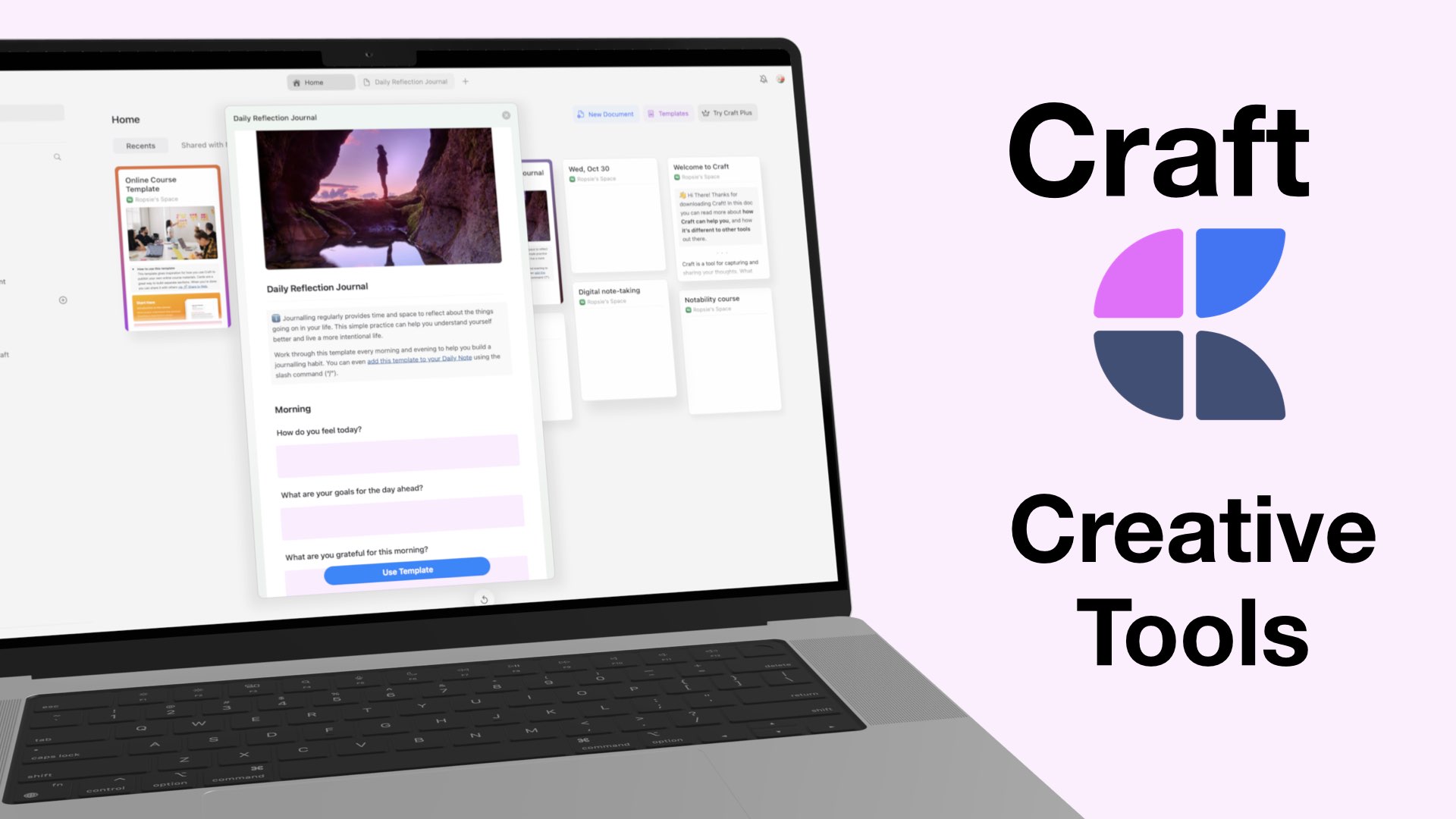
The first part of our review ended on a low note, but we are hoping to get our smiles back as we go through all the different items you can add to your notes to make them more fun in Craft.
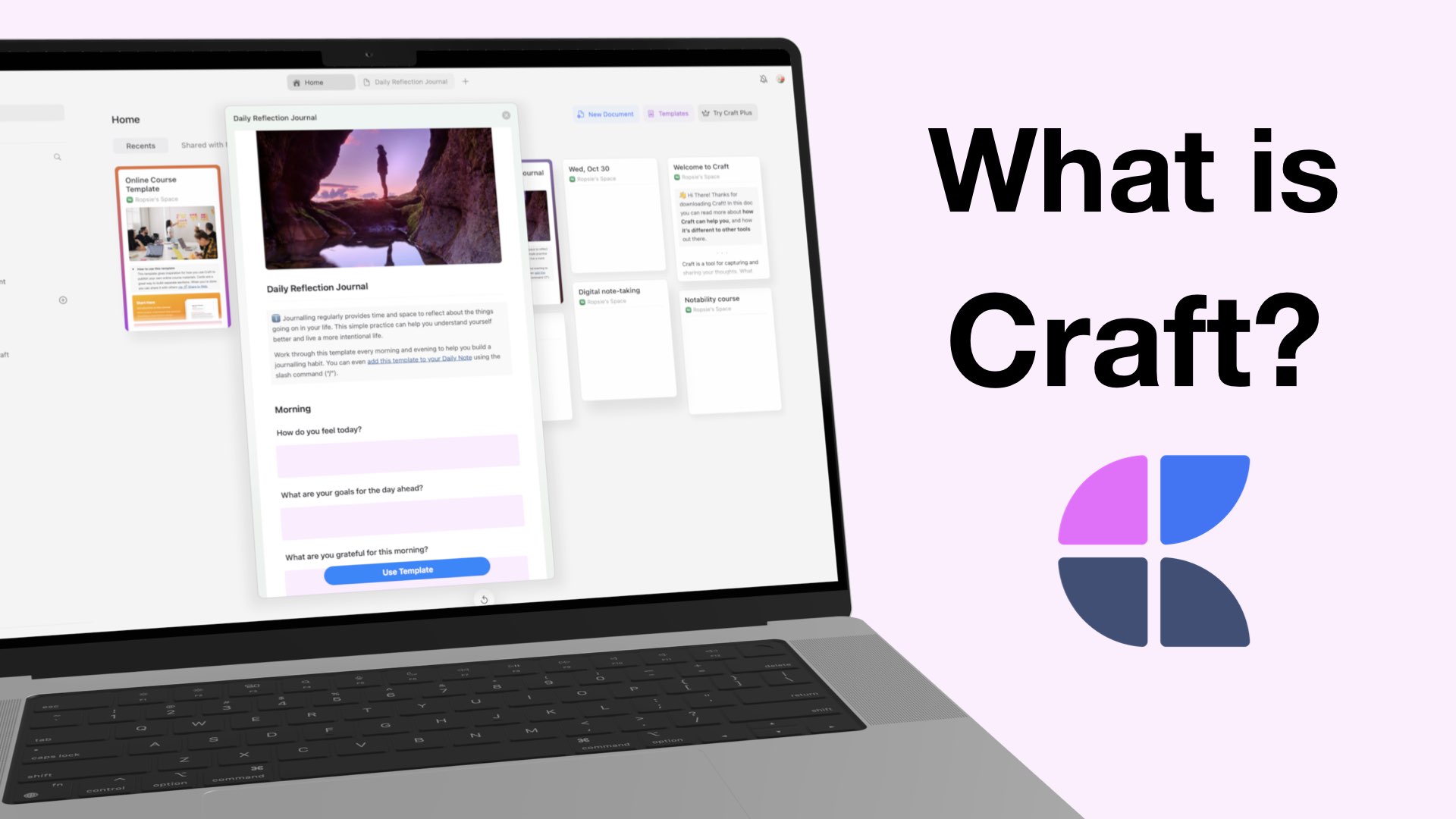
Craft is a text-based note-taking app that lets you create, style, organise, and share your notes with others.
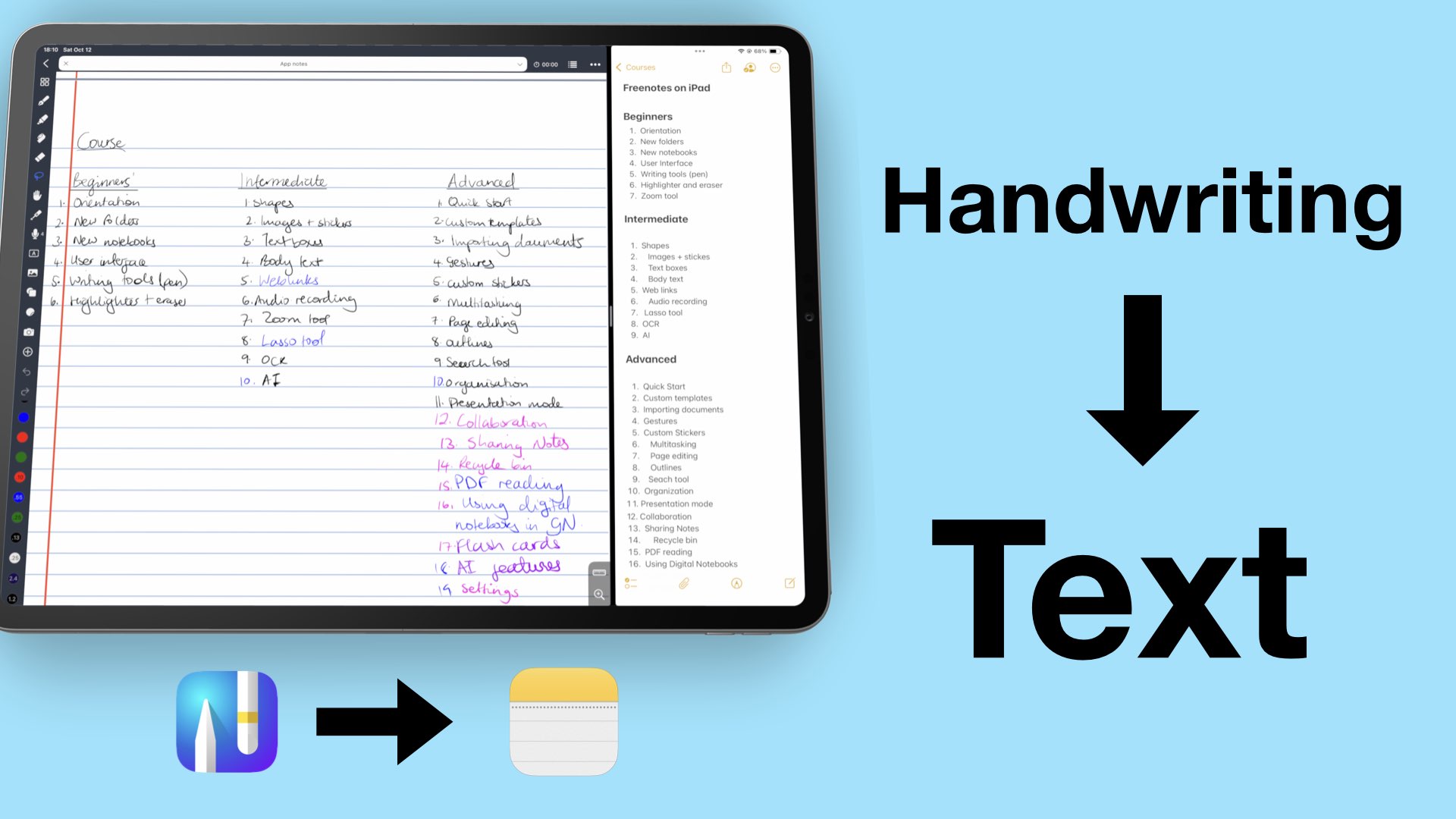
I am constantly working with different apps and engaging with you guys. But the more we talk, the more I realise that some of you don’t know how to bring the different features and tools we review to tackle daily challenges.
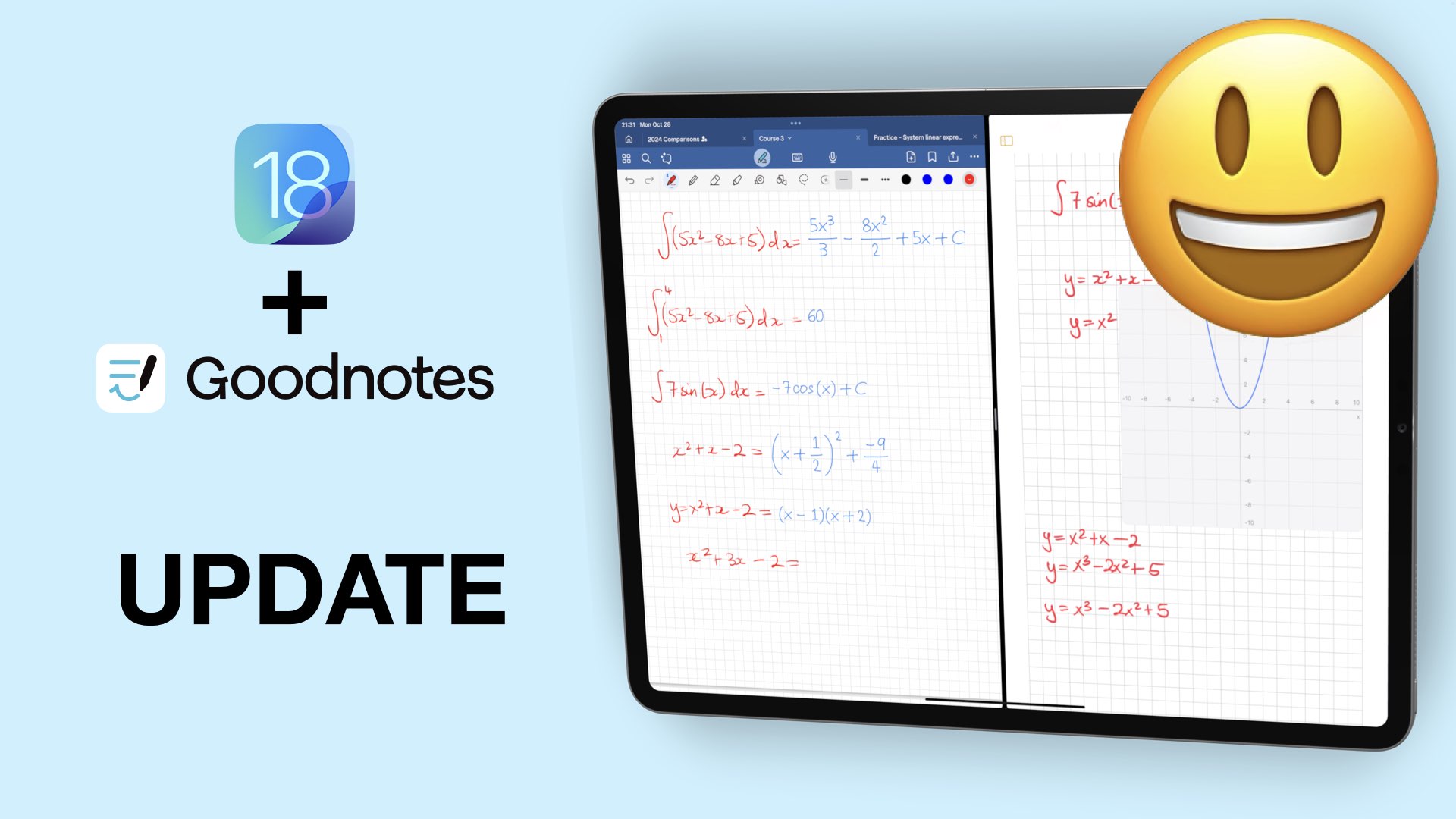
Exciting updates are rare to come by these days in handwriting note-taking apps. But iPadOS 18 has been great for Apple Notes and Goodnotes has joined the party with their 6.5 update.

Part two of this review was a little disappointing. Adding and interacting with items in Notes Plus X wasn’t as fun as just taking notes in the app. This

The first part of this series reunited us with a long-lost gem for the digital note-taking community. In this second part, we’ll explore all the items you can add in Notes Plus X.

Notes Plus is as old as Notability, and several years ago it had a lot of amazing features that made Notability and Goodnotes look like jokes.

This has to be the deciding video, right? I mean, if the third and final part doesn’t do it… I don’t know what will. From part two, some of you have already decided which app you would go for, and that’s great.