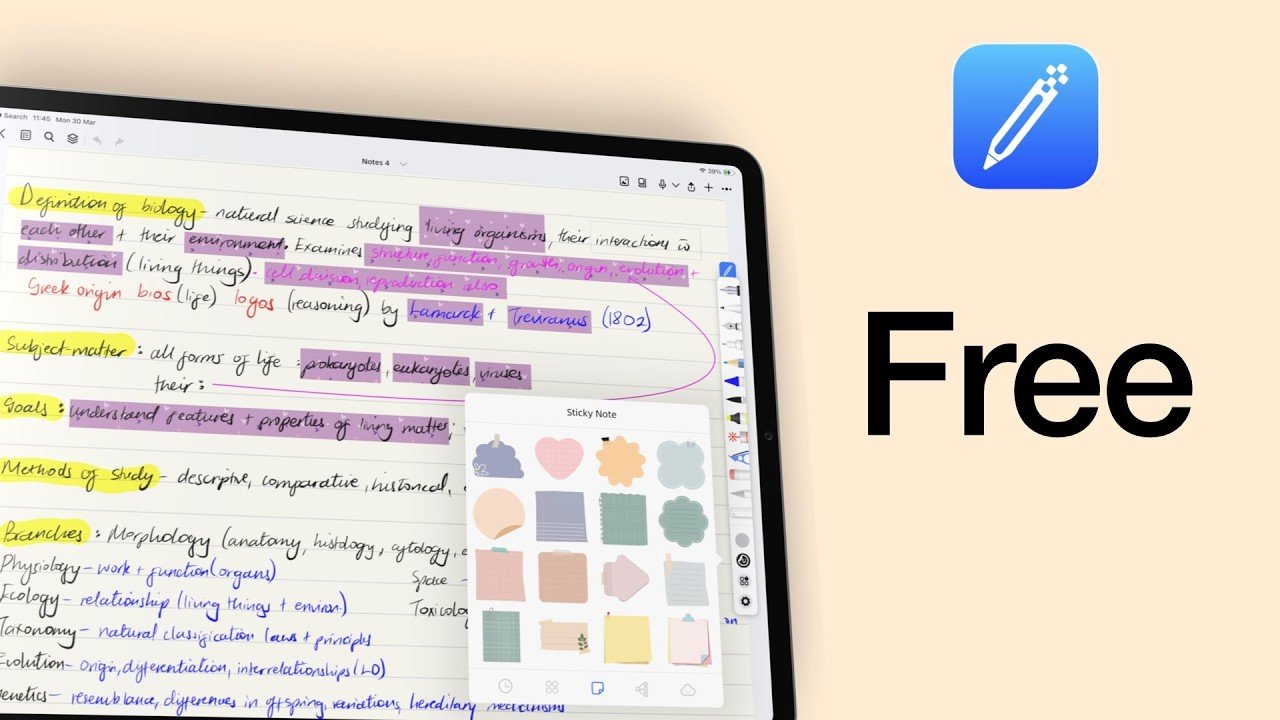
Notes+ Review: Another cool, free handwriting app for the iPad
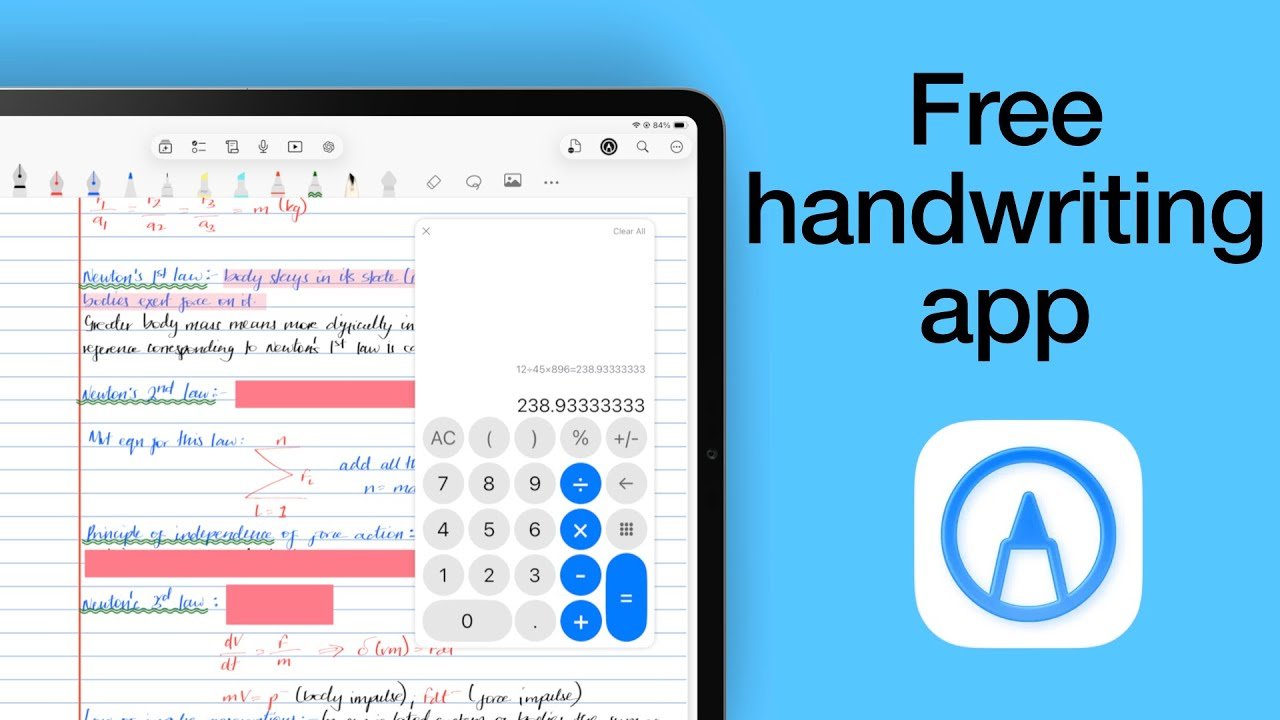
Notes+ greets you with simplicity. No accounts to set up, no sign‑in screens, no hoops to jump through. Just download, open, and start writing.
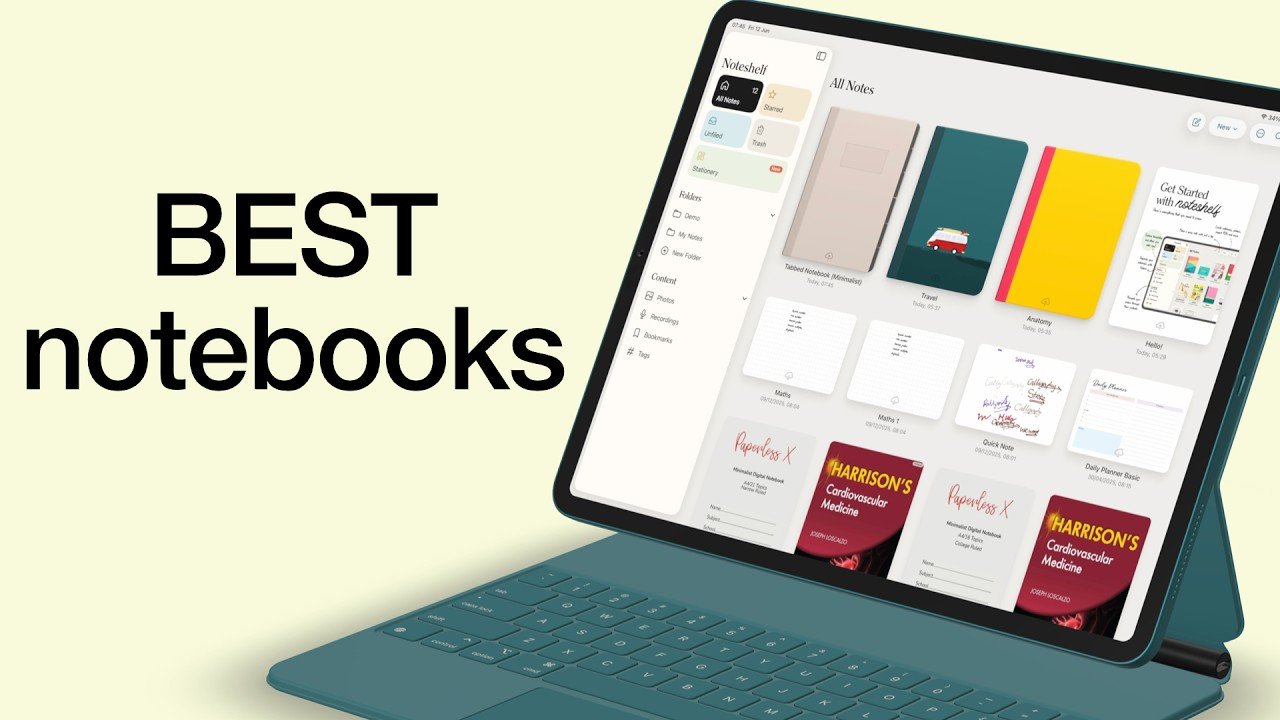
We’ve tested 21 handwriting apps on the iPad, across 26 different features — from user interface quirks to exporting and sharing your notes. But today, we’re stripping things back to the basics: creating new notebooks.
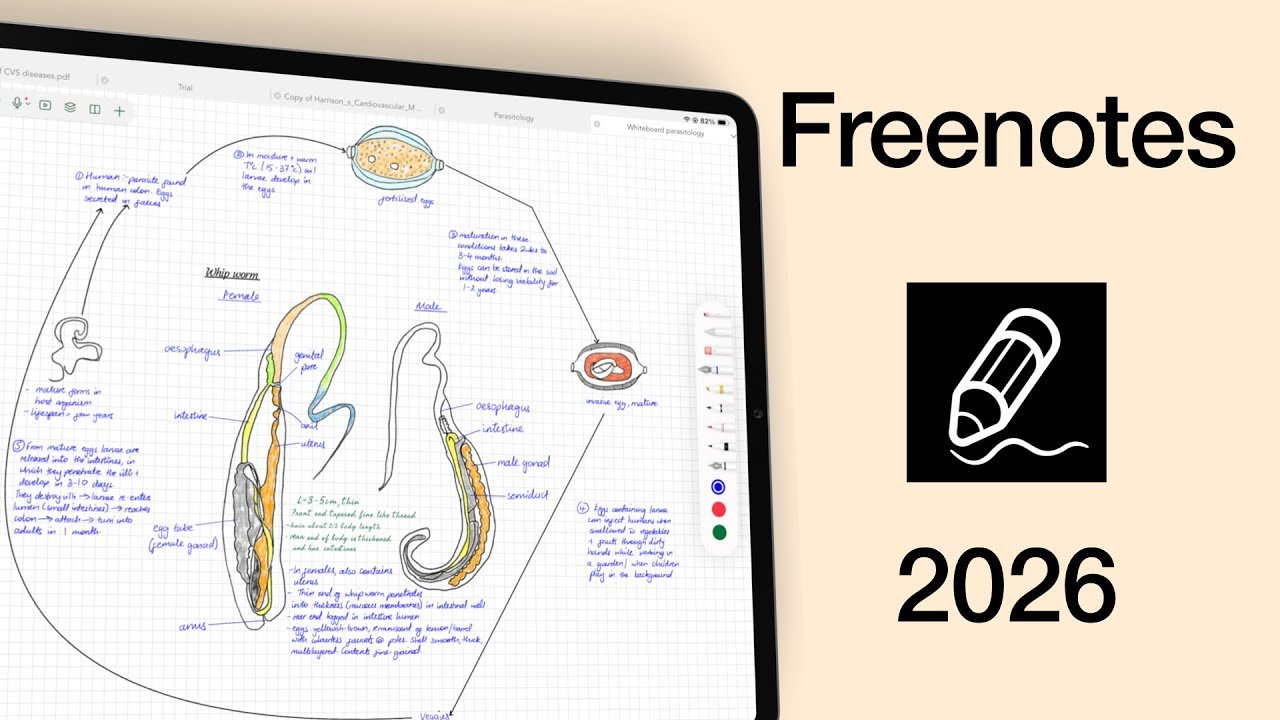
Freenotes used to be a free handwriting app everyone loved — but now it’s one of the most expensive. So the real question is: are its cute features enough to justify the price?
I found myself drifting back to Notability as my main app (here’s why I left in the first place), almost like returning to an old friend you haven’t seen in years.
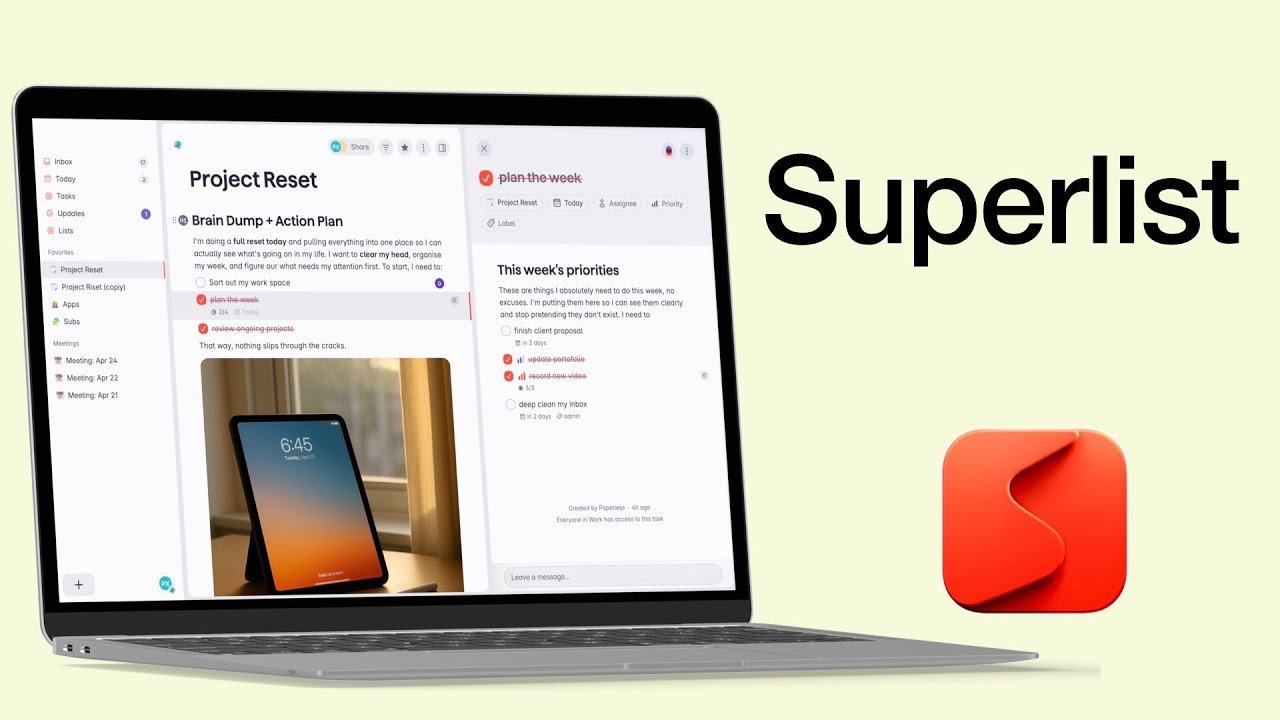
Today we’re diving into an app that has completely transformed the way I plan, take notes, and organise my life — but it has also put me through several stages of grief.
Wellnote is a relatively new free handwriting app that’s got a lot of attention on App Store. But the real question is whether it deserves that attention or if we’re all just noticing it because it’s free.
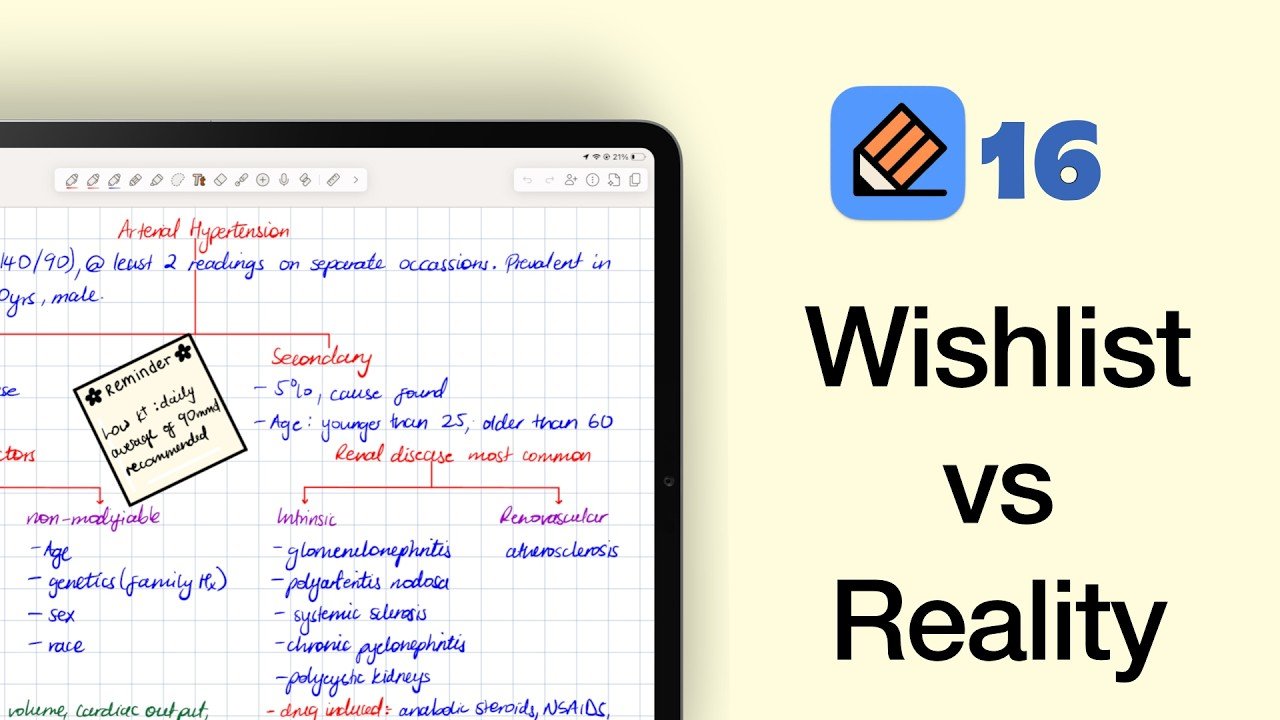
If you’ve ever searched for the best handwriting app for iPad, you already know the problem: every app looks amazing on a feature list, and then two weeks later you’re still app-hopping, your notes sit in five different places, and you don’t trust any of them enough to commit.
A while back, and I’d genuinely forgotten about this, Goodnotes prompted me to go back to Goodnotes 5 from Goodnotes 7.
Today we are answering the question: which of the two top-ranking handwriting apps (Goodnotes or Notability) should you use, if at all?
We’ve talked about the basics of Goodnotes 6… the AI features, and even items you can add to your handwritten notes. But here’s the big question: is it right for you?