
Bible study in Apple Notes
We have tried several Bible study setups, and you guys have been asking for tips and tricks on how to study the Bible with digital note-taking.
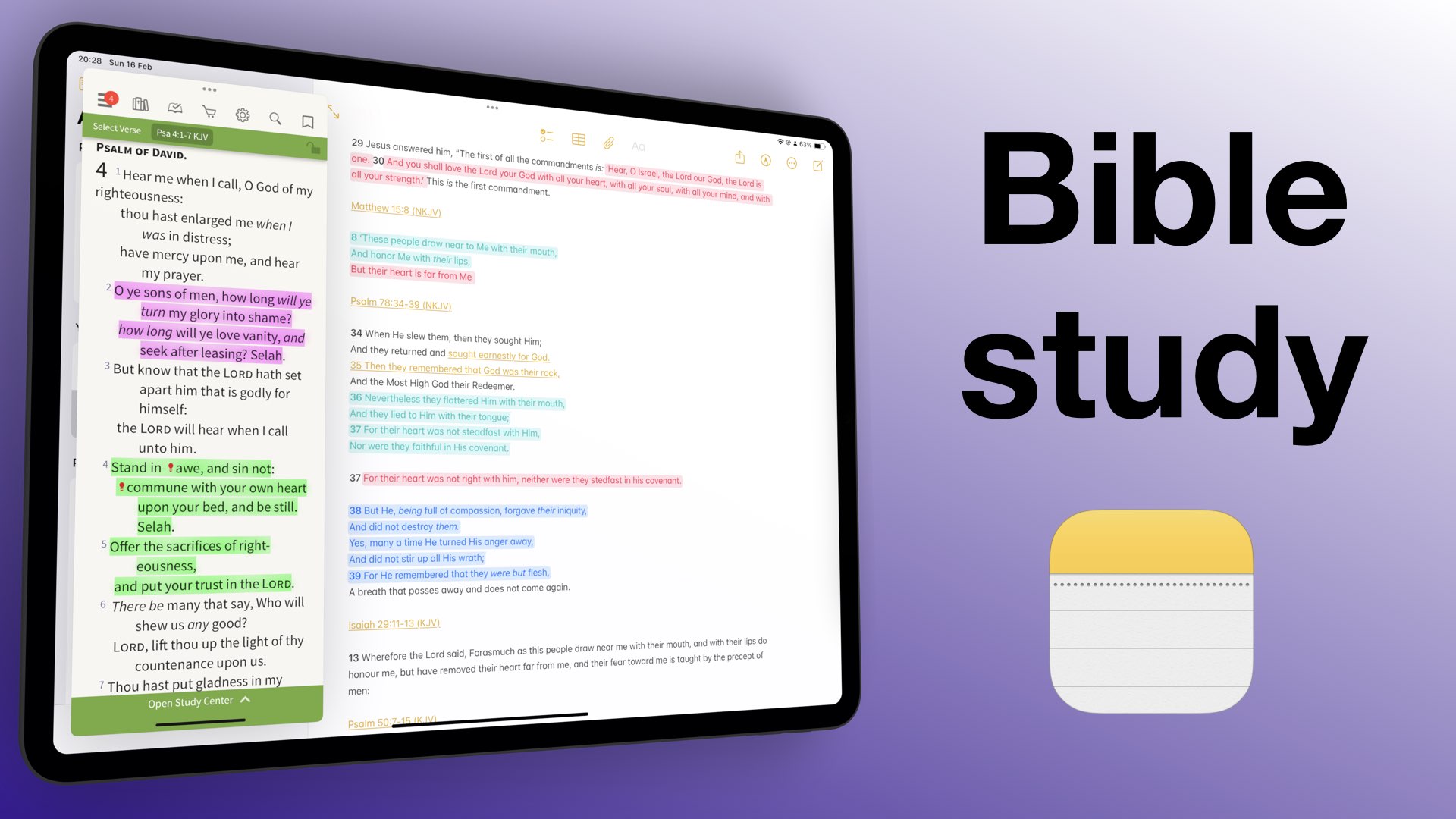
We have tried several Bible study setups, and you guys have been asking for tips and tricks on how to study the Bible with digital note-taking.

More and more handwriting apps are starting to expand beyond the Apple ecosystem in search of new markets. That is good news for those of us who have always wanted cross-platform support because we use several operating systems.
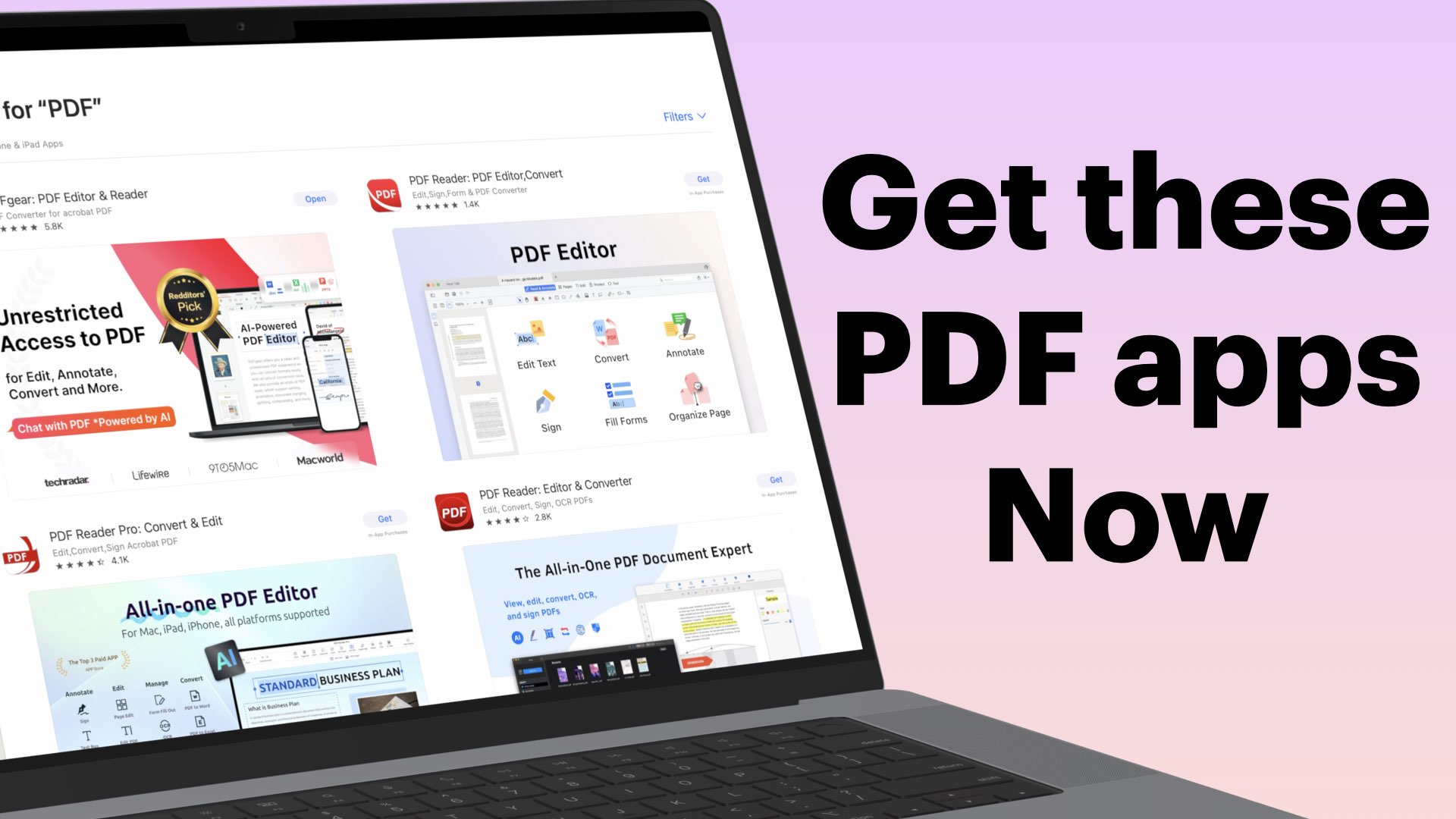
When we started working on the PDF-app database, and I got the shock of my life. We are studying a total of 21 PDF apps ranging from simple PDF readers to complex editors.

In 2024, we started creating courses for different apps, and we are going to continue building that course database. I am doing this video to help anyone who might want to sign up for them to clarify a few things.
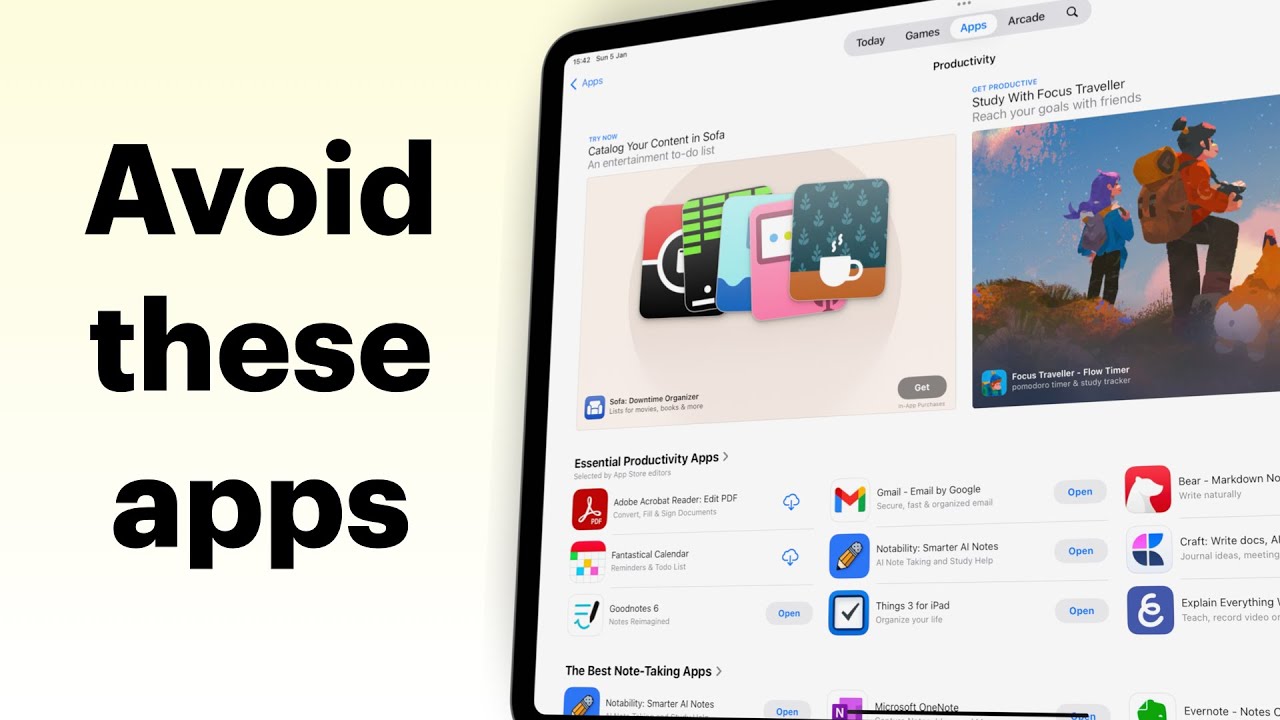
The App Store doesn’t always do a great job of pointing us to the right apps. There are apps that are still ranking high that are simply traps on your digital transformation journey.
Have you ever used an app that has never crashed, never frozen, never not worked or lost your notes? Or taken an extra second to load for absolutely no reason?!
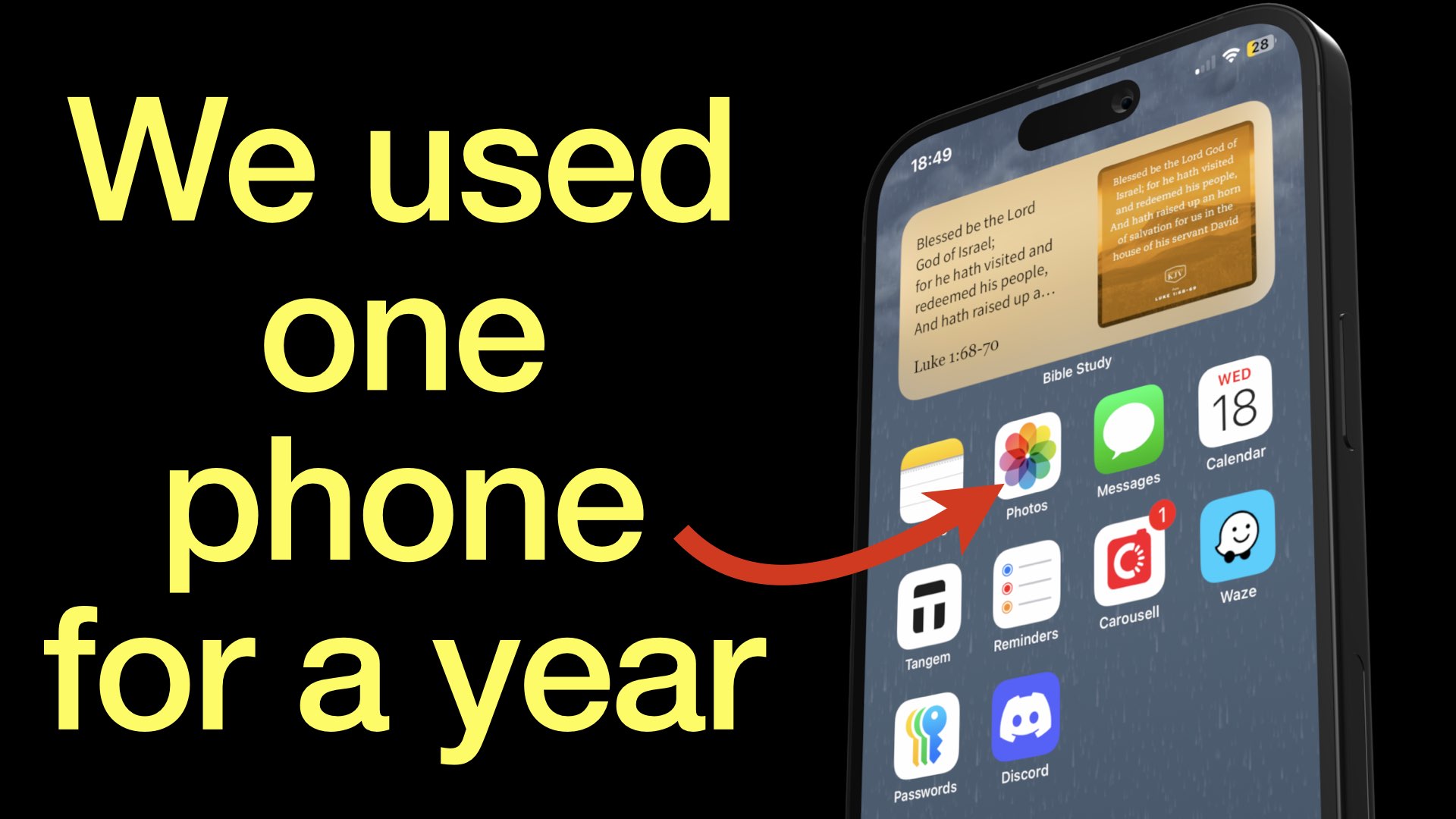
My husband and I have been using one phone for a year now. I am going to share that journey with you, and how everything’s turned out so far.
When Apple said Genmoji would come by the end of the year, they weren’t kidding. But it’s here now. We might as well embrace it.
The best deal for our digital note-taking community is probably a one-time purchase setup. No matter how we feel about pricing, market forces then have the final say on how much a new product costs.
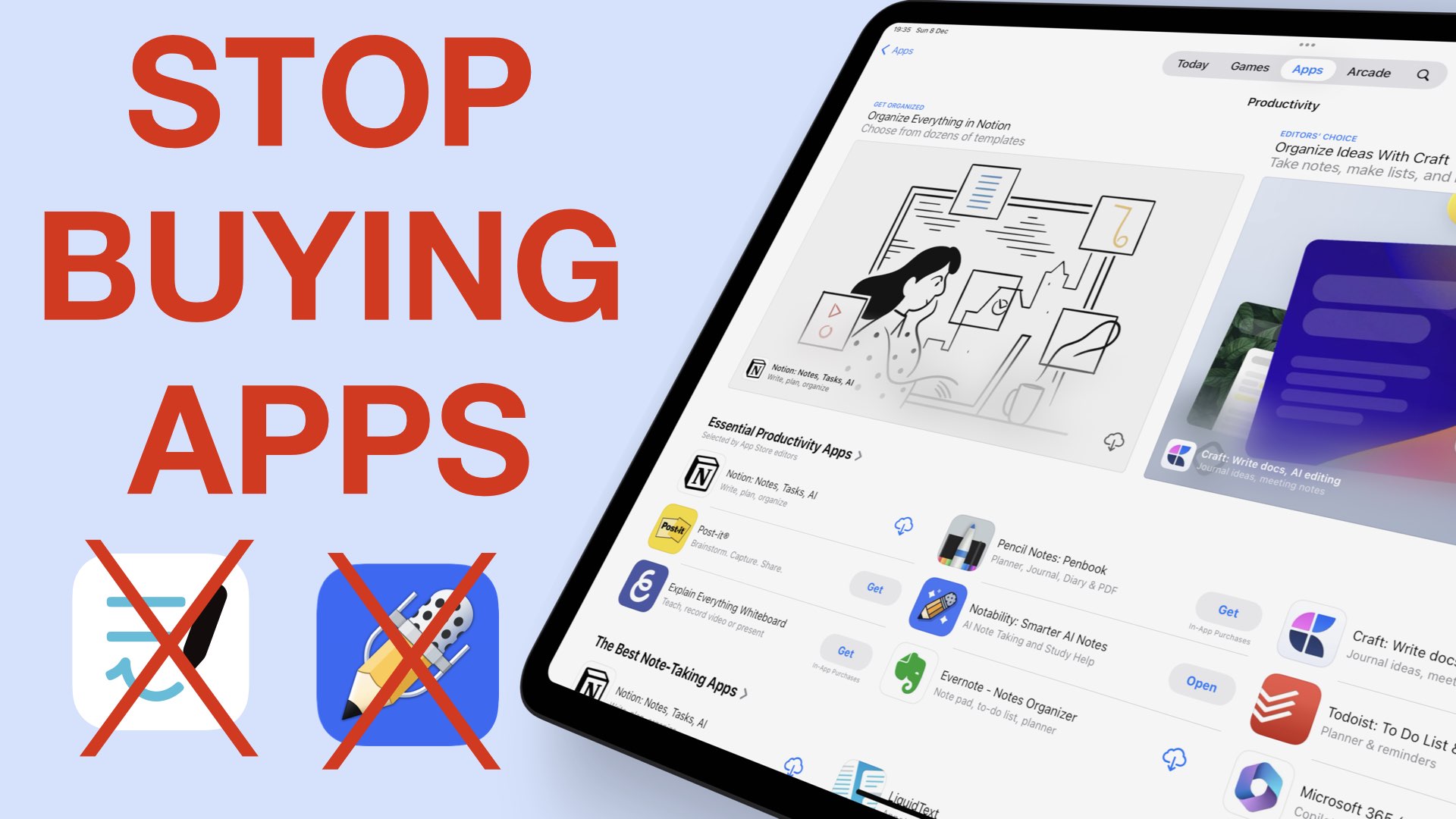
Gone are the days when price meant quality for the iPad notes. It could be a combination of a lot of things, but our money is on prices and bugs.