
AI Failed Me: The Shortcut DeepSeek (or I?) Couldn’t Build
Some two years into the AI frenzy, I still hadn’t found a use for AI. It is inaccurate, so we can’t use it to create courses or even write up-to-date app reviews.
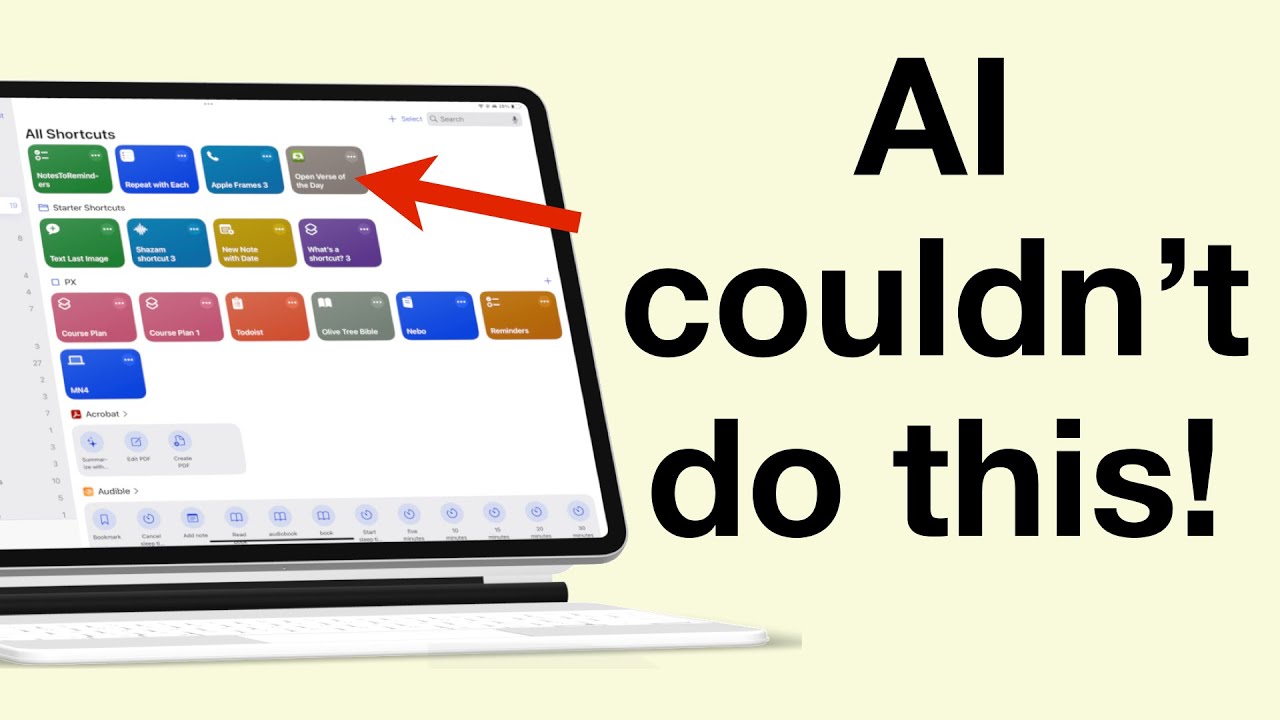
Some two years into the AI frenzy, I still hadn’t found a use for AI. It is inaccurate, so we can’t use it to create courses or even write up-to-date app reviews.

Prodrafts or Apple Notes? It really comes down to what matters to you most. Even though Prodrafts might be the better app with more features, it doesn’t necessarily mean it’s the right app for you.

Foxit PDF Reader is one of the oldest PDF reading apps on the market, which has been around almost as long as Adobe Acrobat.
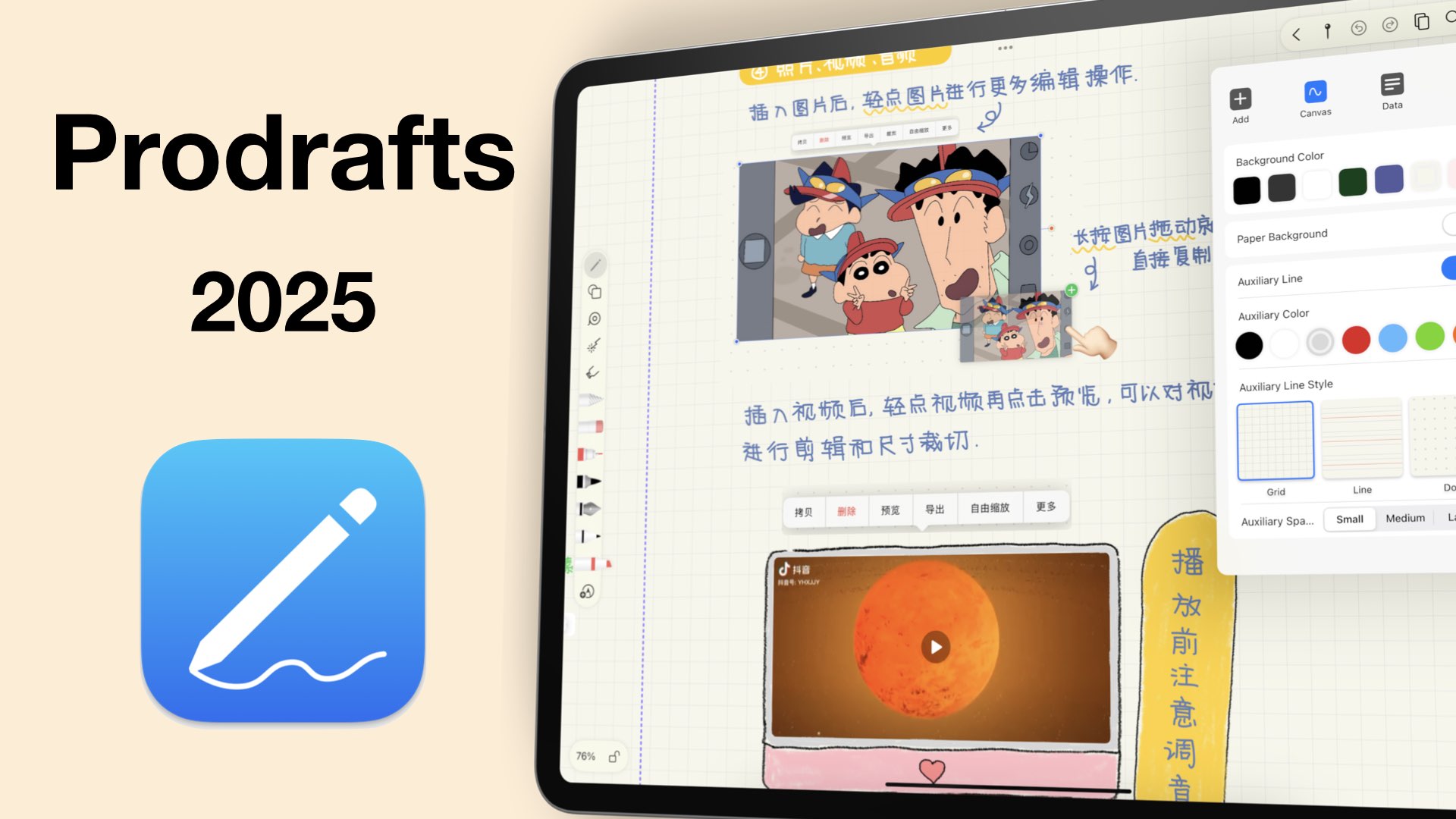
Prodrafts has a lot of unique features that make it perfect for advanced note-taking. With great shapes, support for GIFs, and a good tape feature, should you be using be using Prodrafts in 2025?
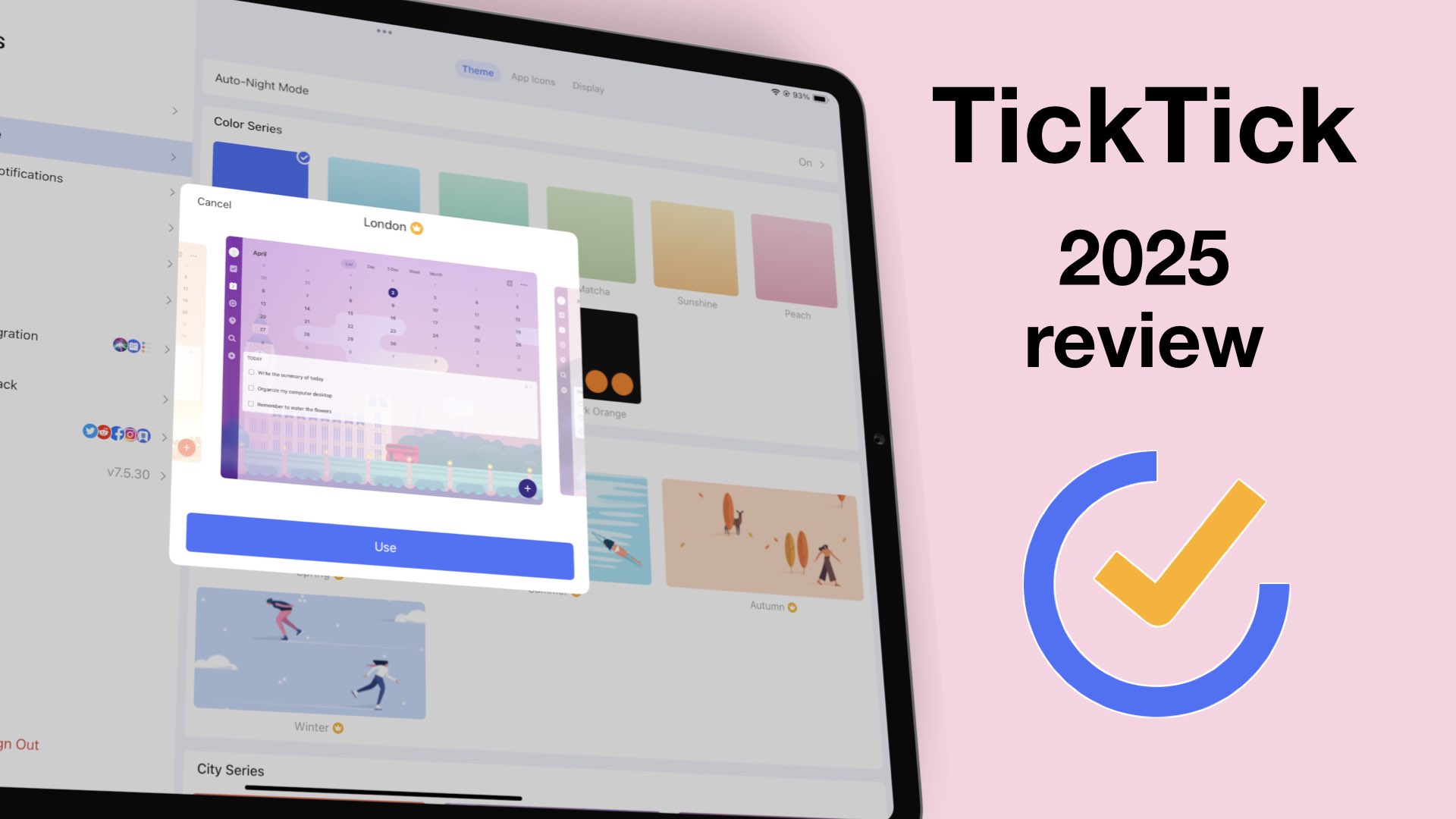
TickTick is one of the most capable to-do apps on the market. With excellent organisation and an intuitive user interface, keeping your tasks organised is a walk through the park
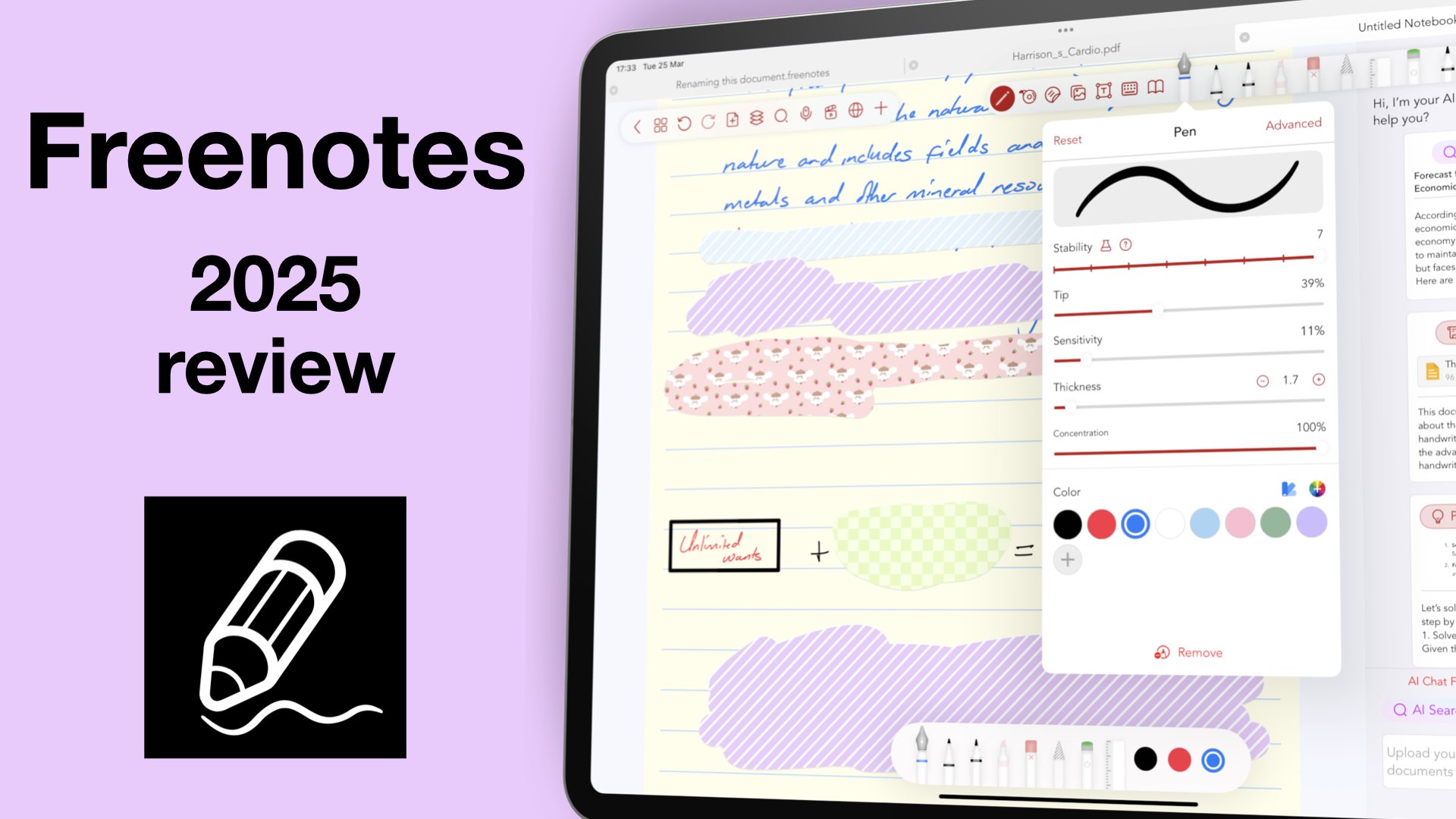
Freenotes, initially came as a free app and grabbed a sizeable chunk of the market.

For me personally, it’s not convincing enough to leave Apple Reminders, though.
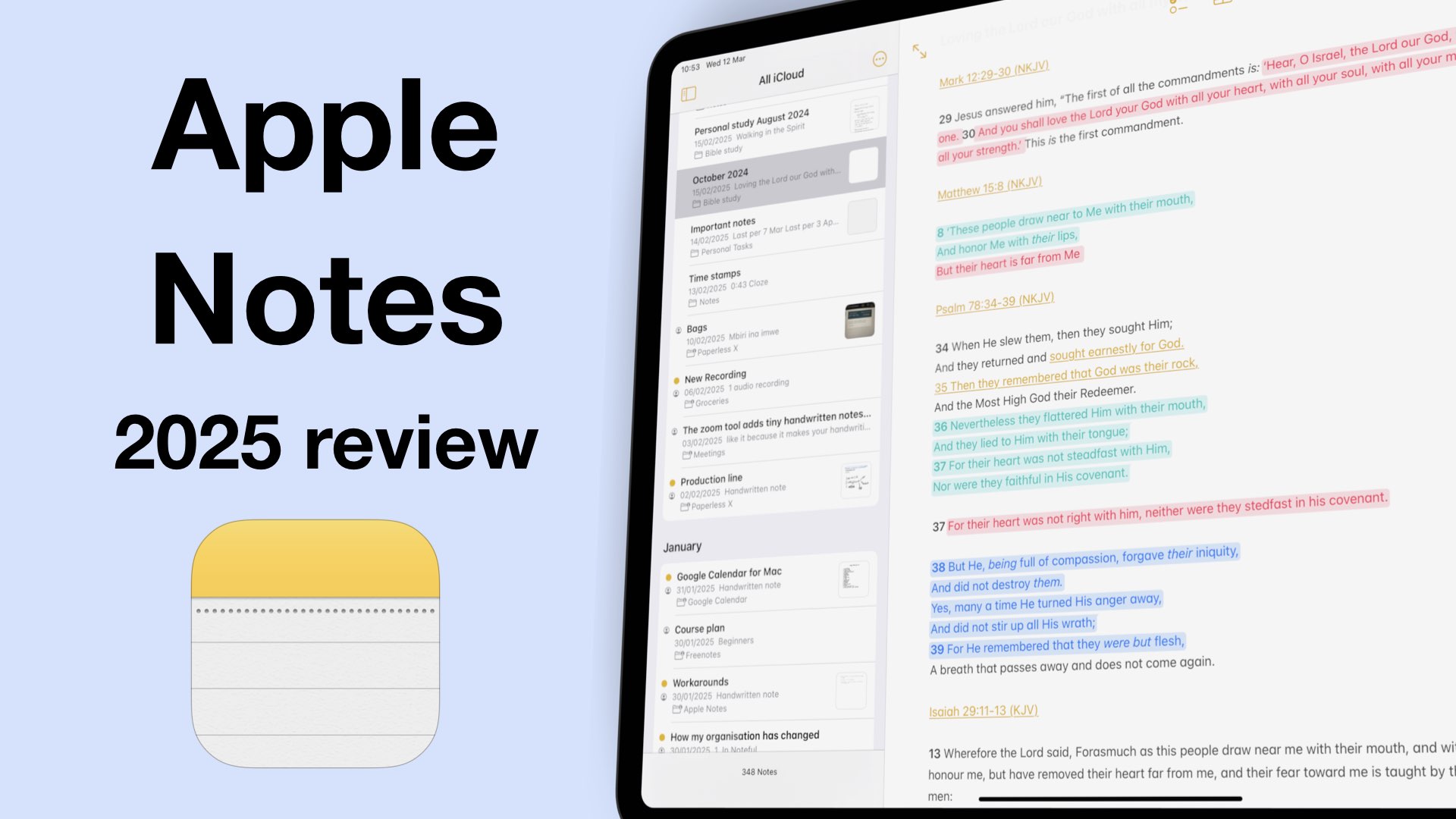
iPadOS 18 was a great update for Apple Notes because we got a lot of useful features for digital note-taking. So, what does that mean for note takers in 2025?
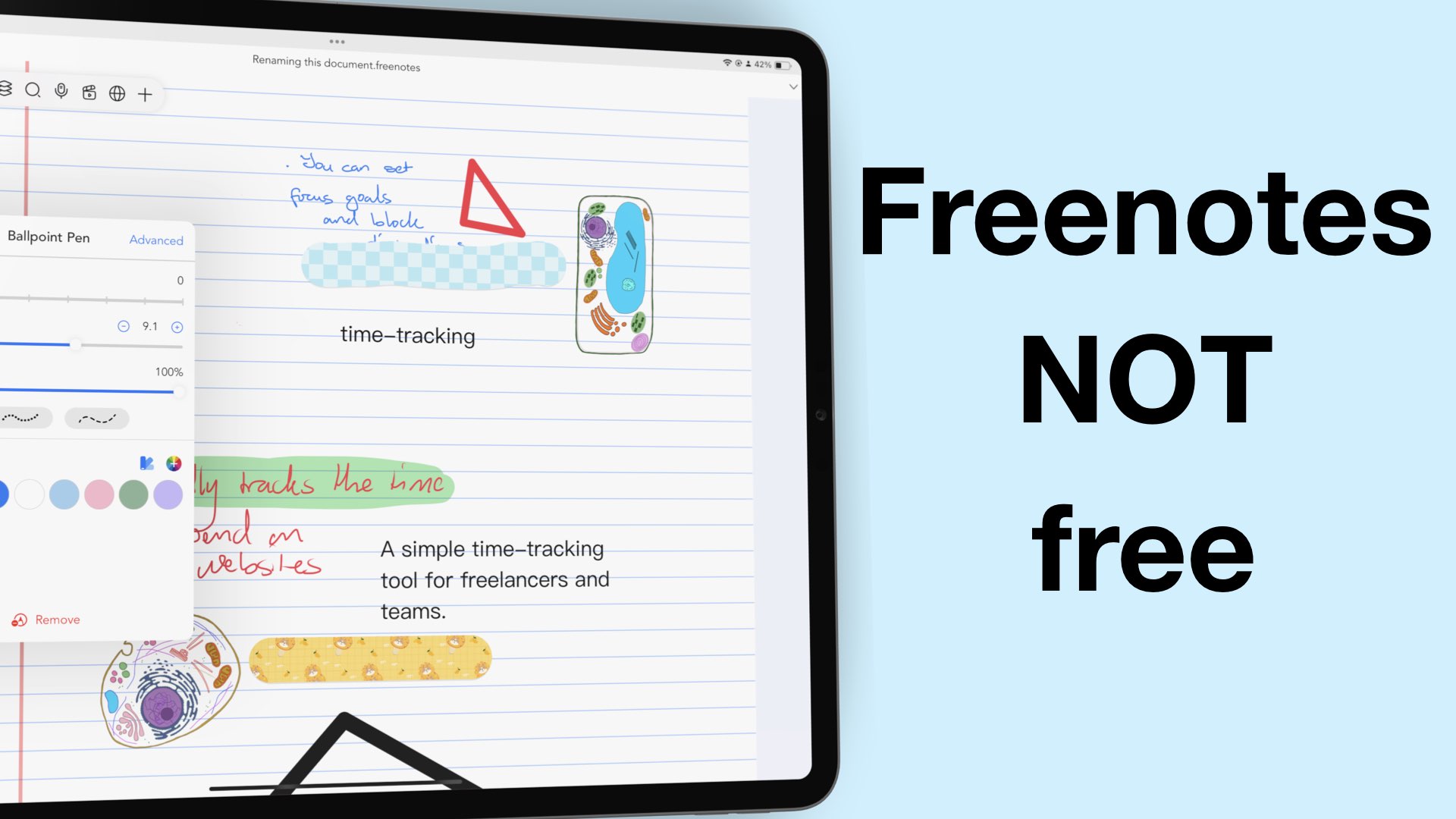
2024 was an incredible year for Freenotes. We saw a virtually unknown app shaking the digital note-taking market to become the third most popular handwriting note-taking app in the US App Store.
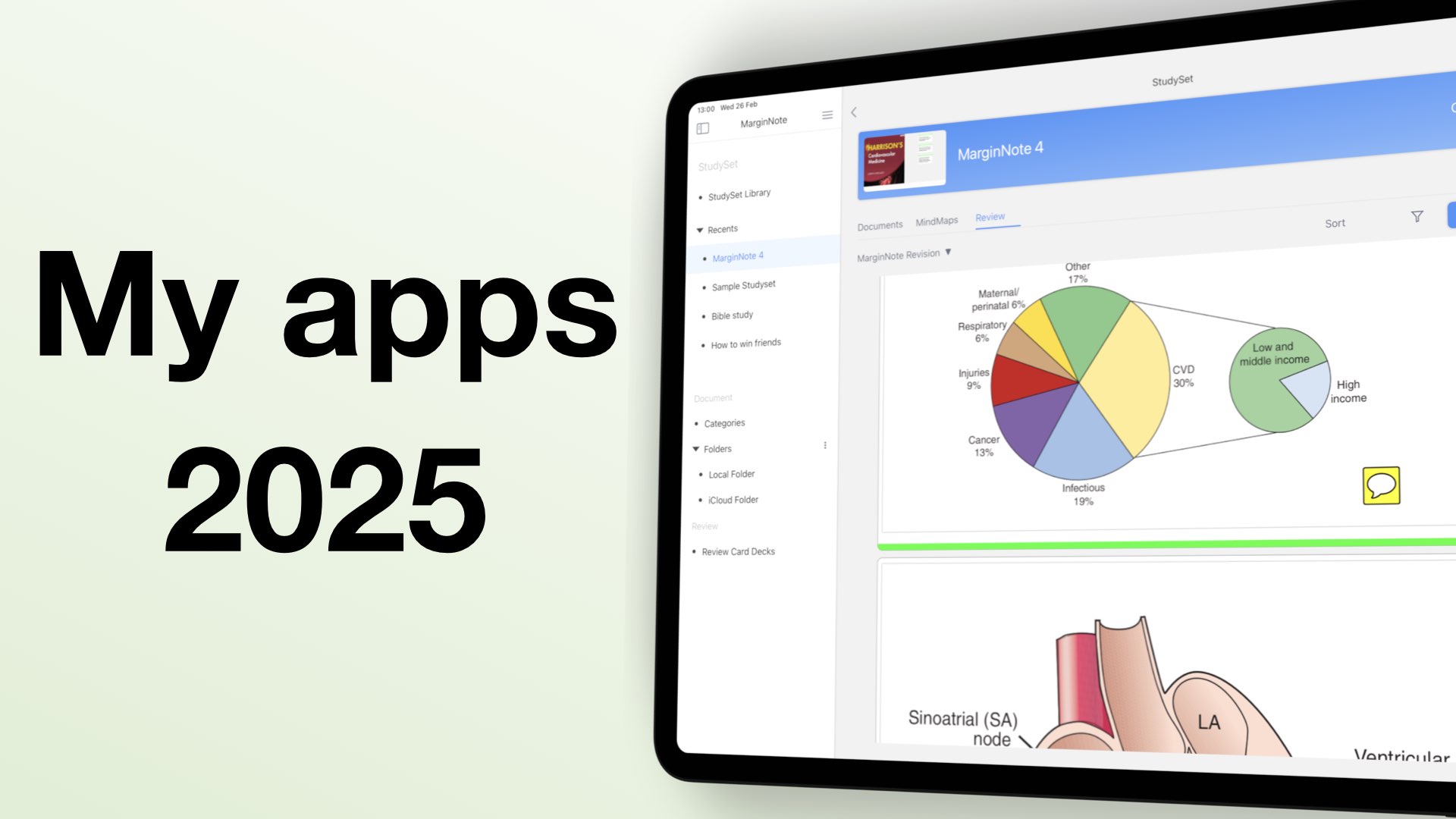
My digital workflow had a dramatic change in 2024, so much that in 2025, I have a more complex work setup.