
These Handwriting Apps Are Worth Buying for 2025
The best deal for our digital note-taking community is probably a one-time purchase setup. No matter how we feel about pricing, market forces then have the final say on how much a new product costs.
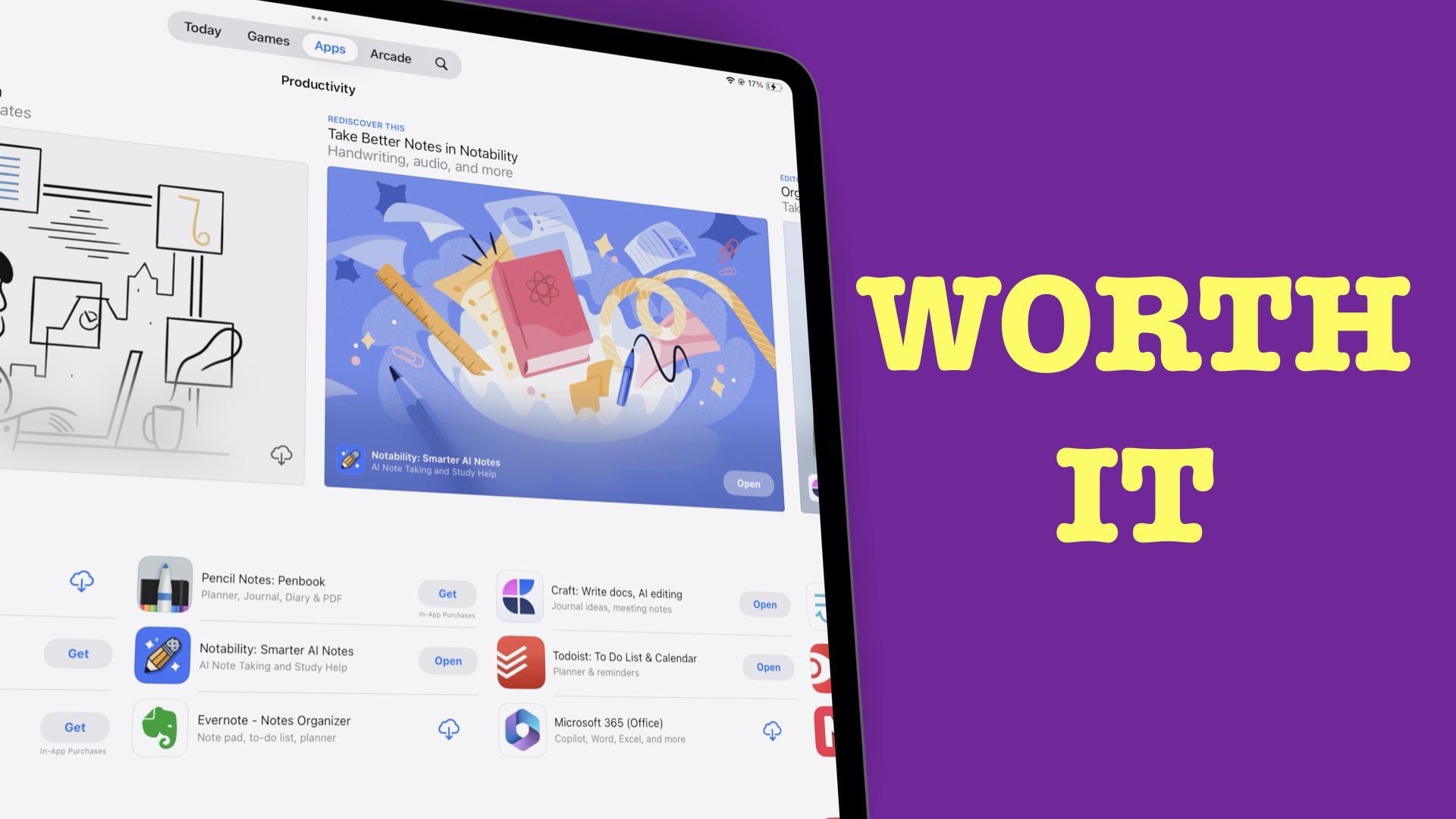
The best deal for our digital note-taking community is probably a one-time purchase setup. No matter how we feel about pricing, market forces then have the final say on how much a new product costs.
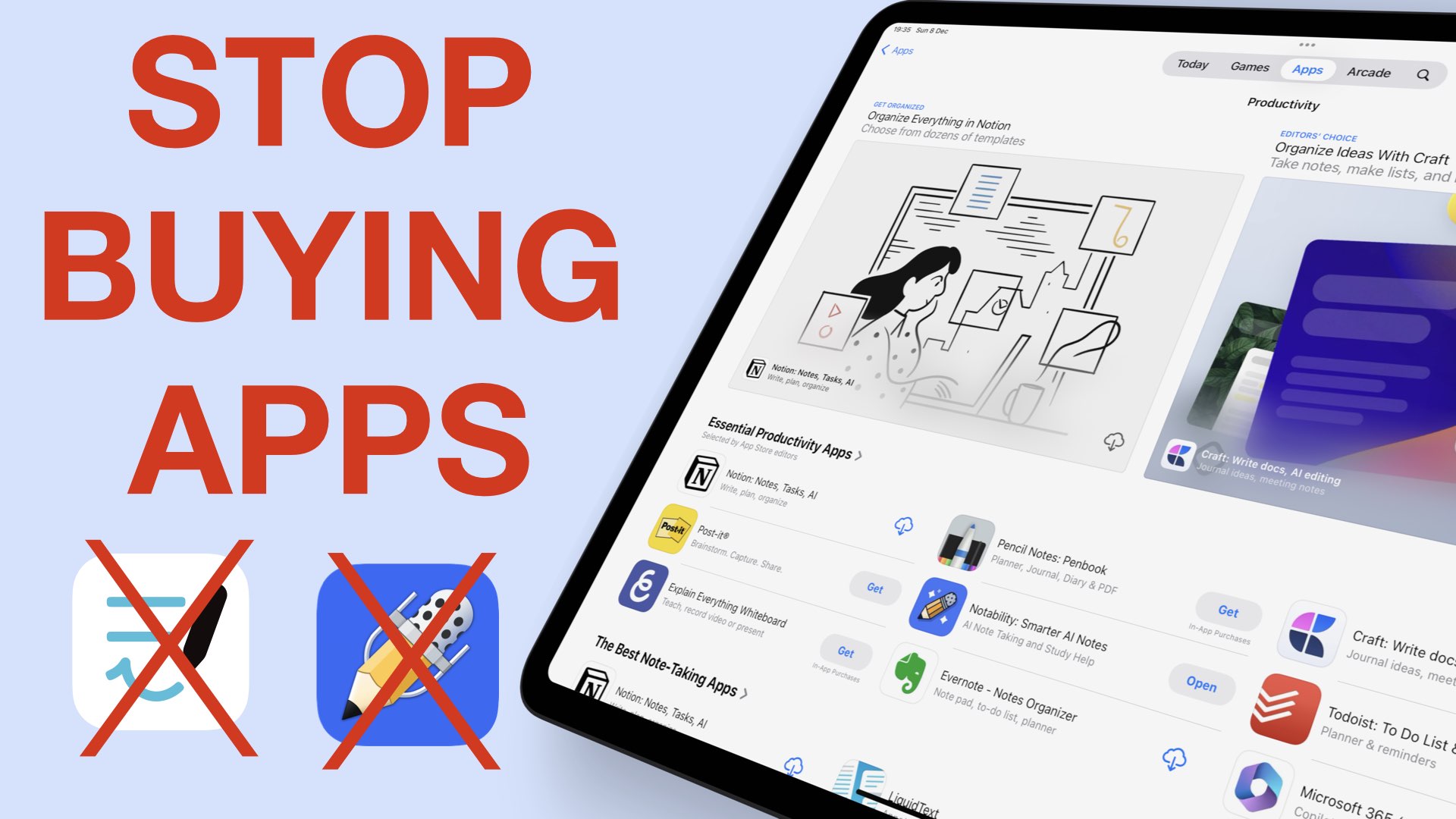
Gone are the days when price meant quality for the iPad notes. It could be a combination of a lot of things, but our money is on prices and bugs.
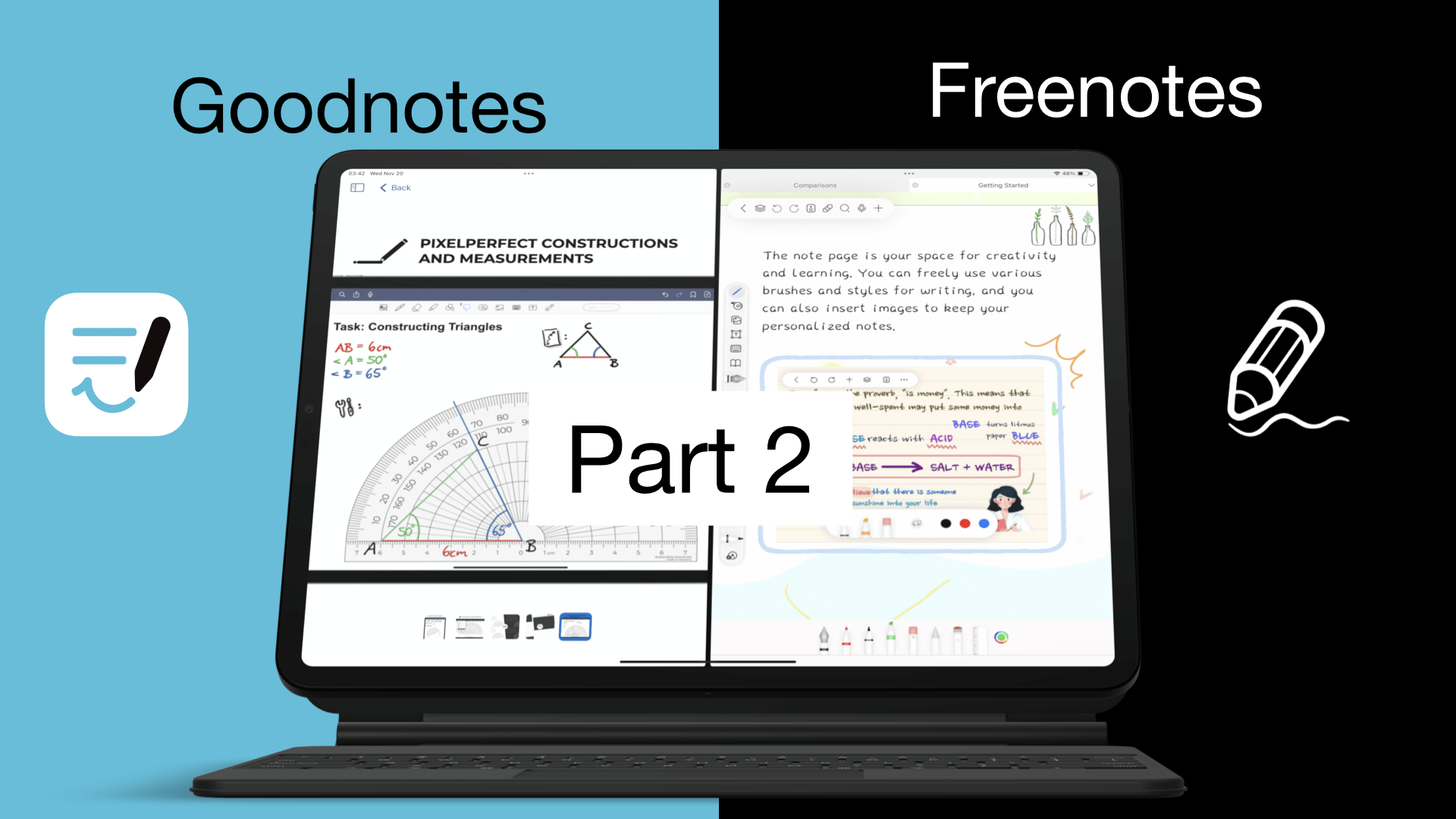
So, we’ve covered the basics of Goodnotes and Freenotes. Now we want to see all the different items you can add to your notes in the two apps, and just how easy or difficult it is to do that.
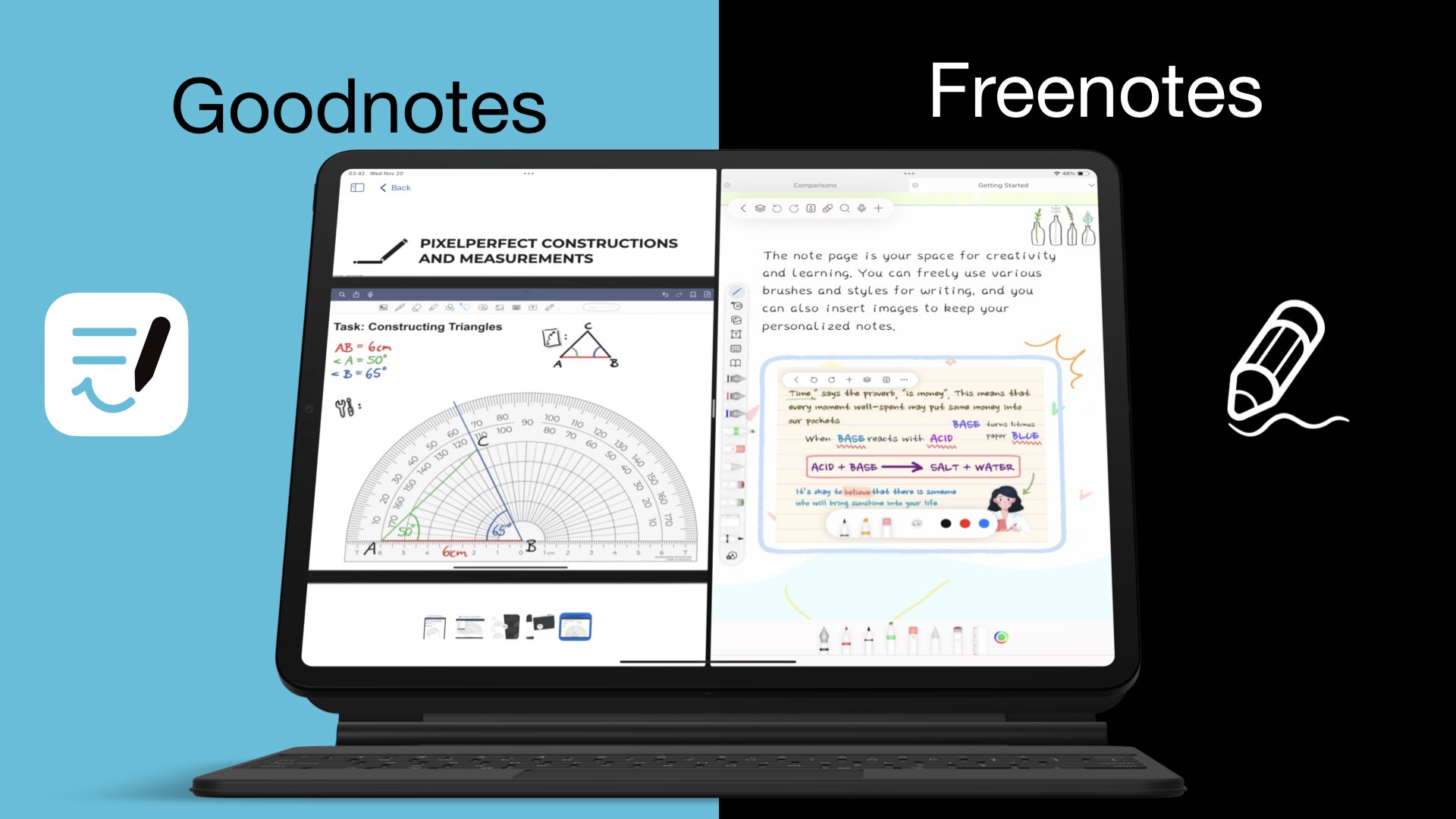
Freenotes is a great app, so naturally, we must compare it to Goodnotes – the most popular and the second most expensive handwriting note-taking app for the iPad.
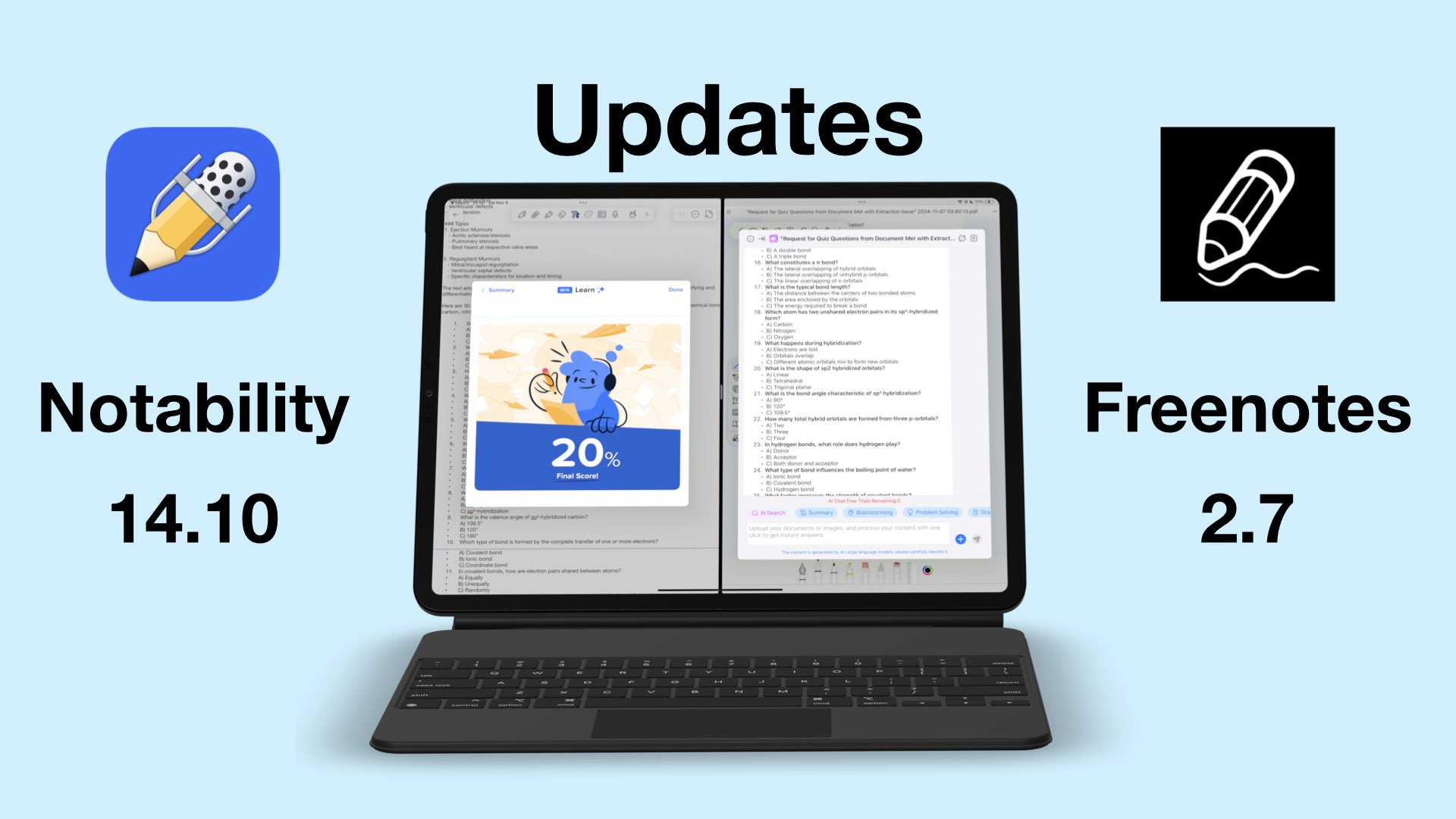
Notability and Freenotes are the latest handwriting apps to join the AI frenzy with Notability 14.10 and Freenotes 2.7.
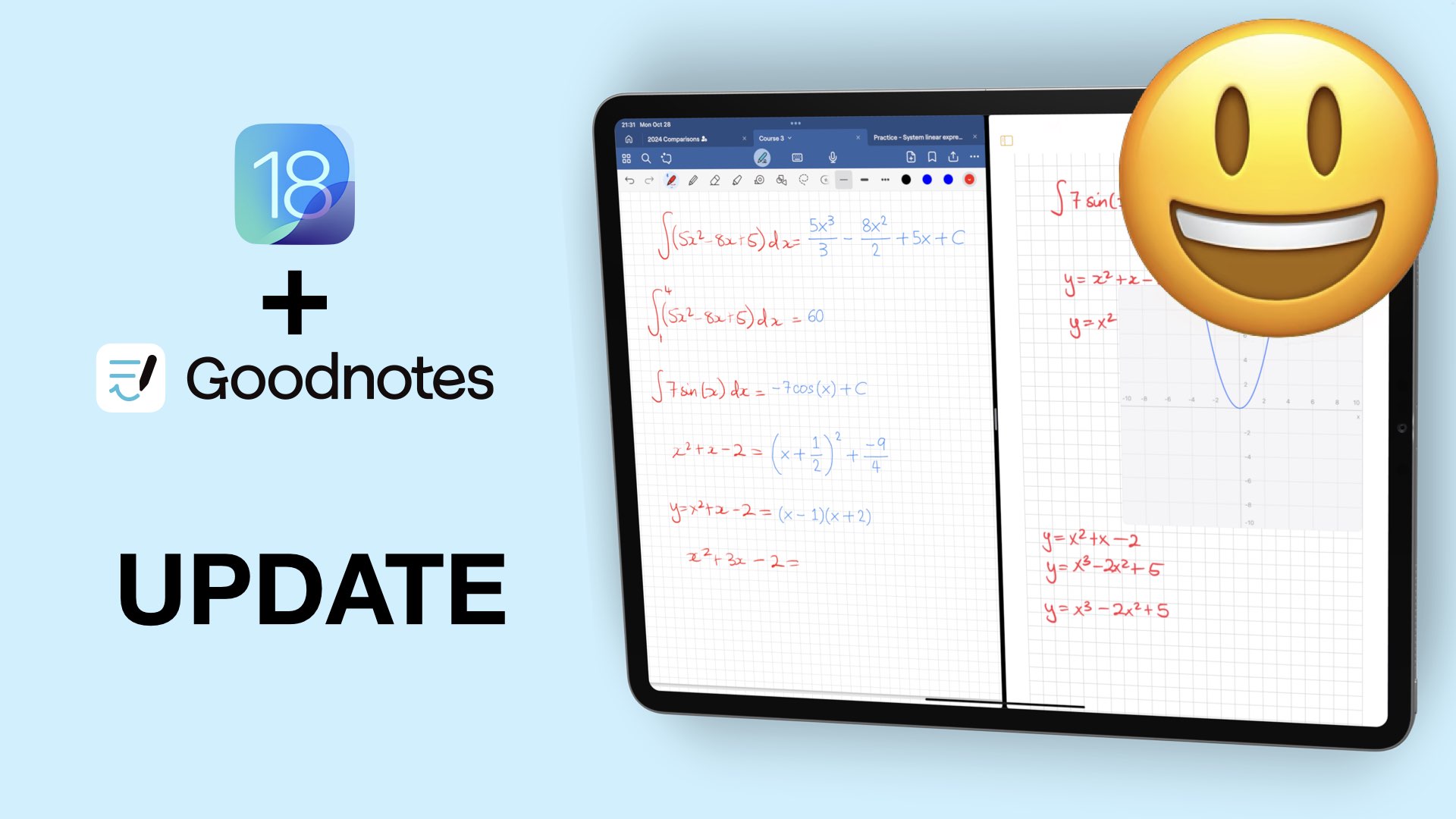
Exciting updates are rare to come by these days in handwriting note-taking apps. But iPadOS 18 has been great for Apple Notes and Goodnotes has joined the party with their 6.5 update.

Part two of this review was a little disappointing. Adding and interacting with items in Notes Plus X wasn’t as fun as just taking notes in the app. This

The first part of this series reunited us with a long-lost gem for the digital note-taking community. In this second part, we’ll explore all the items you can add in Notes Plus X.

Notes Plus is as old as Notability, and several years ago it had a lot of amazing features that made Notability and Goodnotes look like jokes.

This has to be the deciding video, right? I mean, if the third and final part doesn’t do it… I don’t know what will. From part two, some of you have already decided which app you would go for, and that’s great.