
Goodnotes 6: AI notes and docs
On App store, Goodnotes is now for AI notes and documents. What does that mean for digital note-takers in 2025?
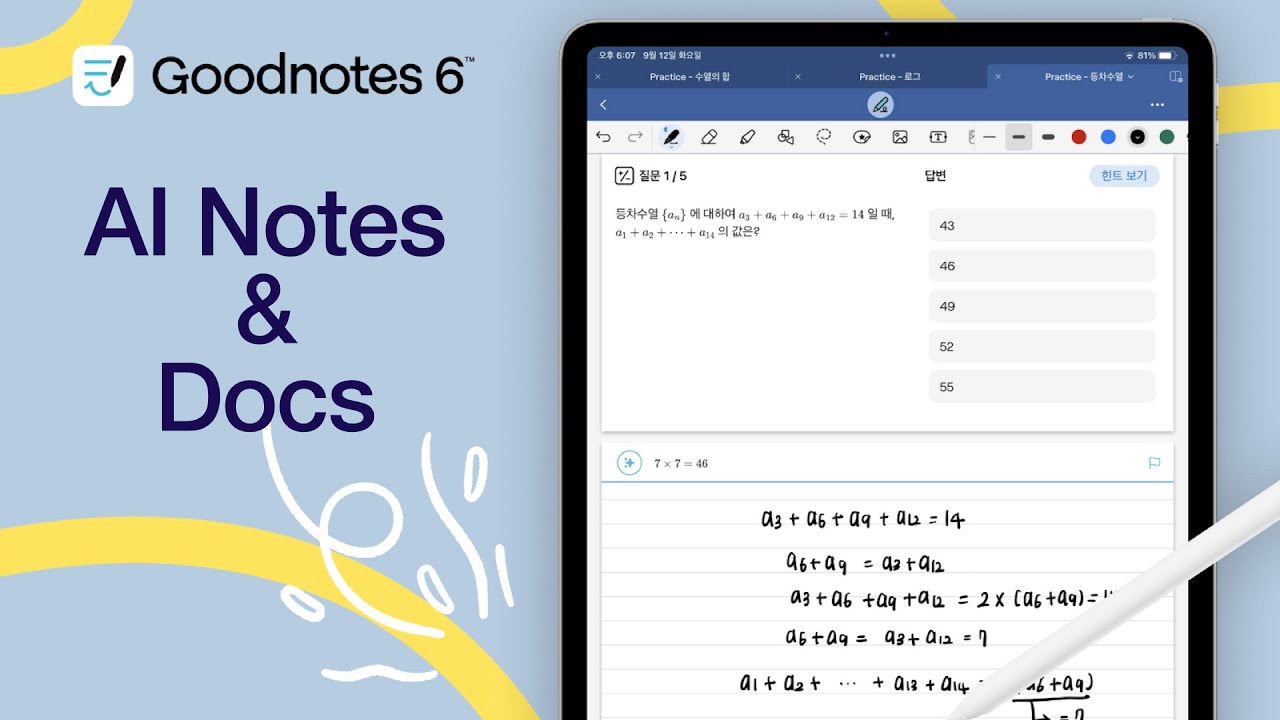
On App store, Goodnotes is now for AI notes and documents. What does that mean for digital note-takers in 2025?

Prodrafts or Apple Notes? It really comes down to what matters to you most. Even though Prodrafts might be the better app with more features, it doesn’t necessarily mean it’s the right app for you.
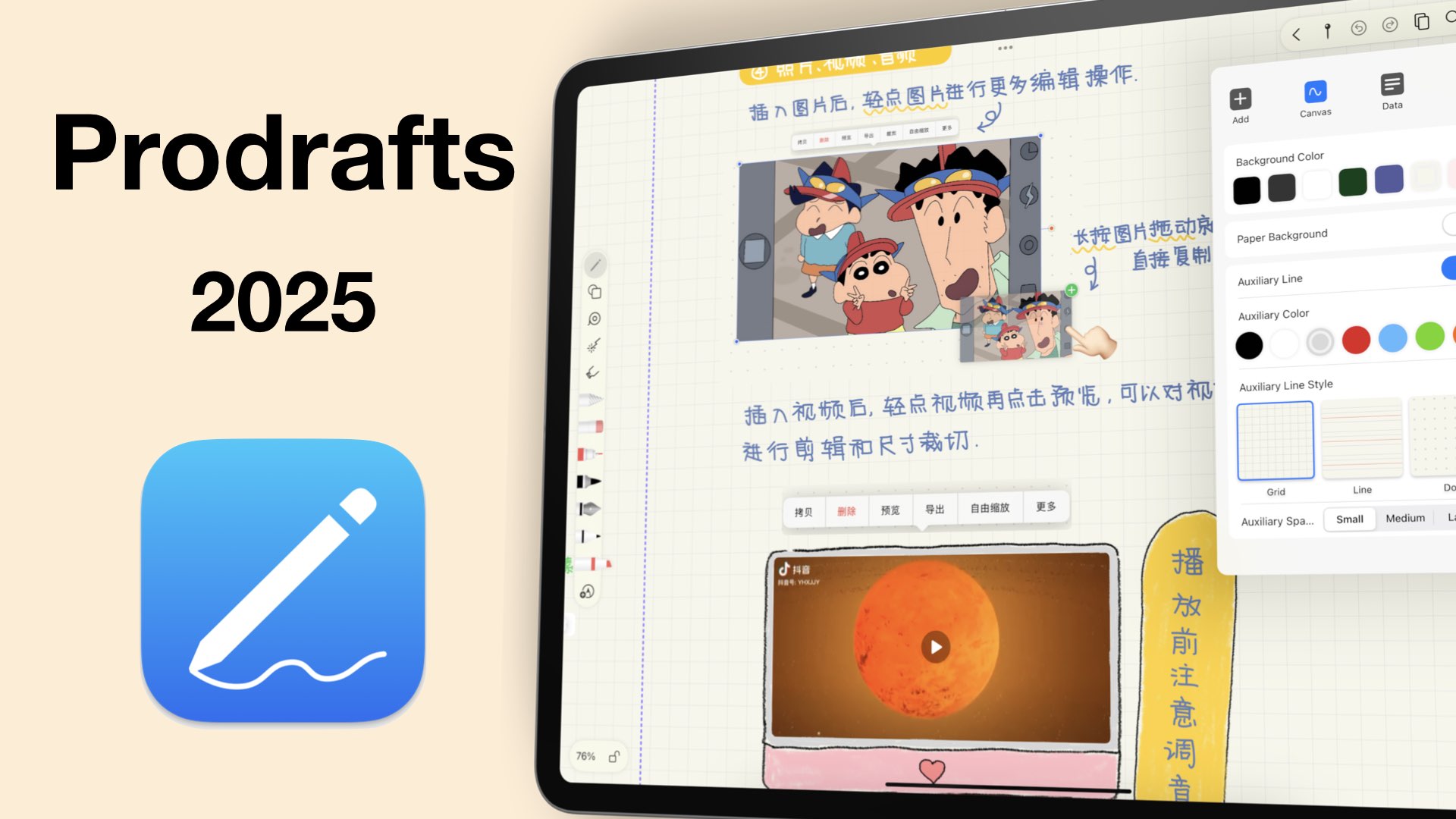
Prodrafts has a lot of unique features that make it perfect for advanced note-taking. With great shapes, support for GIFs, and a good tape feature, should you be using be using Prodrafts in 2025?
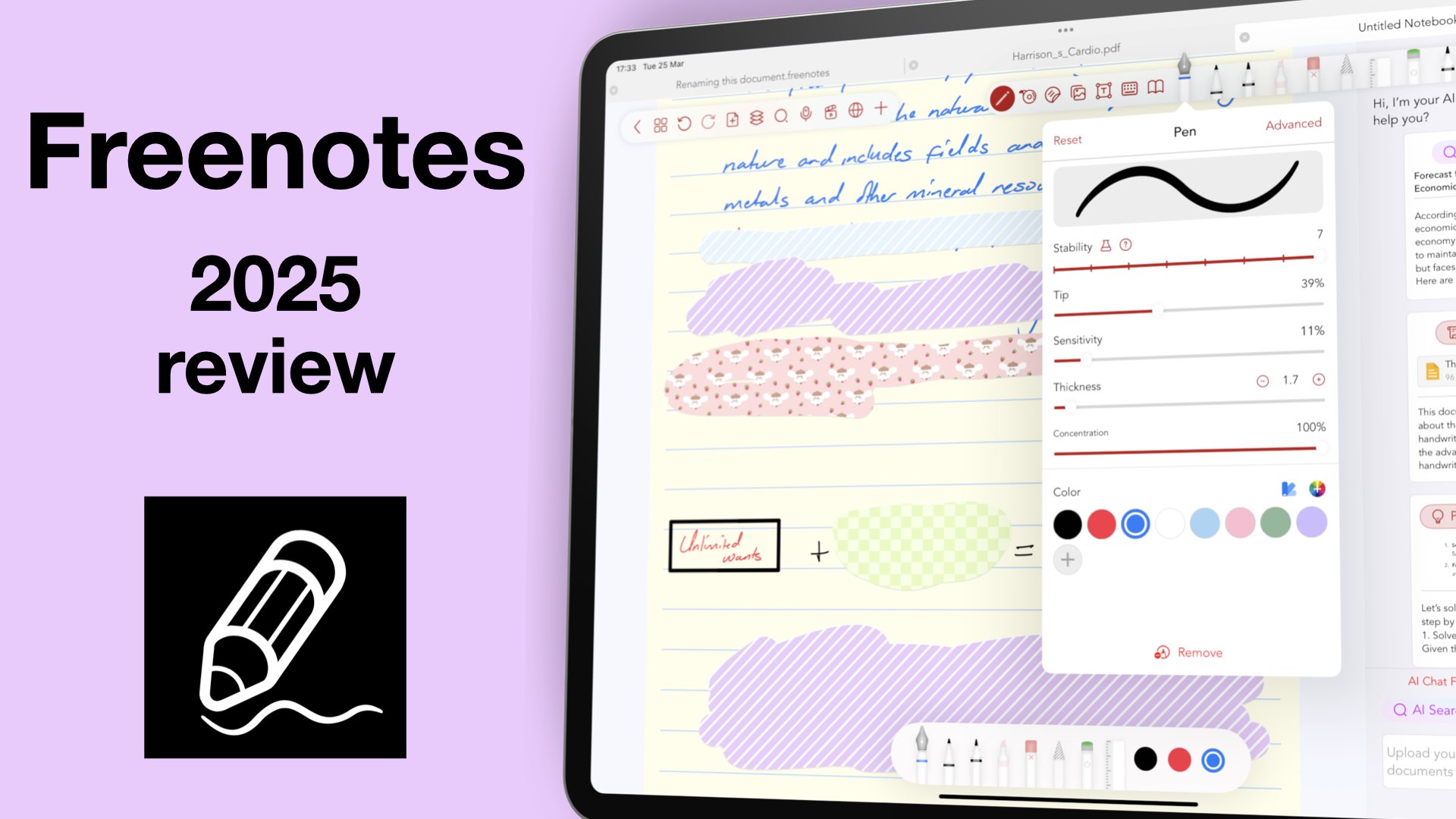
Freenotes, initially came as a free app and grabbed a sizeable chunk of the market.
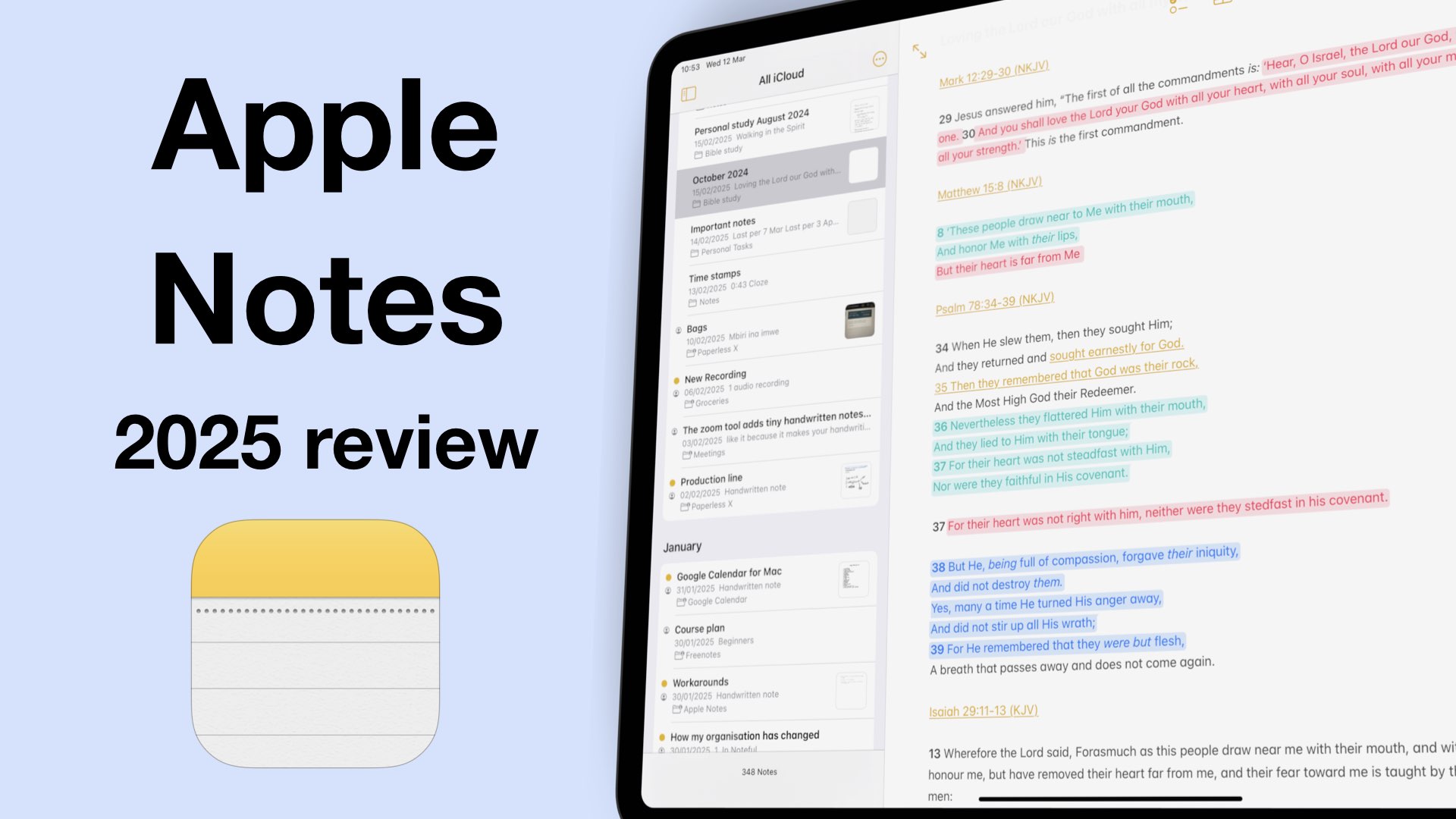
iPadOS 18 was a great update for Apple Notes because we got a lot of useful features for digital note-taking. So, what does that mean for note takers in 2025?
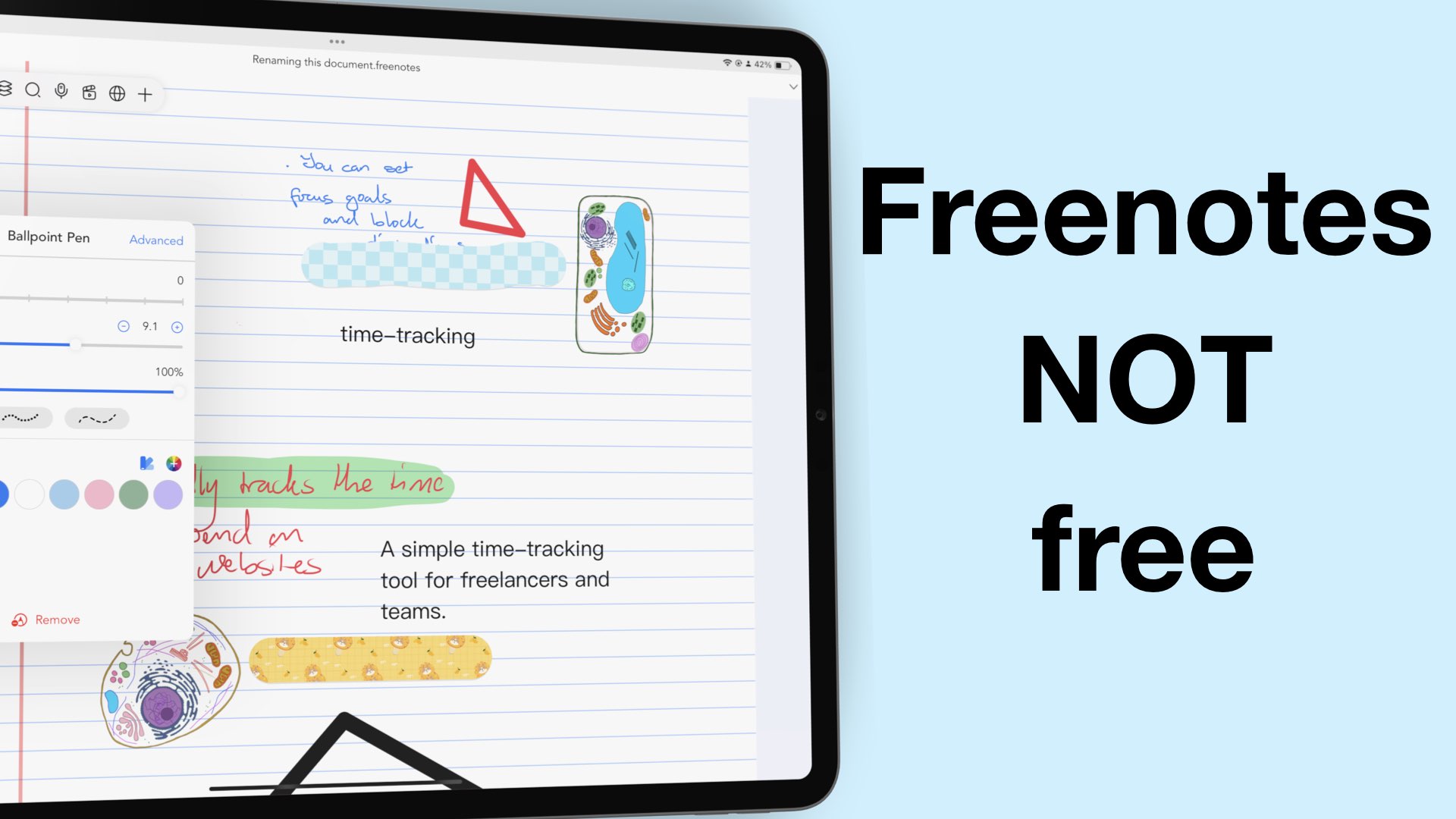
2024 was an incredible year for Freenotes. We saw a virtually unknown app shaking the digital note-taking market to become the third most popular handwriting note-taking app in the US App Store.

More and more handwriting apps are starting to expand beyond the Apple ecosystem in search of new markets. That is good news for those of us who have always wanted cross-platform support because we use several operating systems.
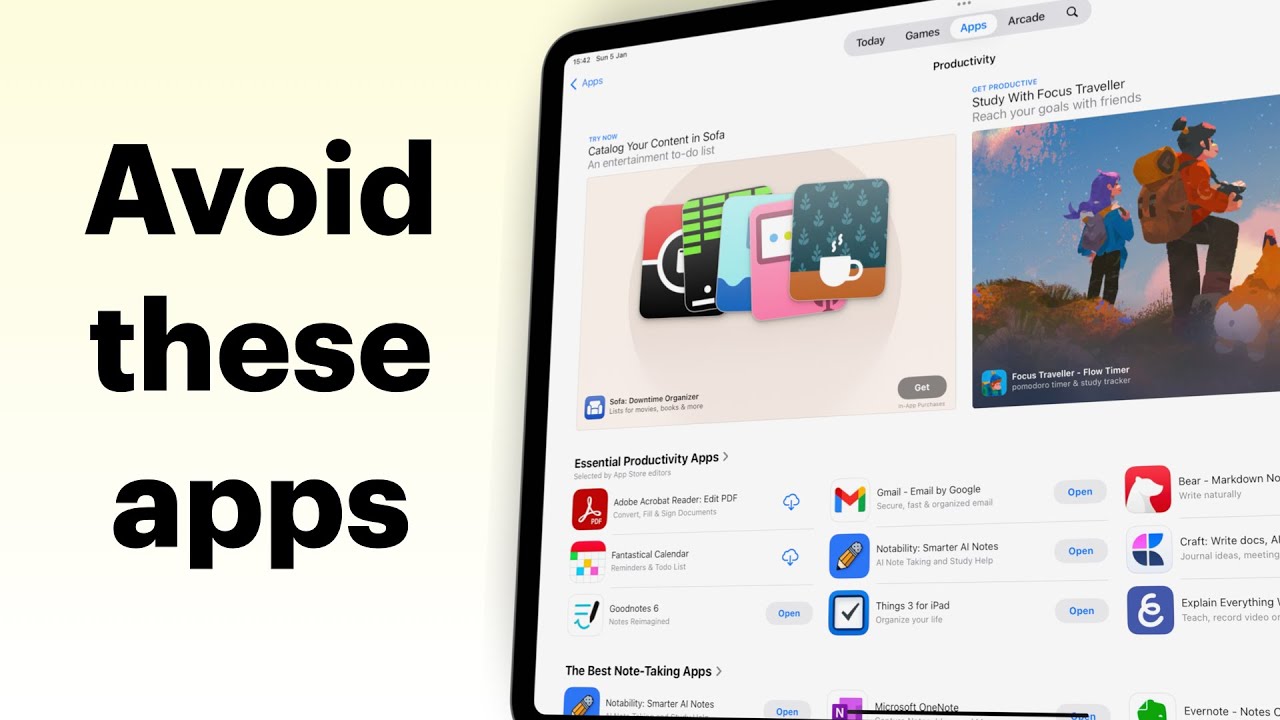
The App Store doesn’t always do a great job of pointing us to the right apps. There are apps that are still ranking high that are simply traps on your digital transformation journey.
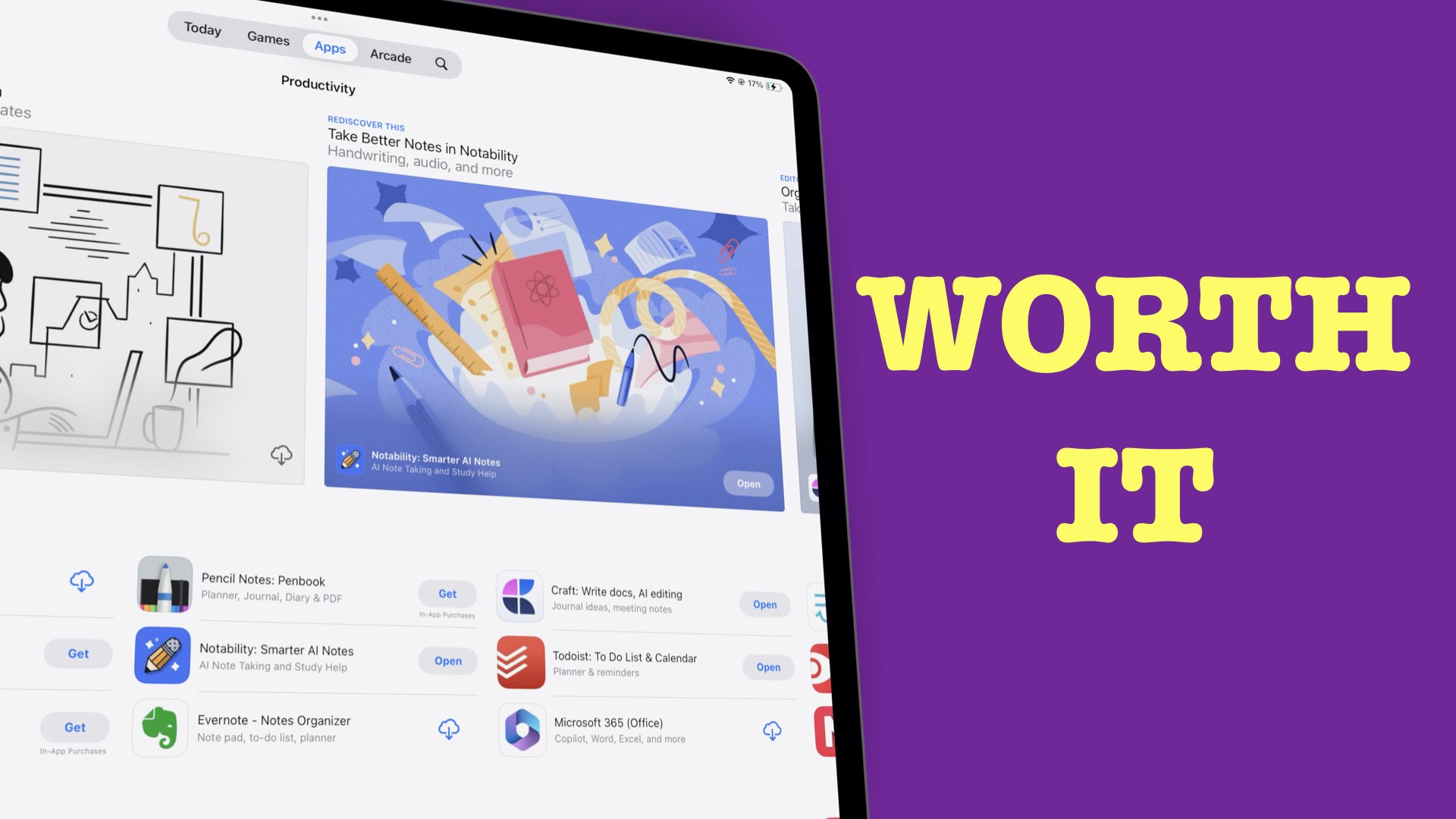
The best deal for our digital note-taking community is probably a one-time purchase setup. No matter how we feel about pricing, market forces then have the final say on how much a new product costs.
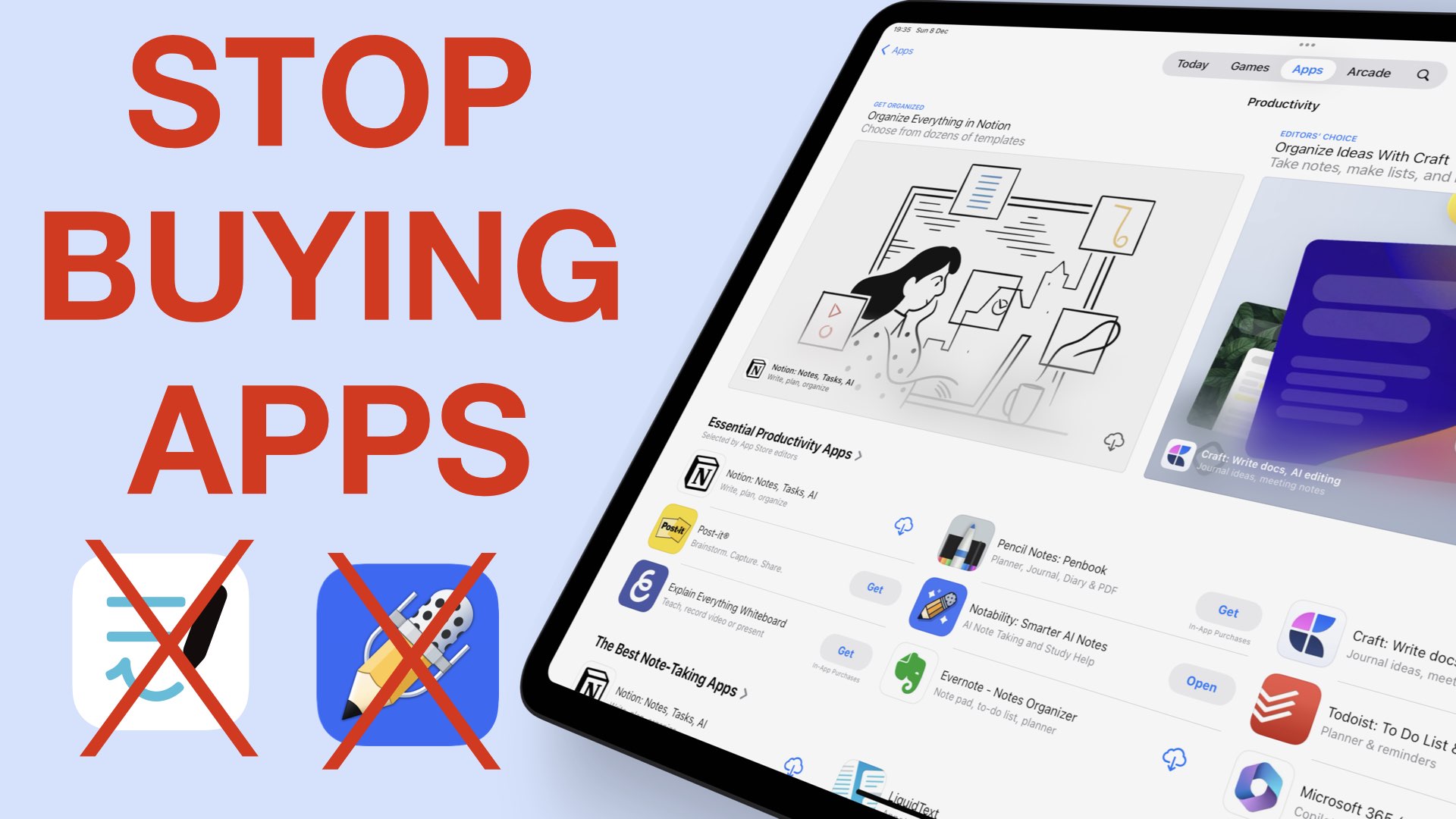
Gone are the days when price meant quality for the iPad notes. It could be a combination of a lot of things, but our money is on prices and bugs.