Apple Intelligence, iPadOS 18, iOS 18, and macOS Sequoia: what’s exciting?
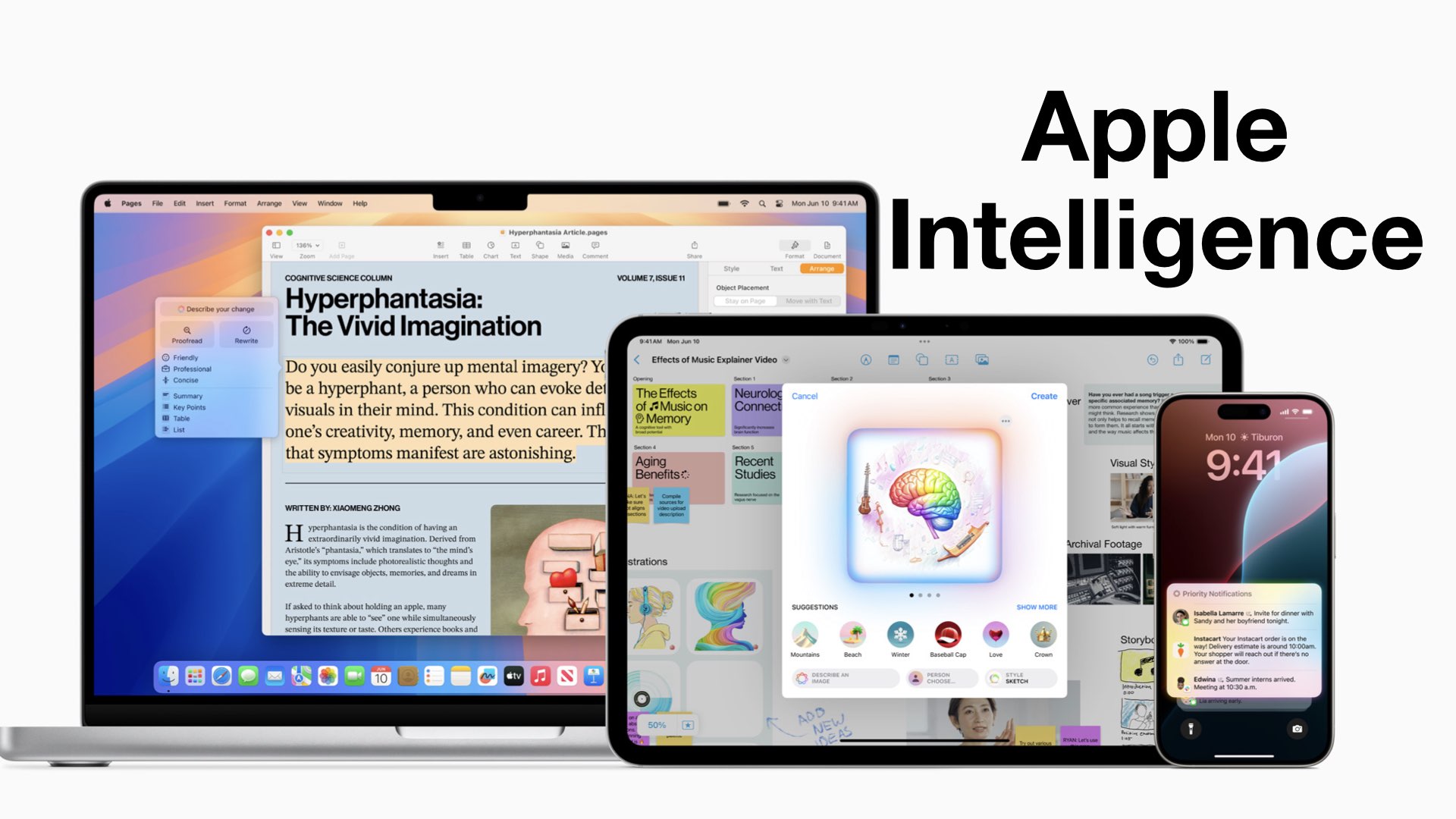
Apple Intelligence was the biggest announcement, which felt mostly like repetition with few additions to what Apple had already presented.
Every product Apple creates is always the something-est device they have ever made.
We love and hate QuillBot. We love how the web app is almost perfect and works so seamlessly.
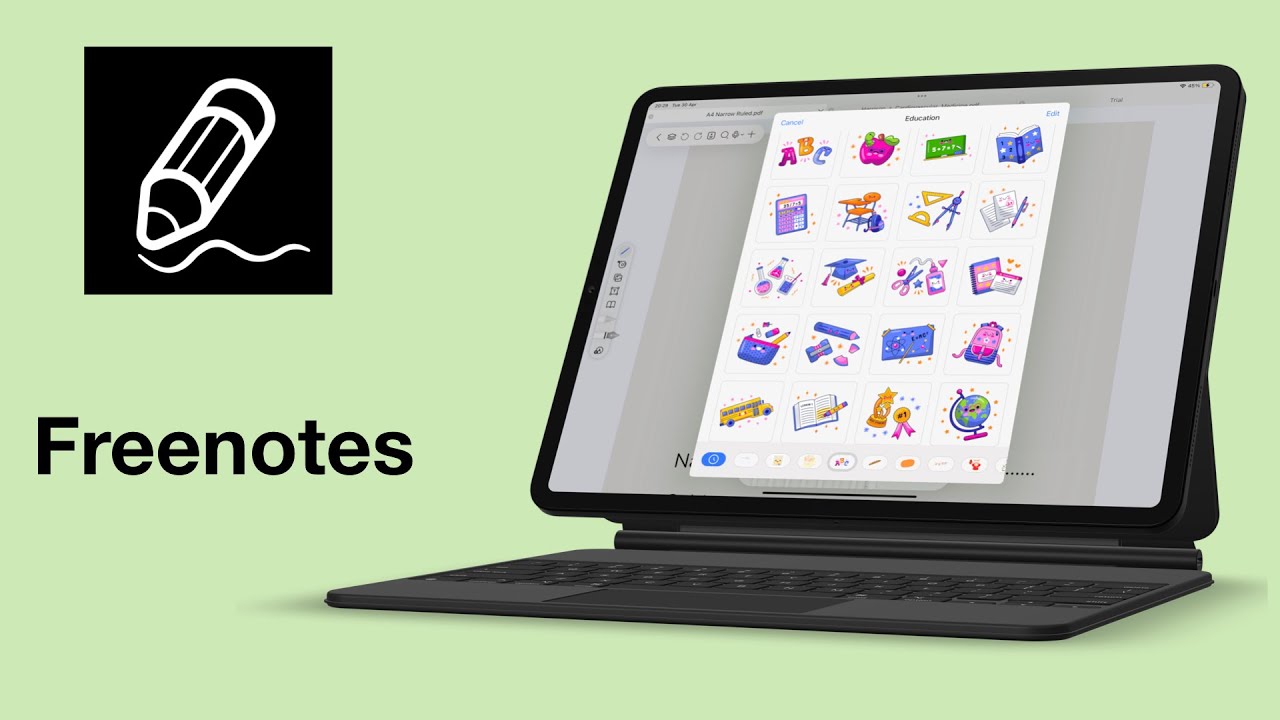
Freenotes is pieced together from different note-taking apps, and it’s very easy to see. You can see Noteful, Notability, Goodnotes, and Apple Notes.
The goal is keep trying and to improve yourself to become unfazed by all kinds of distractions.
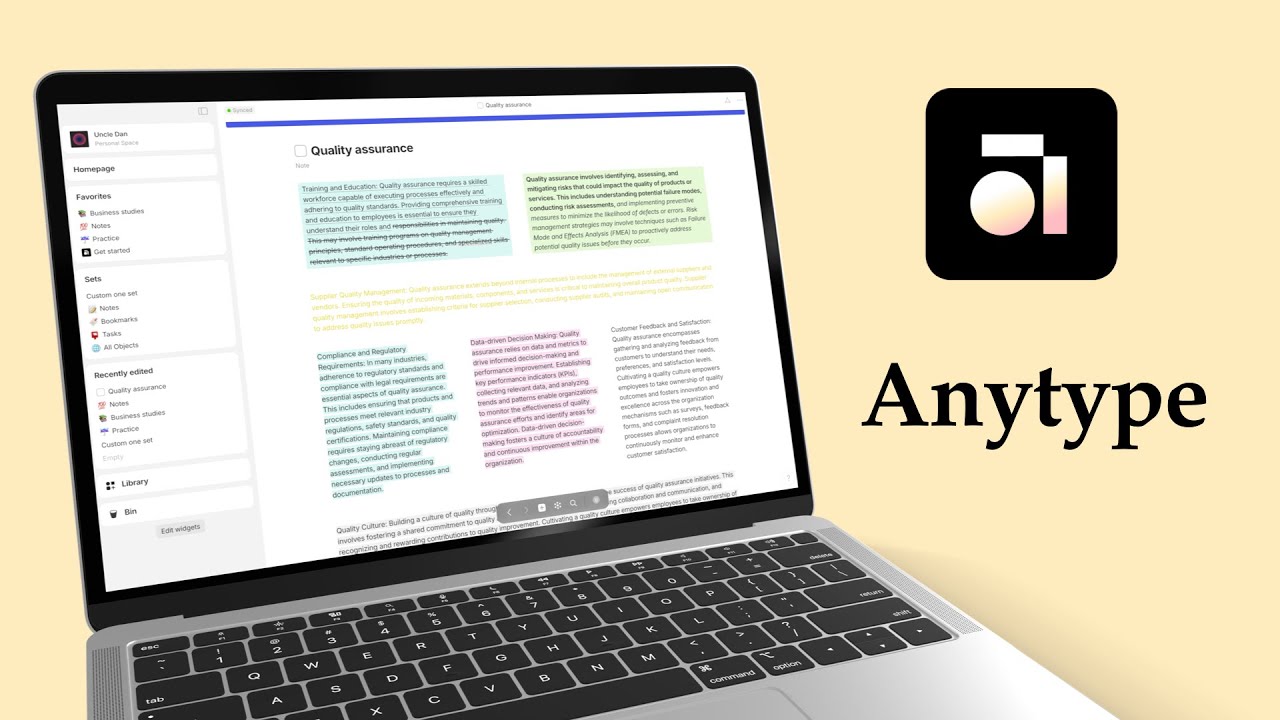
So, when they say offline first, they really just mean you can access your Anytype notes offline. That’s to be expected, no?
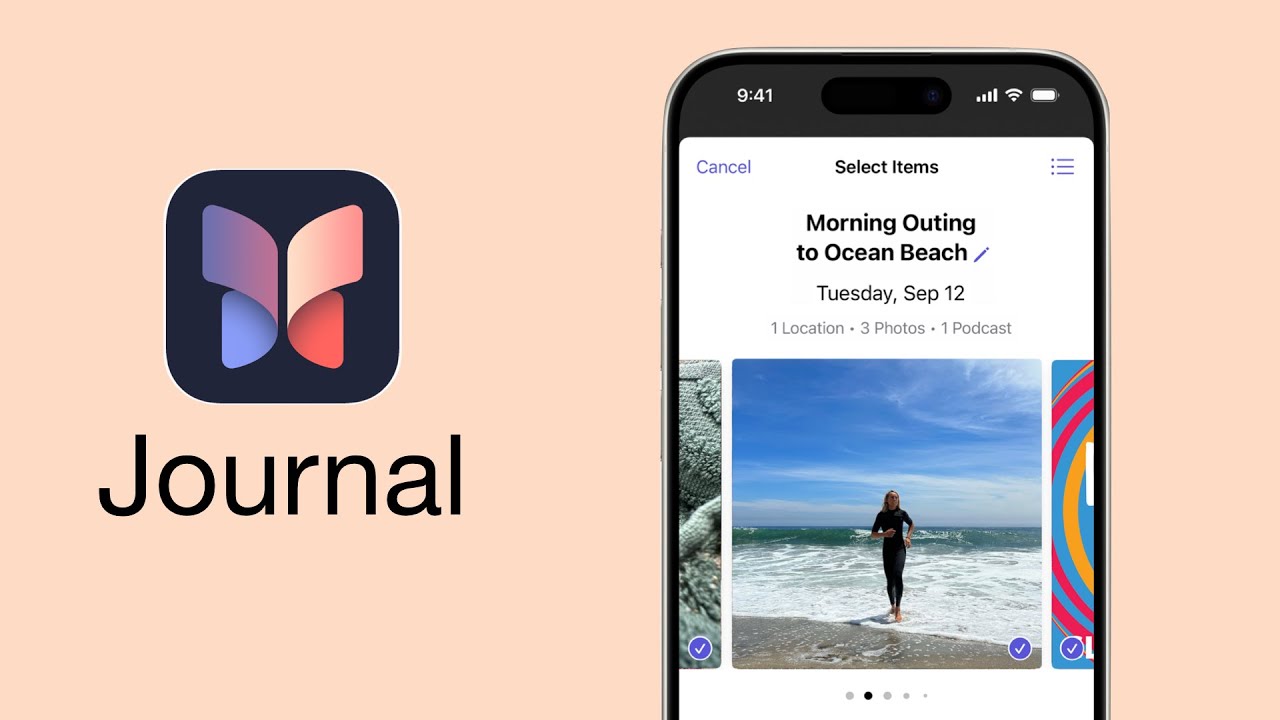
Apple Journal is simple, but it still needs a bit of work as its missing some essentials to make the app more functional.
Uncle Dan has been running an experiment with different iPads since the first iPad Pro was released in 2015. After almost a decade, he’s ready to dispose of all them and only keep one that he’ll be using for his work going forward.
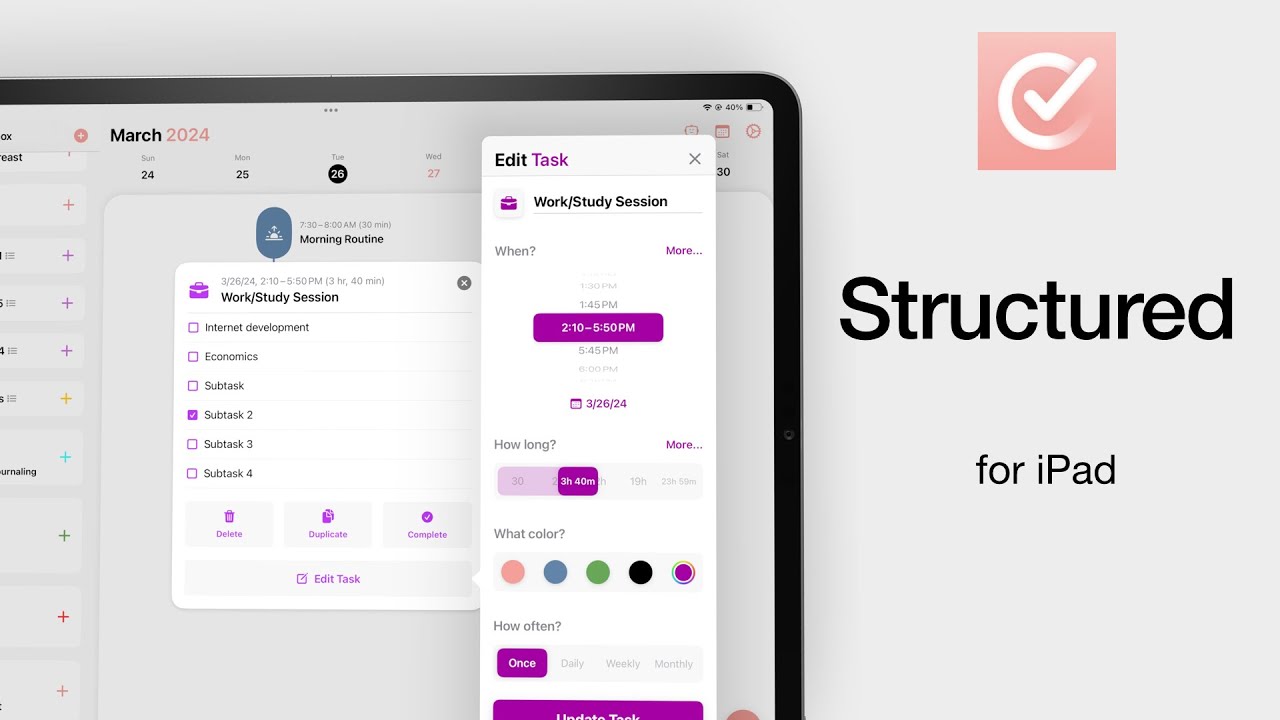
We love how Structured gives us a clear visual presentation of our daily schedule. Aside from having an excellent AI assistant, it seamlessly integrates data from Apple Calendar and Apple Reminders. Y
By embracing digital note-taking, you’ll equip yourself with powerful tools to organise your thoughts, boost productivity, and keep your knowledge base readily accessible.
We like the minimalist collaboration features in Document360. They make it easy to track and plan your work.
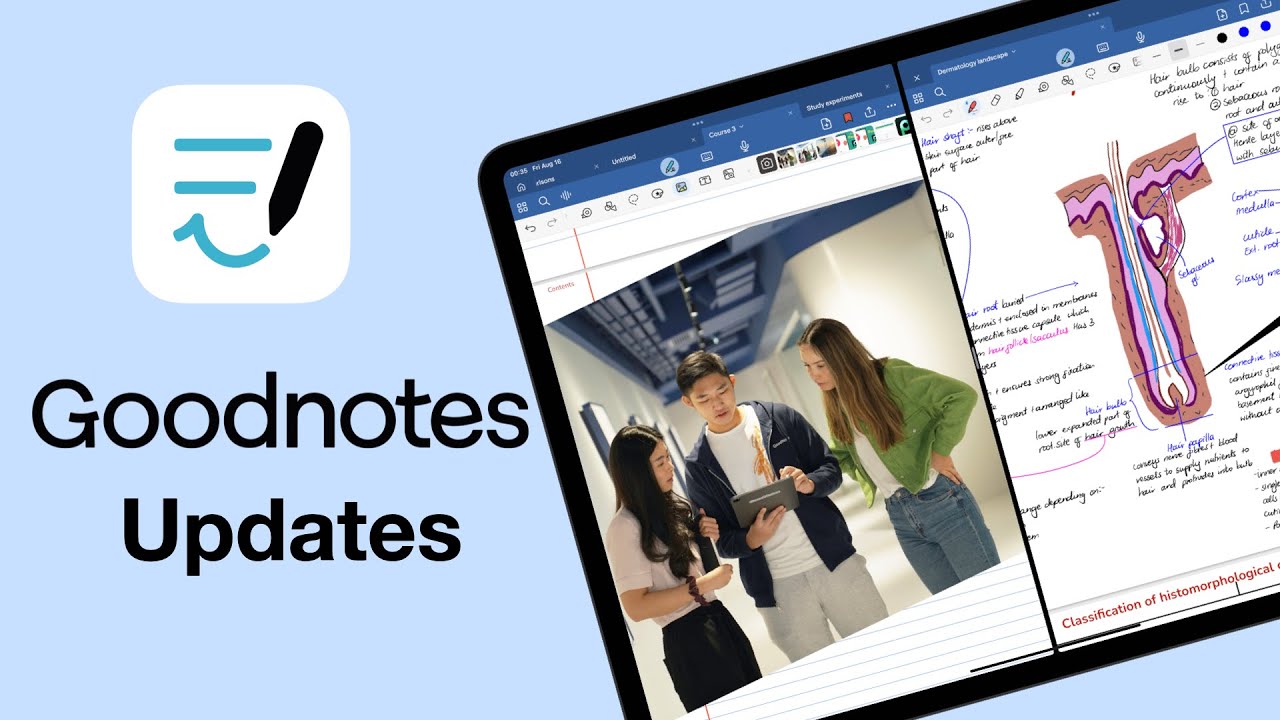
We also received several minor updates during the same period that are worth mentioning. We now have a ruler tool in the app.
The Intentional Living Planner is designed to help you focus on what matters. It’s a planner that’s meant to make you more intentional about what you’re doing each month, week, or day. But, is this the right planner for you in 2024? Let’s find out.
If you care about your privacy and hate the idea that there might be a chance (no matter how small) that you might lose your notes, then you should probably not use Notion.
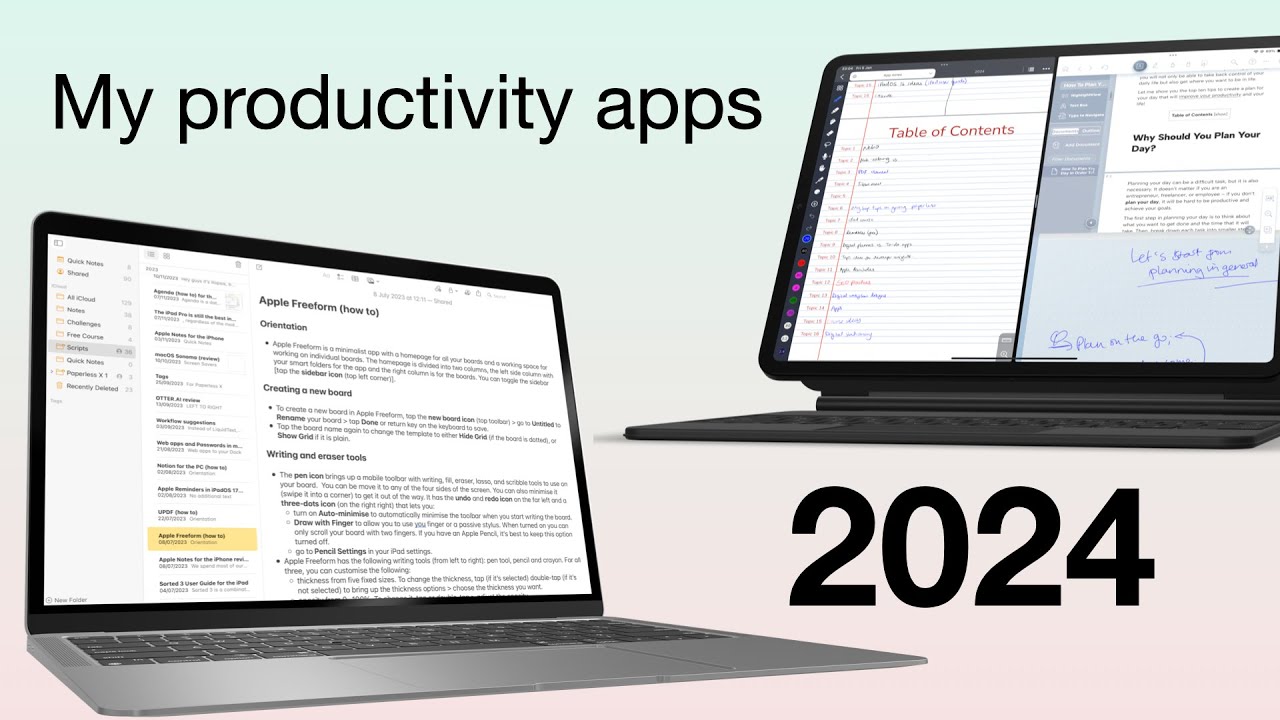
You guys always want to know what apps I am actually using and why. So, let’s go through the productivity apps I’ll be using in 2024.
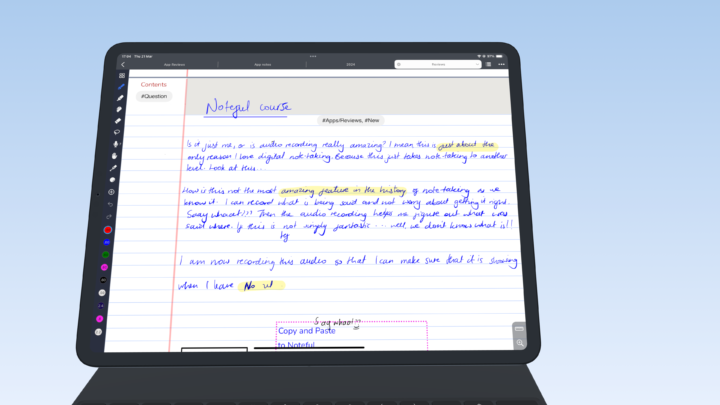
If you’re adamant on using Noteful for free, this brilliant handwriting note-taking app, we hope these hacks can help you achieve that goal.
Adobe Acrobat Reader is not optimised for running on any device; it has terrible RAM management, which makes the app a pain to use.
Noteshelf 3 is a great alternative for anyone running away from the subscriptions you get with GoodNotes and Notability.
We don’t really like the idea that Fantastical is just a platform that collects so much information from too many of our calendars and to-do apps.
In a nutshell, Zinnia is not well equipped for digital planning, but it’s also overkill for bullet journaling.