
iPadOS 18.2: Disappointing
When Apple said Genmoji would come by the end of the year, they weren’t kidding. But it’s here now. We might as well embrace it.
When Apple said Genmoji would come by the end of the year, they weren’t kidding. But it’s here now. We might as well embrace it.
The best deal for our digital note-taking community is probably a one-time purchase setup. No matter how we feel about pricing, market forces then have the final say on how much a new product costs.
Gone are the days when price meant quality for the iPad notes. It could be a combination of a lot of things, but our money is on prices and bugs.

I thought to have a conversation with you guys, to give you a sneak peek into my life at Paperless X. I’ll try to cover the most popular apps on this channel to show you what a biased app review looks like for Paperless X
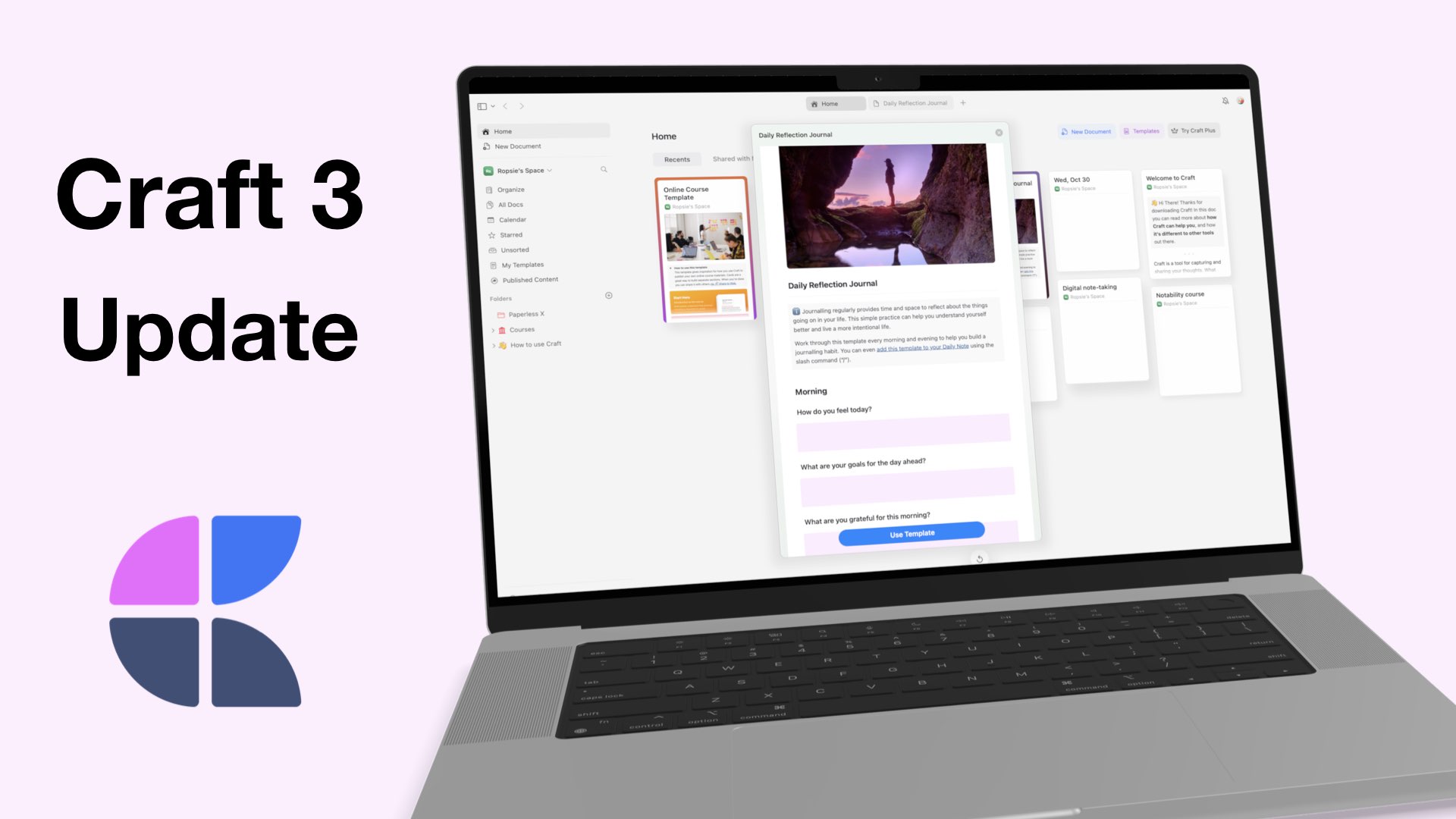
A few hours after we finished reviewing Craft, we got an update: version 3. Let’s see what’s new.
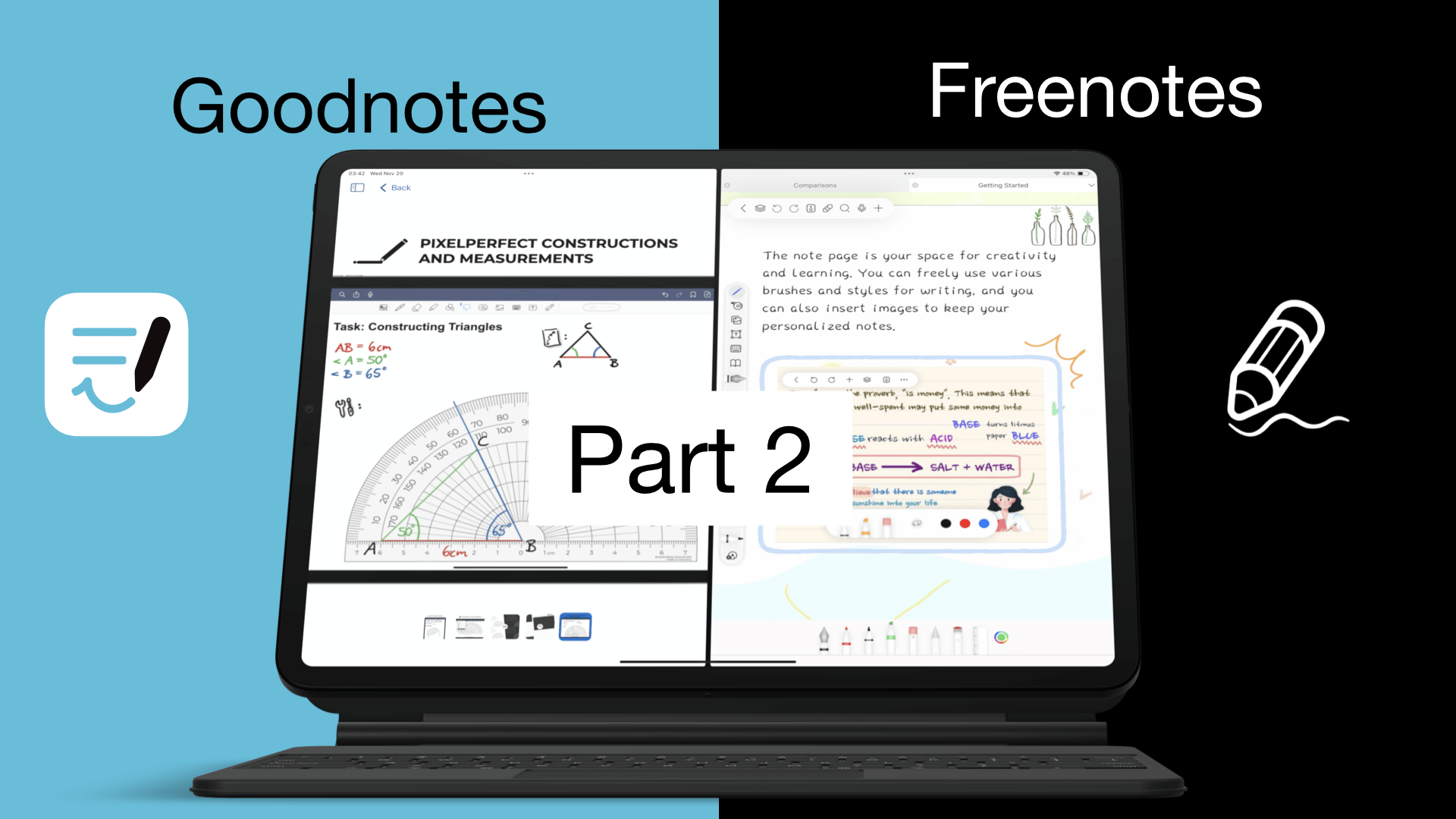
So, we’ve covered the basics of Goodnotes and Freenotes. Now we want to see all the different items you can add to your notes in the two apps, and just how easy or difficult it is to do that.

We’ve needed a database for the apps we review and try, for years now. But each time I set out to do it I got stuck or lazy because I had no idea where to begin or how to set it up.
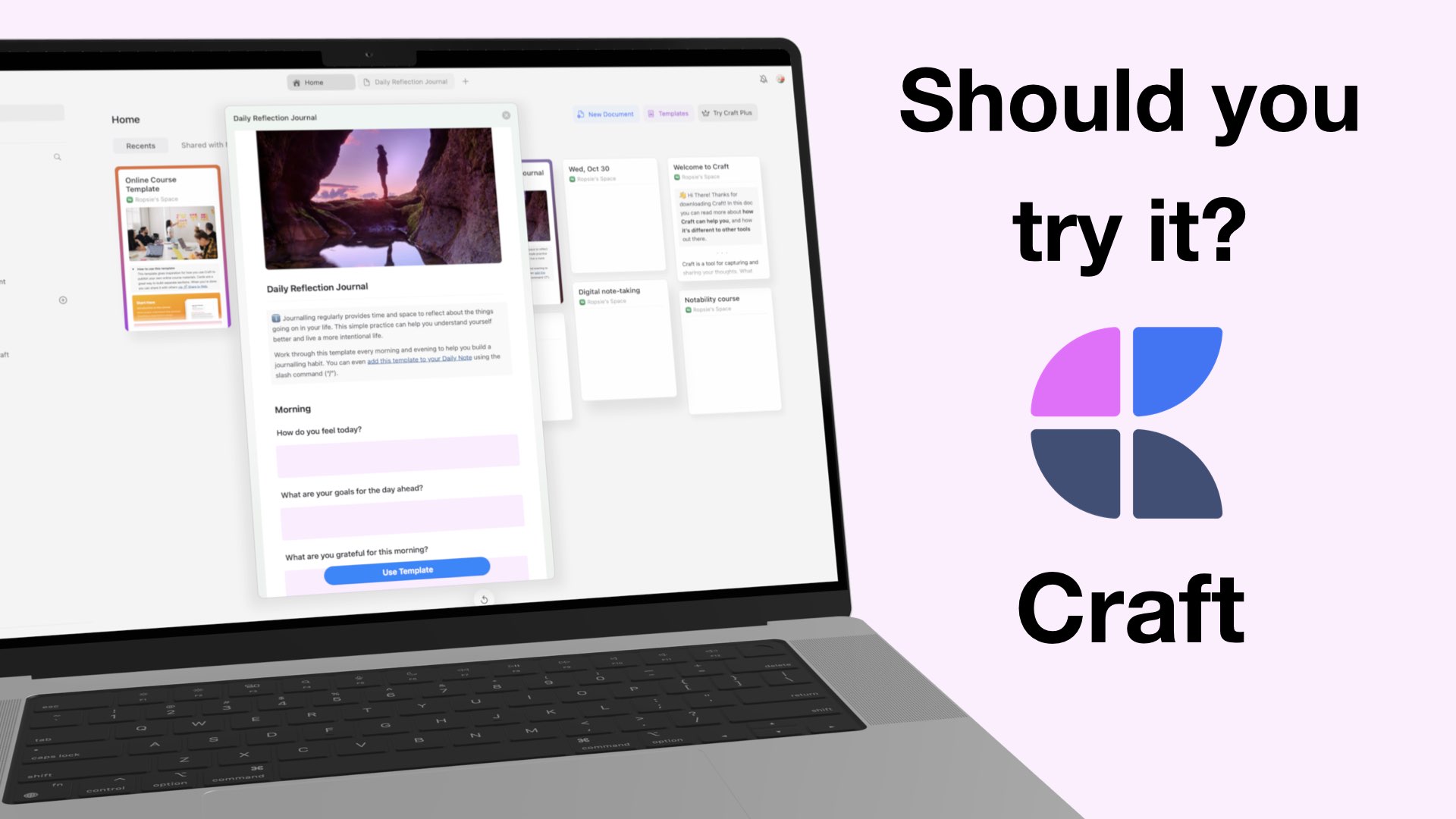
This is the fourth and final part of our Craft review. We covered the basics in the first part of this review, items we can add in the second one, and the third helped us get organised in the app.
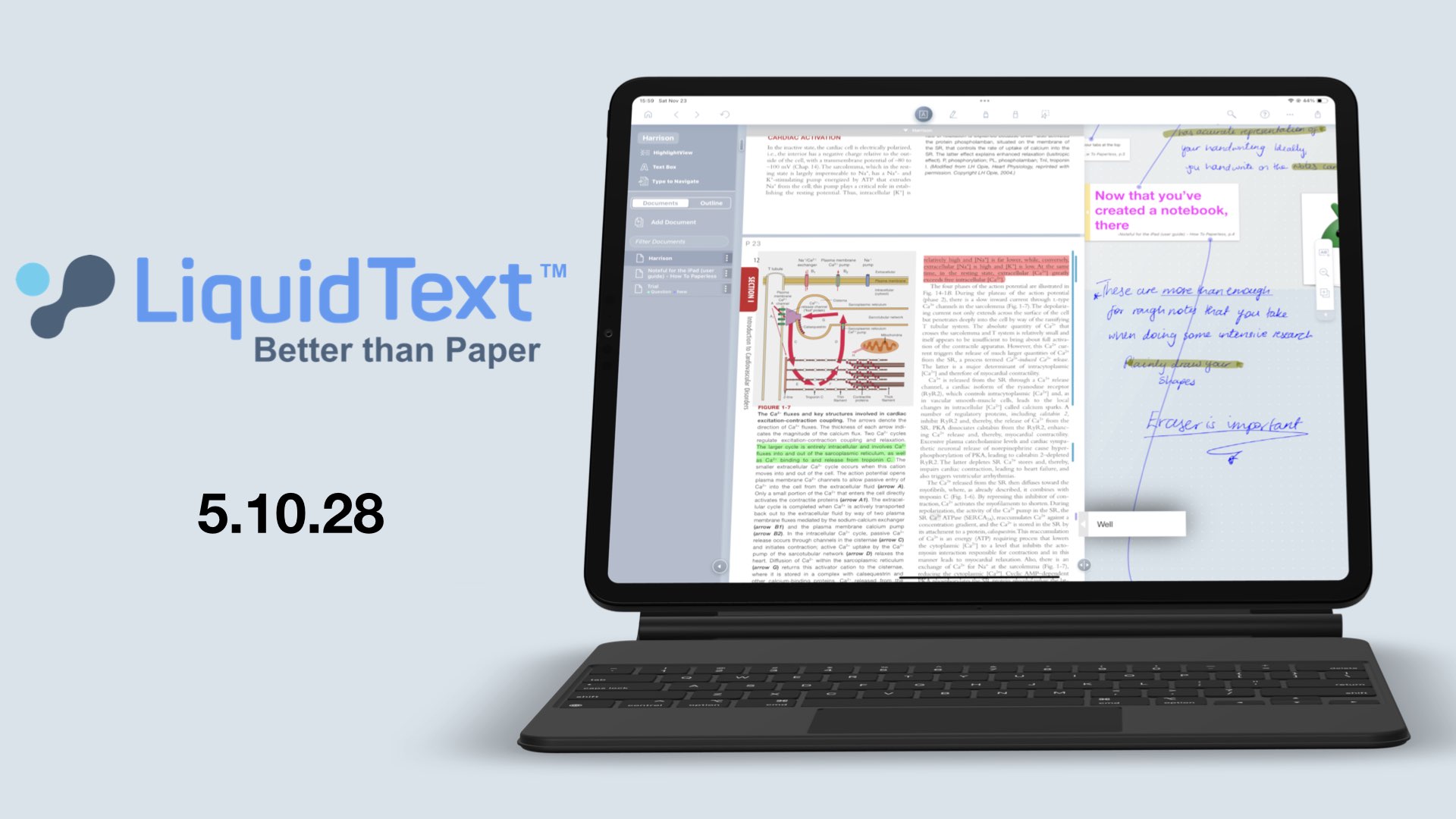
Woke up to an update from LiquidText for comments; auto-positioning them to the margins of our documents, and I found the perfect culprit.

Fantastic One! Join me on another workflow journey where I’ll be reorganising my lists and tasks in Apple Reminders.