
Apple Journal in iPadOS 26
Apple Journal has finally made its way to the iPad and Mac—and I have to say, it feels like we’ve been waiting forever.
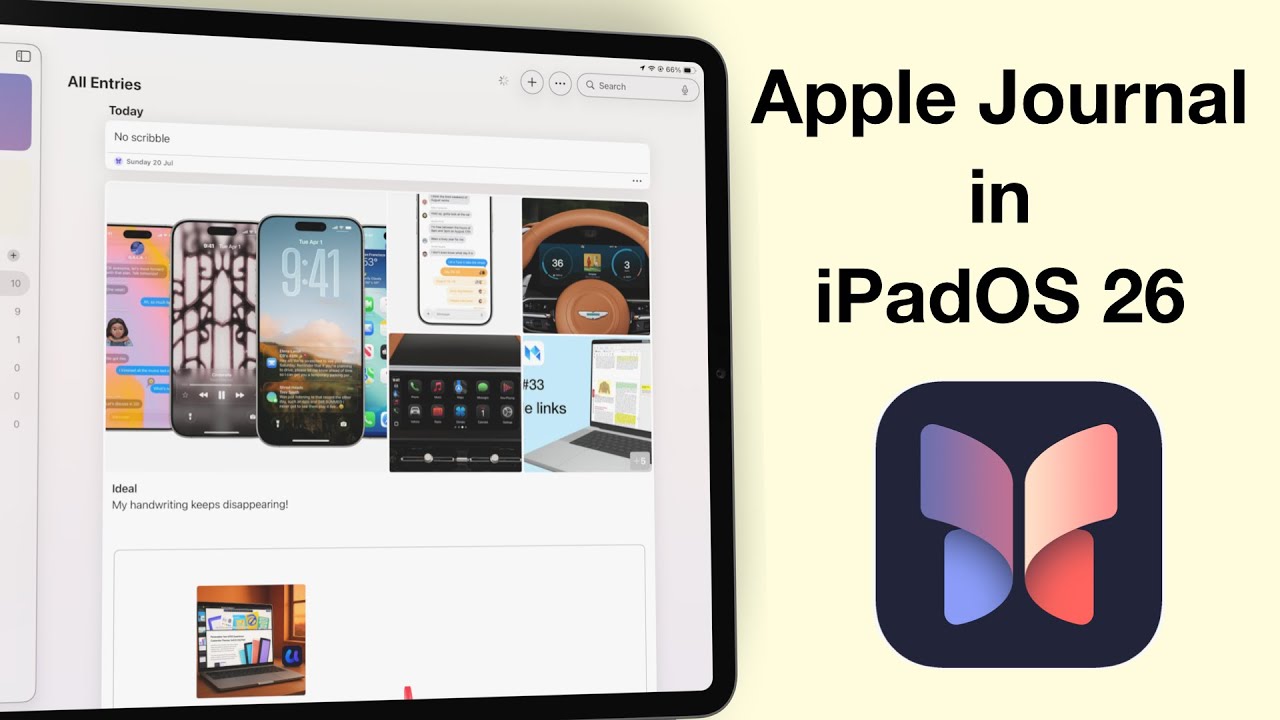
Apple Journal has finally made its way to the iPad and Mac—and I have to say, it feels like we’ve been waiting forever.
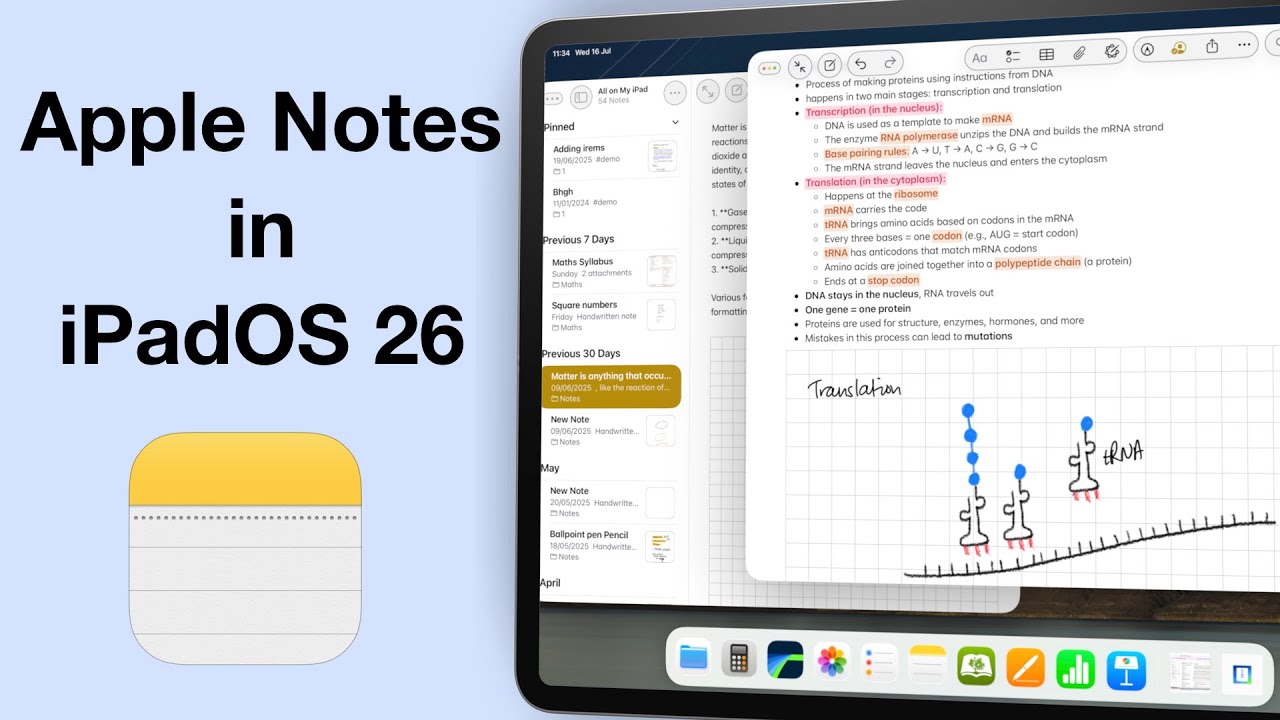
It’s been three years since we made our Apple Notes wish list for the iPad… and honestly, maybe it’s time we let it go.
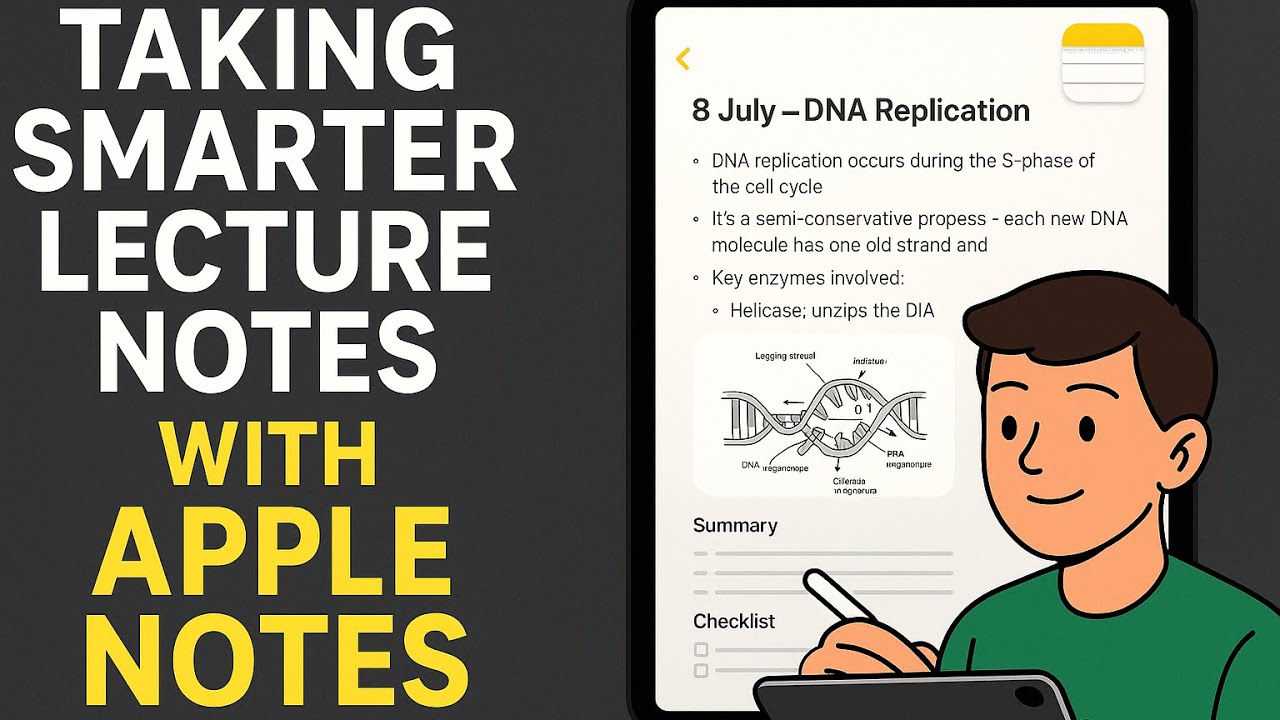
Alex is a second year university student, juggling lectures, tutorials, assignments — and a part-time job.
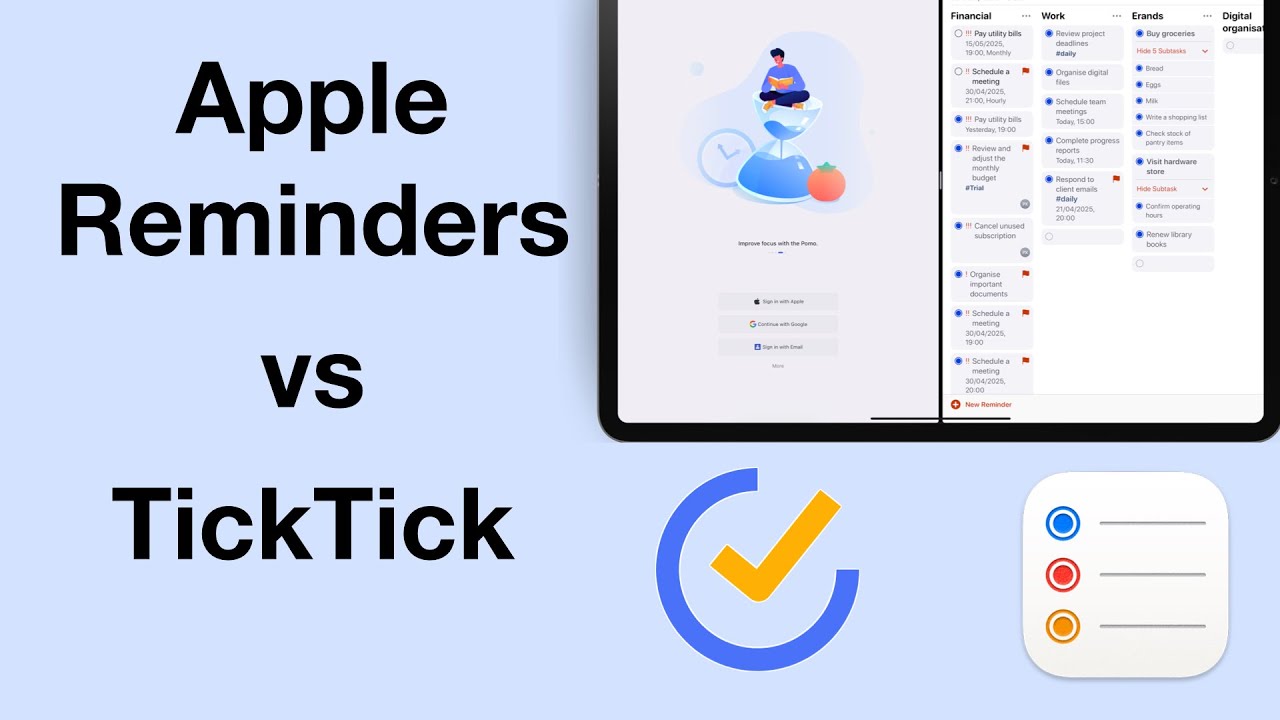
We recently reviewed TickTick, and the to-do app stood out as a potential Apple Reminders replacement. So we had to compare the two apps, to see which app is better, and for who.

We all know Goodnotes 6 is brilliant for handwriting—that’s probably why most of us downloaded it in the first place. But there’s so much more packed into the app.
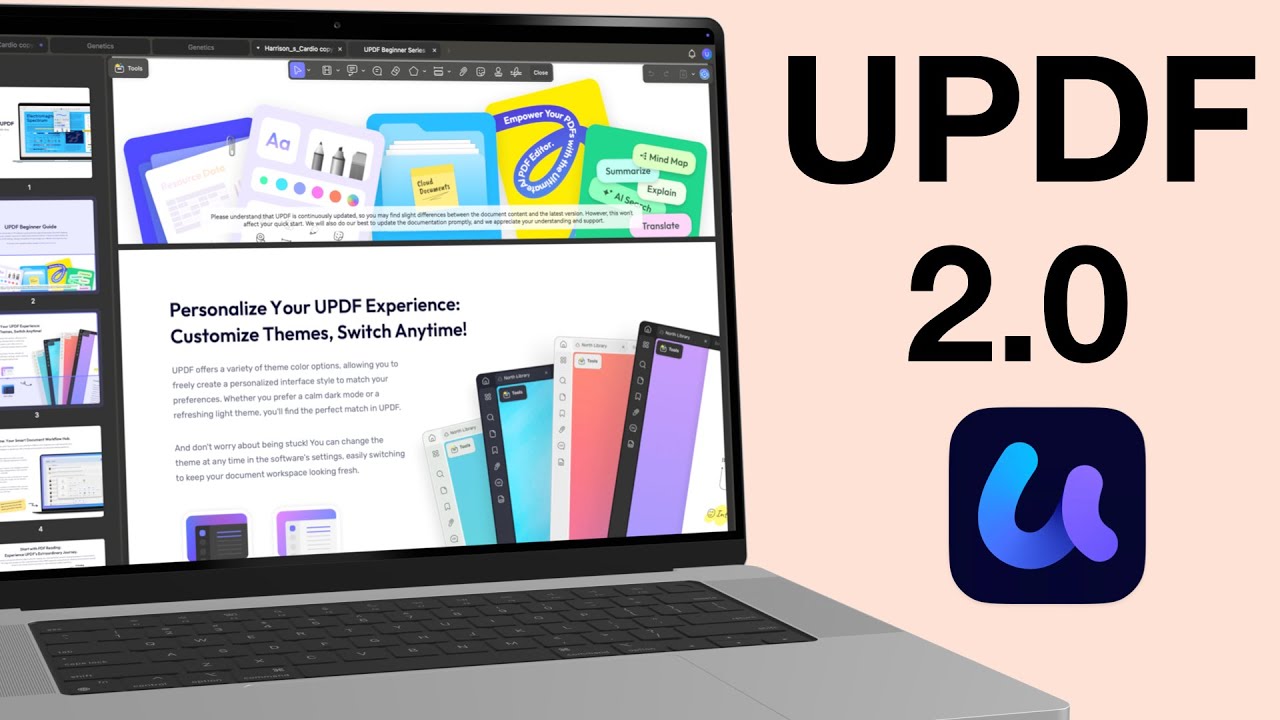
Before it’s an editor, every PDF editor is first a reader. So, how does UPDF 2.0 handle reading and annotating your PDFs in 2025? Let’s find out!
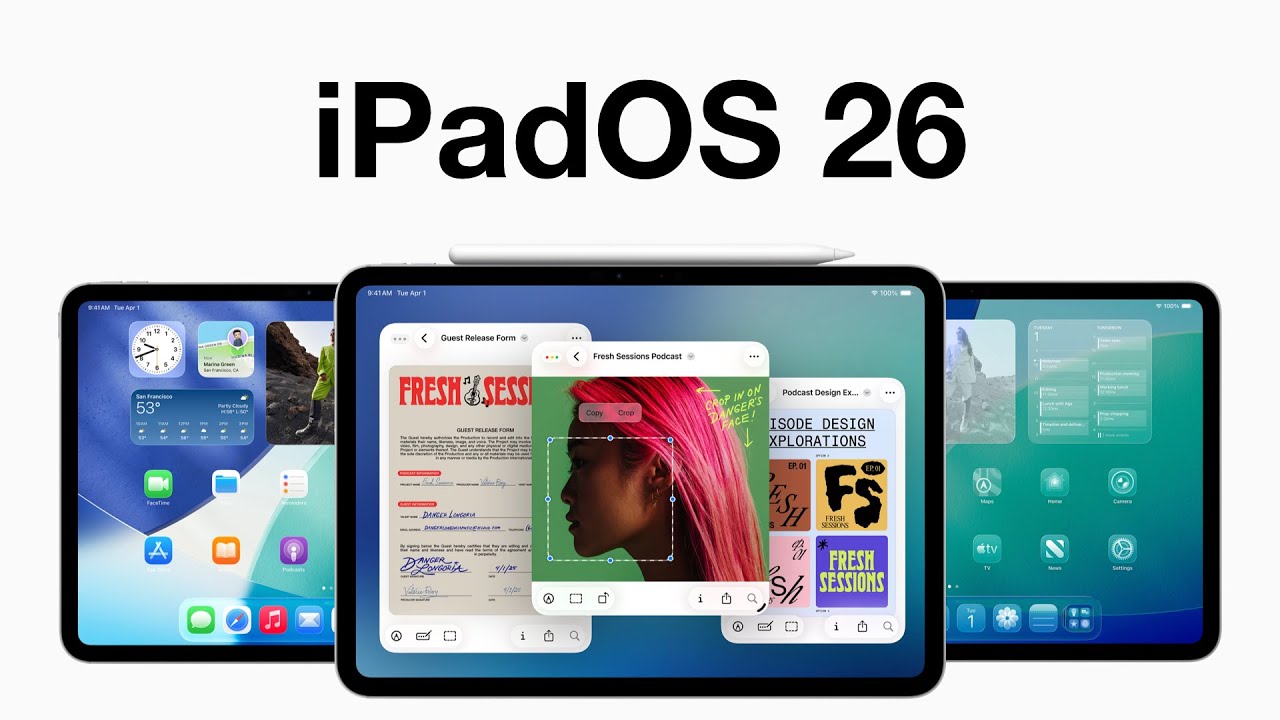
Unlike macOS Tahoe, iPadOS 26 still feels a bit buggy—especially the search bar, which just refuses to behave. I’ll probably regret installing this beta because I don’t have a backup.
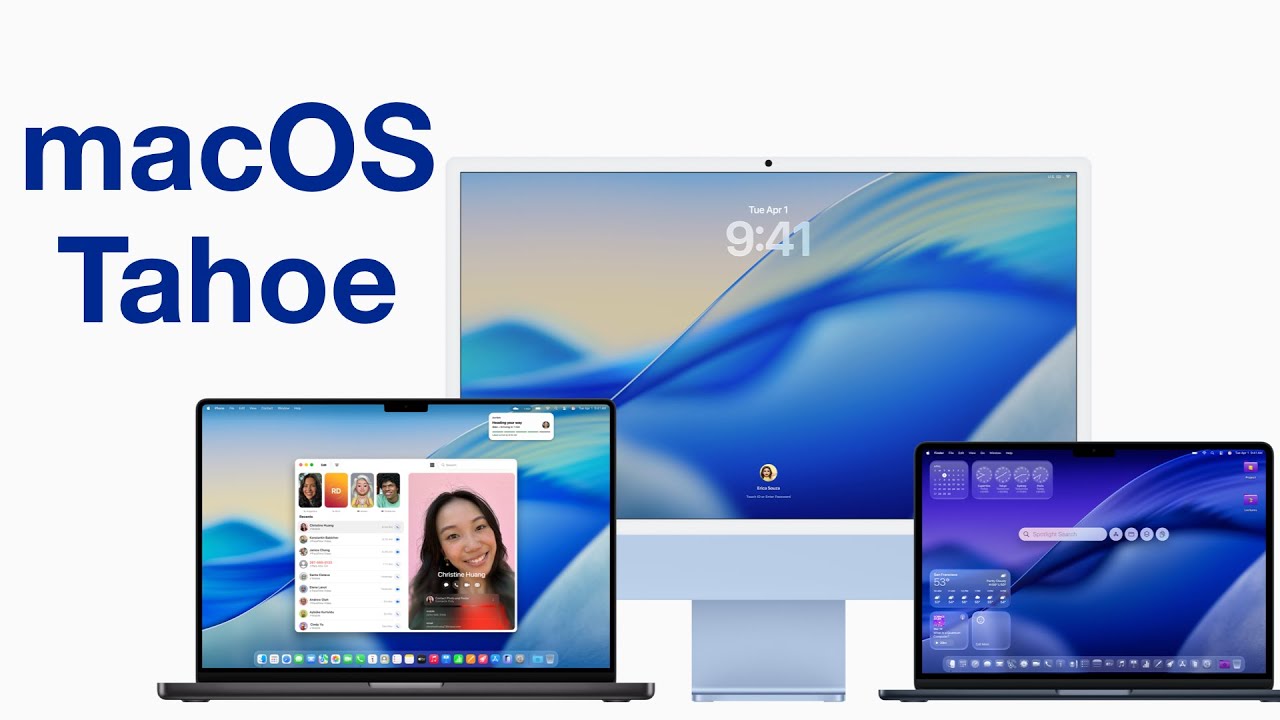
WWDC25 introduced us to this year’s round of OS updates—their biggest change being how everything looks. As soon as I could, I signed up my Mac, iPhone, and iPad (in that order) for the developer betas. That’s how we’re going to cover them—starting with macOS Tahoe in this video.
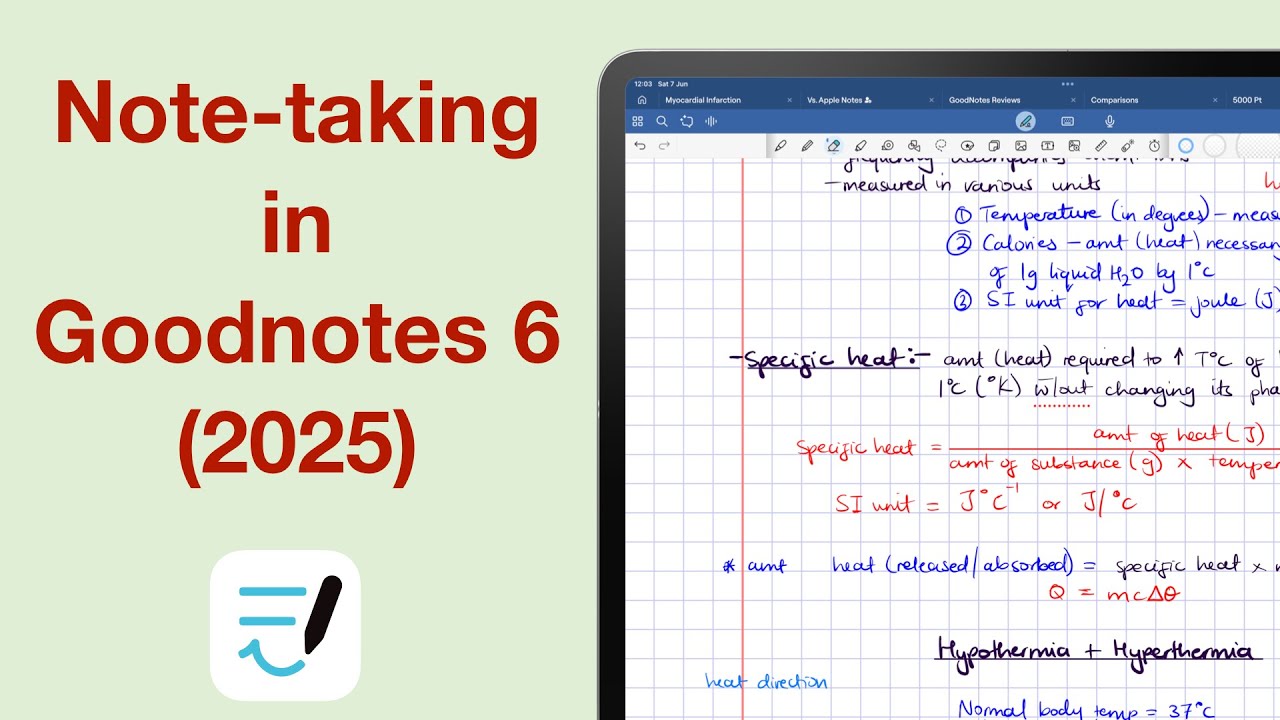
In 2025, there are more handwriting note-taking apps than ever—but Goodnotes still gets most of the attention. Our database is still a work in progress, but from the apps we’ve fully analysed so far, Goodnotes stands out as one of the most complete.
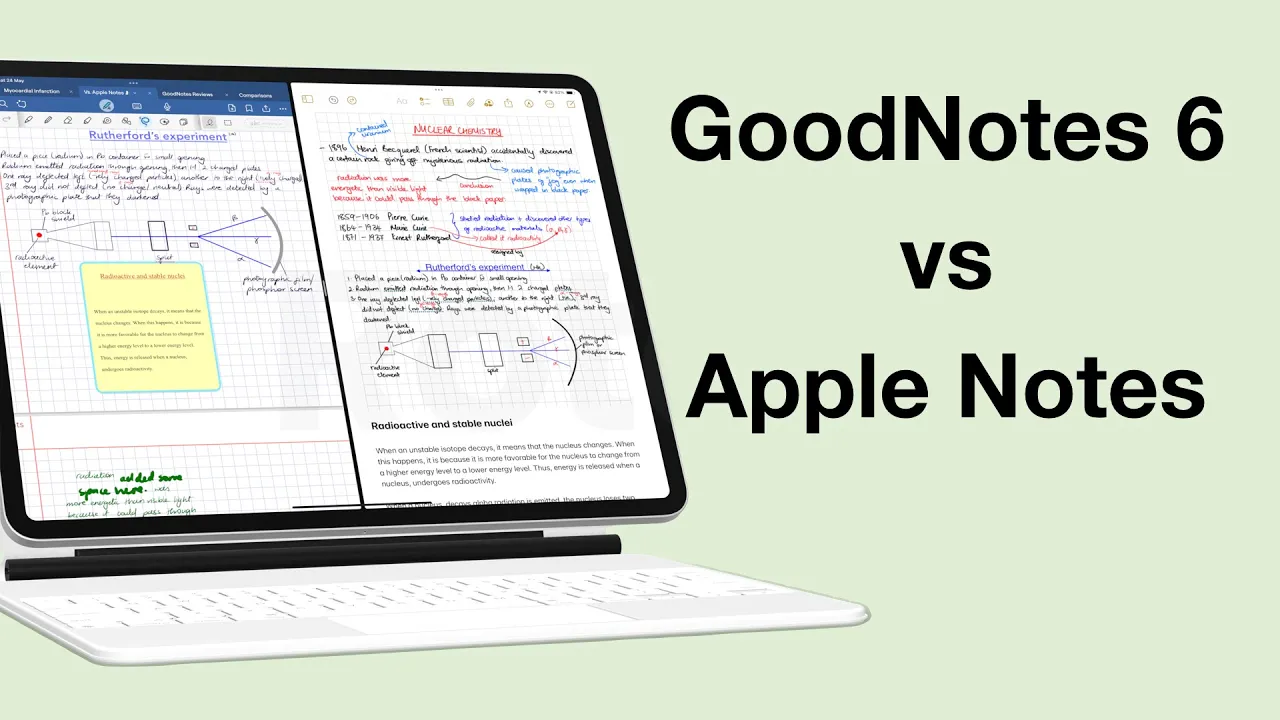
On paper, Goodnotes obviously has more features. But does that actually make it a better app than Apple Notes in 2025? Have all the updates to Apple Notes culminated into something worth leaving paid apps for?