
iPadOS 26.2: what you need to know
iPadOS 26.2 is one of those updates that manages to annoy and impress me in the same breath.
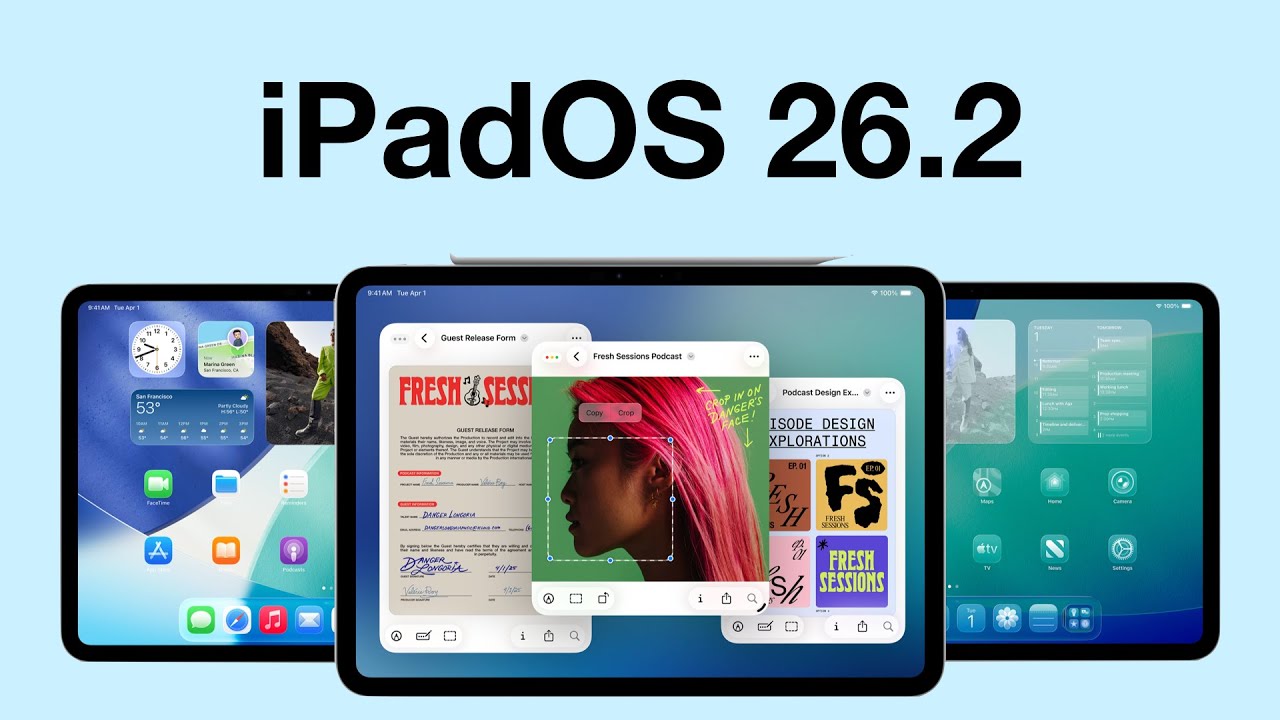
iPadOS 26.2 is one of those updates that manages to annoy and impress me in the same breath.
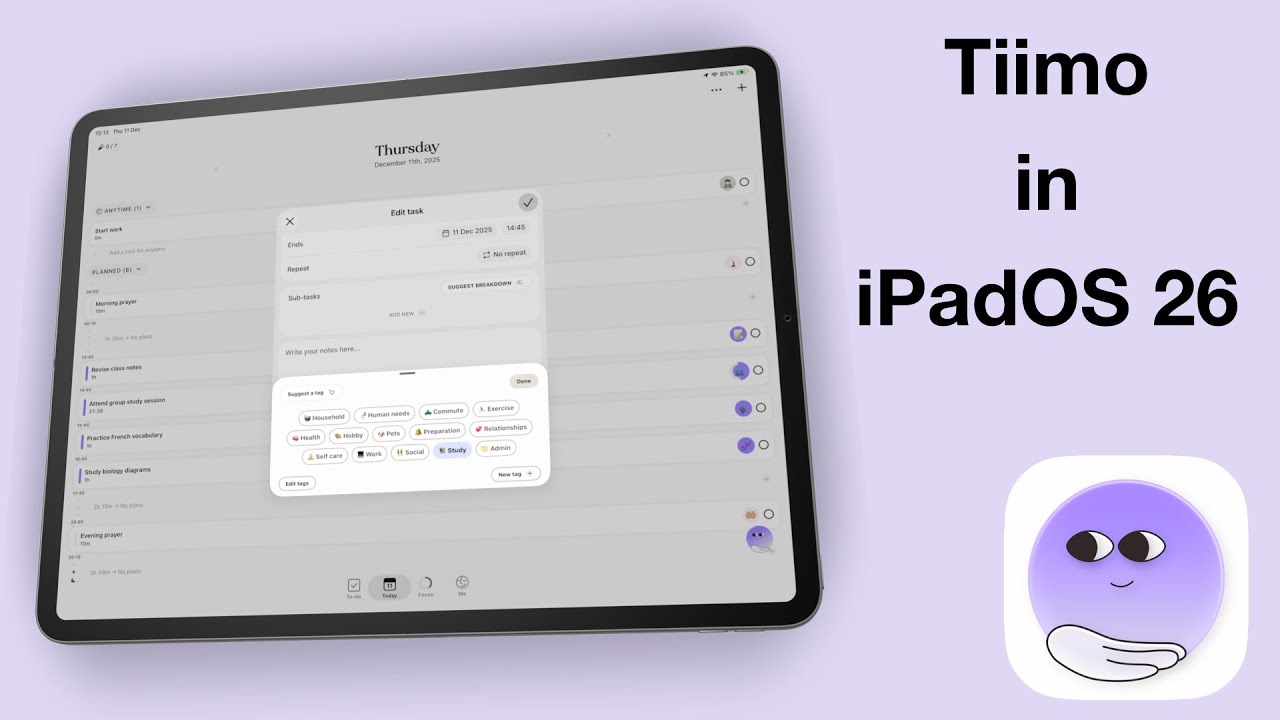
Fantastic human, hello! Today we’re looking at Tiimo, the planner that won the App Store’s iPhone App of the Year award.
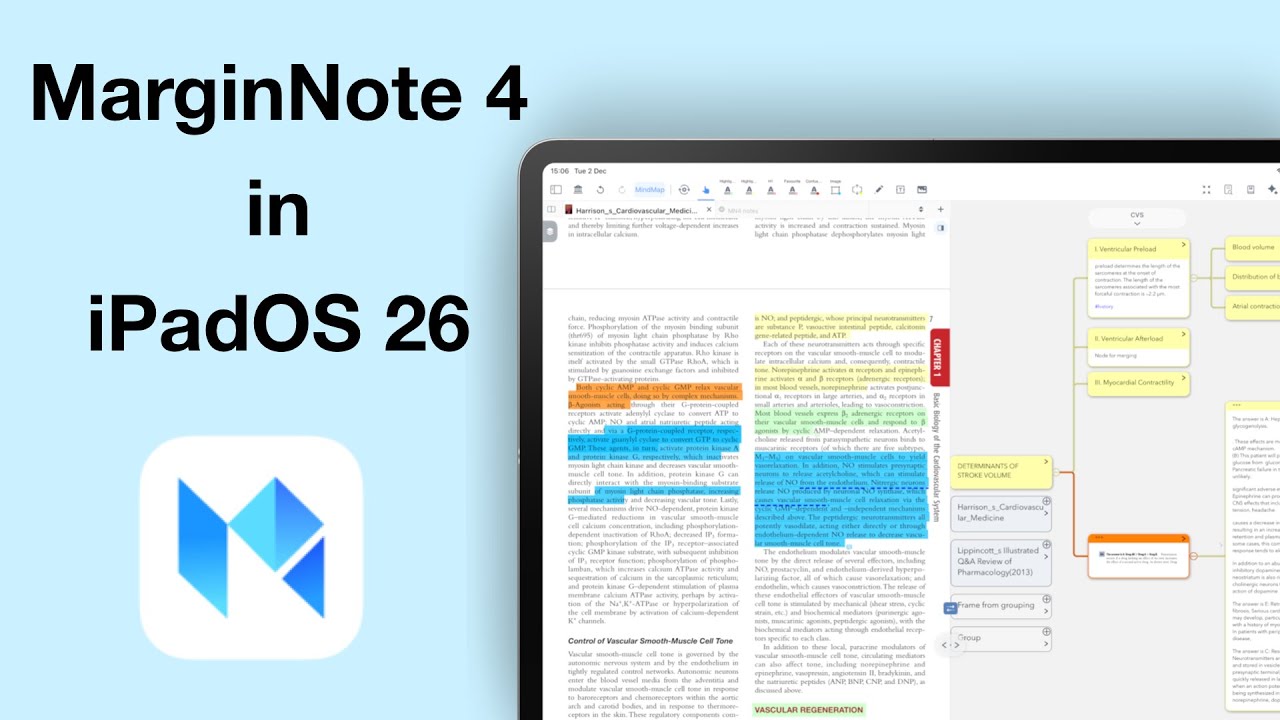
Today, we’re diving into an app that truly sits in its own category when it comes to deep research and long-form studying.
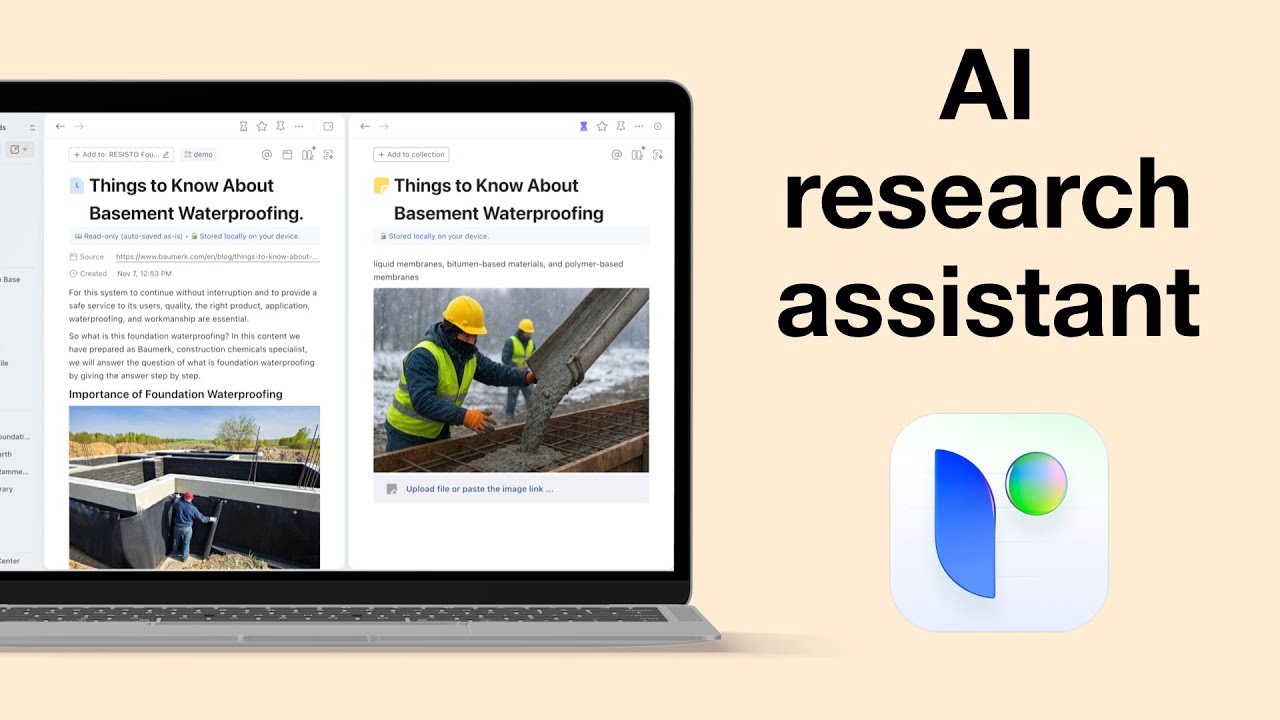
If you spend a lot of your time doing research, taking notes, or just trying to make sense of endless tabs open across your browser, this one’s going to feel personal.
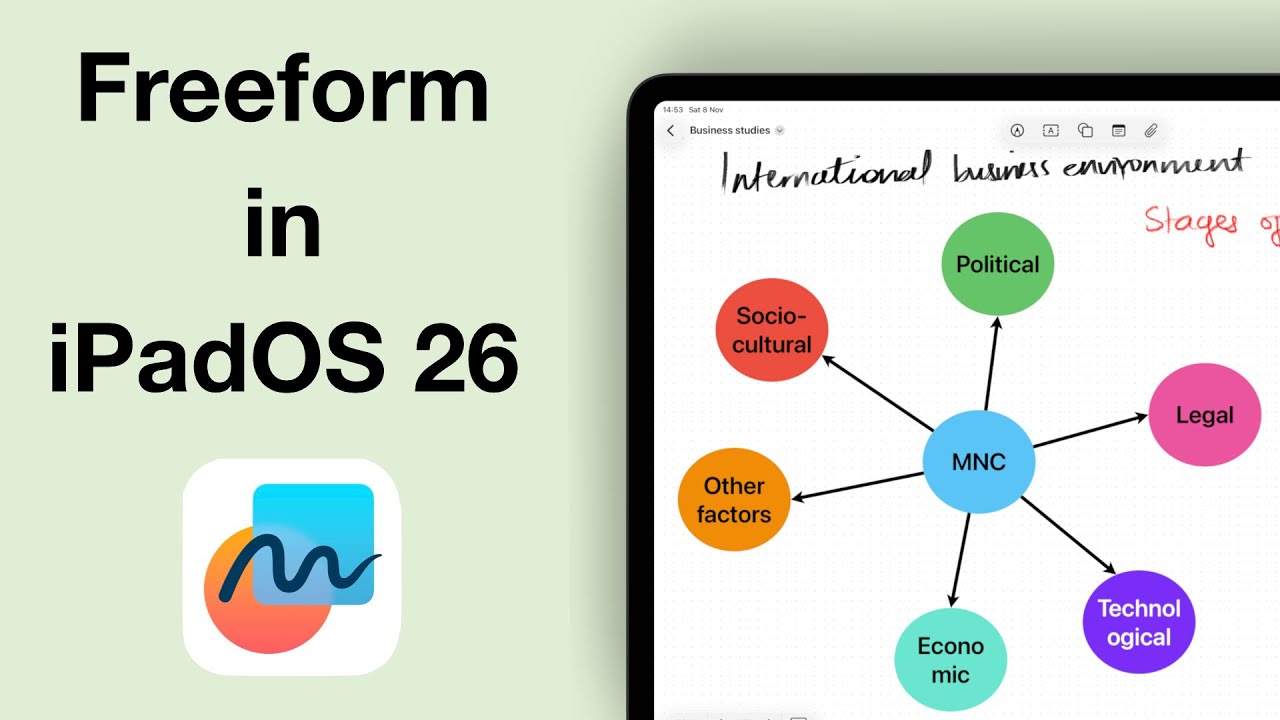
It’s been two years since we did a comprehensive review of Apple Freeform. Back then, the app felt incomplete, like Apple wasn’t sure what they wanted Freeform to be.
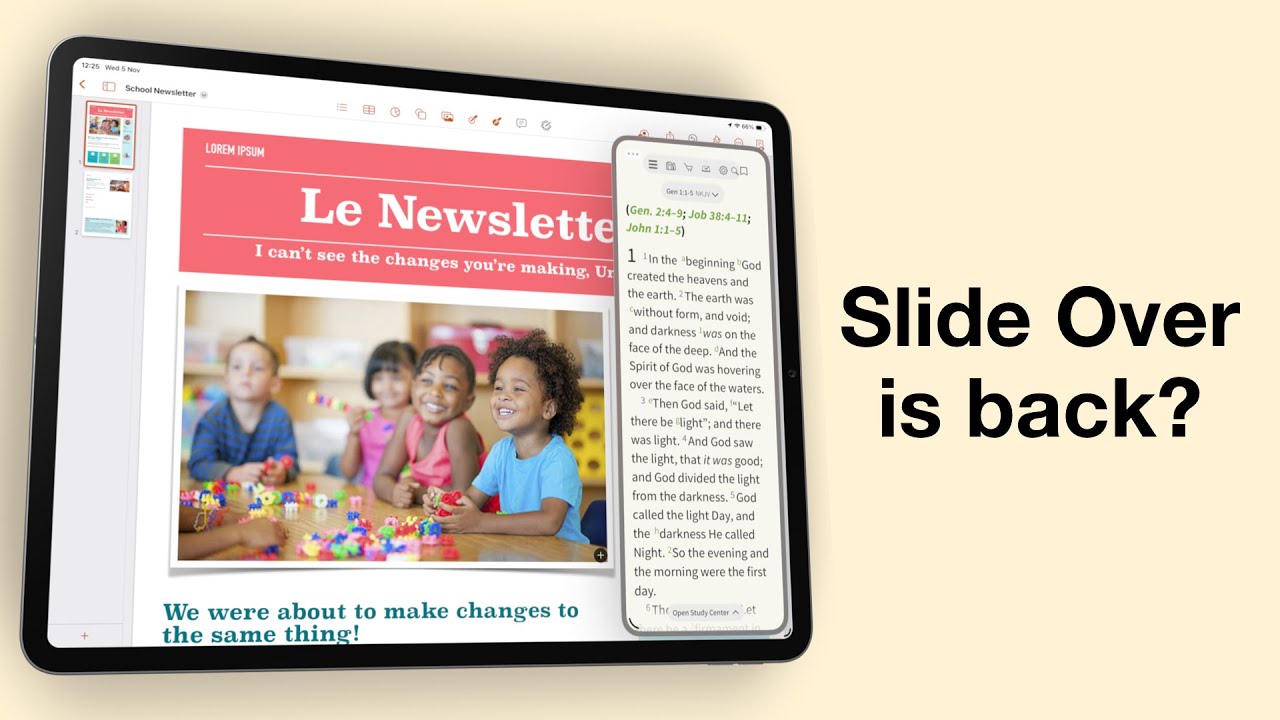
Do you remember when multitasking on the iPad actually felt powerful? When Slide Over and Split View made it feel like a serious productivity machine?

Apple Journal is finally on the Mac — free, private, and beautifully minimalist, just as you’d expect from Apple.
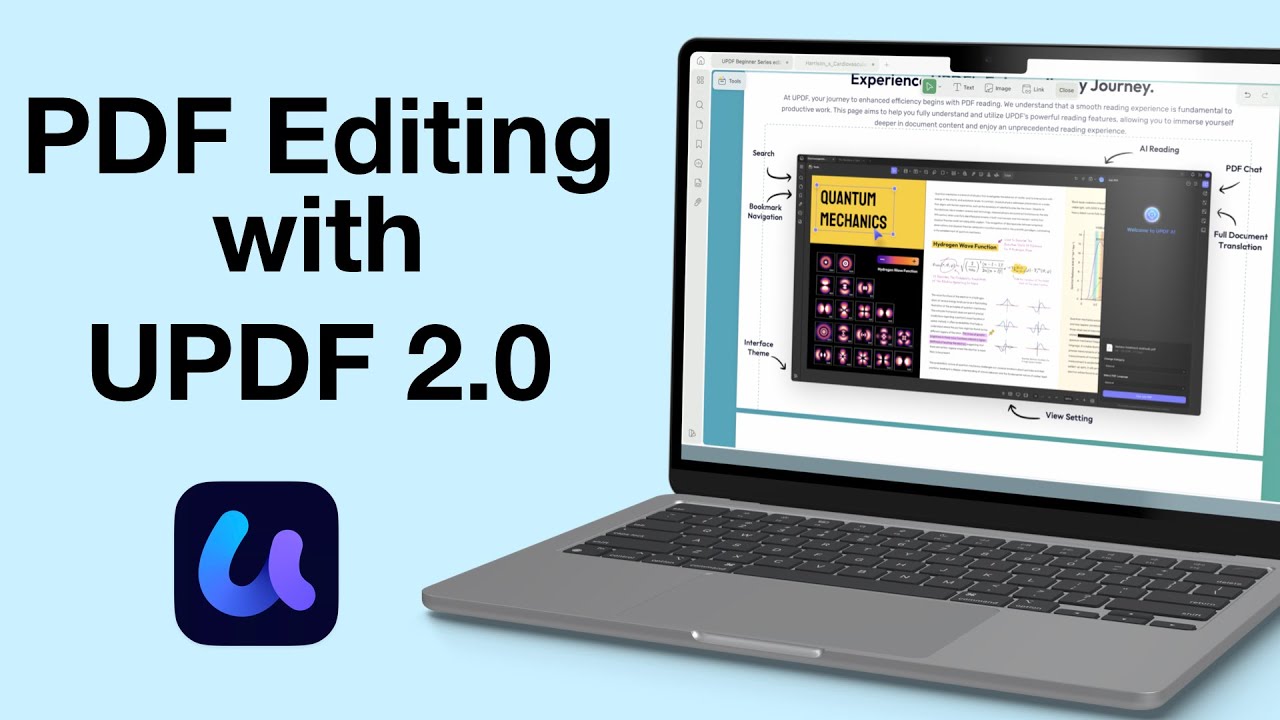
Sometimes, annotating a PDF just doesn’t cut it—you need to actually change the content itself. That’s where a proper PDF editor like UPDF steps in.
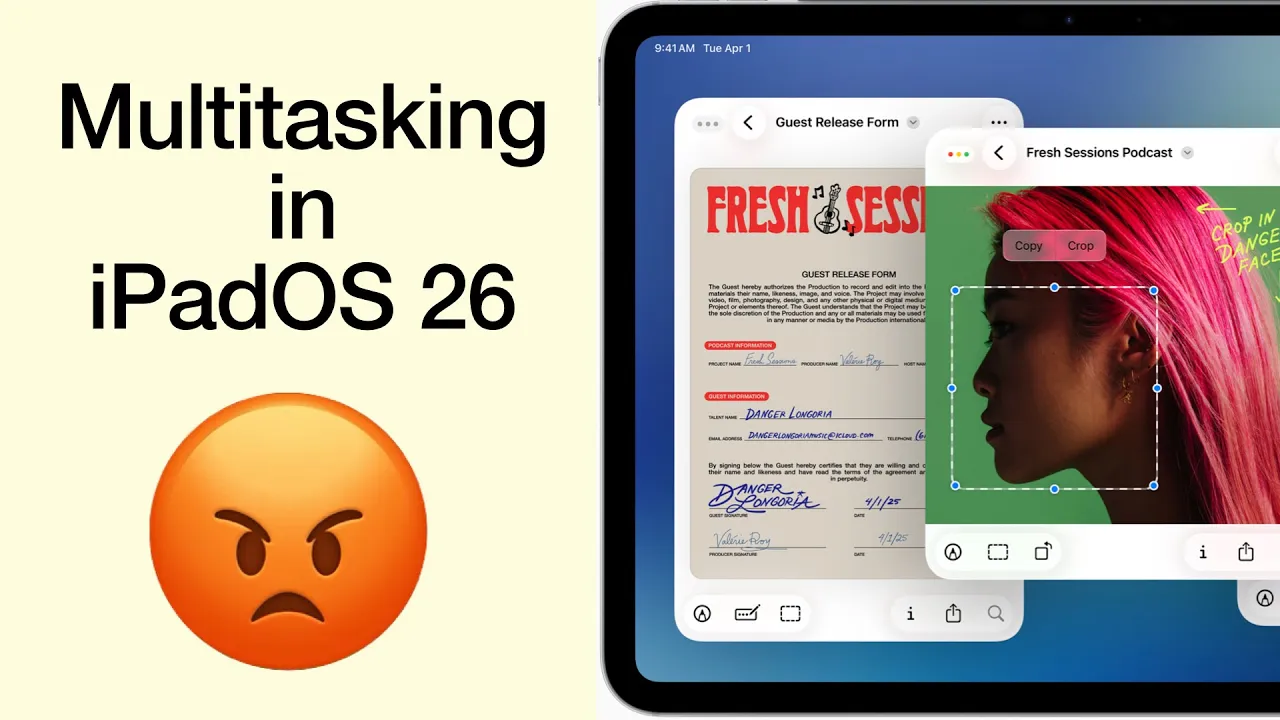
I was genuinely excited, practically buzzing, to get my hands on the new iPadOS 26. Apple promised us Mac-level multitasking, a dream for anyone who truly wants to push the iPad beyond content consumption.
Fantastic human, hello. First it was Notability 15, and now Goodnotes 7 has arrived — the second version update for digital note-taking in 2025. On paper, this looks very exciting, so let’s dig into what’s new.
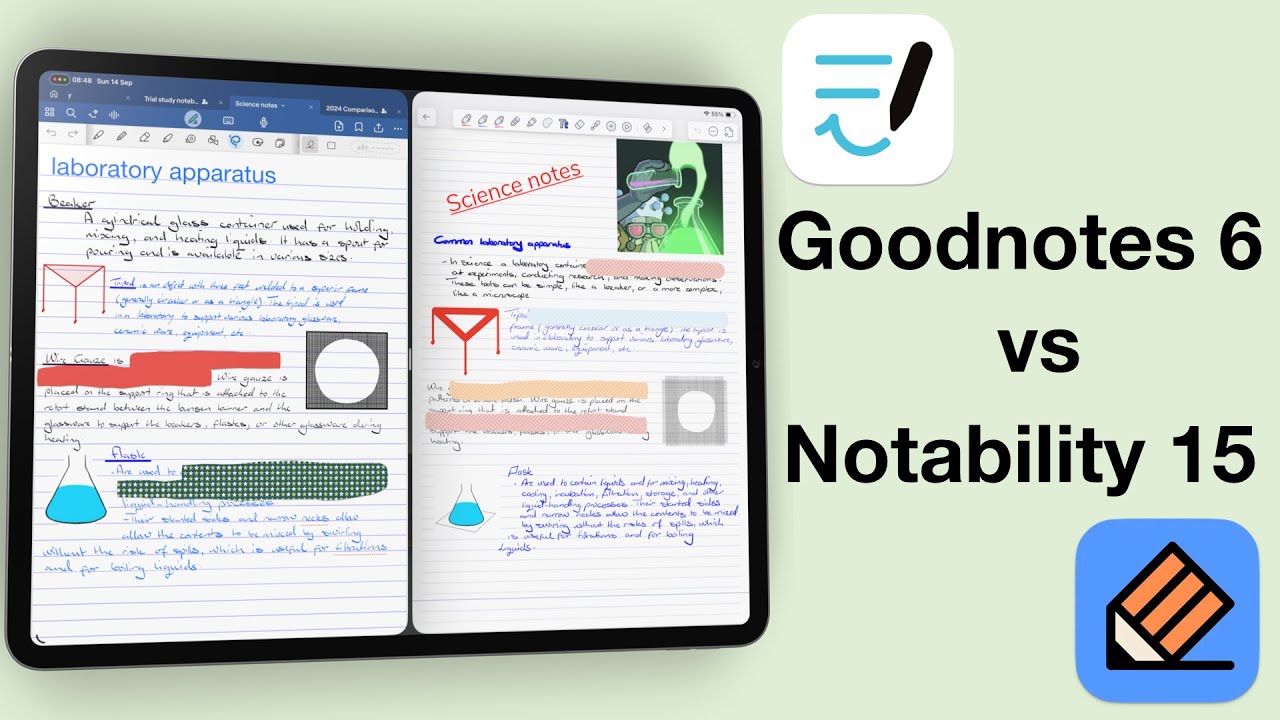
Today we are answering the question: which of the two top-ranking handwriting apps (Goodnotes or Notability) should you use, if at all?
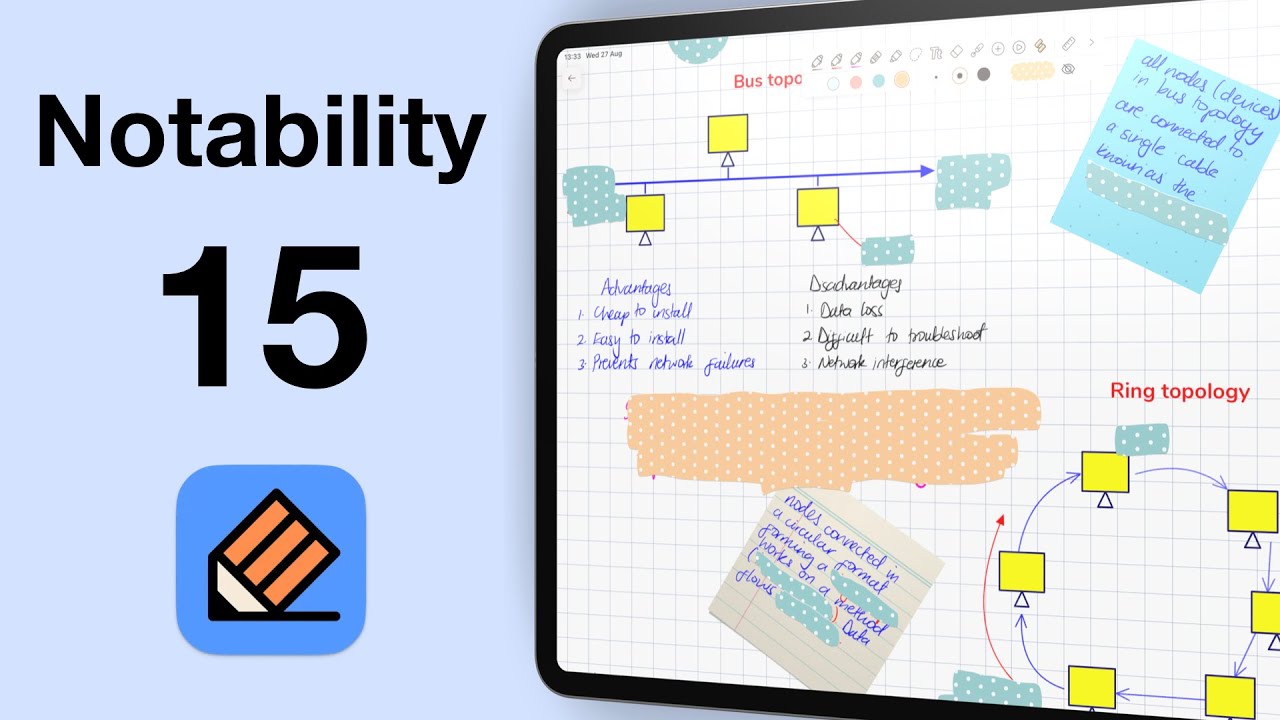
Fantastic human, hello! Today we’re looking at Notability 15 in iPadOS 26. This is now the 15th version of the app, and once again, the developers have tweaked the logo.
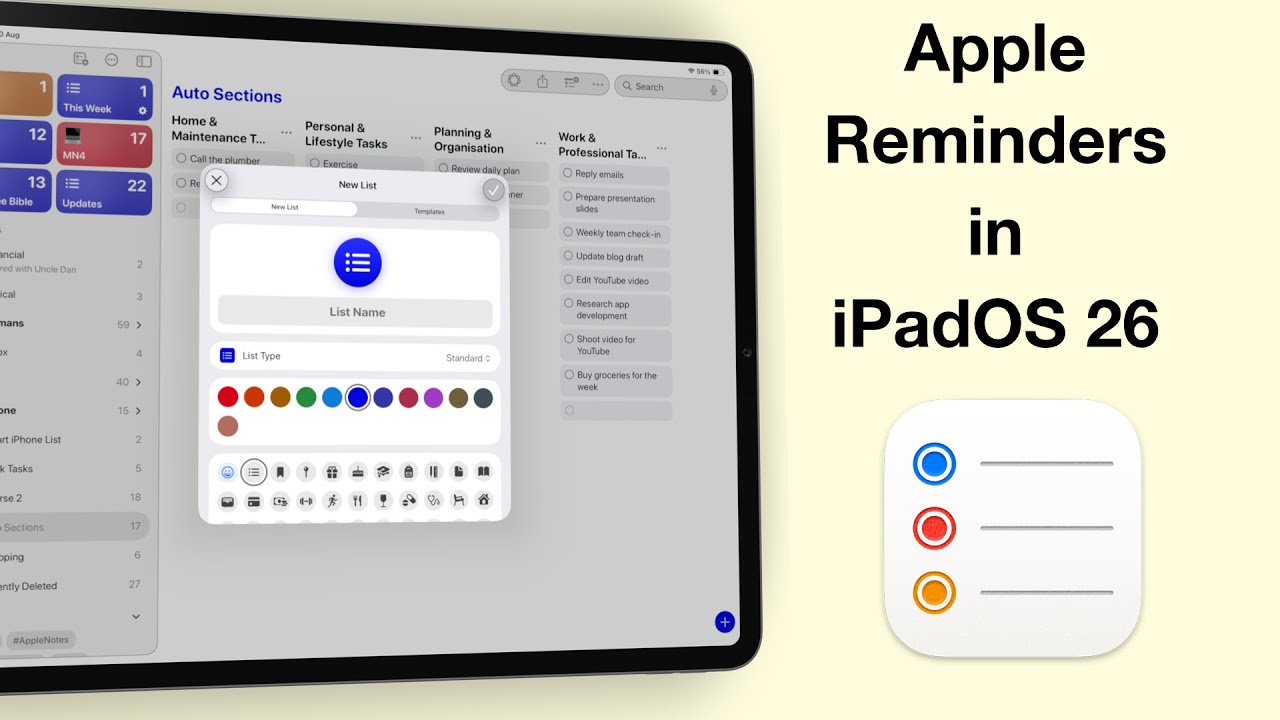
Fantastic human, hello! Today, we’re diving into one of the most exciting updates in iPadOS 26 — Apple Reminders.

We’ve talked about the basics of Goodnotes 6… the AI features, and even items you can add to your handwritten notes. But here’s the big question: is it right for you?
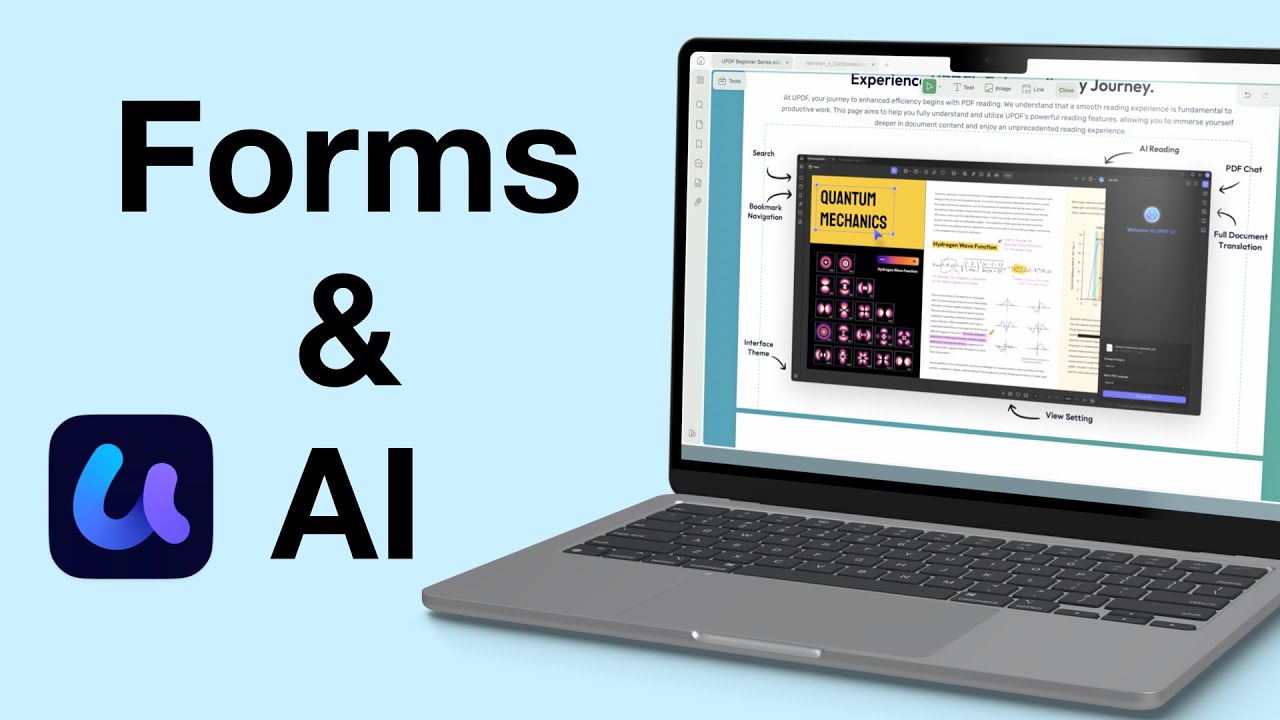
Today, we’re diving into UPDF’s form tools and AI features. If you work with a lot of PDFs (or if you’re creating forms for interviews, applications, or surveys), UPDF might just be the most efficient tool out there.
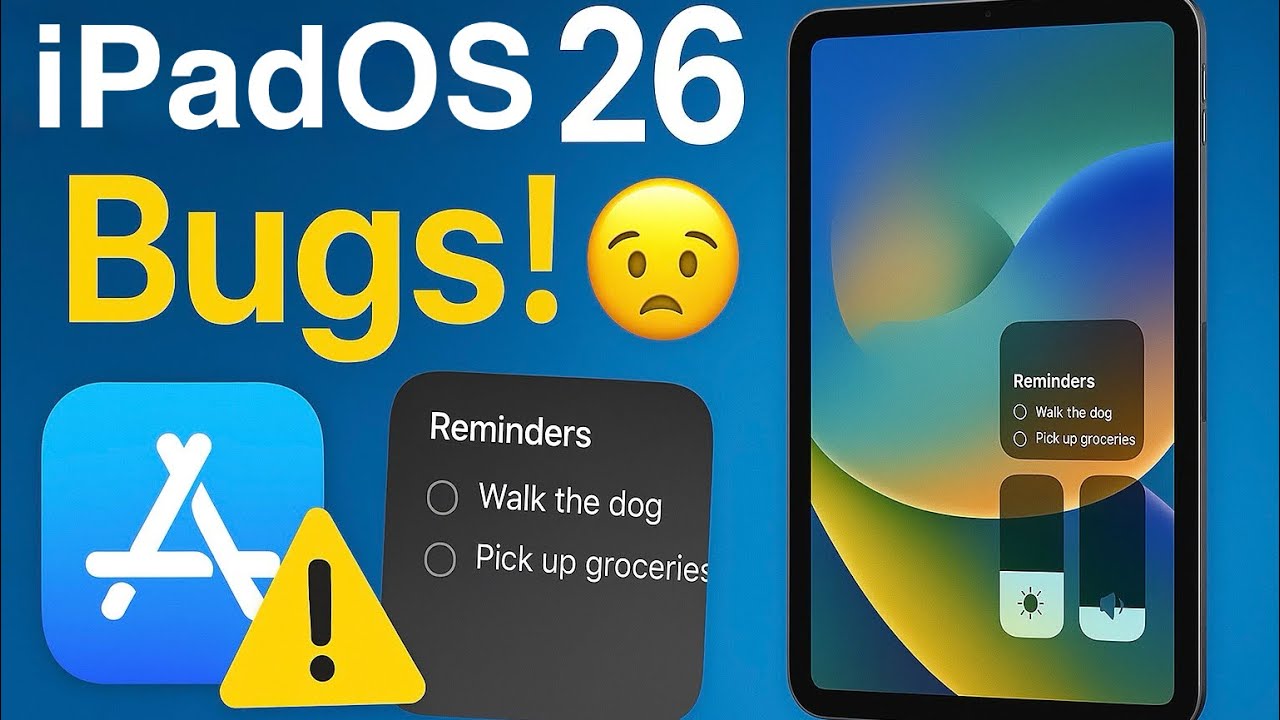
If you’ve updated to the developer beta for iPadOS 26, you’re probably excited about Liquid Glass—but like me, you’ve also experienced some very annoying bugs.
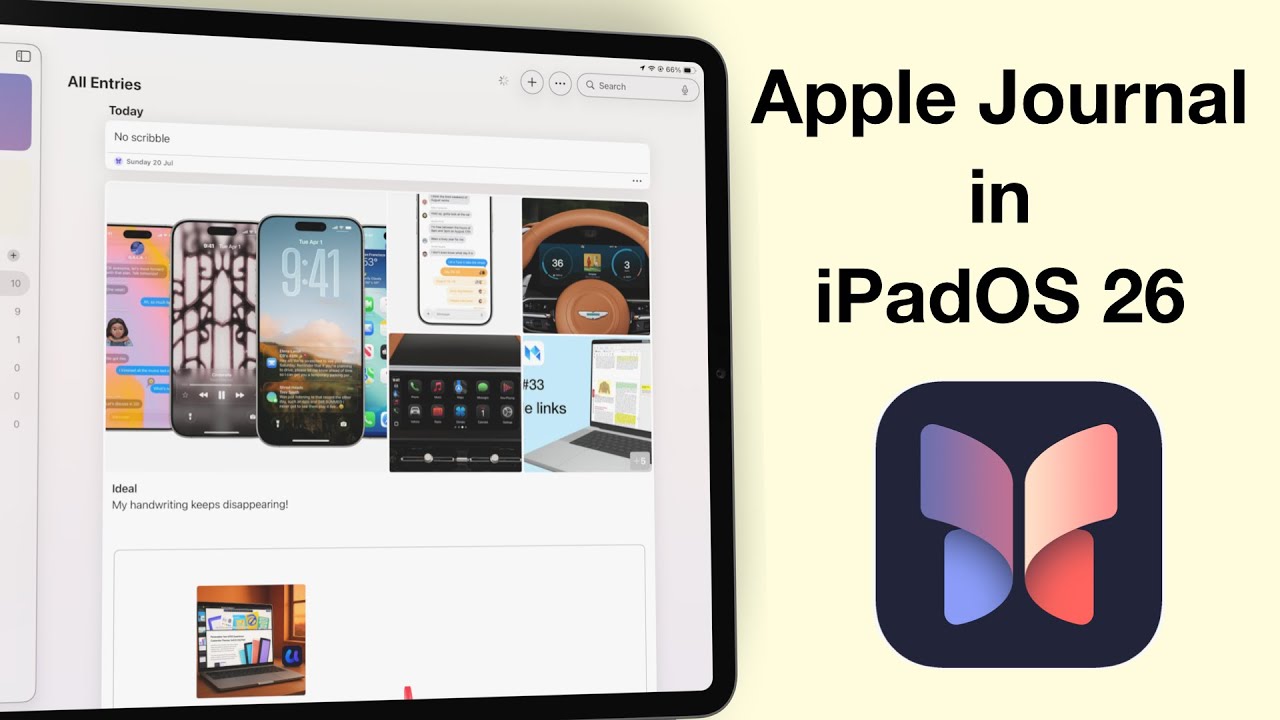
Apple Journal has finally made its way to the iPad and Mac—and I have to say, it feels like we’ve been waiting forever.
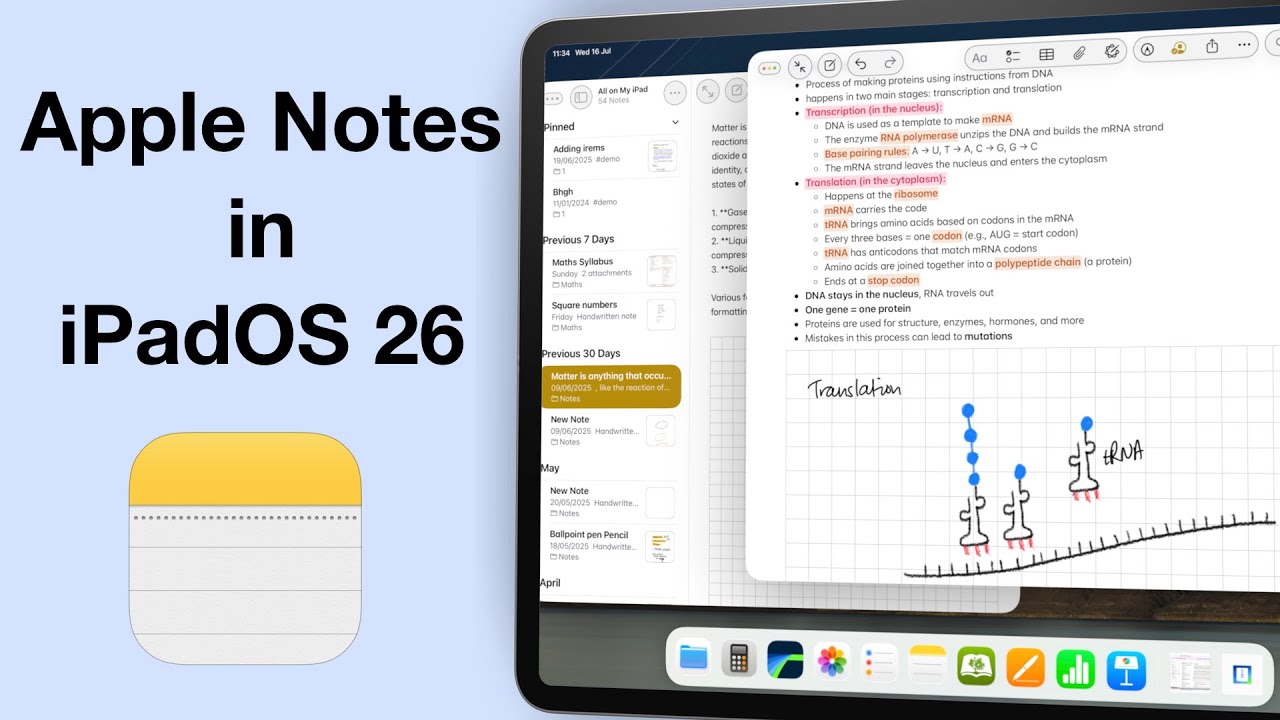
It’s been three years since we made our Apple Notes wish list for the iPad… and honestly, maybe it’s time we let it go.
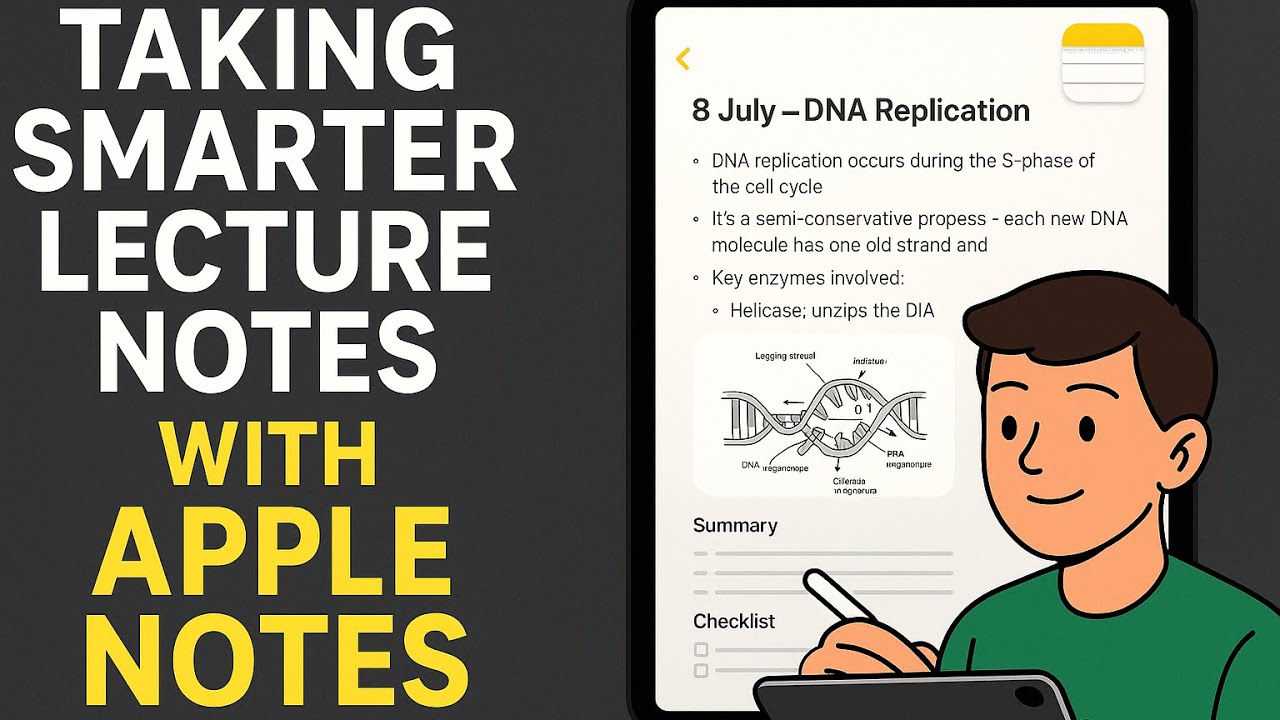
Alex is a second year university student, juggling lectures, tutorials, assignments — and a part-time job.
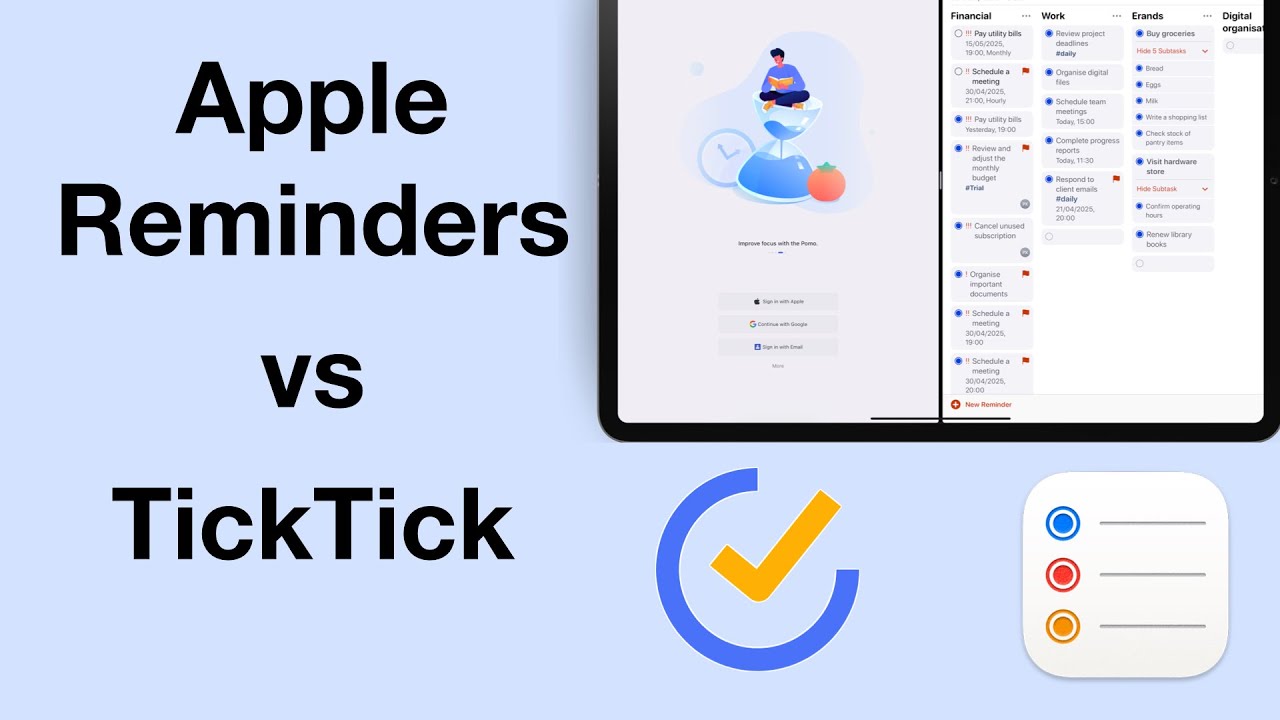
We recently reviewed TickTick, and the to-do app stood out as a potential Apple Reminders replacement. So we had to compare the two apps, to see which app is better, and for who.