
iPadOS 26.2: what you need to know
iPadOS 26.2 is one of those updates that manages to annoy and impress me in the same breath.
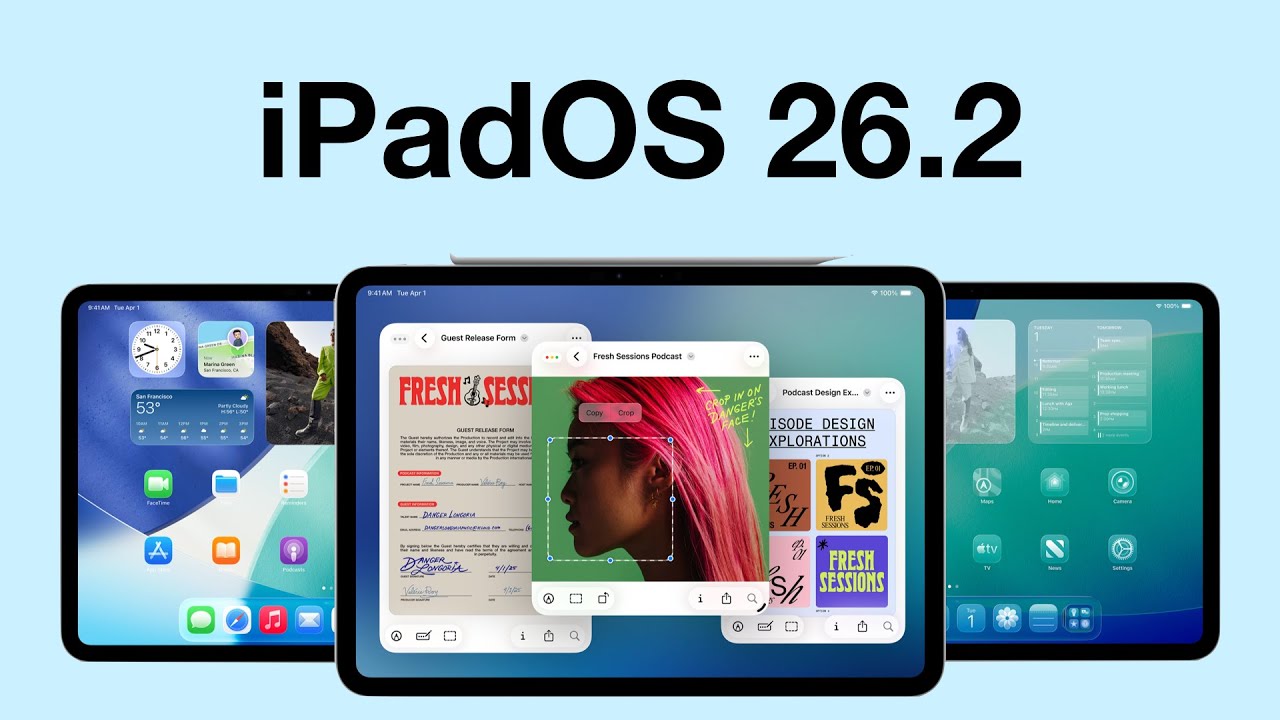
iPadOS 26.2 is one of those updates that manages to annoy and impress me in the same breath.
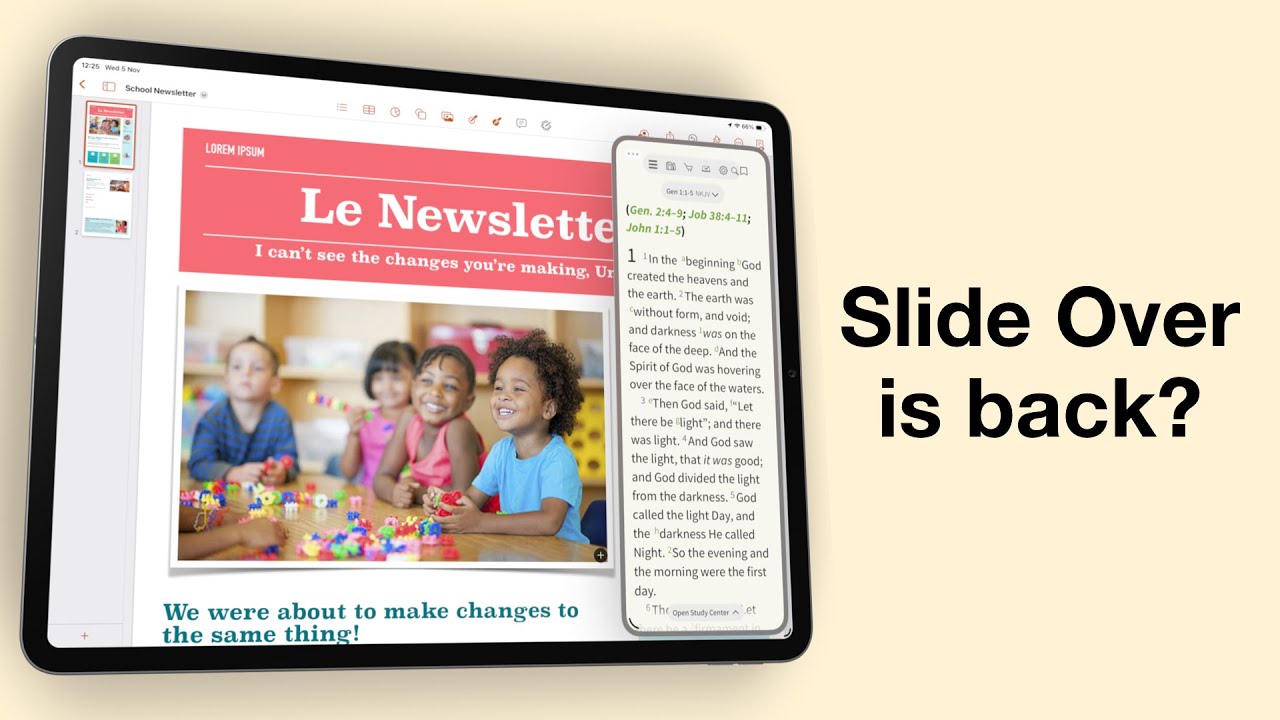
Do you remember when multitasking on the iPad actually felt powerful? When Slide Over and Split View made it feel like a serious productivity machine?
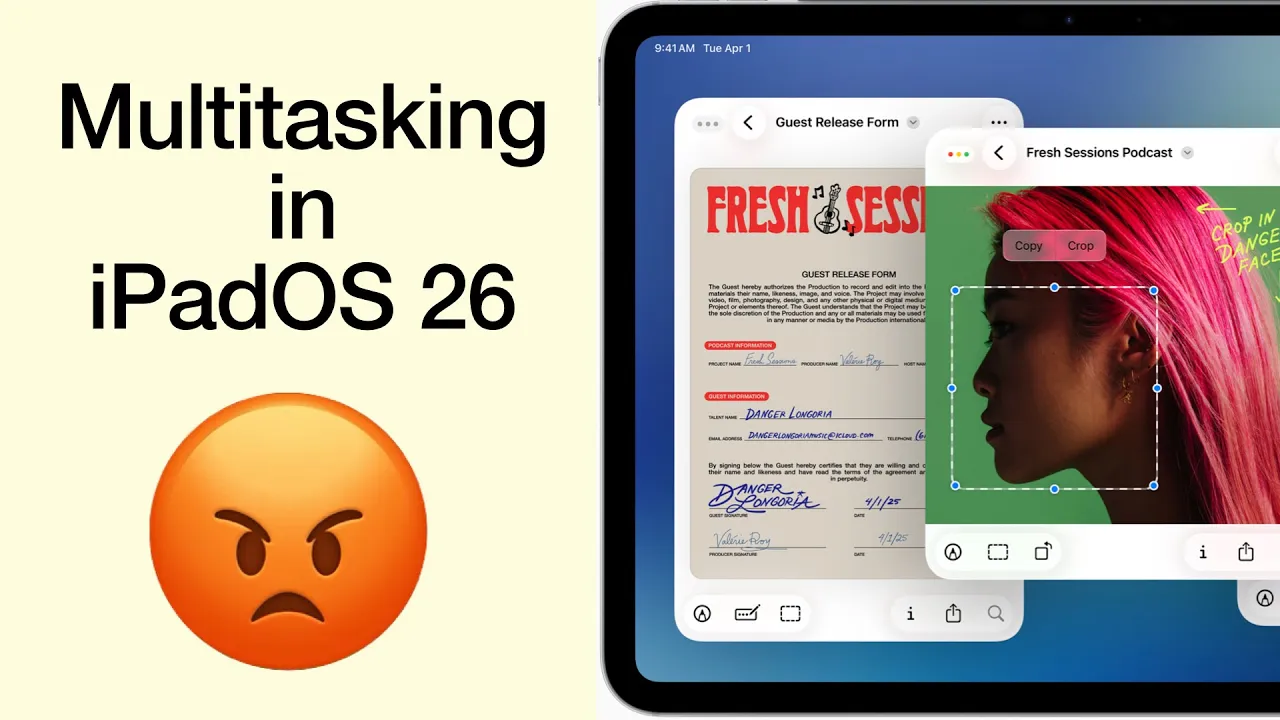
I was genuinely excited, practically buzzing, to get my hands on the new iPadOS 26. Apple promised us Mac-level multitasking, a dream for anyone who truly wants to push the iPad beyond content consumption.
Fantastic human, hello. First it was Notability 15, and now Goodnotes 7 has arrived — the second version update for digital note-taking in 2025. On paper, this looks very exciting, so let’s dig into what’s new.
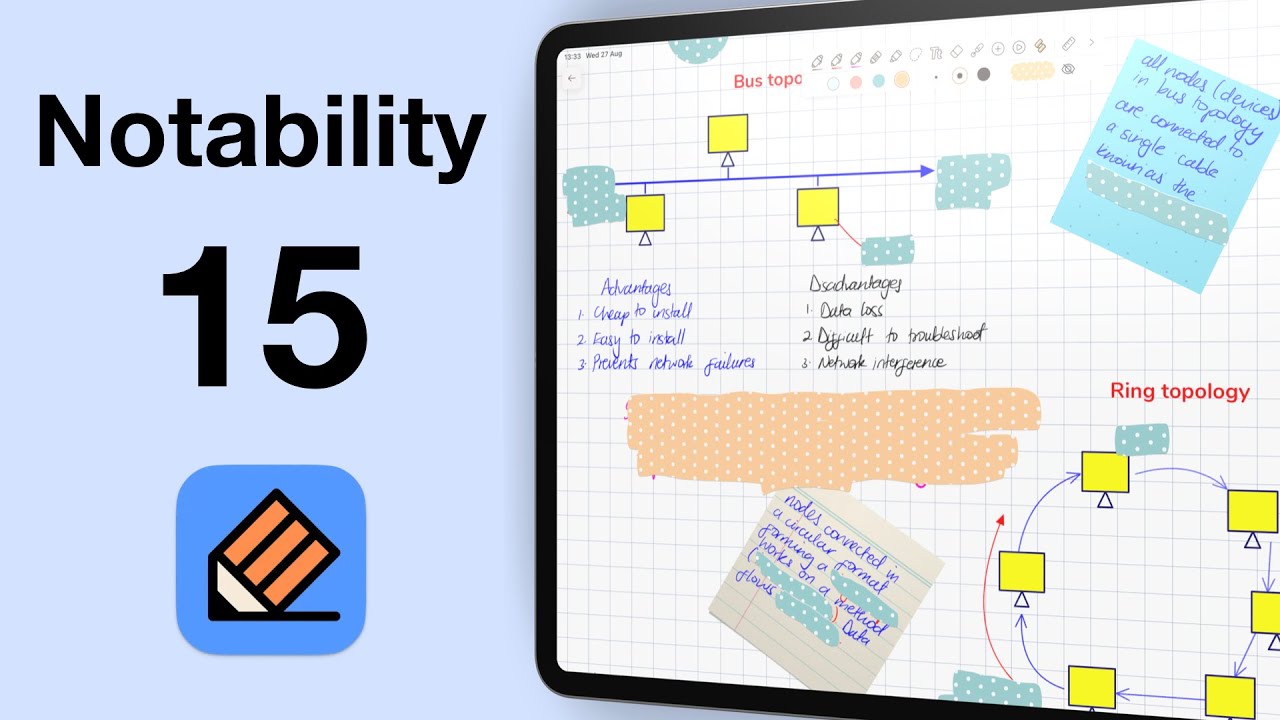
Fantastic human, hello! Today we’re looking at Notability 15 in iPadOS 26. This is now the 15th version of the app, and once again, the developers have tweaked the logo.
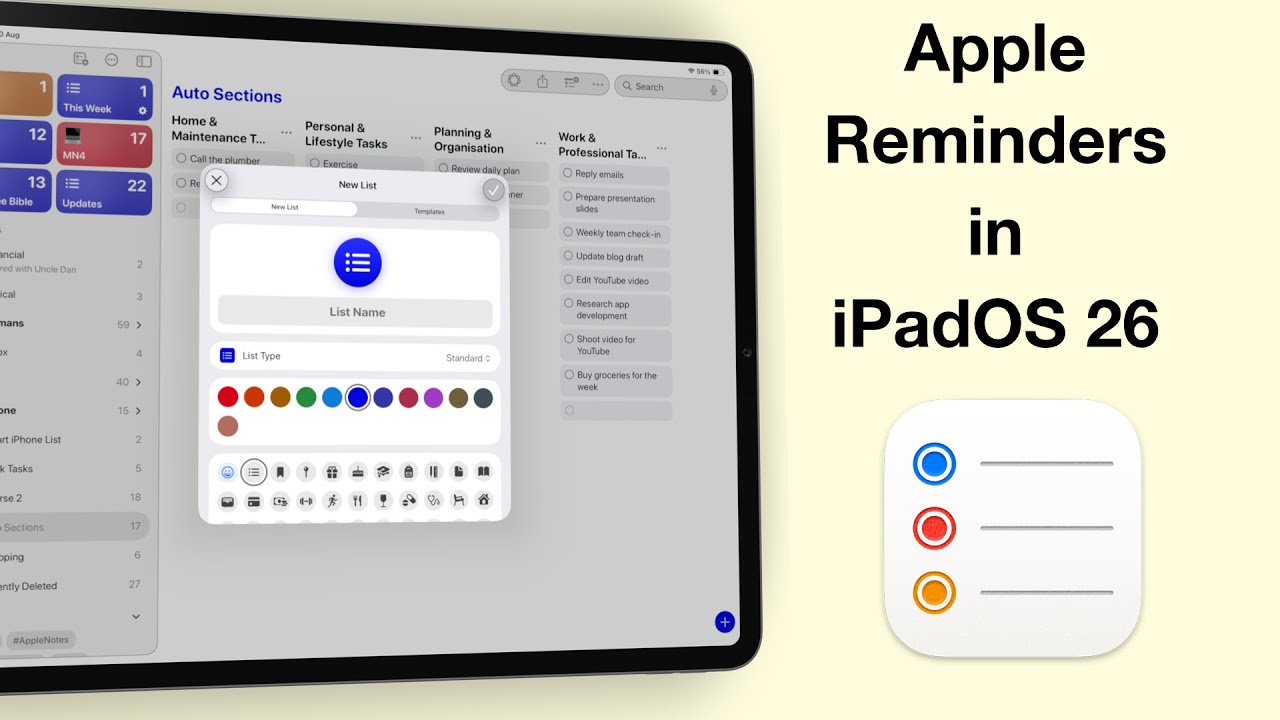
Fantastic human, hello! Today, we’re diving into one of the most exciting updates in iPadOS 26 — Apple Reminders.
If you’ve updated to the developer beta for iPadOS 26, you’re probably excited about Liquid Glass—but like me, you’ve also experienced some very annoying bugs.
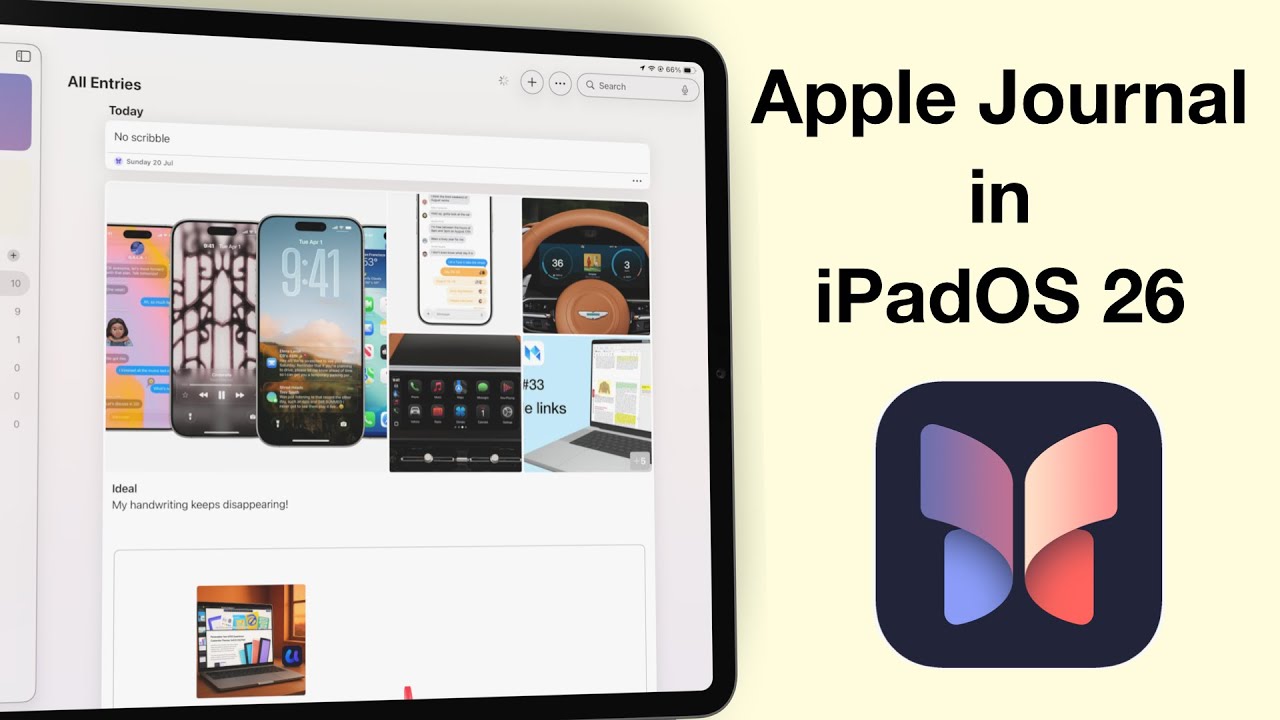
Apple Journal has finally made its way to the iPad and Mac—and I have to say, it feels like we’ve been waiting forever.
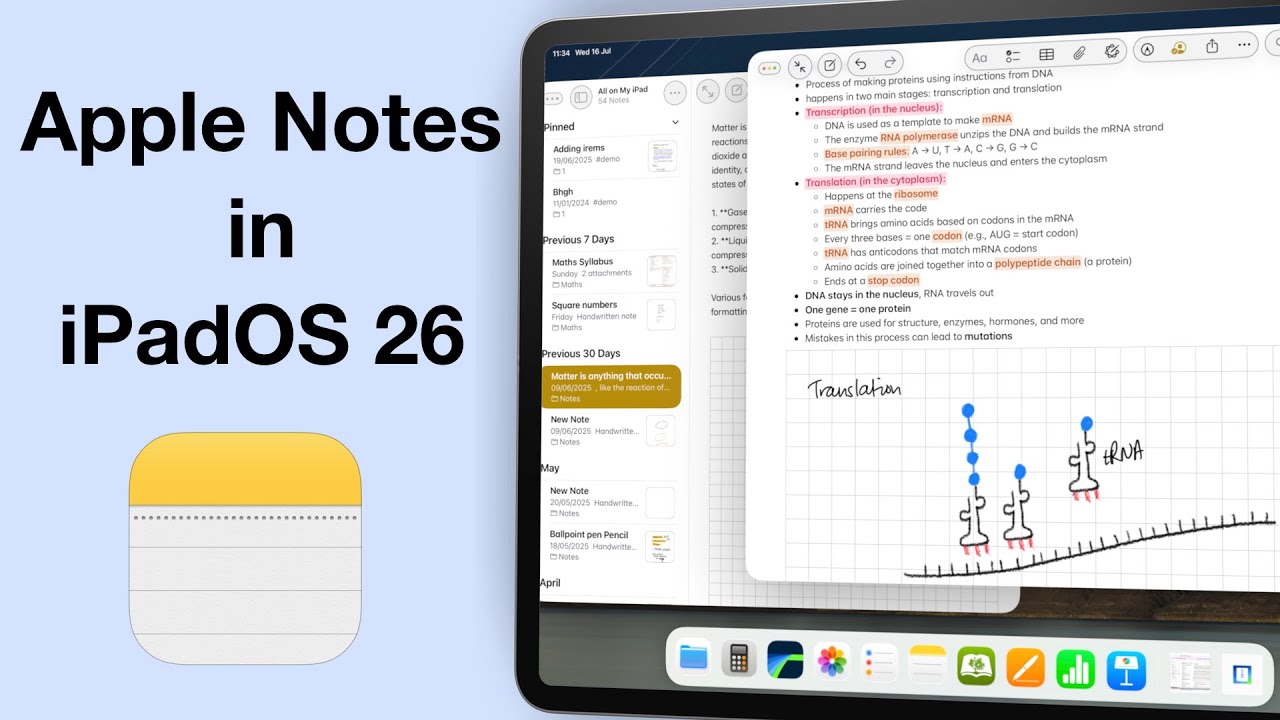
It’s been three years since we made our Apple Notes wish list for the iPad… and honestly, maybe it’s time we let it go.
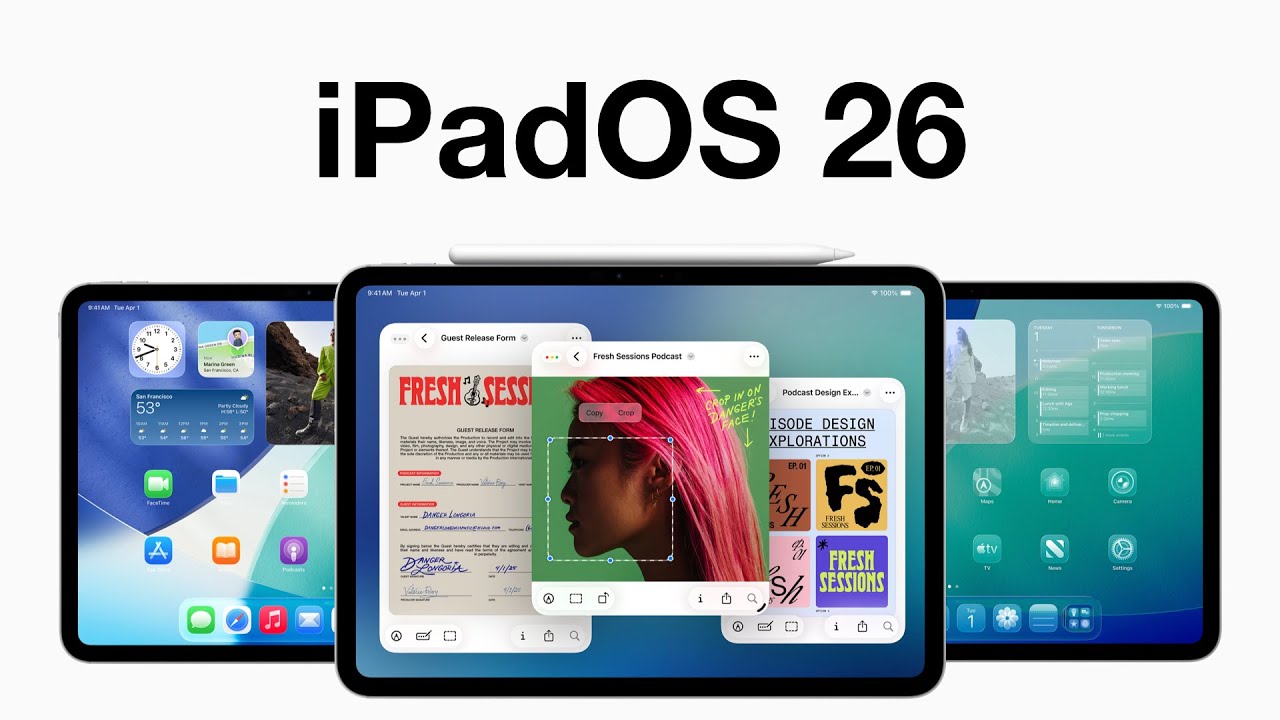
Unlike macOS Tahoe, iPadOS 26 still feels a bit buggy—especially the search bar, which just refuses to behave. I’ll probably regret installing this beta because I don’t have a backup.
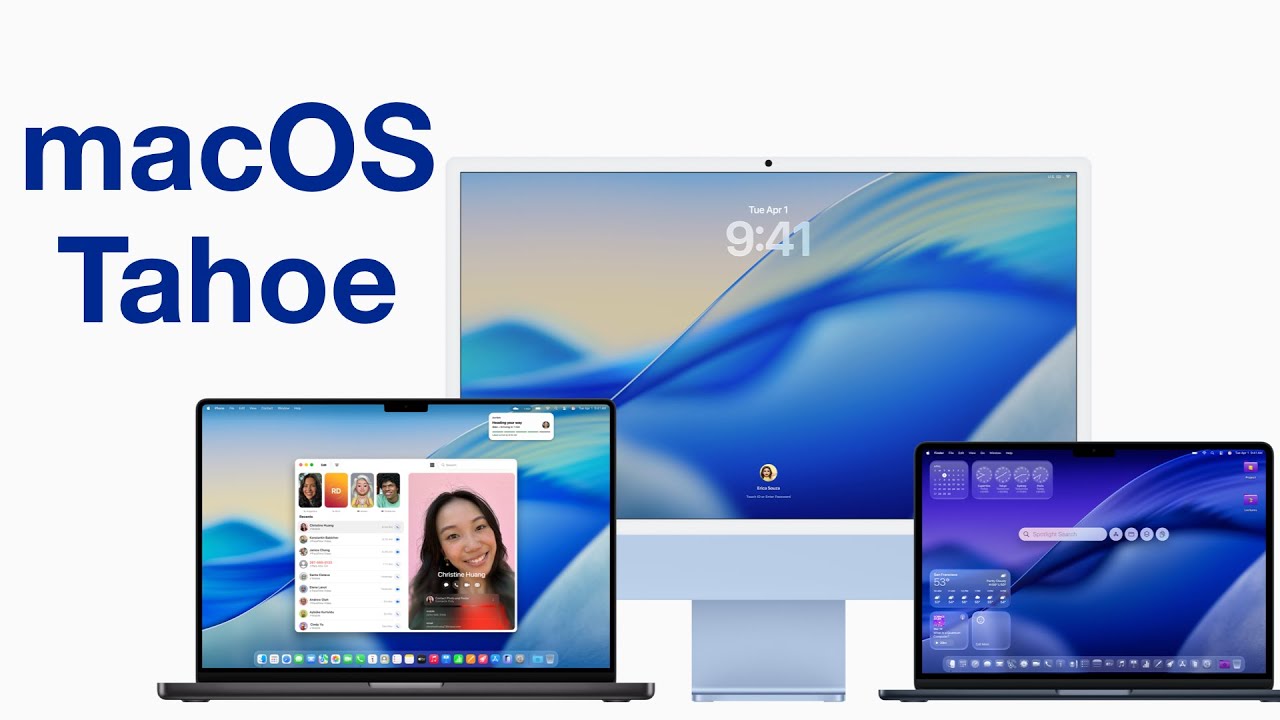
WWDC25 introduced us to this year’s round of OS updates—their biggest change being how everything looks. As soon as I could, I signed up my Mac, iPhone, and iPad (in that order) for the developer betas. That’s how we’re going to cover them—starting with macOS Tahoe in this video.
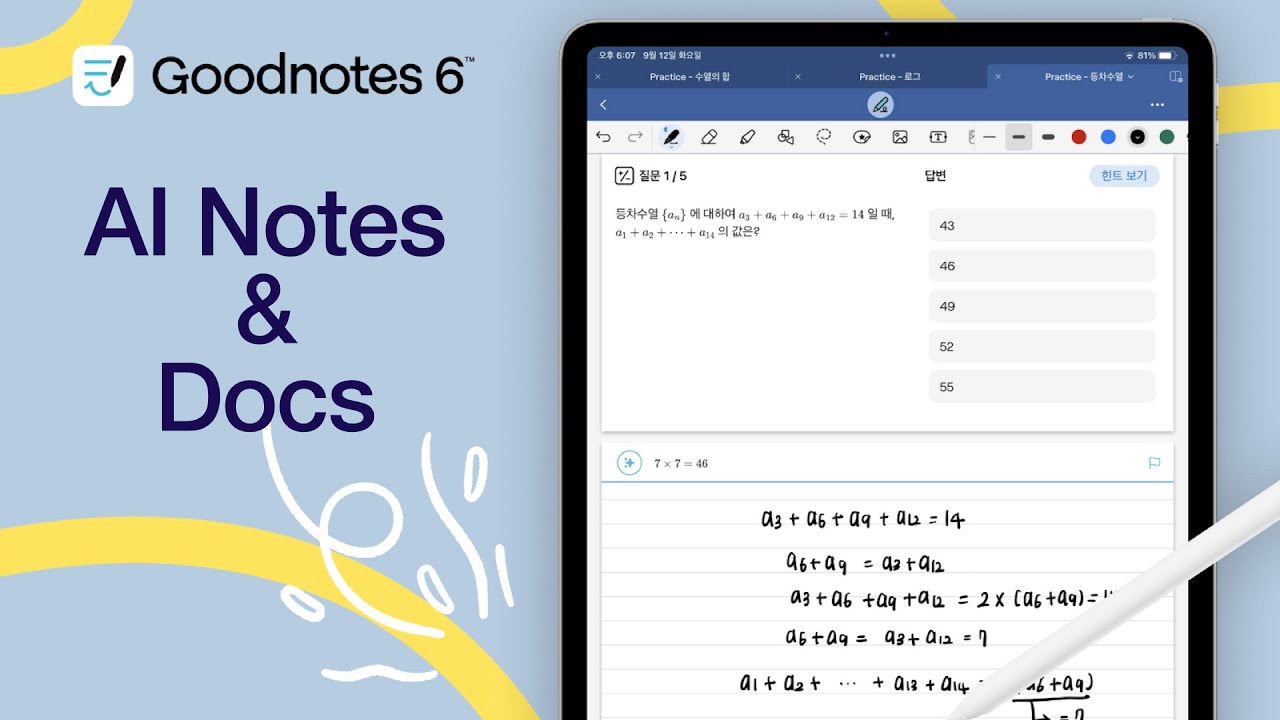
On App store, Goodnotes is now for AI notes and documents. What does that mean for digital note-takers in 2025?
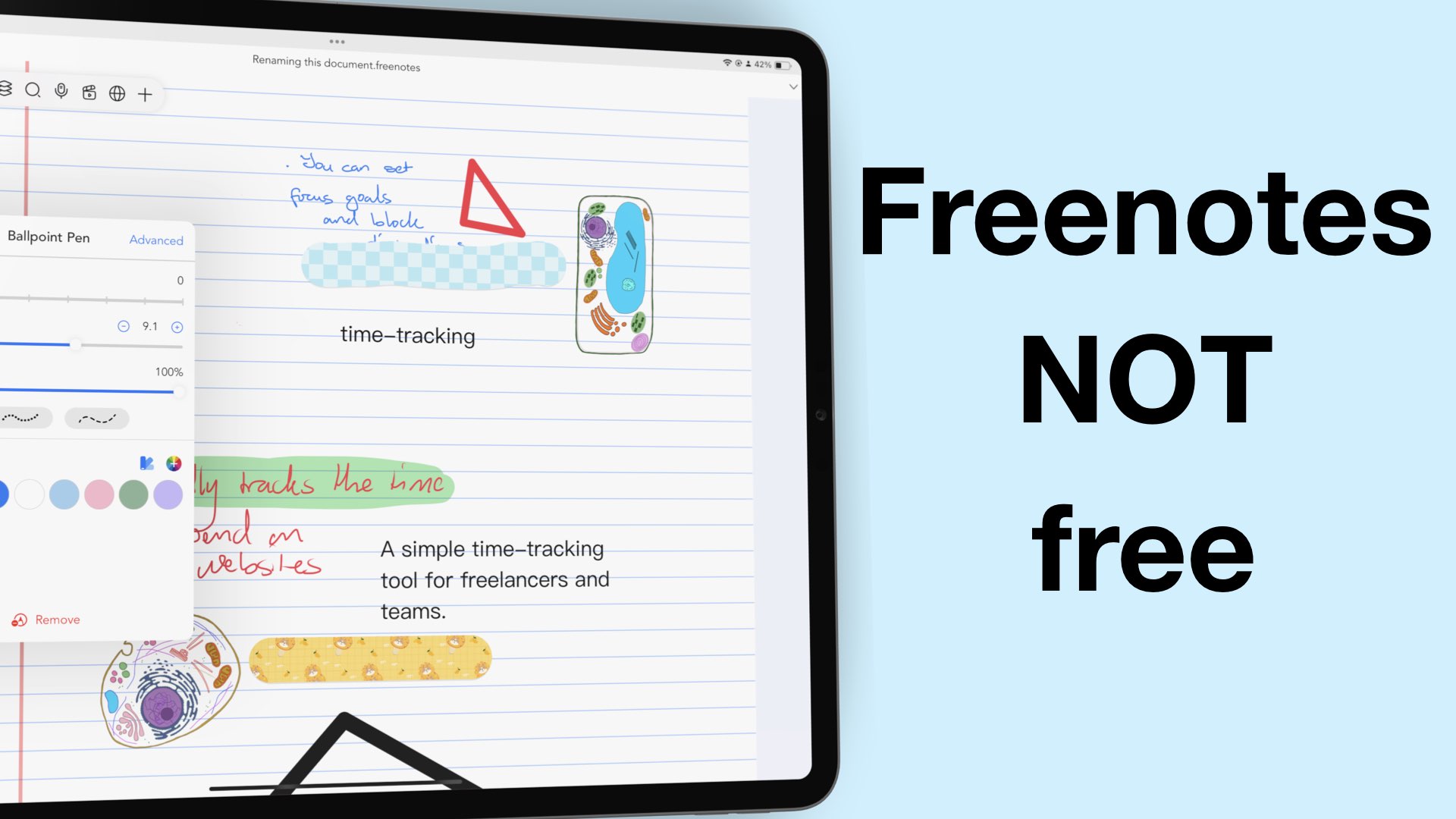
2024 was an incredible year for Freenotes. We saw a virtually unknown app shaking the digital note-taking market to become the third most popular handwriting note-taking app in the US App Store.

In 2024, we started creating courses for different apps, and we are going to continue building that course database. I am doing this video to help anyone who might want to sign up for them to clarify a few things.
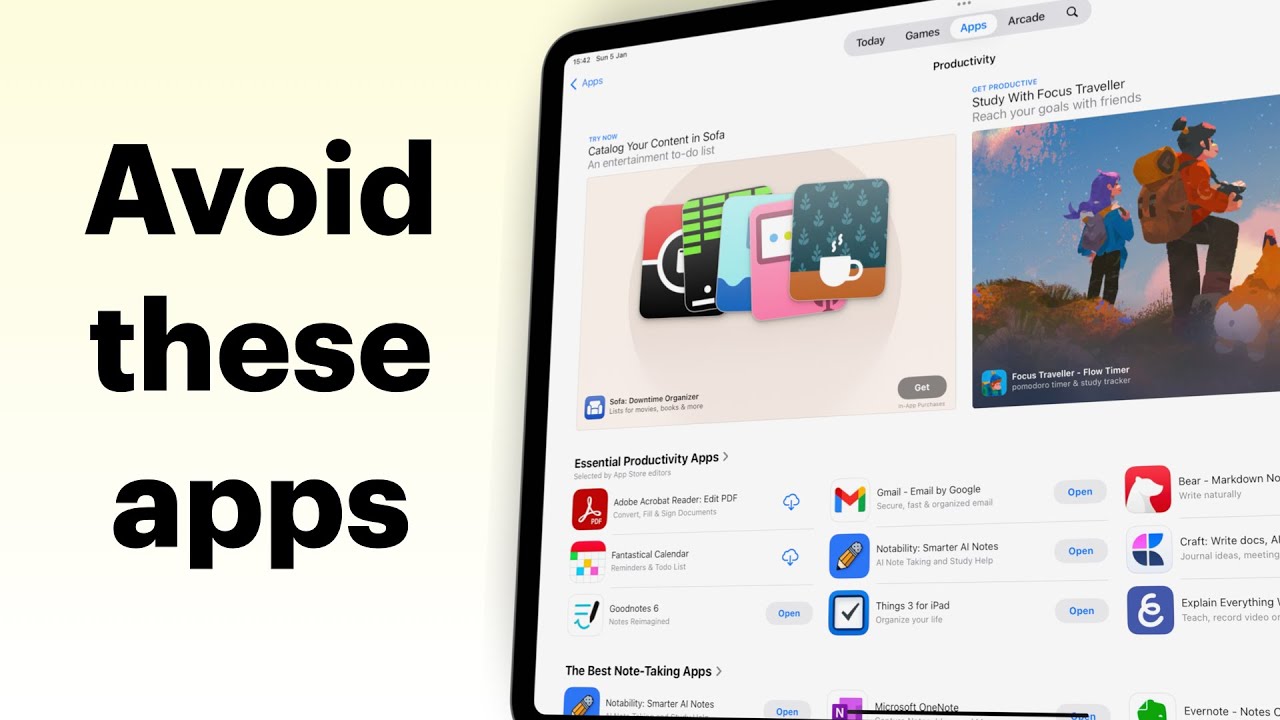
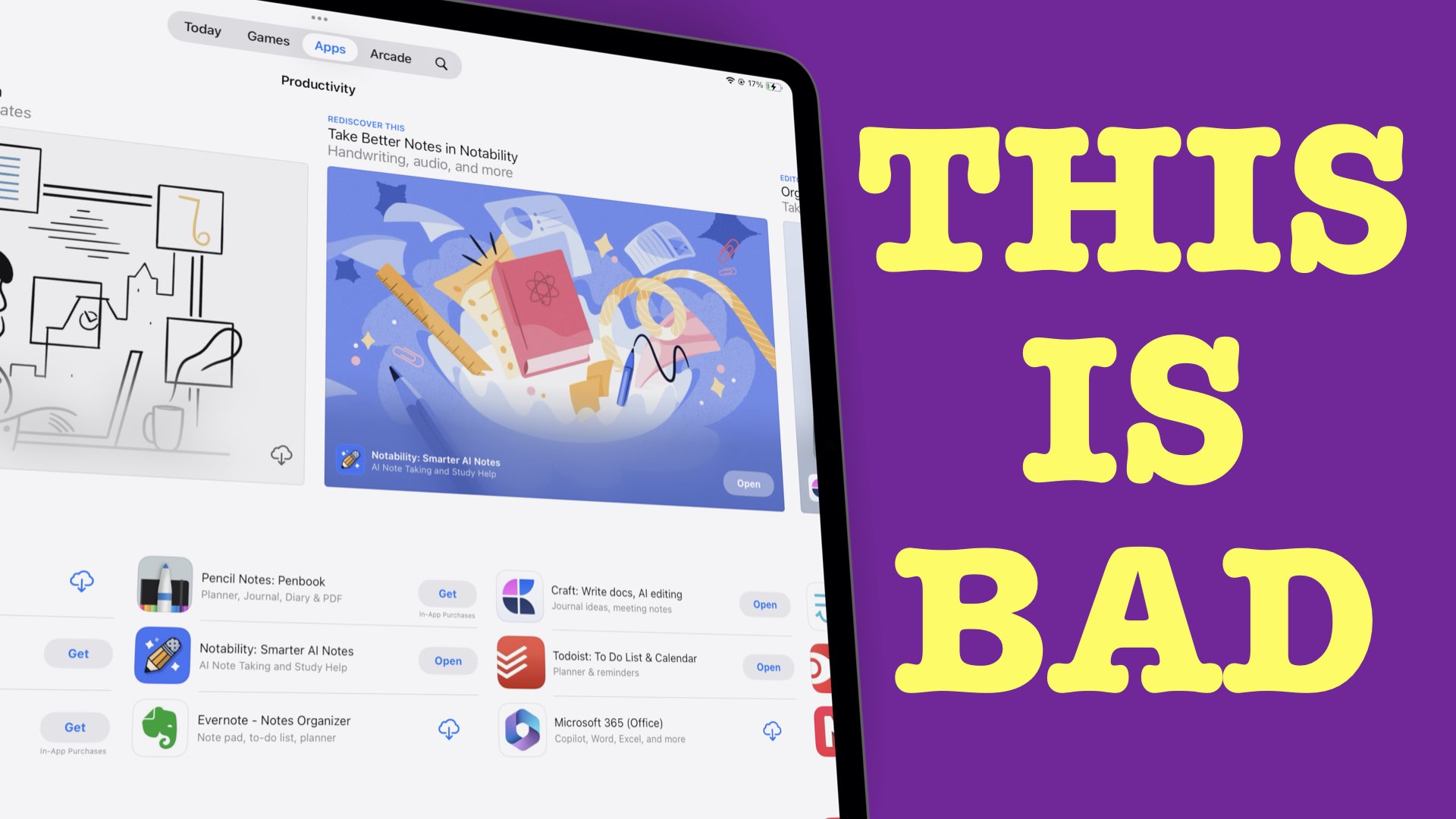
The App Store doesn’t always do a great job of pointing us to the right apps. There are apps that are still ranking high that are simply traps on your digital transformation journey.
When Apple said Genmoji would come by the end of the year, they weren’t kidding. But it’s here now. We might as well embrace it.
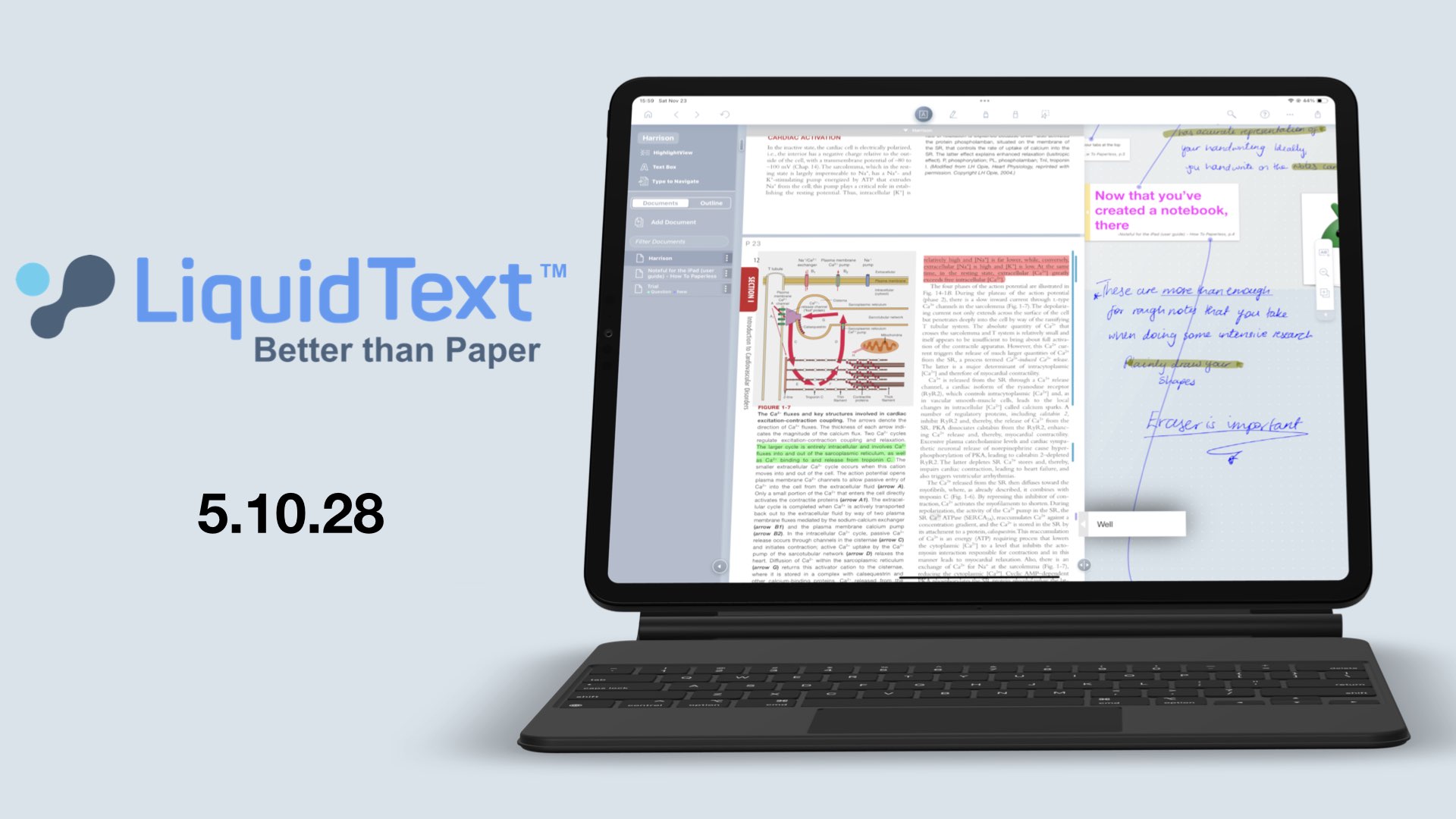
Woke up to an update from LiquidText for comments; auto-positioning them to the margins of our documents, and I found the perfect culprit.
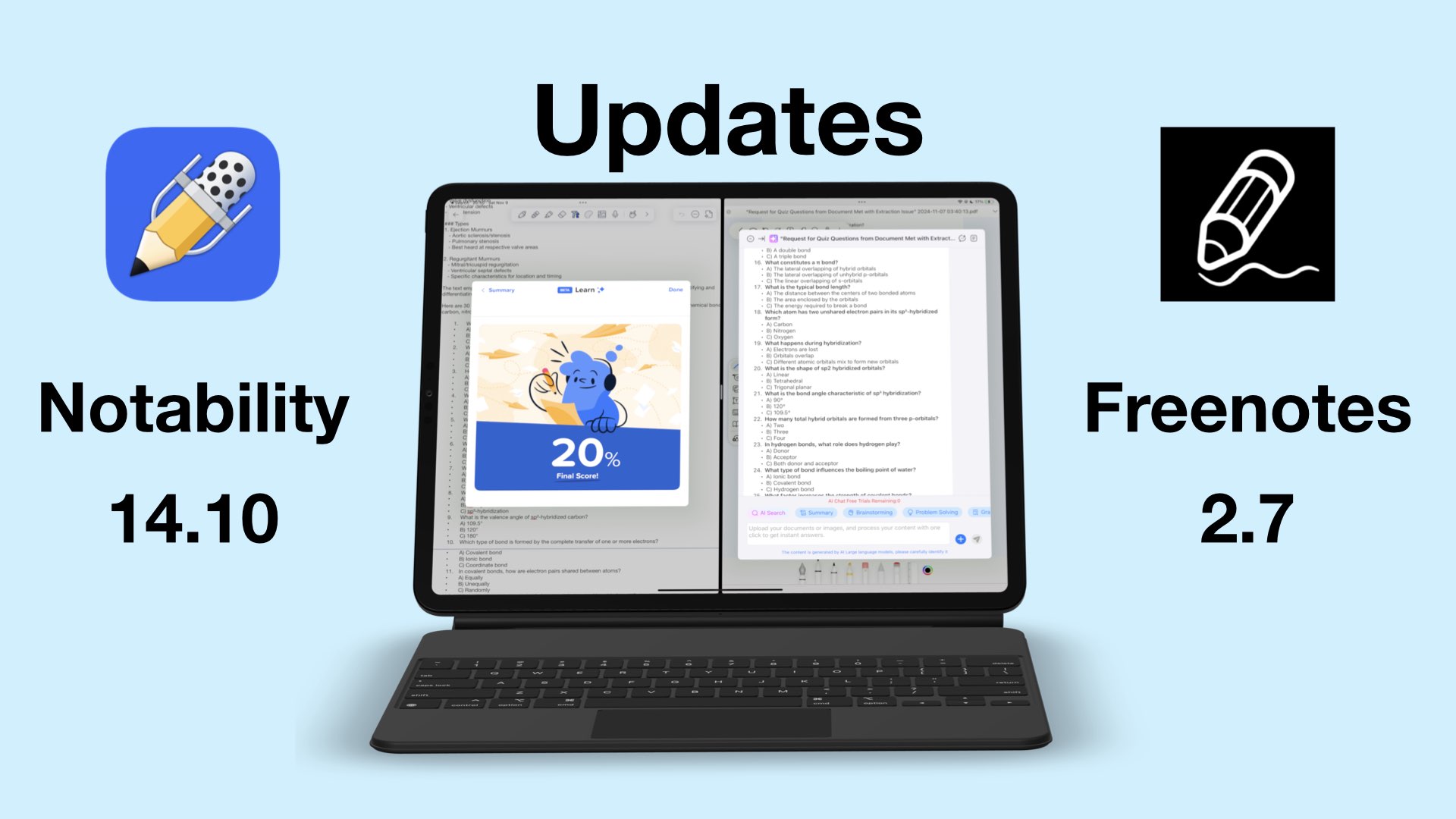
Notability and Freenotes are the latest handwriting apps to join the AI frenzy with Notability 14.10 and Freenotes 2.7.
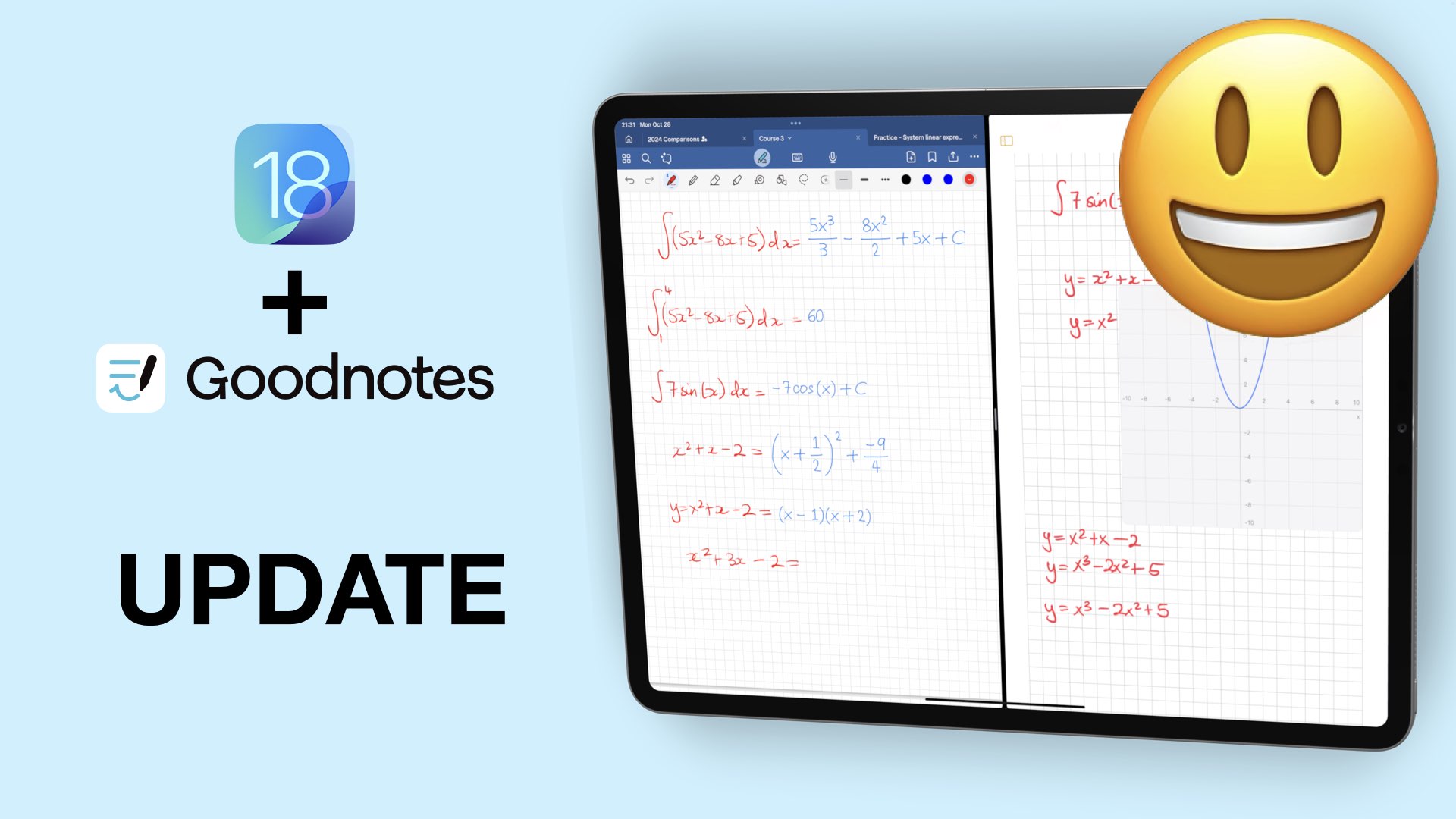
Exciting updates are rare to come by these days in handwriting note-taking apps. But iPadOS 18 has been great for Apple Notes and Goodnotes has joined the party with their 6.5 update.
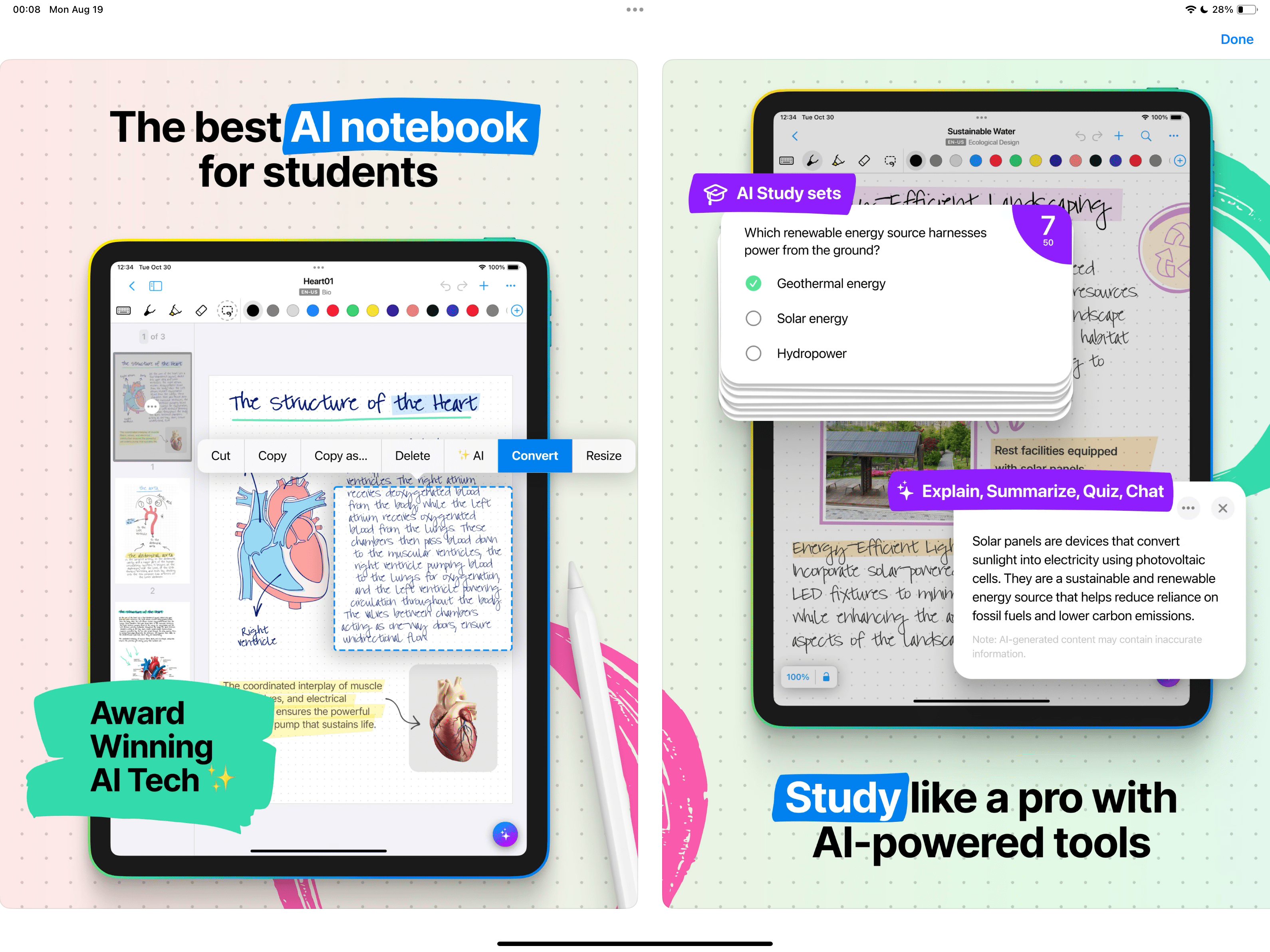
Nebo has given us a couple of updates in the last couple of months, and we’ll be covering them from Nebo 5 and their latest version, Nebo 6, to see what we can do in the app now.