
PDF Editing in UPDF 2.0
Sometimes, annotating a PDF just doesn’t cut it—you need to actually change the content itself. That’s where a proper PDF editor like UPDF steps in.
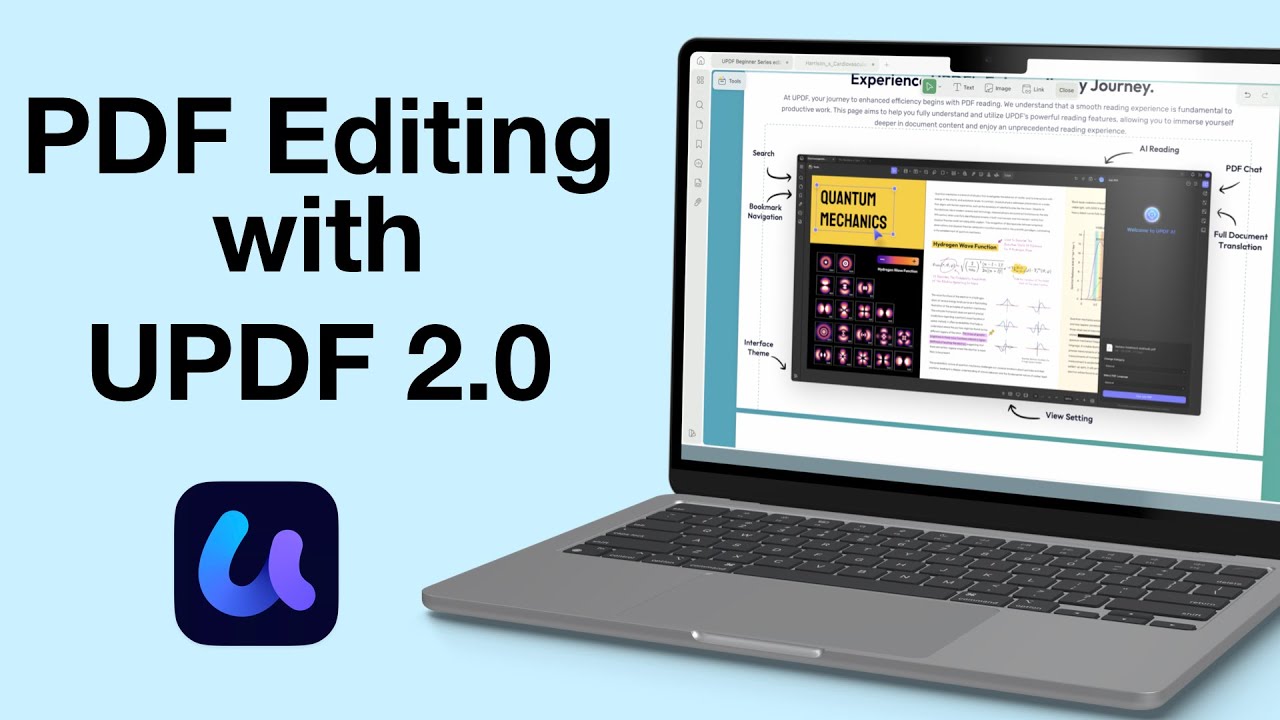
Sometimes, annotating a PDF just doesn’t cut it—you need to actually change the content itself. That’s where a proper PDF editor like UPDF steps in.
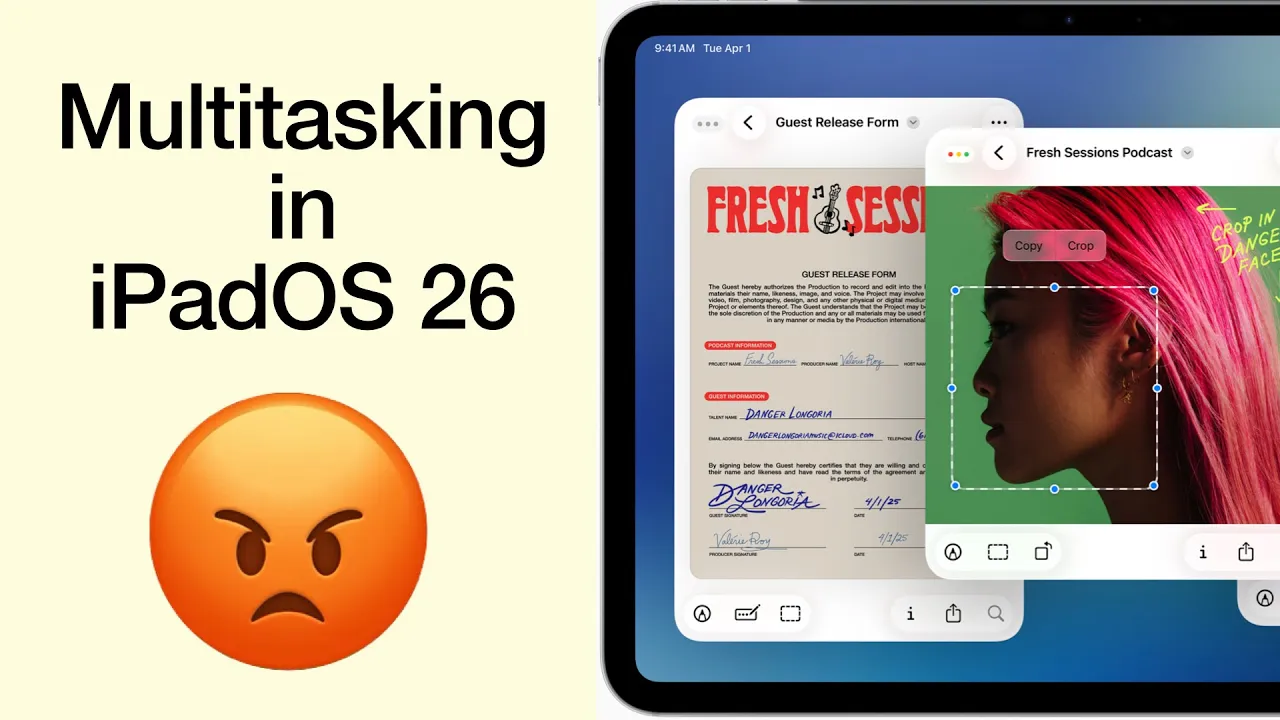
I was genuinely excited, practically buzzing, to get my hands on the new iPadOS 26. Apple promised us Mac-level multitasking, a dream for anyone who truly wants to push the iPad beyond content consumption.
Fantastic human, hello. First it was Notability 15, and now Goodnotes 7 has arrived — the second version update for digital note-taking in 2025. On paper, this looks very exciting, so let’s dig into what’s new.
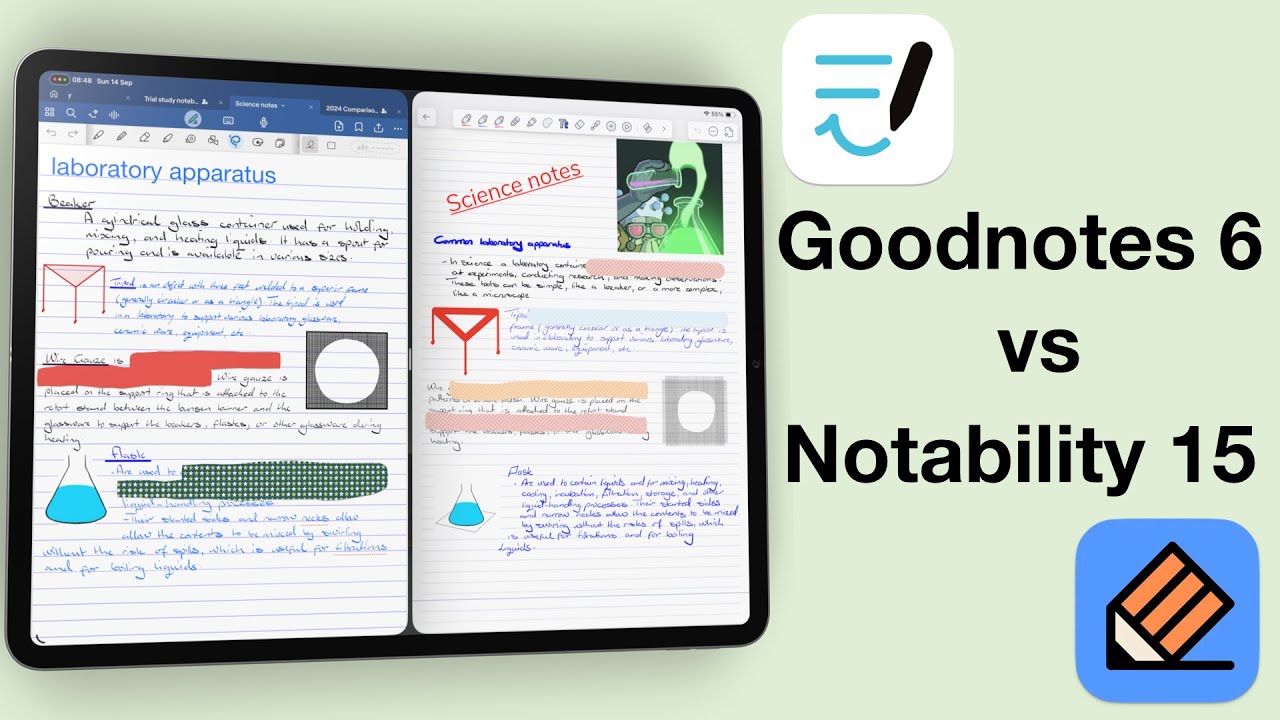
Today we are answering the question: which of the two top-ranking handwriting apps (Goodnotes or Notability) should you use, if at all?
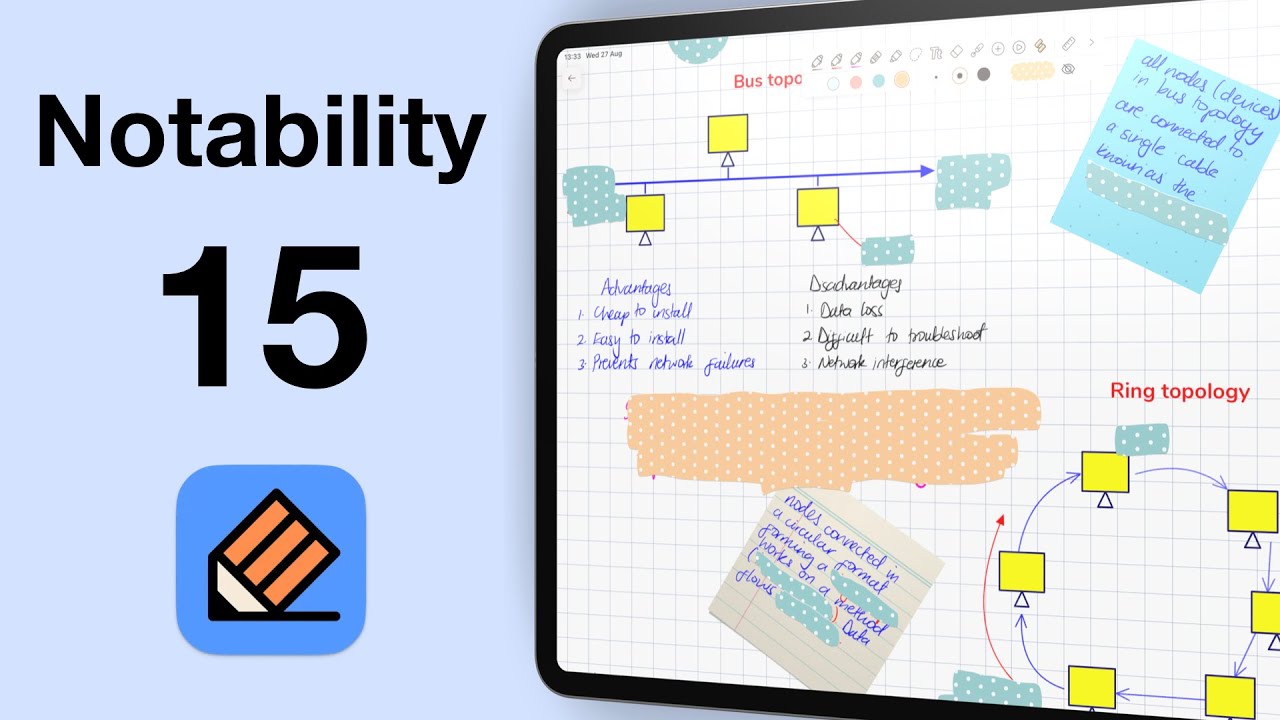
Fantastic human, hello! Today we’re looking at Notability 15 in iPadOS 26. This is now the 15th version of the app, and once again, the developers have tweaked the logo.
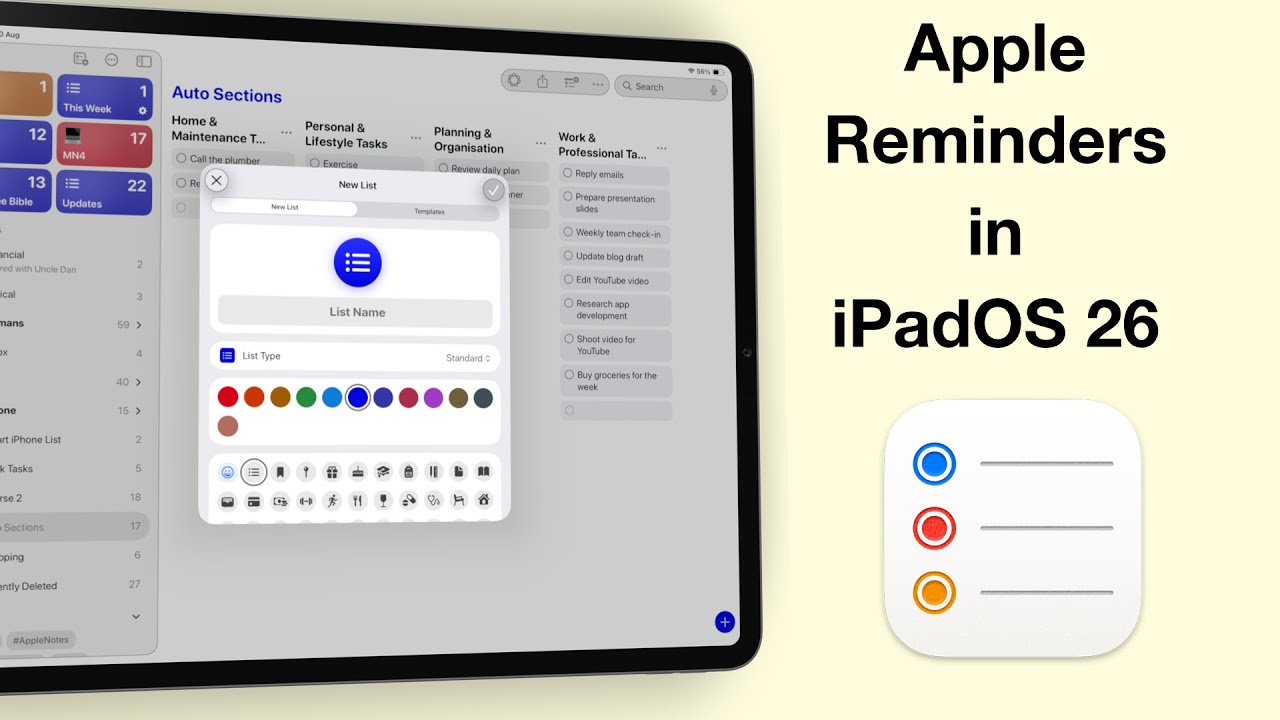
Fantastic human, hello! Today, we’re diving into one of the most exciting updates in iPadOS 26 — Apple Reminders.

We’ve talked about the basics of Goodnotes 6… the AI features, and even items you can add to your handwritten notes. But here’s the big question: is it right for you?
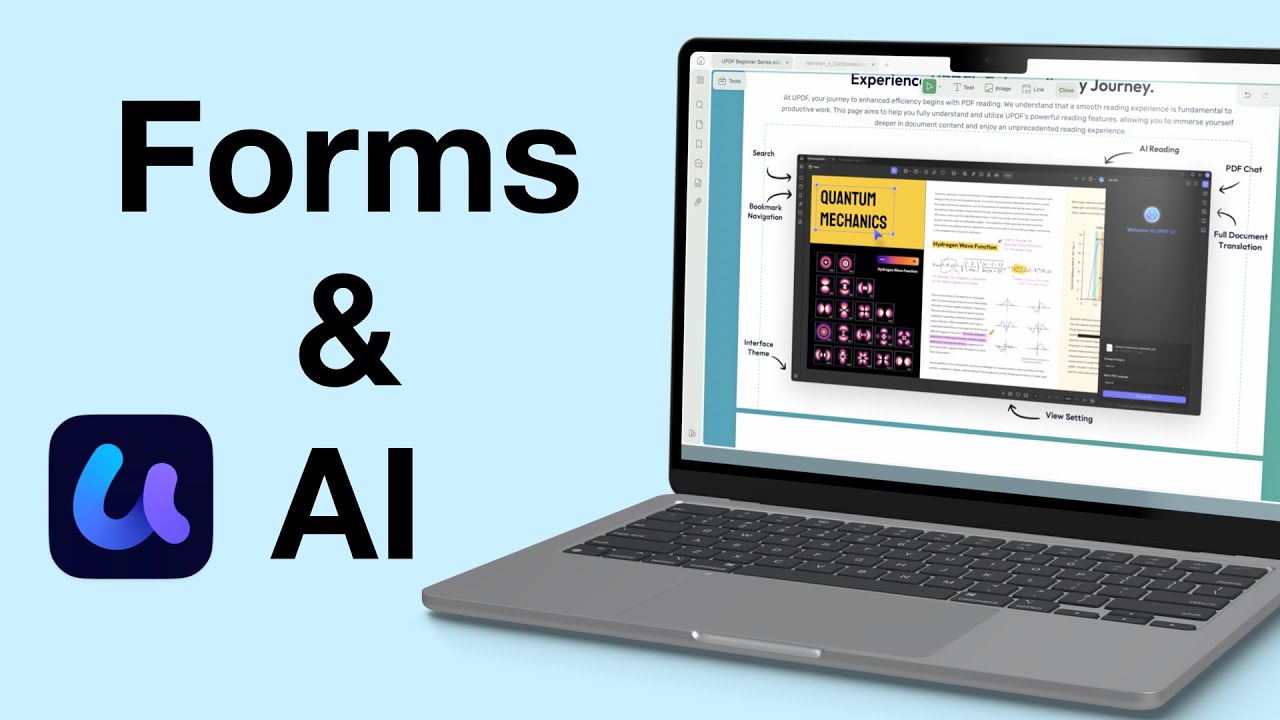
Today, we’re diving into UPDF’s form tools and AI features. If you work with a lot of PDFs (or if you’re creating forms for interviews, applications, or surveys), UPDF might just be the most efficient tool out there.
If you’ve updated to the developer beta for iPadOS 26, you’re probably excited about Liquid Glass—but like me, you’ve also experienced some very annoying bugs.
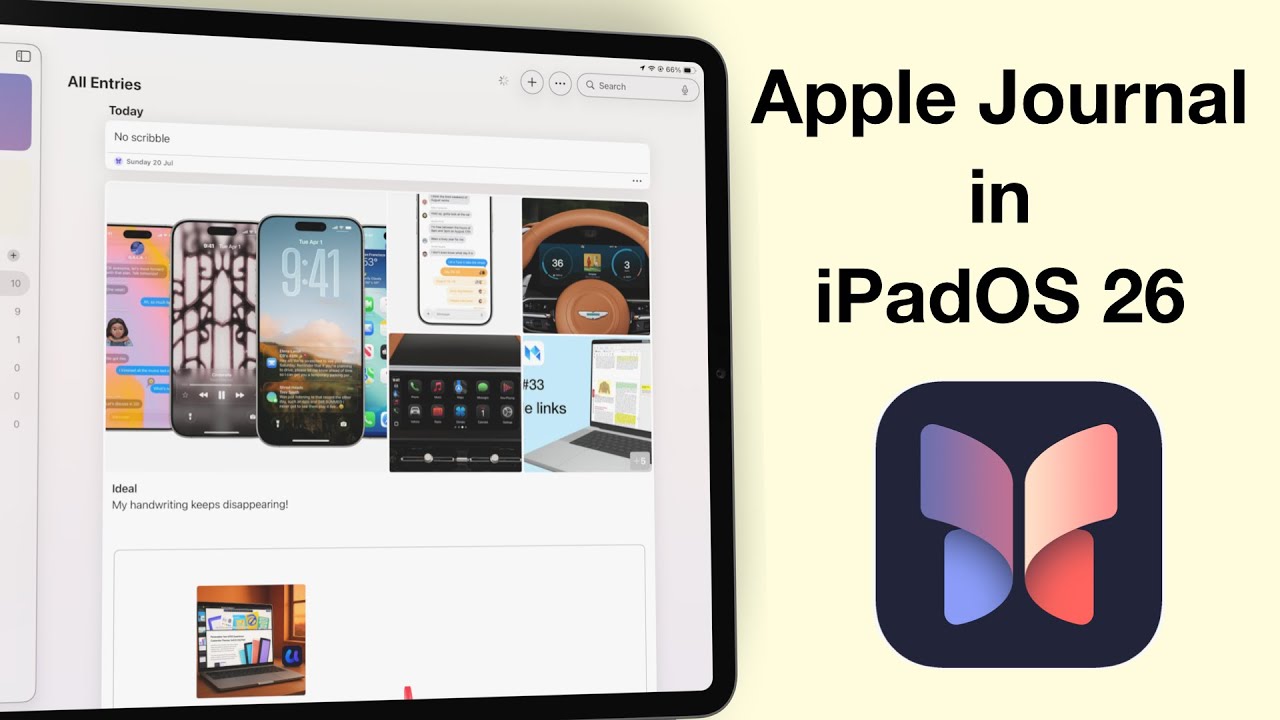
Apple Journal has finally made its way to the iPad and Mac—and I have to say, it feels like we’ve been waiting forever.