iPadOS 26.2 is one of those updates that manages to annoy and impress me in the same breath. On the one hand, Apple has made multitasking feel like we’ve time-travelled backwards, and on the other hand, we’ve got a couple of genuinely useful updates to Apple Reminders and proper tables in Freeform. So let me walk you through what’s changed, what still isn’t right, and what you might actually enjoy in iPadOS 26.2.
Multitasking
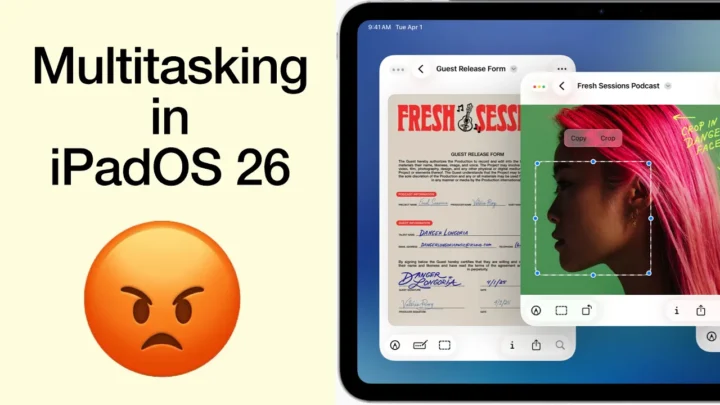
Multitasking feels like a step back in time. Remember when we had to drag apps from the Dock just to get Split View going? Yeah, iPadOS 26.2 brings that back. It still doesn’t restore multitasking to what we had in iPadOS 18, but it looks like Apple has started taking baby steps in that direction (hopefully). The pace feels painfully slow, especially when you consider how many digital workflows this change has disrupted.
iPadOS 26.2 still forces you into windowed apps, so it’s still not working with full-screen apps. That is the first annoyance. You also have to use the dock, which means you can’t pull apps directly from the home screen. Second annoyance. I ended up putting my App Library on the Dock, and I hate it. So yeah, I’m perfectly pissed, naturally. My fourth annoyance was failing to split view with Apple Notes. That’s a bug, right? It can’t actually be a new limitation we have to deal with!
Urgent reminders
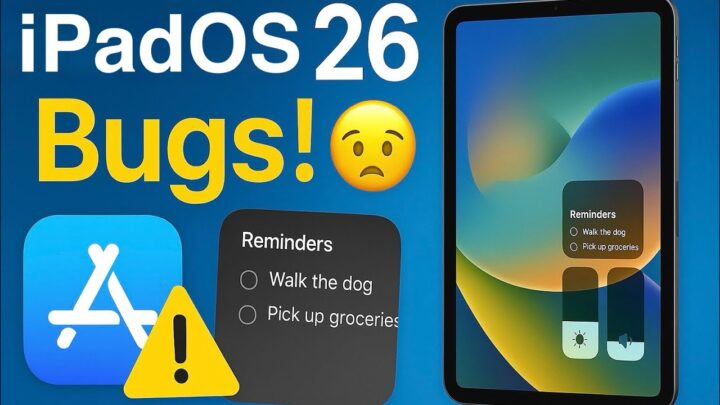
It’s not all bad news, though, because Apple Reminders now gives us urgent reminders. This feature sets an alarm for your to-dos so you don’t forget them, and it overrides focus and silent modes. So it’s clearly for the things you really can’t afford to miss.
I don’t understand why the alarm plays on my phone instead of my iPad, though. I can’t find any way to choose which device it sounds on. When I kept my alarm off on the iPhone, and turned on the iPad one, I got no alerts. So this seems to only send alerts to the phone, which raises a lot of questions. What if you don’t have an iPhone? What setting lets us choose the device our alarms sound on? Is this a bug? Or an incomplete feature? What am I missing?
Tables in Freeform
Freeform now includes tables, and they’re easy to add and customise. You get several options for table borders too, including thickness and colour, plus a background colour option. I’d love to see alternating row colours next, because it makes cells easier to scan and helps them stand out from everything around them… I’m also glad Apple didn’t dump the awful Apple Notes tables into Freeform. These tables feel much, much, much better.
That’s iPadOS 26.2. I still dislike the multitasking, but I’m loving everything else. What do you think about iPadOS 26.2? Until next time, fantastic human, stay fantastic!