
PDF Editing in UPDF 2.0
Sometimes, annotating a PDF just doesn’t cut it—you need to actually change the content itself. That’s where a proper PDF editor like UPDF steps in.
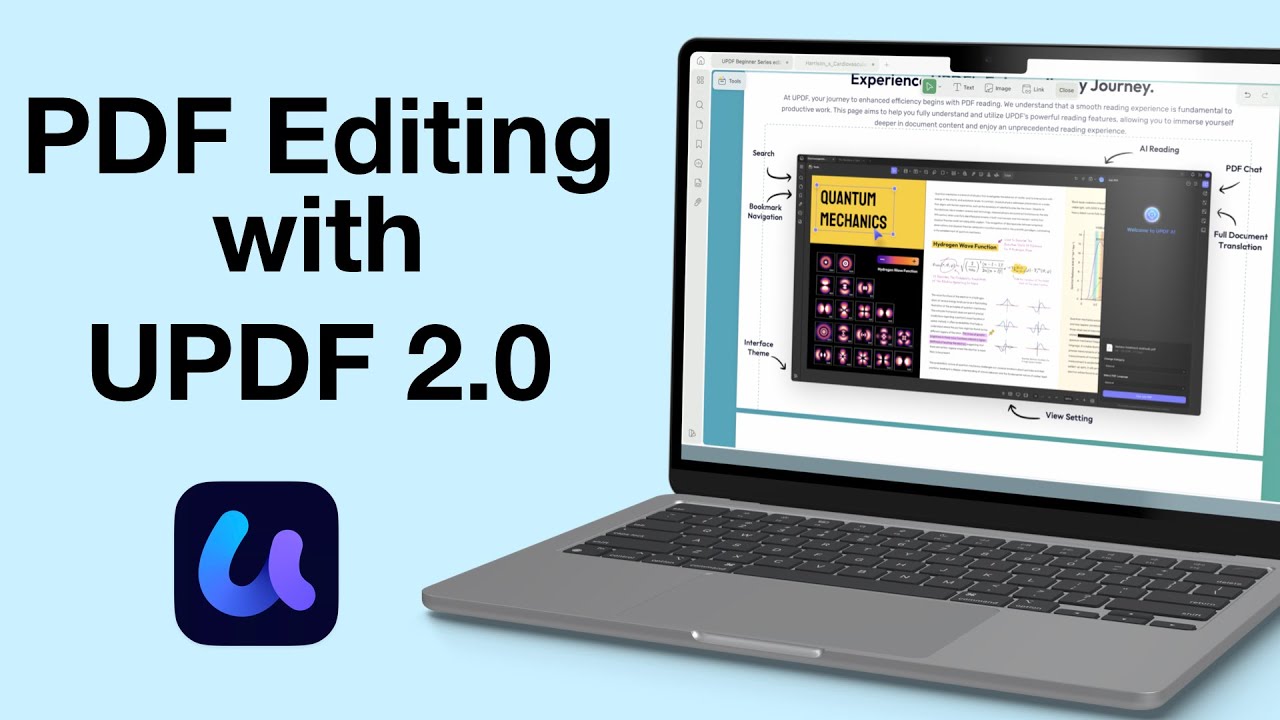
Sometimes, annotating a PDF just doesn’t cut it—you need to actually change the content itself. That’s where a proper PDF editor like UPDF steps in.
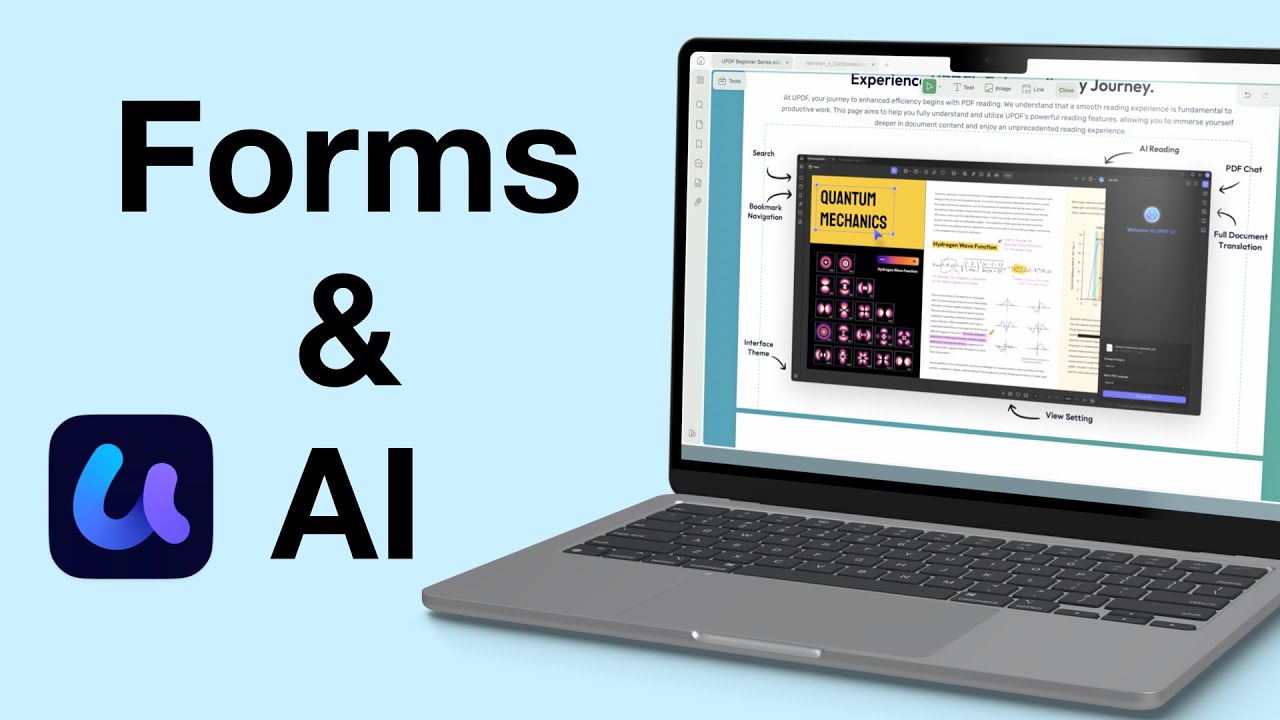
Today, we’re diving into UPDF’s form tools and AI features. If you work with a lot of PDFs (or if you’re creating forms for interviews, applications, or surveys), UPDF might just be the most efficient tool out there.
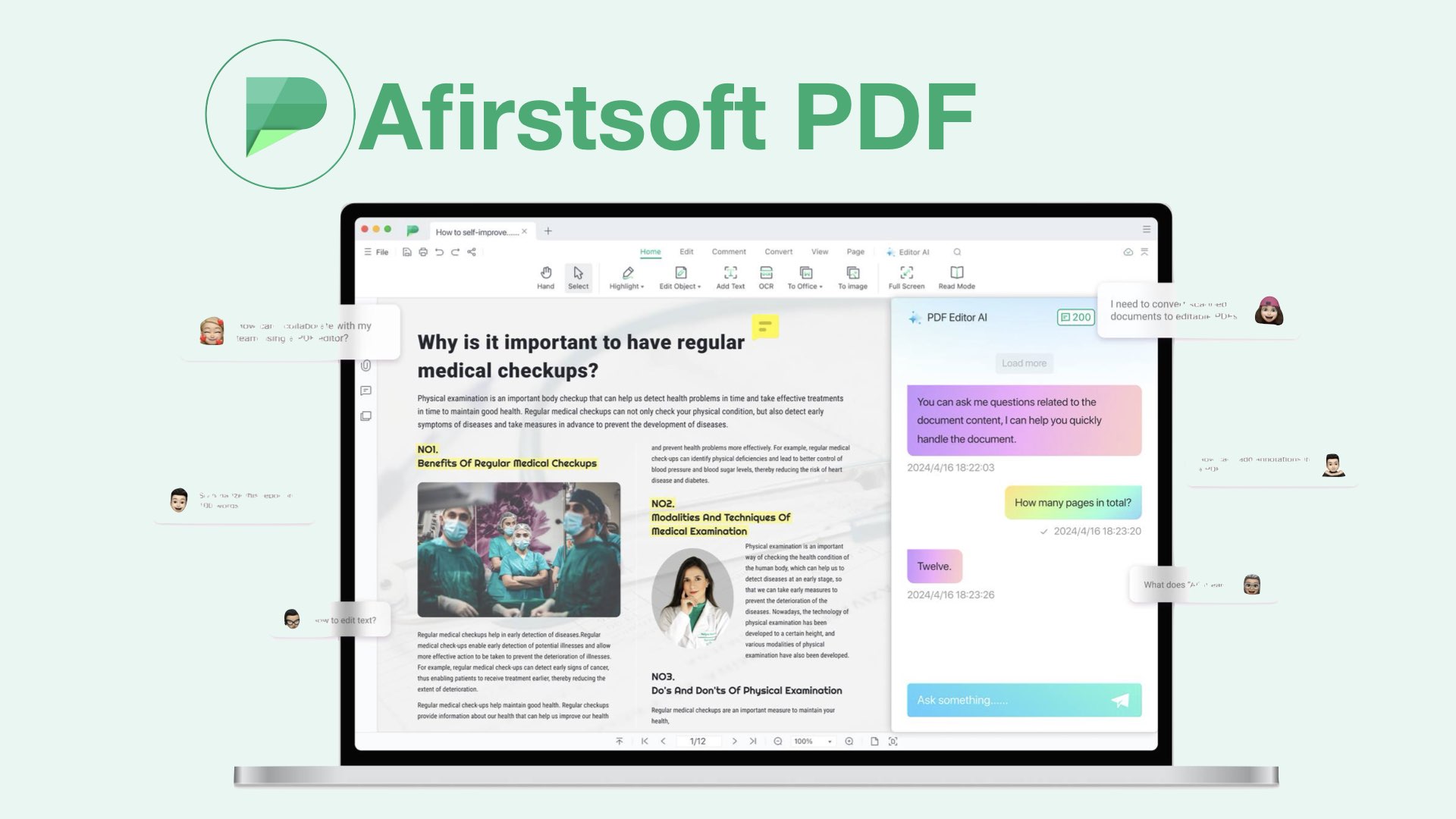
Given how much work the developers have put into the user interface of the app, I hope that they’ll be adding more features soon. They really did put a lot of effort into the aesthetics of the app, which makes it a future-proof design.
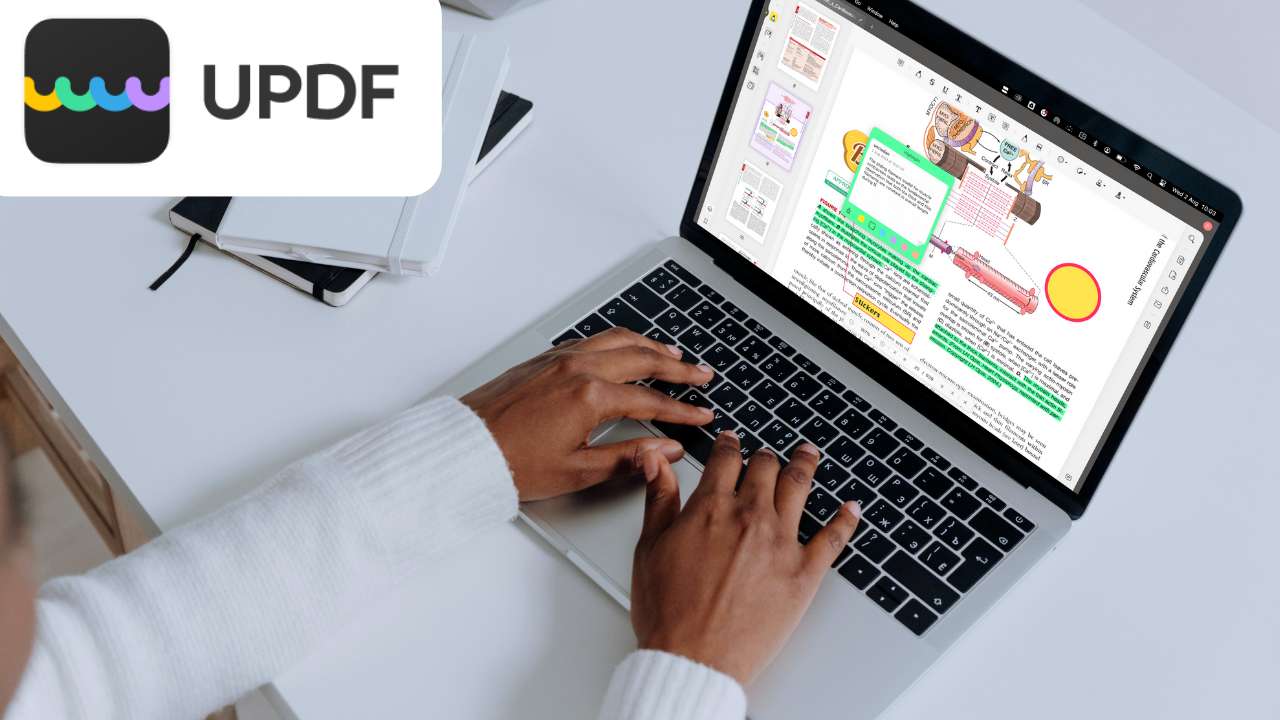
UPDF is a PDF editor by Superace Software Technology Co., Ltd that is available on iPadOS, iOS, Android, macOS and Windows. At $29.99/year or $49.99 (a one-time purchase), it is the cheapest PDF editor we have encountered so far.

PDF reading is one of the best note-taking styles for minimalist note-takers. There are

PDFelement is a good PDF reader with simple PDF-editing capabilities. Its one-time purchase is a sure reason to consider it over other available options.